

Turn recordings into transcripts and summaries in minutes
Upload audio or video for multilingual transcription, AI notes, and action items
Real-time transcription translation: the bottleneck usually isn't the translation itself
Most people handle cross-language meetings the same way: record first, get the transcript, then paste the whole thing into a translation tool.
Sounds reasonable, but once you actually try it, you'll find the problem isn't translation—it's the manual transfer in between.
The first pitfall is pasting in chunks. When the transcript gets long, you naturally split it into sections. Context breaks, and names, pronouns, and technical terms get translated inconsistently each time.
The second pitfall is keeping only the translation. In cross-language meetings, you often need to go back and confirm "what exactly did they say at that moment." Keeping only the translation means throwing away the original wording.
The third pitfall is treating translation as the end goal. What actually gets used from a meeting are the conclusions and action items. The transcript and translation are just intermediate products.
A better approach is to put transcription and translation into the same workflow: generate both original and translated text at recording time, then connect directly to summaries and action items afterward. This is also the key differentiator among AI meeting tools today.
4 key points for choosing a real-time transcription translation tool
Is translation real-time or after-the-fact? Real-time bilingual lets you understand what the other party is saying during the meeting and follow up immediately. After-the-fact translation is only a remedy—the meeting is already over. The value of cross-language meetings is almost entirely in understanding in the moment.
Are original and translated text both preserved? A good approach lets you switch between original, translation, or bilingual view in the same transcript. With tools that only keep the translation, when you hit technical terms or financial figures, it's hard to tell whether it was a translation error or a speaking error.
Where does the audio come from? Microphone input alone isn't enough. Online meeting audio and existing audio/video files are all sources you encounter in real work. This makes a big difference, because most meetings actually happen on Zoom, Google Meet, or Teams.
What can you do after the transcript? Summaries, chapters, action items, AI Q&A, export to existing workflows—these determine whether you'll actually go back and use that transcript. If you only look at transcription minutes, you'll often find after buying that it's not enough.
Can the team use it together? If meeting data is scattered across individual accounts, handoffs mean starting over. Team spaces, members and seats, usage records—these are the dividing line between a personal tool and a team tool.
Tinrec — merging transcription and translation into one
Tinrec is an AI meeting notes and collaboration tool for individuals and teams. It supports real-time recording, bot-free online meeting recording via desktop app, audio/video file import, and lets you switch between original, translation, or bilingual view during recording. It doesn't just turn audio into text—it organizes meeting content into data you can keep working with.
Cross-language meetings, understood as they happen. Open the desktop app, select languages, and start recording. Original and translated text appear on screen simultaneously. You don't need a separate translation window or to copy the transcript elsewhere. Note that it doesn't join meetings as a bot—the desktop app captures system audio directly, so it works with Zoom, Google Meet, Microsoft Teams, and Webex meetings without adding a bot to the participant list.
No manual cleanup after the meeting. When the meeting ends, AI automatically generates summaries, chapters, and action items—who's responsible for what and when it's due, listed directly. Even better is AI Q&A: you can ask "What was the budget ceiling the client mentioned?" and it answers by meaning, not by dumping keyword search results. This is especially useful for hour-long meetings, because you won't want to scroll through the transcript from the beginning.
Existing files work too. You can upload existing audio/video files for transcription, and some public web content can be processed via link. This is practical for interviews, course recordings, and historical meeting notes. Output supports multiple formats and can be exported to Notion, Google Docs, OneNote, and other tools for further editing, or directly generate reports, tables, and meeting minutes.
Team plan turns meetings into team assets. The team plan isn't "multiple people sharing one personal account"—it's a separate team space: create multiple teams, invite members via join link, set Owner/Admin/Member roles, and assign or revoke seats. It's important to distinguish "roles" from "seats"—roles determine who can manage the team and audit, seats determine whether members can record, upload, edit, and export. Active members without seats can still view, play, and read team data, but cannot perform resource-consuming actions. There are also team hotwords (for maintaining product terminology and jargon), usage analytics, audit logs, and a 30-day audio recycle bin. When a member leaves or loses their seat, team resources are transferred to other active members and don't disappear with the personal account.
Stop organizing recordings by hand
Upload audio or video and automatically get a transcript, summary, and action items
Limitations, clearly stated. The free plan provides a basic quota, suitable for trying one or two meetings first; heavy users need a paid plan. Real-time translation and transcription quality is affected by recording quality, background noise, accents, overlapping speakers, and technical terminology. For important content, cross-check against the original text and recording timestamps—don't rely on it as the sole record. Also, the team plan currently focuses on team-level sharing: all active members can read team data, and there are no file-level or member-level granular permissions.
Plans and pricing. The personal plan has a free version to try first. For short-term intensive use (e.g., a week of interview marathons), consider a weekly pass. For regular weekly meeting needs, choose the Pro monthly plan. For long-term accumulation of recording data, choose the annual plan—the monthly equivalent is lower. The team plan offers a 7-day trial for first-time eligible users, 1 free seat, and 300 minutes of team shared import quota; monthly billing is USD 29.80 per paid seat per month, annual billing is USD 199 per paid seat per year (about USD 16.58/month), with each paid seat providing 2,000 minutes of team shared import quota per month. Under an active team plan, real-time recording currently doesn't deduct minutes; file and web imports use the team shared quota. Actual prices and benefits are subject to the official purchase page.
Who it's for. If you frequently have meetings with mixed Chinese and English, need to understand foreign-language participants in the moment, want to turn conclusions into action items afterward, or need a whole team to share meeting data—Tinrec is currently the most complete workflow option.
Besides Tinrec, what other options are there?
Google Translate's "Transcribe" feature: Android only, supports any combination of 8 languages—English, French, German, Hindi, Portuguese, Russian, Spanish, and Thai. It can turn foreign speech into a transcript in another language in real time, free and with the lowest barrier to entry. Note that it doesn't support uploading existing audio files—it only transcribes audio you record yourself—and has no summaries, action items, or team spaces. Fine for occasionally listening to a foreign-language talk on your phone, but still a step short for formal meeting records.
Yating Transcription: A veteran Taiwan-based tool with strong Chinese recognition. Supports live transcription and audio file transcription, can save as plain text and subtitle files, and live transcription is free. It focuses on Chinese transcripts and lacks Tinrec's simultaneous bilingual view during recording, AI Q&A, and team spaces. Consider it if you need pure Chinese records and no translation.
Transcribe (transcribe.com): An AI real-time transcription service supporting over 120 languages and dialects, with automatic transcript translation, PDF and DOCX export, and team collaboration plus integrations with Zoom, Gmail, Google Drive, and more. Broad language coverage makes it suitable for large volumes of multilingual content; but for Chinese meeting terminology management and post-meeting follow-up questions, Tinrec's team hotwords and AI Q&A are closer to how Taiwan teams work.
Pitfall guide: 3 most common mistakes in real-time transcription translation
Pitfall 1: Pasting the transcript into a translation tool chunk by chunk. This is the most common and least efficient approach. After splitting, context disappears—the same person is "Manager Chen" in the first half and "Director Chen" in the second. The right approach is to choose a tool that generates bilingual content at recording time, so original and translation are bound together from the start.
Pitfall 2: Only comparing the number of supported languages. More languages doesn't mean better for your meetings. Most Taiwan team meetings mix Chinese and English, plus product codes and internal jargon. What matters here is Chinese performance, mixed-language handling, and hotword management—not the total language count on the spec sheet.
Pitfall 3: Keeping only text, not the recording. Translation always involves judgment calls—numbers, negations, and technical terms are most error-prone. If the tool doesn't keep the original audio, you have no chance to cross-check afterward. When choosing a tool, "does it keep the recording and can I go back to a timestamp" matters more than "how fast does it translate."
One practical reminder: recording and transcription involve personal data. Before recording, inform participants and get consent, and comply with local regulations.
Summary: Which one should you actually use?
Need to understand cross-language meeting content in real time → Tinrec, switch between original, translation, and bilingual view during recording.
Meeting on Zoom, Meet, or Teams and can't add a bot → Tinrec, desktop app captures system audio without adding a participant.
Need summaries and action items after the meeting, and want to ask questions about the content → Tinrec, AI summaries, chapters, action items, and AI Q&A all in one workflow.
Team needs to share meeting data and manage members and usage → Tinrec team plan, with team spaces, roles and seats, usage analytics, audit logs, and audio recycle bin.
Only have an Android phone, occasionally listen to foreign-language talks, zero budget → Google Translate's Transcribe feature, 8 languages free.
Pure Chinese transcripts, no translation needed at all → Yating Transcription, local Chinese recognition is its specialty.
Need to process a large volume of multilingual files at once → Transcribe, 120+ language coverage is an advantage.
Overall, if what you want to solve is "how to translate real-time transcripts," the point was never finding a stronger translation engine—it's merging transcription, translation, and organization into one step. We suggest running one of your own real meetings on Tinrec's free plan first to see how it handles your accents and terminology, then decide whether to upgrade—rather than paying upfront, confirm it actually fits your workflow.
References
- Google Translate upgraded! Record and instantly transcribe speech - INSIDE
- Live Transcription Service | Transcribe App & Web Editor
- Yating Transcription
- Speech-to-Text App Recommendations: 1. iPhone/iPad "Notes" App - Supports live text conversion - Cost: Free - Supports Chinese and English
- Live Caption Recording and Real-Time Translation for Online Meeting Transcripts
Turn every recording into actionable outcomes
Get 60 free transcription minutes when you sign in. No credit card required.
Related Reading
You might also like

4 Live Transcription Apps Tested: Which Is Best for Chinese Meetings in 2026?
Live transcription is more than converting speech to text. Starting from a real interview pain point, this article shows what a usable transcript looks like, breaks down 4 key buying criteria, and compares Tinrec, Yating Transcription, cSubtitle, and Otter.ai on real-time capability, post-meeting organization, and team collaboration. It also includes a pitfalls guide and a starter checklist.

4 Live Transcription Apps Tested for 2026: Which Handles Chinese Meetings and No-Bot Recording Best?
How to choose a live transcription app? This article examines four key aspects: audio capture method, post-meeting output, Chinese recognition, and data ownership. It compares Tinrec, Notta, Otter.ai, and Granola through hands-on testing, and outlines four common purchasing pitfalls to help you determine which tool truly saves time on meeting organization.

4 Free Real-Time Transcription AI Tools Compared in 2026: Quotas, Chinese Recognition, and Post-Meeting Organization
There are many free real-time transcription AI tools, but their quota calculations, definitions of 'real-time,' and post-meeting organization capabilities vary widely. This article starts with common misconceptions, outlines four key purchasing criteria, and compares the free plans, Chinese language support, and team collaboration features of Tinrec, inFin, cSubtitle, and Otter.ai to help you choose one that meets your needs without pitfalls.

2026 Real-Time Transcription Tools Compared: 5 Top Picks Tested — What Makes Live Text Actually Work?
Real-time transcription isn't just hitting record — it's about where your meeting happens and what you need afterward. We tested Tinrec, Yating, Vocol.ai, Transcribe, and cSubtitle against 5 key buying criteria to help you choose the right tool for personal or team use, plus 4 common pitfalls to avoid.

2026 Live Transcription Showdown: Tinrec vs Otter.ai for Chinese Meetings
How to get live transcripts without replaying recordings? This side-by-side comparison of Tinrec and Otter.ai covers Chinese and mixed-language recognition, bot-free recording, post-meeting summaries and action items, audio retention, team seat management, and pricing quotas, plus four practical tips to help you choose the right tool for your meeting scenarios.

2026 Comparison of 4 Live Transcription AI Tools: Which One Actually Saves Time?
Online meetings, interviews, and classes need live transcription, but with so many tools available, is the free version enough? This article tests and compares four popular AI transcription tools—Tinrec, Otter.ai, Notta, and Granola—from real-time accuracy, post-meeting organization, team collaboration, to pricing, to help you find the most time-saving choice.

2026 Comparison of 4 Live Transcription Tools: Which Free Online Tier Is Most Generous?
A roundup of live transcription and free online speech-to-text tools available in 2026, compared across four dimensions: free quota, Chinese recognition, post-meeting organization, and team collaboration. Includes hands-on testing of Tinrec's live transcription, AI summaries, and action item extraction to help you decide which tool truly saves time on transcript cleanup.

Tinrec vs Yating Transcription 2026: 5-Dimension Comparison — How to Calculate Real-Time Transcription Costs
The cost of real-time transcription software isn't just the per-minute price. This article compares Tinrec and Yating Transcription across five dimensions—free quota, real-time transcription method, post-meeting organization, team governance, and export integration—to break down the factors that truly affect procurement costs and help you determine which tool fits your actual usage scenario.
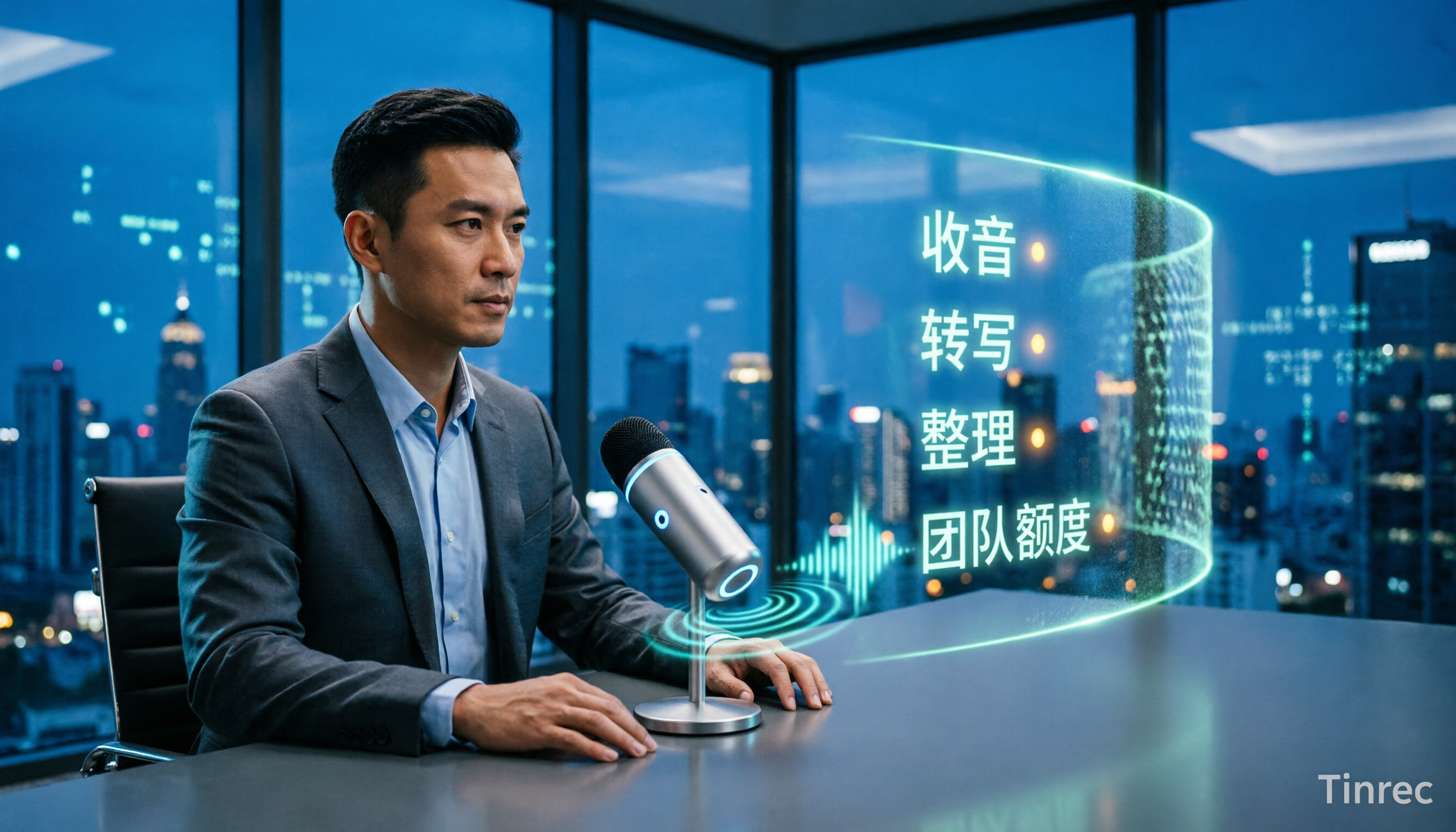
4 Live Transcription Tools Tested and Compared in 2026: How to Use Them Without Wasting Time
Live transcription isn't something you can just open and use. From how to capture audio in meetings to how to organize notes afterward and how team quotas are calculated, there are common pitfalls to watch out for. This article first highlights three common misconceptions, then outlines four key factors for choosing a tool, and compares Tinrec, Yating Transcription, Notta, and Otter.ai in real meeting scenarios to help you decide which one deserves a place in your daily workflow.