
Turn recordings into transcripts and summaries in minutes
Upload audio or video for multilingual transcription, AI notes, and action items
Faced with one-hour-long YouTube professional tutorials, overseas lectures, or interview videos, do you often feel the lack of key summaries, and the time cost of manually relistening or taking notes is extremely high? Especially when dealing with foreign language videos or content without complete English subtitles, relying solely on manual information digestion no longer matches the efficient pace of modern times.
To solve this pain point of information overload, this article will provide an in-depth review of mainstream YouTube video AI summary tools in 2026. Next, we will offer a comparison table covering five dimensions: language support, multi-platform integration, summaries and action items, AI chat query, and pricing, along with practical tutorials and FAQ that you can implement immediately, helping you make the best decision.
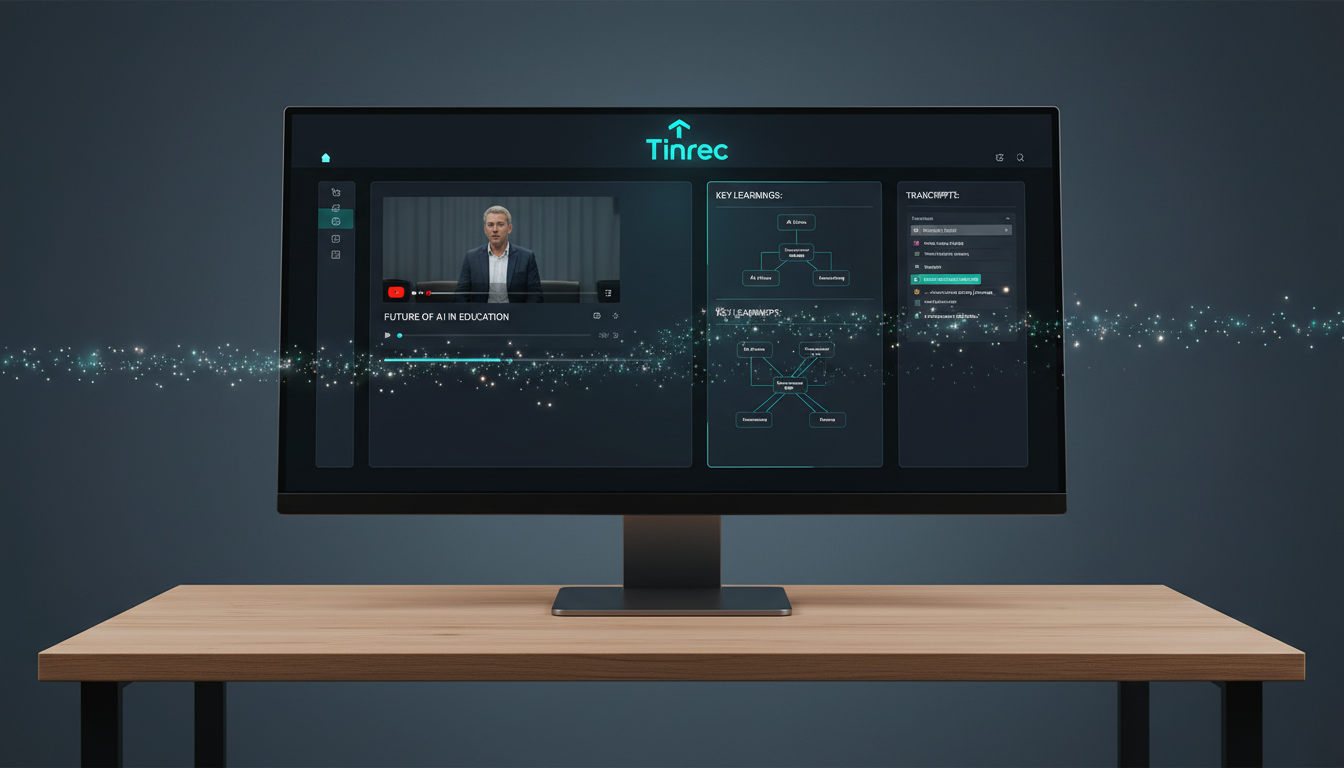
Quick Navigation Tip: If your need is limited to a lightweight free browser extension, consider YouTubeDigest first; if you need cross-platform support for iPhone, Android, and web, and besides video summaries, you also want to handle daily meetings, Teams/Meet recordings, and perform semantic Q&A via AI, Tinrec is a comprehensive solution worth evaluating.
1. Why Do You Need YouTube Video AI Summary Tools?
Modern learning and work scenarios heavily rely on video platforms, but traditional viewing and note-taking have three major pain points:
- High time cost: YouTube uploads massive volumes of videos daily. Finding the 5-minute core essence from a 60-minute live stream or tutorial feels like finding a needle in a haystack; repeatedly scrubbing through the timeline is extremely time-consuming.
- Language and subtitle limitations: Many high-quality overseas content lacks accurate English subtitles, making it difficult to understand. If the speaker talks fast, key information is easily missed.
- Lack of structured notes and action items after watching: After watching, your mind often goes blank, with no specific action items or knowledge archive to apply to work or study.
With YouTube video AI summary tools, you can transform passive "watching" into proactive "knowledge retrieval." Let AI handle the first layer of information filtering and directly produce editable transcripts and summaries.
2. In-Depth Review of Mainstream YouTube Video AI Summary Tools in 2026
There are many excellent tools on the market. We selected five representative options for comparison, covering different positions from browser extensions to all-platform knowledge management assistants.
1. BibiGPT: All-in-One Platform with AI Agent Integration
BibiGPT is a summary tool supporting YouTube, Bilibili, and more. Its highlight is the bibigpt-skill launched in 2026, allowing developers with programming basics to use AI agent frameworks like Claude Code or OpenClaw to automatically fetch the latest videos from a channel. It also supports mind map generation and highlight note extraction, suitable for heavy learners and developers.
2. NoteGPT: Focused on One-Stop Learning and Flashcard Creation
NoteGPT not only summarizes YouTube videos but also handles PDF and article parsing. It offers a powerful browser extension and includes an AI flashcard generator. After watching an online course video, you can directly convert key points into flashcards for memory review, suitable for students preparing for exams or academic researchers. However, the free version has relatively limited quotas.
3. YouTubeDigest: Completely Free ChatGPT-Powered Summaries
This is a browser extension based on ChatGPT, completely free. It generates bullet-point key summaries directly alongside the YouTube interface and supports export to PDF or DOCX. The advantage is high cost-effectiveness, but the disadvantage is limited features; it also relies on the user having their own ChatGPT account to run smoothly.
4. Eightify: Emphasis on Instant Summaries and Timestamp Navigation
Eightify focuses on providing quick TL;DR summaries with precise timestamps. Users can click on timestamps to jump to the corresponding video segment, useful when sharing industry analysis videos with a team. Its mobile experience is good, but the free version has strict usage limits, essentially a paywall model.
5. Tinrec (Instant Recording & Transcription): Complete Workflow from Recording, Video to Action Items
Compared to simple browser extensions, Tinrec is a multi-device AI assistant spanning iOS, Android, and Web. It not only supports parsing YouTube video/podcast URLs but also covers physical recording and audio file transcription.
Stop organizing recordings by hand
Upload audio or video and automatically get a transcript, summary, and action items
Its core difference lies in focusing on "post-use efficiency." After video or audio transcription, the system supports automatic language identification for 10 languages including Chinese, English, and Japanese, producing transcripts, and automatically generates meeting minutes and action items. If you have questions about the content, you can use "AI Chat Query" to directly ask the AI, quickly obtaining details from the video as if asking a person.
3. Tool Comparison Table: 5 Core Dimensions for Quick Decision Making
To reduce decision-making costs, we organized the tools into a comparison table based on key dimensions:
| Dimension | BibiGPT | NoteGPT | YouTubeDigest | Eightify | Tinrec (Instant Recording & Transcription) |
|---|---|---|---|---|---|
| Supported Platforms/Formats | YouTube, Bilibili, local audio | YouTube, PDF, local video | YouTube only | YouTube only | YouTube, podcasts, local audio, live recording |
| Multilingual Support | Wide support | 50+ languages | Depends on ChatGPT | 40+ languages | Automatic identification of 10 languages (Chinese, English, Japanese, Korean, Taiwanese, etc.) |
| Summaries & Action Items | Mind maps, highlight notes | Bullet summaries, flashcards | Basic bullet summaries | TL;DR summary | Automatic generation of conclusions and action items |
| AI Chat Query | Supports Q&A with source tracing | Supports basic conversation | No | No | Supports semantic-based AI deep chat query |
| Pricing/Free Quota | Basic free, advanced paid | 15 free summaries per month | Completely free (login required) | Very limited free quota | Up to 100 minutes free/month, Pro $8.25/month |
4. Practical Tutorial: How to Convert Video Content into High-Value Notes?
Having tools alone is not enough; mastering the right workflow is key to saving time. Below, we use Tinrec as an example to break down the implementation steps for 4 core scenarios:
Step 1: Directly Parse Online Videos/Podcasts
If you find a two-hour industry trend analysis video on YouTube:
- Copy the URL of the YouTube video.
- Go to the tool's Podcast/Online Video to Text section and paste the link.
- AI will automatically extract the audio track and convert it to text, generating a video summary with an outline, allowing you to grasp the essence of two hours in 3 minutes.

Step 2: Import Existing Audio/Video Files
If you have downloaded an MP3 or MP4 file from an online lecture:
- Click on the Audio File to Text feature.
- Upload the file; the system will automatically process the speech and differentiate speakers.
- Generate a complete transcript and meeting highlights, convenient for editing or exporting to multiple formats (PDF/Markdown/Word).


Step 3: Real-Time Recording Transcription
For physical classes or remote meetings without a video link:
- Open the Real-Time Recording Transcription feature on mobile or web.
- During recording, the screen displays real-time transcriptions without waiting for the meeting to end.
- After finishing, it automatically archives and AI extracts subsequent action plans.
Step 4: Deep Dive with AI Chat Query
This is an advanced technique rarely offered by common tools. Traditional transcripts only allow Ctrl+F keyword search, but through the AI Chat Query feature:
- Click to enter an already parsed recording or video file.
- Type a semantic question in the chat box, e.g., "What three marketing strategies did the speaker mention in the video?" or "What are the action items assigned to me in the last meeting?"
- AI will quickly search and compile an answer, greatly reducing the pain of repeatedly searching through transcripts.

5. Frequently Asked Questions (FAQ)
Q1: Can these YouTube video summary tools be used on iPhone or Android phones? Many tools only offer Chrome browser extensions. For high mobility, choose a solution with iOS and Android support (e.g., Tinrec) so you can organize ideas on your phone during commutes.
Q2: Apart from YouTube, can these tools be used for Teams or Google Meet meeting notes? If the tool supports "live recording" or "audio file import," it can be used for Teams or Meet. You can download meeting recordings and upload them, or enable real-time transcription during the meeting, letting AI write meeting minutes for you.
Q3: Can AI still summarize a YouTube video if it has no subtitles? Yes. Modern advanced AI tools can directly analyze the video's "audio track" rather than relying on official subtitles, and automatically transcribe and translate into English.
Q4: Will the exported transcript automatically differentiate speakers? For interview-type videos or meetings, some professional tools use voiceprint recognition to automatically label different speakers when processing audio, which is very helpful for subsequent transcript organization or article writing.
Q5: What if my free quota runs out? Different tools have different free strategies. Some provide fixed monthly counts, while others measure by minutes (e.g., 100 minutes per month). If you are a heavy user (student, content creator), choosing a cost-effective subscription plan with a complete workflow is usually more efficient than being limited by free quotas.
Q6: Will the AI summary miss key information or produce hallucinations? Any AI model has a chance of slight errors. Therefore, tools with "timestamp alignment" or "AI chat query" are important. When you doubt a conclusion, you can click to jump back to that segment to reconfirm the original speech, ensuring information accuracy.
Conclusion
Choosing the right YouTube video AI summary tool helps you spend your time on "thinking and decision-making" rather than passive "dictation." If you are still unsure which tool fits you best, we recommend preparing a 10-minute video link or meeting recording, test it with the tools to evaluate transcription and summary quality, then decide whether to incorporate it into your long-term work and learning workflow.
Turn every recording into actionable outcomes
Get 60 free transcription minutes when you sign in. No credit card required.
Related Reading
You might also like

for mac google meet: Audio Permissions, Recording, and Transcript Handoff for Google Meet on Mac
Recording Google Meet on a Mac usually gets stuck not because you cannot find the record button, but because macOS separates 'capture system audio' and 'use microphone' into two independent authorizations. This article proceeds in three parts—permission setup, recording, and post-meeting organization—explaining how to determine which layer is causing meeting audio not to be recorded, and how to organize the recording into a transcript, summary, and to-dos and hand it off to a colleague.

How to Change Your Google Meet Background on Mobile: Check Account and Version Requirements First, Then Follow the Pre-Meeting or In-Meeting Path
When you're told to join a client-facing meeting and only have your phone on hand, the last thing you want is to discover five minutes before the call that you can't find the background option. This article first explains what's required to use backgrounds on mobile (account type, app version, device permissions), then walks through two paths step by step—one before you join the meeting and one during it—and closes with a pre-meeting checklist and alternatives if you can't find the option.

Google Meet 2026 APK Installed: Choosing a Meeting Notes Tool on Android — First Look at the Mobile vs. Desktop Organization Gap
Installing the Google Meet 2026 APK is just the first step. This article uses four dimensions to narrow down meeting notes tools that claim to 'support Google Meet' to two or three options, focusing on the real-world gap between Android mobile and desktop post-meeting organization. Each dimension includes specific questions you should confirm with the product page or vendor.

Google Meet 2026 Meeting Notes Capability Review: Where Built-in Transcription Ends and How to Split Post-Meeting Action Items and Deliverables
A practical mid-level manager's review of Google Meet 2026 recording and transcription coverage, explaining the responsibility boundaries for post-meeting summaries, action items, and deliverables, with recommendations for Chinese and mixed Chinese-English meetings, data storage, and team handoffs.

Which Google Meet 2026 APK Should You Install? Android Install Source Guide, Meeting Prerequisites, and Backup Recording Handoff Order When Nothing Was Recorded
When you're assigned to join a Google Meet on an Android phone and handle post-meeting notes, first clarify whether you're attending, hosting, or responsible for organizing. Then decide whether to install from the official app store or a third-party APK source, what prerequisites are needed to sign in, and how to use audio recording and transcription in order to fill in the transcript and action items and hand them off when the meeting wasn't recorded.

Google Meet 2026 Meeting Notes Capabilities: Where Built-In Transcription Ends and How to Split Post-Meeting To-Dos and Deliverables
Google Meet 2026 recording and transcription are not automatically enabled by default, and post-meeting summaries, to-dos, and deliverables still have coverage boundaries. This article walks through the actual workflow to assess built-in platform capabilities, explains the differences in organizing Chinese and mixed Chinese-English meetings, the distinction between data storage and team spaces, and offers recommendations for dividing post-meeting to-dos, deliverables, and data storage.
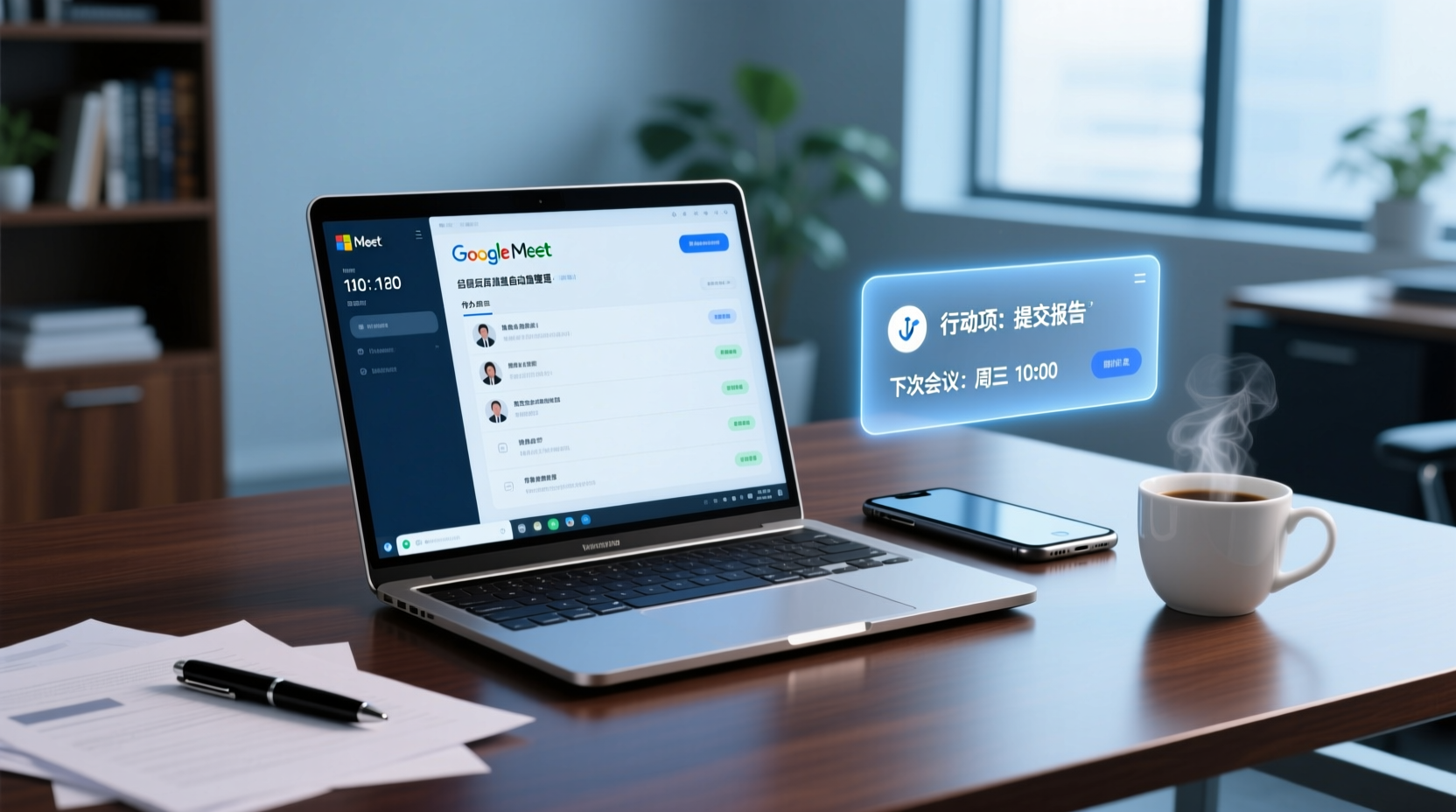
How to Choose a Google Meet Note-Taking Tool for Windows: Four Dimensions to Narrow Down from Cross-Device Gaps to Two or Three Options
Meetings happen on Google Meet on a Windows PC, but organizing often gets picked up on a phone or another device. This article uses four dimensions (how audio gets in, how far post-meeting output goes, the organizing gap between Windows and phone, and whether data stays in a personal or team space) to narrow down candidate tools to two or three, with specific questions to ask product pages or vendors for each dimension.
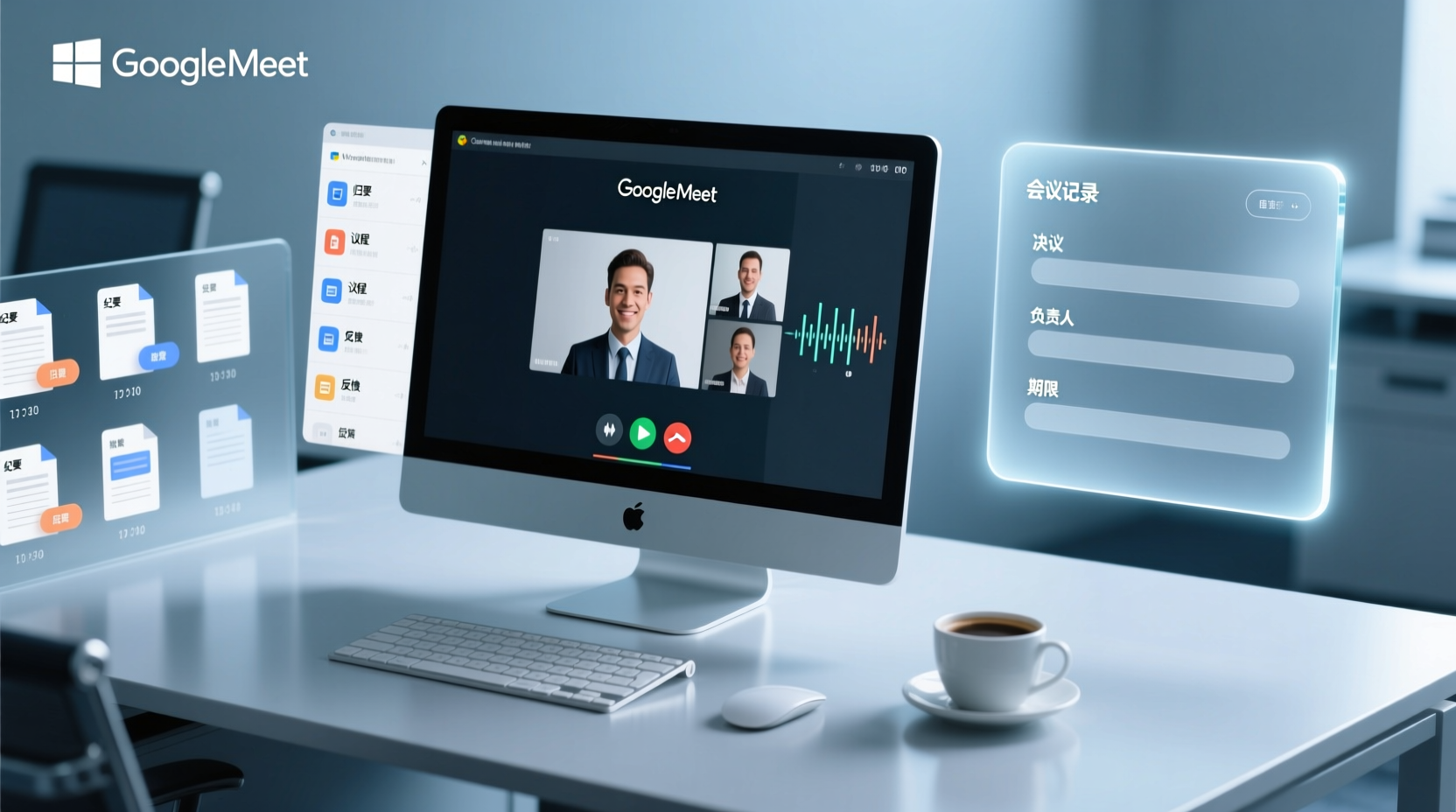
How to Choose a Google Meet Meeting Notes Tool for PC: Narrow a Dozen Options to Two or Three with Four Dimensions, and What to Confirm with Vendors for Each
After a Google Meet call on a Windows PC, what you actually need to deliver is decisions, owners, deadlines, and an archivable record. This article uses four dimensions to help you narrow a dozen tools that claim Google Meet support down to two or three, with specific questions to confirm on product pages or with vendors for each dimension.

What You Need for Google Meet: Pre-Meeting Role Checklist and Post-Meeting Handoff
From the perspective of administrative assistants and project coordinators, this guide breaks down the prerequisites for joining or hosting a Google Meet by role, including account requirements, organizational settings, recording permissions, and extra conditions for external attendees. It also provides a pre-meeting checklist and a post-meeting handoff sequence for transcripts, decisions, and action items.