
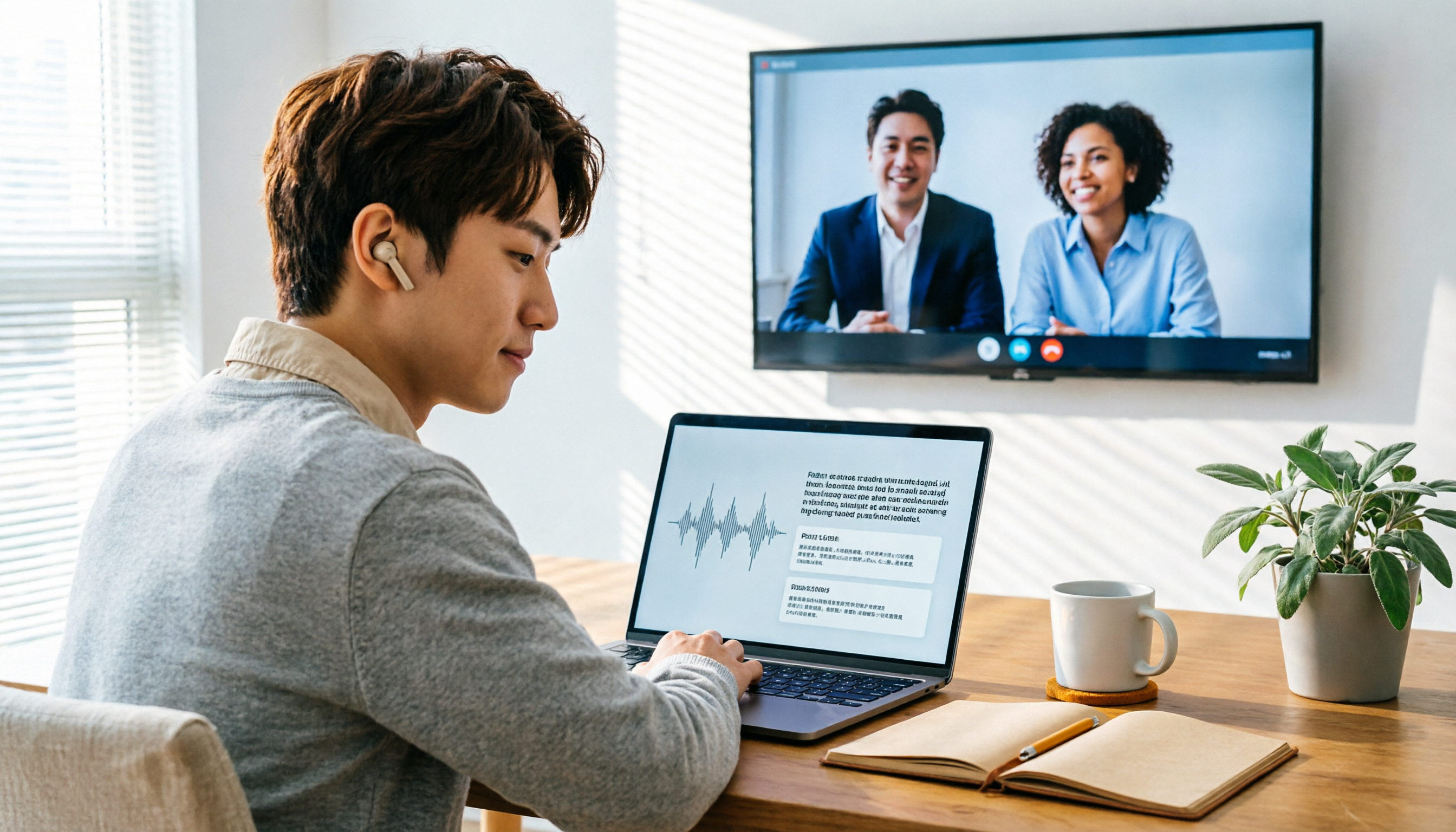
Turn recordings into transcripts and summaries in minutes
Upload audio or video for multilingual transcription, AI notes, and action items
2026 Audio-to-Text Showdown: Tinrec vs. Yating Transcript — Which Should You Choose?
Many people think audio-to-text just means finding a free app, dropping in an audio file, and waiting a few minutes for a transcript. My team thought the same at first—and ran into three problems. First, free quotas are only enough for testing; they're nowhere near enough for organizing a dozen or more meetings a week. Second, raw transcribed text isn't ready to use—without summaries, action items, and speaker context, you still end up reading it from scratch. Third, if you use a meeting bot to join online meetings, some participants find it intrusive—especially in cross-department meetings.
Every so often, someone posts a plea on Dcard's work or software boards: a 1-hour meeting recording takes 4 to 6 hours to transcribe manually. I initially used Yating Transcript for Chinese interviews; it bills by duration and is intuitive for occasional use. But after a few online meetings, I realized I had to record separately first and then upload for transcription—an extra step in the workflow. Later, the team switched to Tinrec. The key wasn't that it transcribes faster, but that it ties together bot-free recording, summaries, action items, and team spaces.
Bottom line: if you only transcribe one or two Chinese recordings a month, Yating is sufficient. If you're like me—juggling meetings every week and tracking action items and team knowledge—Tinrec's complete workflow is a better fit.
Yating Transcript vs. Tinrec | Quick Overview
Yating Transcript is a Chinese transcription tool launched in 2018 by Taiwan AI Labs, billed by recording duration. According to mybest's December 2024 ranking data, it offers a plan at NT$96 per hour. Its strength is clear: converting audio files into Chinese transcripts with key-point summaries—intuitive for class review or one-off interviews where "transcribe and done" is all you need.
Tinrec positions itself as an AI meeting notes and team collaboration tool. It doesn't just turn speech into text; it organizes meetings into searchable, summarizable, queryable, and exportable data. The desktop version captures system audio directly, handling online meetings on Zoom, Google Meet, Microsoft Teams, Webex, and more—no meeting bot required.
| Item | Yating Transcript | Tinrec |
|---|---|---|
| Core positioning | Chinese audio-to-transcript | AI meeting notes and team collaboration |
| Main input | Primarily audio file upload | Live recording, desktop online meetings, audio/video files, mobile, some web links |
| Post-meeting output | Transcript, key-point summary | Transcript, summary, chapters, action items, mind map, AI Q&A, reports/tables/documents |
| Pricing | By recording duration, NT$96/hour (2024 data) | Free tier to try; paid options include weekly pass, Pro monthly, Pro annual; team plan per paid seat |
| Team capabilities | Mainly for individual transcription needs | Team spaces, roles, seats, usage analytics, audit logs, audio recycle bin |
Good Tape also comes up often on Dcard; its free tier allows 3 files per month, each up to 30 minutes—better suited for low-frequency testing. This article focuses on Yating and Tinrec because one represents a duration-billed transcription tool and the other represents a post-meeting workflow.
We compare across 5 dimensions: Chinese recognition and mixed Chinese-English, online meeting recording, post-meeting organization and AI Q&A, pricing flexibility, and team collaboration. These are subjective team experiences, not standardized experimental data; actual results vary with recording quality, accents, noise, and overlapping speakers.
Dimension 1 | Chinese Recognition and Mixed Chinese-English
Yating has a long track record in pure Chinese transcription—when it launched in 2018, it was nearly the only option for Chinese interviewers. With good recording quality, a single speaker, and standard Chinese content, its transcripts are reasonably usable. Source reports also note that user evaluations of its accuracy have been mixed: some find it a time-saver, others spend considerable time editing. Billed by duration, it has a lower psychological barrier than subscription plans for occasional users.
Tinrec covers Chinese, Traditional Chinese, and multilingual meetings, and supports mixed Chinese-English content, real-time translation, and bilingual viewing. I won't claim it has a "fixed 98% accuracy rate"—the product description itself notes that results are affected by audio quality, accents, noise, and technical terminology. But in weekly meetings with mixed Chinese-English, Tinrec's advantage isn't just transcription—it's that after transcription you can immediately view summaries, chapters, and action items. Team hotwords also let you add frequently used product names and project codes to reduce mis-transcription of proper nouns.
→ This dimension: For pure Chinese single-speaker recordings, both work—tie. For mixed Chinese-English meetings requiring bilingual reference and post-meeting organization, Tinrec wins.
Dimension 2 | Online Meeting Recording Methods
Yating's main use case is uploading audio files for transcription. That means if you want to record a Zoom or Teams meeting, you typically need to record separately first and then upload the file. For an occasional interview, this extra step is negligible; but if you have online meetings daily, this "record first, upload later" workflow eats up time and can easily miss ad-hoc discussions.
Stop organizing recordings by hand
Upload audio or video and automatically get a transcript, summary, and action items
Tinrec's desktop version captures system audio directly. When the user actively opens Tinrec and starts recording, it captures meeting audio playing on the computer from platforms like Zoom, Google Meet, Microsoft Teams, and Webex—no need to invite a bot into the meeting. This is especially noticeable in cross-department or client meetings: without an extra "recording bot" participant, attendees are less likely to feel disturbed. To be clear, it doesn't automatically join all calendar meetings, nor does it have official partnerships with these platforms; users still need to initiate recording themselves.
→ This dimension: For frequent online meetings without wanting to record separately and upload, Tinrec clearly wins.
Dimension 3 | Post-Meeting Organization and AI Q&A
Yating offers key-point summaries, which can quickly capture the gist of class content or a one-off interview. But its core output is still transcript plus summary; if you need to extract "who is responsible for what and by when" from a meeting, you still have to go back and read the transcript yourself.
Tinrec turns post-meeting organization into a workflow: automatically generating summaries, chapters, key points, and action items, plus a mind map to visualize meeting structure. More practically, AI Q&A lets you continue asking questions about a single meeting or across multiple meetings—for example, "What were the three concerns the client mentioned last week?" or "What are the action items from this meeting?" It can also use Agent post-processing to generate reports, tables, and documents, and export to Notion, Google Docs, OneNote, Dropbox, and other tools. For someone like me who reports upward and tracks downward, it's less about saving typing time and more about saving the time spent "re-understanding the meeting afterward."
→ This dimension: If you only need a transcript, Yating is sufficient; if you need summaries, action items, Q&A, and follow-up outputs, Tinrec wins.
Dimension 4 | Pricing Flexibility and Usage Frequency
Yating charges by recording duration at NT$96 per hour (2024 data). This is intuitive: transcribe 3 hours, pay for 3 hours—no subscription pressure for occasional use. But if you have 10 meetings a week, 1 hour each, that's 40+ hours a month, and costs add up noticeably.
Tinrec's personal plans include a free tier, weekly pass, Pro monthly, and Pro annual—choose by task: for occasional transcription, start with the free tier; for short-term project sprints, the weekly pass; for steady weekly use, Pro monthly; for long-term retention, annual. The team plan is priced per paid seat, with each paid seat providing 2,000 minutes of shared team import quota per month; under an active team plan, live recording currently isn't deducted by minute. Actual prices and benefits are subject to the official purchase page—I won't hard-code numbers here because plans change.
→ This dimension: If you only transcribe 1–2 hours a month, Yating's duration-based billing is very reasonable; if you have weekly meetings and need long-term use, Tinrec's plans are more flexible. Tie overall, with Tinrec slightly ahead for high-frequency scenarios.
Dimension 5 | Team Collaboration and Knowledge Retention
Yating's product focus is individual audio-to-transcript conversion; team sharing, member permissions, usage management, and auditing are not its main strengths. That's neither good nor bad—just different positioning: if you're doing research, writing reports, or organizing class notes solo, a personal tool is plenty.
Tinrec's team plan turns meeting data into team assets: create multiple team spaces, invite members via link, set Owner/Admin/Member roles, assign or revoke seats; team Audio, Folder, and TODO are centrally stored, and members can view past meetings. Admins can also see usage trends, member rankings, and details, query and export audit logs, and restore accidentally deleted audio files via the audio recycle bin (currently retained for 30 days). When a member leaves or is removed, team resources aren't taken away personally—they're handed over to other active members. Note that the team plan is primarily team-level sharing, not document-level granular permissions; members without a seat can view, play, and read but cannot upload, edit, or export.
→ This dimension: For individual transcription needs, Yating is reasonable; for team sharing, permission governance, and data handover, Tinrec clearly wins.
What Are Each One's Unique Advantages?
Tinrec's unique advantages:
- Bot-free online meeting recording: Desktop version captures system audio, handling Zoom, Meet, Teams, and Webex without an extra bot participant.
- Post-meeting AI workflow: Summaries, chapters, action items, mind maps, AI Q&A, and Agent-generated reports/tables/documents turn transcripts into deliverable data.
- Team governance: Roles, seats, shared quota, usage analytics, audit logs, audio recycle bin, and member departure handover—suited for teams with turnover.
- Multi-format export: Bring results into Notion, Google Docs, OneNote, Dropbox, and other workflows.
Yating's unique advantages:
- Duration-based billing, intuitive barrier: For those who transcribe only once or twice a month, no subscription commitment—pay for what you use.
- Veteran in Chinese transcription: Invested in Chinese transcription since 2018; still a viable option for pure Chinese, one-off interviews, and class recordings.
Conclusion: Which Should You Choose?
- You have 3+ meetings a week and need post-meeting summaries and action items → Tinrec.
- You frequently use Zoom, Google Meet, Teams, Webex and don't want a bot joining → Tinrec.
- You need mixed Chinese-English, real-time translation, or bilingual transcripts → Tinrec.
- You need to retain meeting data for the team, with member turnover and seat/usage management → Tinrec team plan.
- You only transcribe 1–2 Chinese recordings a month and just need transcripts and key-point summaries → Yating Transcript is sufficient.
In one sentence: for most professionals who need to "work directly after meetings," Tinrec is the more complete choice; but if you only transcribe infrequently, Yating's duration-based billing remains simple. We recommend testing the free tier with a real meeting recording first to confirm transcription quality and workflow smoothness before deciding whether to upgrade. For important decisions, always cross-check transcript timestamps against the original recording—don't rely entirely on AI summaries.
References
- Expert-Curated Top 10 Audio-to-Text Recommendations | mybest
- Discussions & Real Experiences about Audio-to-Text | Dcard
- [Dcard Hot Topic] Audio-to-Text Tools Roundup: From Manual Labor to AI Automation—The Efficiency Revolution - Tinrec Blog
- Meeting Speech-to-Text and Transcripts: Which AI Tool to Use? Free vs. Paid Feature Comparison | Manager Today
- Hands-On Test of 4 Best Online Speech-to-Text Tools: Free Instant Audio-to-Transcript
Turn every recording into actionable outcomes
Get 60 free transcription minutes when you sign in. No credit card required.
Related Reading
You might also like

2026 Latest Versions of 2 Speech-to-Text Tools Compared: Tinrec vs Otter.ai — Which Is Better for Chinese Meetings?
Many people assume the "latest version" is automatically the most accurate, but overlook how meeting audio gets in, whether output is usable right after the meeting, and whether team data stays with the team. Using Tinrec and Otter.ai as examples, this article compares Chinese transcription, bot-free recording, AI Q&A, team collaboration, and cross-platform input to help you decide which fits your meeting scenarios.

2025 Audio-to-Text Guide: Bot-Free Meeting Recording + Auto-Generated Summaries & Action Items
In 2025, audio-to-text is more than just turning voice into words. Based on a real meeting-recording workflow, this guide compares Tinrec and Otter.ai across five dimensions—Chinese meeting experience, bot-free recording, post-meeting outputs, team data governance, and pricing—to help you decide whether you need a transcript or meeting data you can keep using.

How to Use Speech-to-Text in 2026: 3 Steps to Get Started + AI Summaries and Action Items in One Go
How do you use speech-to-text? This guide covers three scenarios—live dictation, transcribing existing audio files, and online meeting notes—with a hands-on walkthrough of Tinrec's full workflow, free vs. paid differences, and comparisons of Notta, Otter.ai, and PLAUD for different use cases. It also highlights the 3 most common mistakes beginners make.

2026 Speech-to-Text Tools Compared: Which Free Tier Is Enough?
Meeting over but your notes are only three lines? This practical guide covers four key factors for choosing a speech-to-text tool, walks through Tinrec's full workflow and free plan limits, and compares Otter.ai, Notta, and TurboScribe on quotas and best-fit users—so you can find a plan that's sufficient without wasting money.

4 Best Audio-to-Text Tools in 2026: Free Tiers and Chinese Accuracy Compared
The meeting ends, but the overtime begins. This article compares Tinrec, Notta, TurboScribe, and Otter.ai across three dimensions: free tier limits, Chinese and mixed Chinese-English recognition, and post-meeting organization. It also highlights three common pitfalls to help you decide which tool can truly save you that hour after the meeting.

5 Best Speech-to-Text Tools in 2026: Chinese Accuracy & AI Summaries Compared
How to choose a speech-to-text tool? This comparison breaks down Chinese recognition, AI summaries and meeting Q&A, input sources, and team collaboration across four key criteria. It focuses on Tinrec (Miao Ting Lu Yin) and compares Otter.ai, Notta, and Granola on positioning, free tiers, and ideal users, with four common pitfalls and scenario-based recommendations.

2026 Review of 5 Audio-to-Text Apps: How Tinrec Differs from Otter and Notta
Hands-on testing of 5 popular audio-to-text apps in 2026, comparing Chinese meeting recognition, online meeting recording methods, post-meeting summaries and action items, free tiers, and team data management. We explain how Tinrec differs from Otter and Notta in real workflows to help you choose the one that truly saves time.

Free Audio Transcription in 2026: Avoid 'Fake Free' Traps + AI Summary Workflow Explained
How to choose free audio transcription in 2026? We break down three common 'fake free' traps and 5 key selection criteria, then compare the free tiers and limits of Tinrec, Google Live Transcribe, Good Tape, and Otter.ai. Includes a pitfall-avoidance guide and scenario-based recommendations to help you get usable transcripts and meeting highlights at zero cost.

2026 Comparison of 5 Audio-to-Text Tools: Is the Free Version Enough?
Free audio-to-text tools seem plentiful, but free tiers hide many limits: maximum duration per file, transcript-only without audio storage, and paywalls popping up mid-transcription. This article breaks down the free rules of 5 tools from a practical standpoint, explains Tinrec's no-bot meeting recording and post-meeting AI organization workflow, and compares the free plan differences of Notta, TurboScribe, and Otter.ai to help you decide which free version is truly sufficient.