
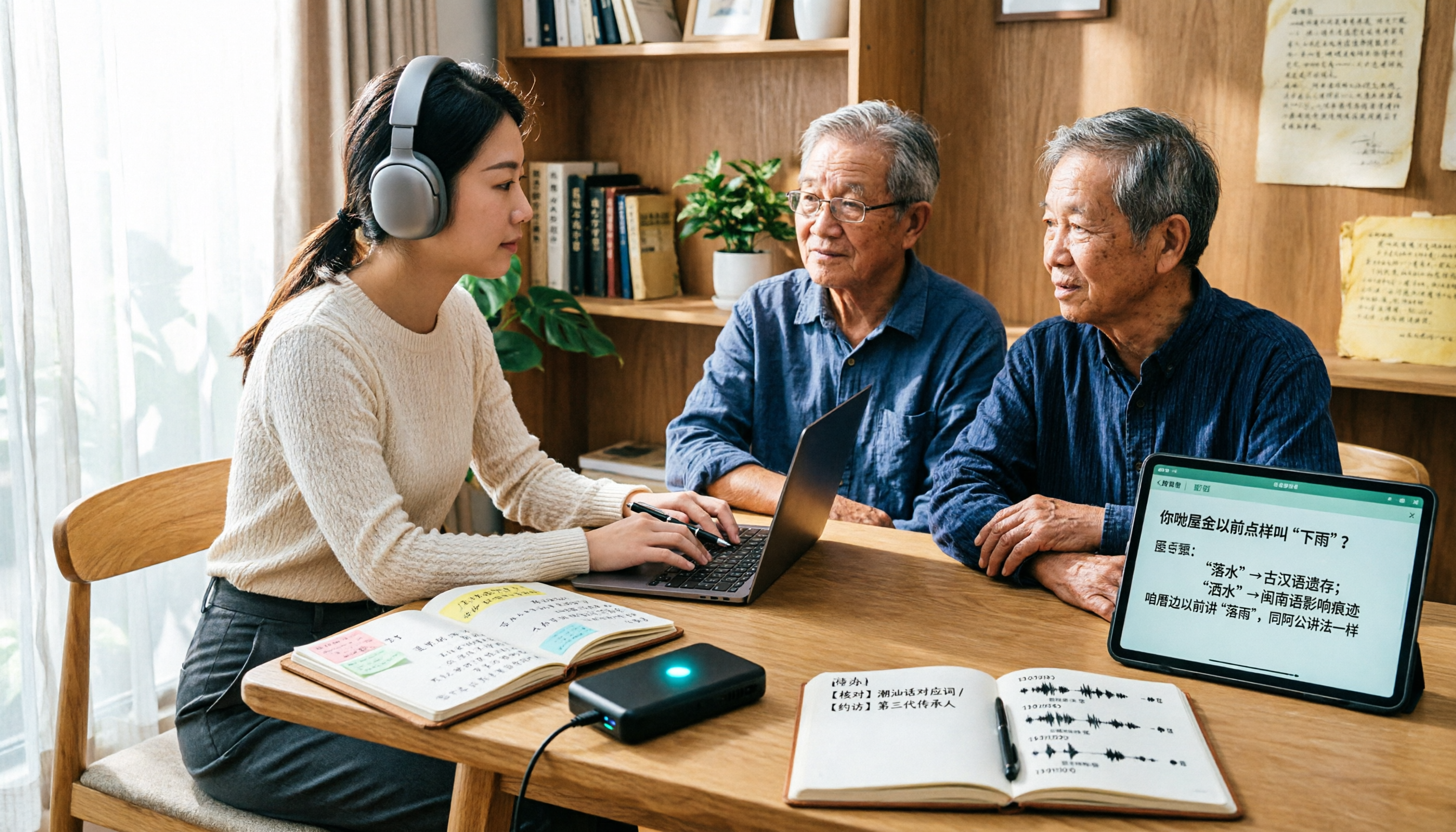
Turn recordings into transcripts and summaries in minutes
Upload audio or video for multilingual transcription, AI notes, and action items
It's 10 a.m., and you've just finished a 50-minute Cantonese client interview. The recording is saved, but turning it into a usable transcript is where the real time goes.
Feed it into a generic speech-to-text service, and what comes back is often unreadable gibberish. With Taiwanese interviews, it's even more obvious—one tonal shift and the meaning of the whole sentence falls apart.
That's why "dialect speech-to-text" keeps getting searched. This article lays out my own workflow for organizing dialect recordings, how several tools divide the work, and where Tinrec fits into the picture.
Why Is Dialect Speech-to-Text So Much Harder Than Regular Transcription?
Most speech recognition models are trained primarily on Mandarin and English. When they encounter Cantonese tonal variations or the tone-to-character mapping in Taiwanese, errors are inevitable.
The second challenge is code-switching. Cantonese meetings peppered with English product names, Taiwanese interviews mixed with Mandarin technical terms—these are the norm, and general-purpose models often get them wrong.
The third challenge is the environment. Air conditioning hum, keyboard clicks, multiple people talking over each other—any one of these degrades recognition quality.
So before choosing a tool, clarify whether you need "dialect recognition" or "turning a whole interview into usable data." These two needs call for different tools.
How Does Tinrec Differ from Other Dialect Transcription Tools?
Let's be clear: this is not a ranking of "who has the highest accuracy." Different vendors train on different data, so comparing a single number is meaningless—and real-world performance depends on recording quality, accent, noise, and overlapping speakers.
Here are the dimensions that actually affect how smoothly things go in daily use.
1. Dialect Specialist vs. Full Meeting Workflow
Subanana is targeted at Cantonese. CantoSub explicitly focuses on Cantonese and claims support for multiple Cantonese accents. Taption emphasizes optimization for Taiwanese terminology. If your task is simple—turning a Cantonese or Taiwanese recording into text—these tools are straightforward.
Tinrec handles the entire meeting workflow: transcription is just the first step, followed by summaries, chapters, action items, Q&A, and export. It supports Chinese, Traditional Chinese, Chinese-English mixed content, and multilingual meetings, with real-time translation and bilingual view. If your meetings are the usual "Cantonese mixed with English product names" combination, the focus shifts to what you can do after transcription.
2. How Diverse Are the Input Sources?
In practice, you'll have phone recordings, computer meeting recordings, and MP3s from vendors—all at once. Tinrec supports live recording, desktop online meetings, audio and video files, mobile recording, and some public web links. The more varied your sources, the more you need a central place.
3. Do You Need a Bot in Online Meetings?
Tinrec's desktop app captures system audio directly, so you don't need an extra bot participant for Zoom, Google Meet, Microsoft Teams, or Webex. For external client meetings, this is practical—you don't want an unknown account showing up in front of a client.
4. What Can You Do After Transcription?
With just a transcript, you usually have to edit and organize it yourself. Tinrec automatically generates summaries, chapters, key points, and action items. You can ask follow-up questions about the content and even generate reports, tables, and documents. This is where it differs most from pure transcription tools.
5. Who Ultimately Owns the Data?
Personal tools are convenient, but when colleagues leave, change computers, or data gets scattered across everyone's phones, that's a common team pain point. Tinrec's team plan puts meeting data in a separate team space, with separate management of members, roles, seats, usage, and audit logs. When members change, data stays with the team—it doesn't leave with the person.
Tinrec's Core Features at a Glance
Live recording to text: Start recording and transcribe simultaneously—ideal for in-person meetings, interviews, and classes. The transcript is ready the moment you finish, and you can mark key points as you go.
Bot-free online meeting recording: The desktop app captures system audio, so you can record Zoom, Meet, Teams, and Webex without inviting an extra account. You just start recording manually.
Real-time translation and bilingual view: For cross-language meetings, switch between original, translation, or bilingual view to confirm meaning on the spot.
AI summaries, chapters, and action items: Long meetings are automatically structured, and action items are listed as a checklist.
AI Q&A: This is my most-used feature. Instead of scrolling through 30 pages of transcript for a one-hour meeting, just ask "What were the conclusions?" or "Who's responsible for what?" and it answers based on meaning.
Stop organizing recordings by hand
Upload audio or video and automatically get a transcript, summary, and action items
Agent post-processing and multi-format export: Turn results into reports, tables, or documents, or export to Notion, Google Docs, OneNote, or Dropbox for further editing.
Team space and governance: Centralized meeting data storage, with management of member roles and seats, usage analytics, audit log search and export, recovery of deleted files from the audio recycle bin, and maintenance of team hotwords—pre-load your frequently used product names, place names, and technical terms to reduce misrecognition.
Real-World Use Cases
Cantonese client interviews: Before the interview, set the target language in settings and generate a transcript while recording. Afterward, use AI Q&A to extract client needs, objections, and commitments—much faster than re-listening to an hour of recording.
Taiwanese fieldwork and elder interviews: These often contain many technical terms and place names. I add common terms to team hotwords first, then upload the recording for transcription. The transcript is searchable by timestamp, making it easy to check against the original audio.
Cross-department weekly meetings: Bot-free recording on desktop, with summaries, chapters, and action items ready after the meeting. Decision rationale stays in the team space, so next week's review can reference the last record directly.
Organizing historical recordings: Import years of MP3, M4A, and WAV files for transcription, turning scattered recordings into a searchable database. Use Q&A to find clues when needed.
What to Look for When Choosing a Dialect Speech-to-Text Tool
Distinguish subtitle needs from data needs: For subtitles, dialect-specific tools are efficient. For meeting notes and follow-up tracking, look at post-transcription organization capabilities.
Language settings must be explicit: Don't rely solely on auto-detection. Confirm the target language is set before transcription to avoid gibberish.
Transcripts must be reviewable and searchable: A big block of plain text is as good as nothing. Timestamps, chapters, and search functions determine your review cost.
Export formats determine follow-up work: Whether results fit into your existing workflow is more practical than an extra feature.
For team use, don't just look at individual plans: Whether members, roles, seats, and usage are managed separately directly affects whether data stays.
Conclusion: Is Tinrec Worth a Try?
If you only occasionally need to transcribe a Cantonese recording, dialect-specific tools are indeed intuitive.
But if you handle interviews and meetings every month, the real time sink is often not "transcribing" but organizing, following up, and handing off afterward. That's where Tinrec's value lies: bot-free online meeting recording, automatic summaries and action items after transcription, content-based Q&A, and finally, data retention in a team space.
On pricing, the free plan lets you experience recording, import, summaries, and transcription. For short-term intensive use, there's a weekly pass; for regular needs, consider Pro monthly or annual. The team plan offers a 7-day trial for first-time eligible users, 1 free seat, and 300 minutes of shared team import quota. Paid plans are USD 29.80 per seat per month, or USD 199 annually (about USD 16.58/month), with 2,000 minutes of shared team import quota per paid seat per month. Live recording under an active plan and seat is currently not deducted by minutes. Actual prices and benefits are subject to the official purchase page.
I recommend starting with the free plan and running your own hardest Cantonese or Taiwanese recording through it—more direct than any review.
FAQ
Q1: Can Tinrec directly recognize Cantonese or Taiwanese?
Tinrec covers Chinese, Traditional Chinese, and multilingual meeting scenarios, with support for Chinese-English mixed content and real-time translation. The product does not promise a fixed accuracy rate; actual performance depends on recording quality, accent, noise, overlapping speakers, and technical terminology. For important content, verify against transcript timestamps and audio playback.
Q2: Is the free plan enough?
The free plan provides basic quota to experience recording, import, summaries, and transcription. If you only occasionally organize an interview, the free plan is fine to start. If you have regular weekly meetings or interviews, consider a weekly pass or Pro.
Q3: Do I have to add a bot to online meetings?
No. Tinrec's desktop app captures system audio directly, so no extra bot joins the meeting. Note that you need to actively start recording in Tinrec; it does not automatically join all calendar meetings.
Q4: What's the difference between roles and seats in the team plan?
Roles determine who can manage the team, members, and audits; seats determine whether members can record, upload, edit, import, and export. Members with an active role but no seat can still view, play, and read team data. Currently, the team plan is primarily team-level sharing, not fine-grained file-level permission control.
Q5: Will meeting data disappear when a team member leaves?
It doesn't leave with the person. Team resources belong to the team. When a member exits, is removed, or loses their seat, their team resources must be handed over to other active members. Deleted audio goes to the team recycle bin and is currently retained for 30 days; it can be restored before permanent deletion.
Q6: What legal issues should I consider for recording and transcription?
Recording and transcription involve local regulations and personal data protection. Inform participants and obtain consent before recording, especially for client and research interviews.
References
- 2026 Latest 5 Cantonese and Taiwanese Speech-to-Text Tools: Solving Dialect Recognition and Transcript Organization Pain Points - Tinrec Blog
- Cantonese Speech to Text | AI Cantonese Speech Recognition | CantoSub
- Speech-to-Text: AI Speech Input and Transcription | Google Cloud
- Speech-to-Text Converter – Free Online | TicNote Cloud
- Vidnoz AI Free Text-to-Speech Tool: One-Click Taiwanese AI Voice Generation!
Turn every recording into actionable outcomes
Get 60 free transcription minutes when you sign in. No credit card required.
Related Reading
You might also like

How to Choose a Voice Recorder Capacity in 2026: 5 Steps from Large-Capacity Recording to AI Meeting Notes
Bought a voice recorder advertised with large capacity, only to find you can store the files but can't organize them? This article examines whether large-capacity voice recorders are truly sufficient from four angles: capacity, battery life, file management, and post-meeting organization. It walks through 5 steps to turn recordings into searchable, queryable meeting notes. It also compares Tinrec with PLAUD, Otter, Notta, and other tools.

2026 Comparison of 3 Hakka Speech Recognition and Post-Meeting Tools: How to Match Six-Accent Support with Meeting Follow-Up?
How to choose Hakka speech recognition? This article examines four key criteria: accent support, audio file upload, post-meeting processing, and team data. It compares Gohakka, a Taiwan Hakka-specific tool; the Council of Hakka Affairs' Taiwan Hakka Speech Database online real-time translation; and Tinrec, which handles post-meeting organization and team follow-up. It also summarizes three common pitfalls and offers scenario-based selection advice.

2026 Comparison of 3 Taiwanese Speech-to-Text Tools: Which Is Easier from Transcript to Meeting Minutes?
How to choose a Taiwanese speech-to-text tool? This article compares Tinrec, Yating Transcript, and AI Taiwanese Voice Notes from two scenarios: pure Taiwanese interviews and Mandarin-Taiwanese mixed meetings. It examines language processing, recording sources, post-meeting organization, team collaboration, and pricing to help you decide which tool suits your recordings, with free tier details and testing advice.

2026 Real-World Test of 5 Chinese-Korean Live Translation Tools: Beyond Travel—Which One Can Capture Your Meetings?
Live translation solves the problem of understanding in the moment, but often leaves you with nothing after the meeting. Based on real cross-language meeting and business communication scenarios, this article outlines 4 key factors for choosing a Chinese-Korean live translation tool, tests Tinrec's bilingual transcript, summary, and action item workflow, and compares the suitable scenarios for Papago, GenieTalk, and Google Translate.

Best English Meeting Minutes Tools in 2026: 7 Tested, This One Handles Mixed Chinese-English Meetings Best
English meeting minutes aren't just about handing over a transcript. This article reviews 7 AI meeting minutes and transcription tools, covering bot-free recording, mixed Chinese-English, post-meeting summaries, action items, AI Q&A, and team management, to help you choose the right solution for English meetings and team collaboration.
2026 Guide to Speech-to-Text for Minority Languages: 4 Real-World Tests and Key Tool Selection Tips
Turning recordings of indigenous language interviews, tribal classes, and bilingual meetings into transcripts is often more about recognition than recording. This article starts from real usage scenarios to explain 4 practical limitations of speech-to-text for minority languages, feasible workflows, and how Tinrec can help with Chinese and mixed-language segments—and where human effort is still required.

2026 Chinese-Japanese Real-Time Translation Guide: How to Choose for Meetings, Travel, and Streaming
How to choose a Chinese-Japanese real-time translation tool? After hands-on testing, I found the key difference lies in whether you need to 'understand in the moment' or 'keep a record afterward.' This guide covers three scenarios—meetings, business trips, and content research—and outlines 5 purchase decision points, with Tinrec demonstrating bilingual transcripts, bot-free meeting recording, summary to-dos, and team spaces in action.

Tinrec vs Plaud Note in 2026: 5-Factor Comparison — Which Is Better for Your Recording and Transcription Needs?
In 2026, voice recorders fall into two categories: AI recording hardware and AI meeting transcription software. This article compares Tinrec and Plaud Note/NotePin across five purchasing factors — meeting capture, input sources, post-meeting output, team governance, and Chinese-language experience — to help you decide which solution fits your budget and meetings.

2026 Long Battery Life Recording Test Comparison: Which of 5 Solutions Records Longer and Organizes Faster
Voice recorders advertised with long battery life often claim 20 or 30 hours, but real-world performance usually falls short. Starting from the real need for "long-duration recording," this article compares the battery life and organization costs of 5 recording solutions, and explains how Tinrec uses desktop bot-free recording, transcripts, summaries, and to-dos to help you not only record longer but also save time on re-listening.