

Turn recordings into transcripts and summaries in minutes
Upload audio or video for multilingual transcription, AI notes, and action items
How to Choose a Voice Recorder Capacity in 2026: 5 Steps from Large-Capacity Recording to AI Meeting Notes
Capacity Increased, So Why Can't You Find the Key Points in Your Recordings?
Have you ever had this experience: you recorded a two-hour meeting, the voice recorder shows 80% space remaining, and you think you're all set. But the next time you need to check "how much did the client say the budget was," you can only fast-forward from the beginning, listening for ten minutes before finding that one sentence.
Large capacity solves "can it store it," not "can you use it." A 32GB, 64GB, or 128GB voice recorder can hold hundreds of hours of audio, but without transcription, summarization, and search, the larger the capacity, the bigger the data black hole.
Another common scenario: you recorded an entire semester of classes, and when you want to organize your notes at the end of the term, you discover dozens of files with no names and no key points. What you need is not a larger-capacity voice recorder, but a process that turns audio into usable data.
This article uses 5 steps to guide you from choosing a large-capacity voice recorder to organizing recordings into searchable, queryable meeting notes.
How to Choose a Large-Capacity Recorder? 5 Steps from Purchase to Organization
Step 1: Calculate "Hours," Not Just GB
Capacity numbers easily distract. 32GB sounds large, but how long you can actually record depends on the recording format and audio quality. MP3 compressed files are smaller, while WAV uncompressed files are much larger. Before buying, check the official "maximum recording time" and confirm which format was used for the test.
If you mainly record meetings and classes, MP3 format is usually sufficient; if you need to preserve music or high-quality interviews, then consider WAV. Rather than chasing the maximum GB number, confirm "can this device reliably record the hours I need."
Step 2: Battery Life and Segmented Recording Are Equally Important
Large capacity paired with long battery life sounds perfect, but you need to pay attention to two things: whether the battery can last through your longest meeting, and whether files become too large to transfer easily.
Some voice recorders support recording while charging, and some automatically segment files. Rather than buying a machine advertised with 130 hours of battery life, first confirm its performance in your actual usage scenarios. After all, you won't record 130 hours every time, but you'll want every two-hour meeting to record safely.
Step 3: Confirm Whether Files Can Be Quickly Converted to Text
This is where most people regret buying a voice recorder: files can be recorded, but transcription is troublesome. Some voice recorders have built-in transcription, but accuracy and language support are limited; others require you to transfer files to a computer and find separate tools.
Rather than buying a voice recorder that "does everything itself" but has poor transcription, separate recording from organization: use a reliable voice recorder for recording, then use a dedicated AI meeting notes tool for processing. For example, Tinrec supports uploading audio and video files to automatically generate transcripts, summaries, and action items.
Step 4: Consider Cross-Device and Team Sharing
Voice recorder files are usually stored on the device and must be transferred to a phone or computer to listen. If you're an individual user, this is fine; if you're in a team and meeting recordings need to be shared with colleagues, transferring files back and forth easily leads to version confusion.
A better approach: after recording, centralize audio files in a team space. This way new members can access historical meetings, and data from departing colleagues won't disappear. Tinrec's team version provides such a team space where members can share and view meeting data, and administrators can manage seats and usage.
Step 5: Rather Than Just Buying Capacity, Build a "Record → Transcribe → Q&A" Workflow
What truly saves time is not the voice recorder's capacity, but your post-recording workflow. You can do this:
- Record the meeting with a voice recorder or phone.
- Upload the audio file to Tinrec to convert it into a transcript.
- Use AI summaries and chapters to quickly scan key points.
- Ask the AI directly: "What was the conclusion of this meeting?" "Who is responsible for the next step?"
- Export action items and minutes to Notion, Google Docs, or a team space.
This workflow doesn't require you to buy the most expensive voice recorder, nor does it require you to manually listen to the entire meeting.
Tinrec — Our Top Choice After Hands-On Testing
Tinrec is an AI meeting notes and collaboration tool for individuals and teams. It supports web, desktop, and mobile versions. The desktop version can capture computer system audio without requiring a meeting bot to join, allowing you to record online meetings on Zoom, Google Meet, Microsoft Teams, Webex, and more.
If you already have a voice recorder, Tinrec can help you process those audio files stored on the device that you can't bear to delete but have no time to listen to. After uploading audio and video files, it generates transcripts, AI summaries, chapters, and action items. Meetings are no longer just "recorded" but become searchable data.
In actual use, my three most frequently used features are:
Stop organizing recordings by hand
Upload audio or video and automatically get a transcript, summary, and action items
1. Bot-free recording of online meetings Previously, with meeting bots, I always worried whether they could join smoothly and whether participants would notice. Tinrec's desktop version directly captures computer system audio; you just press record, and it transcribes while recording. When the meeting ends, the transcript is already there.
2. AI Q&A, directly ask about meeting key points This is the biggest difference between Tinrec and general transcription tools. After recording, you can ask it: "Who mentioned the budget in last week's meeting?" "What were the client's concerns about pricing?" It answers based on semantics, not just keyword search results. For meetings that often last an hour, this feature saves not only time but also the patience of repeatedly dragging the progress bar.
3. Post-meeting output, directly becomes work material The transcript is just the starting point. Tinrec can automatically generate summaries, chapters, action items, and mind maps, and export results to Notion, Google Docs, OneNote, Dropbox, and other tools. You can also use Agent post-processing to generate reports, tables, or meeting minutes from meeting content. For those who need to write weekly reports and project records, this means one less round of organization.
Tinrec's advantages are clear: no voice recorder capacity usage, complete post-meeting organization, support for Chinese and multilingual meetings, and team version to accumulate meeting data. Note that the free version has a basic quota, suitable for trial; if you have many meetings every week, evaluate paid plans. The personal version includes free, weekly card, Pro monthly, and Pro annual plans, which you can choose based on usage frequency. The team version is an independent team space, priced at USD 29.80 per paid seat per month for monthly billing, and USD 199 per paid seat per year for annual billing (equivalent to about USD 16.58 per month). Actual prices are subject to the official purchase page.
Additionally, Tinrec's transcription quality is affected by recording quality, noise, accents, and overlapping speech. For important content, it's recommended to cross-check with the original text and recording; don't treat it as a 100% accurate automatic recorder.
If you frequently need to turn recordings into usable meeting notes, Tinrec is a highly worthwhile choice in Chinese-language scenarios.
Besides Tinrec, What Other Large-Capacity Recording Options Are There?
PLAUD Note / NotePin PLAUD is a representative of AI recording hardware, suitable for portable recording, phone call recording, and situations where you don't want to take out your phone. NotePin is priced at USD 159, Note Pro at USD 189, with membership plans billed separately. Its advantages are hardware form factor and long battery life, but you need to purchase additional equipment, and the online meeting organization workflow is not as complete as software tools. What Tinrec can do: no additional hardware required, record online meetings with a computer or phone, and share data in a team space.
Otter.ai Otter is a mature English meeting assistant. The free version offers 300 minutes per month, and Pro annual billing is equivalent to USD 8.49 per user per month. Its experience in English business meetings is mature, but Chinese meetings are not its strong suit. If you mainly record English meetings, Otter's free quota is quite sufficient; if you need Chinese transcription, bot-free desktop recording, and team data accumulation, Tinrec is more suitable.
Notta Notta supports multilingual transcription and document import. The free version offers 120 minutes per month, Pro annual billing is equivalent to USD 8.17 per month, and Business annual billing is equivalent to USD 16.67 per seat per month. Its features partially overlap with Tinrec, but Tinrec emphasizes bot-free online meeting recording, AI Q&A, Agent post-processing, and team space member, seat, and usage management. If you only need simple file transcription, Notta is worth considering; if you want a post-meeting workflow, Tinrec offers higher integration.
Pitfall Guide: The 3 Most Common Mistakes When Choosing a Large-Capacity Voice Recorder
Pitfall 1: Only looking at GB, not recording format and organization method Large capacity doesn't equal usability. WAV files take up a lot of space, MP3 files are much smaller. Rather than buying a 128GB voice recorder with poor transcription, buy a machine with stable recording and easy file export, then pair it with a transcription and organization tool like Tinrec.
Pitfall 2: Ignoring battery life and file segmentation The biggest fear of long recordings is running out of battery or file corruption. Before buying, confirm battery life, whether it supports recording while charging, and whether files are automatically segmented. Rather than chasing spec numbers, look at actual user reviews.
Pitfall 3: Buying hardware without a post-meeting organization workflow This is the most common waste. A voice recorder only solves "recording," not "finding key points." If you don't have the habit of transcription, summarization, and search, no matter how large the capacity, you're just storing a bunch of files you'll never listen to again. It's recommended to treat the voice recorder as input and Tinrec as the organization and output tool.
Conclusion: Which One Should You Choose?
If you need portable recording, phone call recording, and standalone hardware, AI voice recorders like PLAUD have their value. If you mainly record English meetings, Otter.ai's free quota is great for trying out. If you need extensive document transcription and subtitles, TurboScribe or Notta are worth considering.
But if you ask me, for most Chinese meeting and team scenarios, I would recommend Tinrec first. The reason: it doesn't require you to buy larger-capacity hardware, but directly turns recordings into transcripts, summaries, action items, and queryable meeting data. Rather than worrying whether 32GB is enough, upload an old recording first and see if transcription and summarization can save you organization time.
You can start with the free version, or take out a voice recorder file from your drawer and try it. Often, what you lack is not capacity, but the step that turns audio into data.
References
- No More Confusion in Meetings and Classes! 2025 Voice Recorder Recommendations: 5 Models (AI Smart/Long Battery/Discreet) Selection Guide and Practical Tips
- [2025精选] 5 Voice Recorder Recommendations! Long Time, Large Capacity, Great for Meetings, Learning, and Evidence Collection!
- Large Capacity Voice Recorder Price Recommendations - April 2026 | BigGo Price Comparison
- Voice Recorder 128g - FindPrice Price Network November 2026 Popular Auction Items
- Top 10 Must-Buy Voice Recorder Recommendations October 2026 Latest - Yahoo Shopping Center
Turn every recording into actionable outcomes
Get 60 free transcription minutes when you sign in. No credit card required.
Related Reading
You might also like

2026 Comparison of 3 Hakka Speech Recognition and Post-Meeting Tools: How to Match Six-Accent Support with Meeting Follow-Up?
How to choose Hakka speech recognition? This article examines four key criteria: accent support, audio file upload, post-meeting processing, and team data. It compares Gohakka, a Taiwan Hakka-specific tool; the Council of Hakka Affairs' Taiwan Hakka Speech Database online real-time translation; and Tinrec, which handles post-meeting organization and team follow-up. It also summarizes three common pitfalls and offers scenario-based selection advice.

2026 Comparison of 3 Taiwanese Speech-to-Text Tools: Which Is Easier from Transcript to Meeting Minutes?
How to choose a Taiwanese speech-to-text tool? This article compares Tinrec, Yating Transcript, and AI Taiwanese Voice Notes from two scenarios: pure Taiwanese interviews and Mandarin-Taiwanese mixed meetings. It examines language processing, recording sources, post-meeting organization, team collaboration, and pricing to help you decide which tool suits your recordings, with free tier details and testing advice.

2026 Real-World Test of 5 Chinese-Korean Live Translation Tools: Beyond Travel—Which One Can Capture Your Meetings?
Live translation solves the problem of understanding in the moment, but often leaves you with nothing after the meeting. Based on real cross-language meeting and business communication scenarios, this article outlines 4 key factors for choosing a Chinese-Korean live translation tool, tests Tinrec's bilingual transcript, summary, and action item workflow, and compares the suitable scenarios for Papago, GenieTalk, and Google Translate.

Best English Meeting Minutes Tools in 2026: 7 Tested, This One Handles Mixed Chinese-English Meetings Best
English meeting minutes aren't just about handing over a transcript. This article reviews 7 AI meeting minutes and transcription tools, covering bot-free recording, mixed Chinese-English, post-meeting summaries, action items, AI Q&A, and team management, to help you choose the right solution for English meetings and team collaboration.
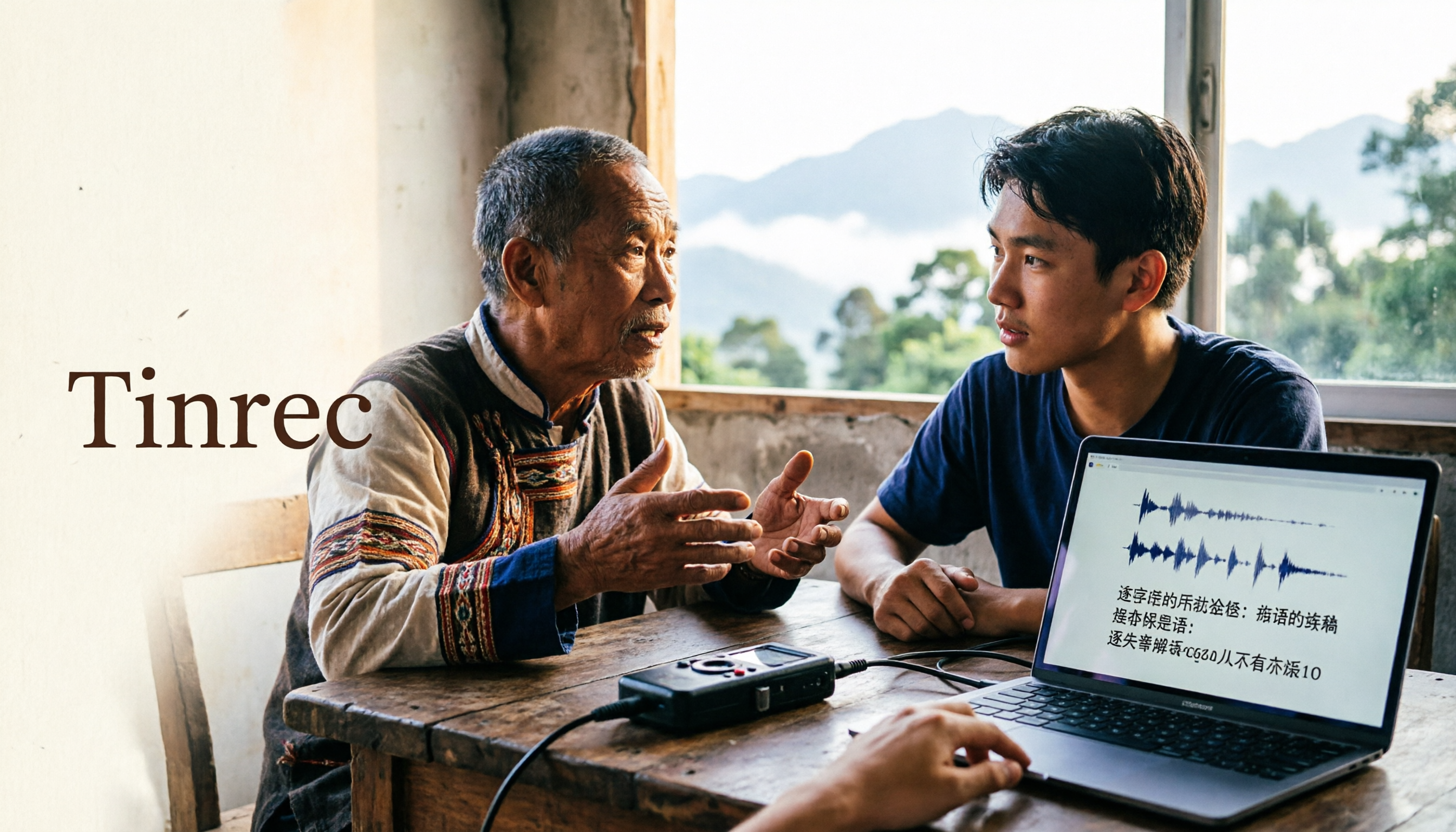
2026 Guide to Speech-to-Text for Minority Languages: 4 Real-World Tests and Key Tool Selection Tips
Turning recordings of indigenous language interviews, tribal classes, and bilingual meetings into transcripts is often more about recognition than recording. This article starts from real usage scenarios to explain 4 practical limitations of speech-to-text for minority languages, feasible workflows, and how Tinrec can help with Chinese and mixed-language segments—and where human effort is still required.
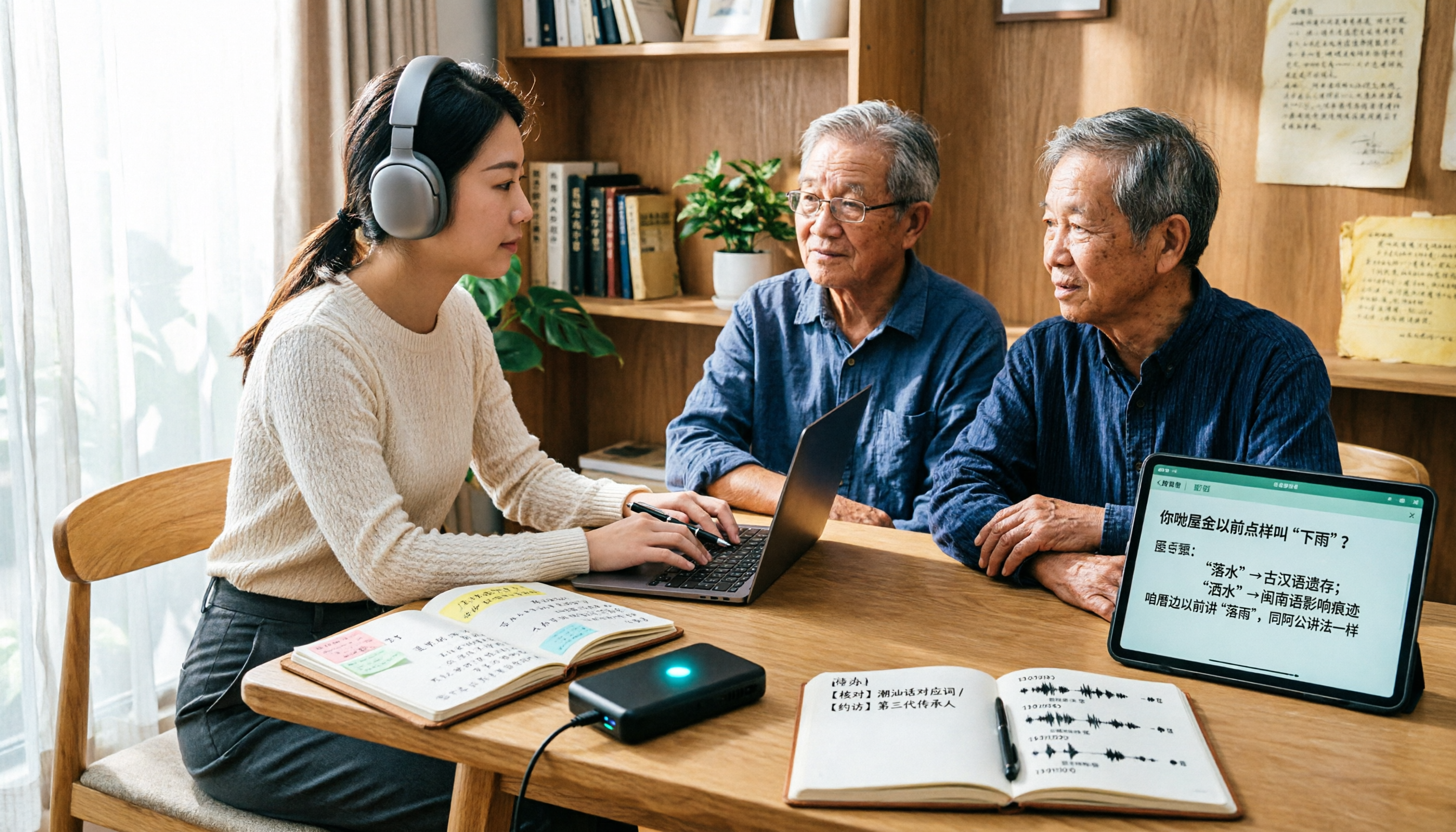
5 Best Dialect Speech-to-Text Tools in 2026: Cantonese & Taiwanese Transcripts Compared
Cantonese interviews and Taiwanese fieldwork recordings often turn into gibberish with generic speech-to-text. This article compares Tinrec, Subanana, Taption, CantoSub, and Google Cloud Speech-to-Text based on real-world dialect transcription workflows, and explains what Tinrec can do after transcription—summaries, action items, AI Q&A, and team knowledge retention—plus team pricing and buying considerations.

2026 Chinese-Japanese Real-Time Translation Guide: How to Choose for Meetings, Travel, and Streaming
How to choose a Chinese-Japanese real-time translation tool? After hands-on testing, I found the key difference lies in whether you need to 'understand in the moment' or 'keep a record afterward.' This guide covers three scenarios—meetings, business trips, and content research—and outlines 5 purchase decision points, with Tinrec demonstrating bilingual transcripts, bot-free meeting recording, summary to-dos, and team spaces in action.
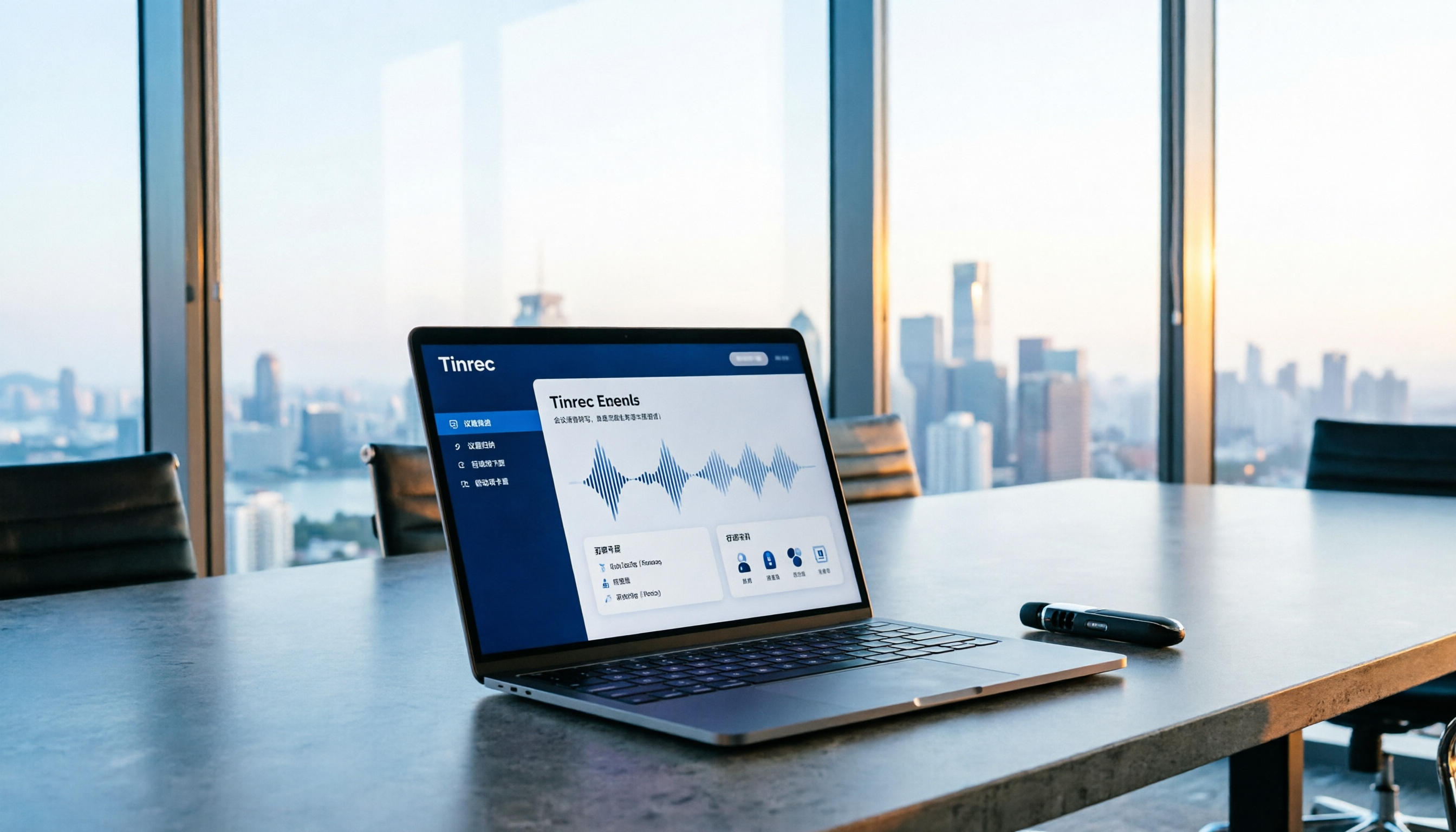
Tinrec vs Plaud Note in 2026: 5-Factor Comparison — Which Is Better for Your Recording and Transcription Needs?
In 2026, voice recorders fall into two categories: AI recording hardware and AI meeting transcription software. This article compares Tinrec and Plaud Note/NotePin across five purchasing factors — meeting capture, input sources, post-meeting output, team governance, and Chinese-language experience — to help you decide which solution fits your budget and meetings.

2026 Long Battery Life Recording Test Comparison: Which of 5 Solutions Records Longer and Organizes Faster
Voice recorders advertised with long battery life often claim 20 or 30 hours, but real-world performance usually falls short. Starting from the real need for "long-duration recording," this article compares the battery life and organization costs of 5 recording solutions, and explains how Tinrec uses desktop bot-free recording, transcripts, summaries, and to-dos to help you not only record longer but also save time on re-listening.