
Turn recordings into transcripts and summaries in minutes
Upload audio or video for multilingual transcription, AI notes, and action items
2026 Comparison of 4 Taiwanese Speech-to-Text Tools: Accuracy Isn't Everything—Look at Post-Meeting Workflow First
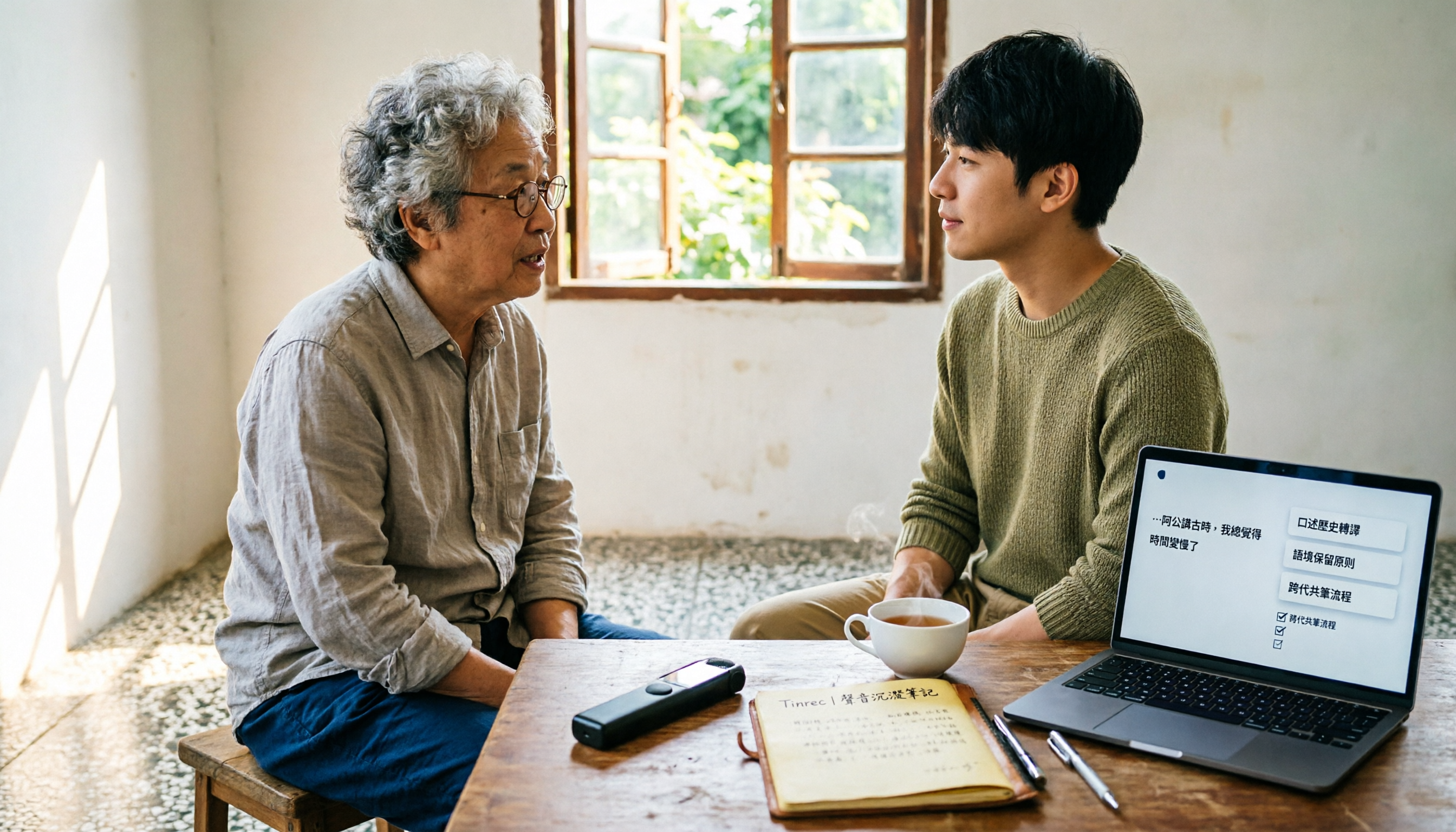
Recently, I helped a friend who does field research review his interview recordings.
90 minutes, the interviewee told a family story in Taiwanese, occasionally mixing in Mandarin, names, place names, and colloquial expressions like "hey ah," "that one," and "like this."
He had already run it through a speech-to-text tool once. The text came out, but he still spent the whole afternoon re-listening.
Why?
Because the transcript came out like a tangled mess of thread. He had to label speakers himself, pick out key points himself, and recall "what exactly was that promise about?"
So in this article, I don't want to just compare "who transcribes more accurately."
I want to compare: after transcription, how much effort do you still need to turn this recording into usable data?
The real trouble with Taiwanese speech-to-text isn't "can't transcribe"
If you're looking for a Taiwanese speech-to-text tool, you've probably encountered these situations.
First, the tool understands Chinese but starts guessing characters when it hears Taiwanese. Especially when older people speak with proverbs and tone, the output often needs to be retyped entirely.
Second, Taiwanese can barely be transcribed, but mixed Mandarin-Taiwanese segments get messy. Names turn into wrong characters, and particles get dropped.
Third, transcription is done, but the transcript is too long. You have to read from start to finish to find the few truly important conclusions.
These three pain points are actually not the same problem.
The first two are "recognition" problems, the third is an "organization" problem.
Most people only look at the first when choosing a tool, and end up buying a tool that transcribes accurately but still requires re-reading after the meeting.
This is what I want to clarify first: The point of Taiwanese speech-to-text is not turning sound into text, but turning sound into information you can act on.
When choosing a Taiwanese speech-to-text tool, I look at these 4 key points first
1. Can it handle the real context of "mixed Mandarin-Taiwanese"?
Taiwanese interviews are rarely all in Taiwanese.
More often, it's Taiwanese, Mandarin, and proper nouns interwoven. Rather than looking at official claims of "supports Taiwanese," try it with one of your most difficult recordings.
Don't just listen to one sentence; listen to a segment with emotion, particles, and interruptions.
2. After transcription, are there summaries and action items?
This is what I care about most.
If the tool only gives you a transcript, you've only completed one-third of the work. What really takes time is "what are the key points of this conversation," "who promised what," and "what's the next step."
So I always check: can it automatically generate summaries, chapters, key points, and action items?
3. Can you ask questions directly about the recording?
In the past, to find a piece of content, you could only Ctrl+F search keywords in the transcript.
But spoken interviews often don't use the same word to describe the same thing. The interviewee might say "that medicine," but you want to find "prescription."
If the tool lets you directly ask "what was the name of the medicine the interviewee mentioned," it will search for answers along the semantics, not just match literal text.
4. Where does the data ultimately reside?
For personal interviews, keeping it in your own account is fine.
But if a group of people are doing research together, running client work, or holding project meetings, you need to check if it has team spaces, member roles, seats, and data handover.
Otherwise, when a member leaves, the meeting data disappears with them—that really hurts.
Tinrec—the tool I'd prioritize for "post-meeting organization" after testing
First, positioning.
Tinrec is an AI meeting notes and collaboration tool for individuals and teams. It supports real-time speech-to-text, audio and video file transcription, real-time translation, and can organize meeting content into summaries, chapters, action items, mind maps, and queryable data.
For this test, I approached it from a "post-meeting organization" angle.
I used a ~20-minute Taiwanese interview recording with two speakers and air conditioner noise in the background. I didn't focus on "how many wrong characters," but on how much work I still had to do after transcription.
The first scenario is real-time recording.
For on-site interviews, I'd open Tinrec and record while transcribing. Text appears on screen in real time, so I can listen and confirm whether key names or place names mentioned by the interviewee are correctly captured.
The second scenario is existing audio files.
If the recorder has already captured the audio, select "audio file transcription" and upload the file. This workflow suits people like me who often record first and organize later.
The third scenario is online meetings.
Tinrec's desktop version can directly capture computer system audio, handling online meetings on Zoom, Google Meet, Microsoft Teams, Webex, etc., without inviting an extra meeting bot. This makes a big difference for those who don't want a bot appearing in the participant list.
Stop organizing recordings by hand
Upload audio or video and automatically get a transcript, summary, and action items
After transcription is where it truly stands out.
It automatically generates summaries and chapters, so I don't need to read from minute one to the last minute. Action items are also extracted from the conversation. For example, when the interviewee says "I'll send you the materials next week," I can turn that into a clear action item instead of leaving it in the transcript.
Another feature I use often: AI Q&A.
I can directly ask it: "What are the three main sources of stress mentioned by the interviewee?" or "In this interview, which quotes can be used directly?"
It answers based on the entire content, not just keyword search results. This is very helpful for writing research reports, organizing character interviews, and writing articles.
I also use a fixed question template:
Based on this transcript, list: 1. The three main viewpoints mentioned by the interviewee; 2. Facts that need further confirmation; 3. Directly quotable transcript segments with timestamps; 4. Post-meeting action items.
This template can be pasted directly and works the same for meeting notes.
For output, Tinrec can export to common text formats and also bring results to Notion, Google Docs, OneNote, Dropbox, etc. for further processing.
If a group shares interview data, the team version offers independent team spaces, member roles, and seat management. Active members without seats can view, play, and read team data; only seat holders can record, upload, edit, and export. Paid seats provide 2,000 minutes of team shared import quota per month; real-time recording is currently not deducted by minutes under active team plans and seats.
Limitations should also be clear.
The free version provides basic quota; heavy users need to evaluate paid plans; actual quota and pricing are subject to the official website. Additionally, Taiwanese accents, mixed Mandarin-Taiwanese, recording quality, overlapping speakers, and technical terms all affect recognition results; it's recommended to test with your own audio files first. No AI transcription is 100% accurate; I still verify important content against the transcript and recording.
But if what you want is "after recording, you can directly organize, ask follow-up questions, and generate action items," Tinrec is currently the one I'd prioritize in my workflow.
Besides Tinrec, what other Taiwanese speech-to-text options are there?
Otter.ai: One of the top choices for English meetings, with a generous 300 minutes per month on the free plan. But its support for Chinese dialects is not a strength; Taiwanese or mixed Mandarin-Taiwanese interviews can get stuck. Tinrec focuses on Chinese and multilingual meetings and can also use AI Q&A to follow up on recording content.
Yating Transcription: A veteran Taiwanese local brand with a good reputation for Taiwanese recognition. But pricing is time-based, so long-term organization costs need to be calculated; after transcription, it mainly provides a transcript, without integrating summaries, action items, chapters, and AI Q&A into a post-meeting workflow like Tinrec.
TurboScribe: A cost-effective file transcription tool, good at long documents, batch uploads, subtitles, and translation. But it doesn't focus on real-time meeting notes and bot-free recording, and post-meeting follow-up and team data retention are not its core. If you have a one-time batch of large audio files, consider it; if you want a continuous meeting and interview workflow, Tinrec is more suitable.
Pitfall Guide: The 3 most common mistakes when choosing a Taiwanese speech-to-text tool
Pitfall 1: Only looking at the words "supports Taiwanese."
Support doesn't mean it works well in your scenario. Taiwanese has accents, mixed Mandarin-Taiwanese, and particles. Be sure to test with your own recording, and use the most difficult segment.
Pitfall 2: Only looking at transcription accuracy, ignoring post-meeting organization costs.
No matter how accurate, if you still have to read from start to finish, mark key points yourself, and pull action items yourself, the time saved is limited. Rather than comparing wrong characters, compare "how many things I still need to do after transcription."
Pitfall 3: Ignoring team data ownership.
For personal use, it's not a big issue. But for team sharing, confirm whether data belongs to the team or the individual. When members leave, are removed, or lose seats, can team data be handed over? This affects long-term accumulation.
Also, recording and transcription involve personal data and privacy. Inform the other party and obtain consent before the conversation, and comply with local regulations.
Conclusion: Which one should you choose?
If you ask me how to choose a Taiwanese speech-to-text tool in 2026, I'd first ask: what do you want to do after recording?
- To organize Taiwanese interviews, mixed Mandarin-Taiwanese spoken content, and want summaries and action items directly after transcription → Tinrec
- Need to ask follow-up questions about details directly around the recording, without re-listening to the whole thing → Tinrec
- Record on phone, organize on computer, or team sharing an interview database → Tinrec
- Only record English meetings, zero budget → Otter.ai (a reasonable exception in this comparison)
- One-time batch of long audio files for subtitles and translation → TurboScribe (but it's not a meeting workflow)
My advice: don't rush to buy the most expensive plan.
Take one of your most difficult Taiwanese recordings and run it through the free version. See how much time it saves you in "re-listening, finding key points, and pulling action items." That time is what you're really buying.
Quick Start: My Taiwanese recording organization checklist
- First check recording quality, minimize background noise.
- Test with a difficult mixed Mandarin-Taiwanese recording, not just clear read-aloud audio.
- After transcription, look at summaries and chapters first, don't read the transcript from the beginning.
- Use AI Q&A to ask about "key points, conclusions, action items, quotable segments."
- Export action items to your own work system, don't leave them in the tool.
- For team use, confirm roles, seats, and data handover rules first.
Test step by step, and you'll gradually find the Taiwanese speech-to-text workflow that suits you best.
References
- 2026 Latest 5 Taiwanese Speech-to-Text Apps: Solving Meeting Transcript and Interview Organization Challenges - Tinrec Blog
- 2026 Taiwanese Audio Transcription Tutorial: 4 Steps to Transcript and AI Summary (Tinrec Tested) - Tinrec Blog
- 2026 Latest 3 Taiwanese Speech-to-Text Apps: Solving Interview Transcript and Mixed Language Challenges - Tinrec Blog
- Which Taiwanese Speech-to-Text is Better? Conclusion First: 6 Tools Recommended and Tested Comparison - Tinrec Blog
- 2026 Latest 4 Taiwanese Speech-to-Text Software: Solving Dialect Recognition and Transcript Organization Challenges - Tinrec Blog
Turn every recording into actionable outcomes
Get 60 free transcription minutes when you sign in. No credit card required.
Related Reading
You might also like
How to Do Dialect Speech Recognition in 2026: A 5-Step Practical Guide
Dialect speech recognition isn't solved by buying a tool with a 'supports dialects' label. This article starts with common misconceptions, breaks down 4 key purchasing criteria, tests Tinrec's Chinese meeting workflow, compares Otter.ai, Notta, and Granola in positioning and pricing, and concludes with scenario-based recommendations.
2026 Voice Recorder Noise Cancellation Guide: 3-Layer Tech + AI Post-Recording Organization
Noise cancellation for voice recorders isn't just about levels. This article breaks down the three layers of noise reduction—physical isolation, hardware DSP, and AI algorithms—and explains what to look for when buying: microphones, formats, battery life, and post-recording organization. It also shows how Tinrec turns recordings into transcripts, summaries, action items, and team data.

Tinrec vs Notta 2026: 5-Dimension Comparison — Which Is Better for Dialect and Multilingual Meeting Notes?
The real challenge with dialect translation isn't just getting a translation — it's keeping it, searching it, and handing it off. This article compares Tinrec and Notta across five practical dimensions, explains how to choose a tool for mixed-language meetings, how to avoid common transcription mistakes, and includes a step-by-step starter checklist you can follow.

2026 Comparison of 3 Taiwanese Hokkien Speech Recognition and Pronunciation Tools: How to Choose for Word Lookup, Pronunciation Practice, and Post-Meeting Organization
Taiwanese Hokkien speech recognition is not just about converting sound to text; it also involves handling tone sandhi, nasalized vowels, and accent variations. This article compares the practical uses of Tinrec, iTaigi, and Moedict to help you distinguish between word lookup and pronunciation practice, meeting transcripts, and team post-meeting organization, and summarizes key points for purchasing and avoiding pitfalls.

How to Choose a Voice Recorder Capacity in 2026: 5 Steps from Large-Capacity Recording to AI Meeting Notes
Bought a voice recorder advertised with large capacity, only to find you can store the files but can't organize them? This article examines whether large-capacity voice recorders are truly sufficient from four angles: capacity, battery life, file management, and post-meeting organization. It walks through 5 steps to turn recordings into searchable, queryable meeting notes. It also compares Tinrec with PLAUD, Otter, Notta, and other tools.

2026 Comparison of 3 Hakka Speech Recognition and Post-Meeting Tools: How to Match Six-Accent Support with Meeting Follow-Up?
How to choose Hakka speech recognition? This article examines four key criteria: accent support, audio file upload, post-meeting processing, and team data. It compares Gohakka, a Taiwan Hakka-specific tool; the Council of Hakka Affairs' Taiwan Hakka Speech Database online real-time translation; and Tinrec, which handles post-meeting organization and team follow-up. It also summarizes three common pitfalls and offers scenario-based selection advice.

2026 Comparison of 3 Taiwanese Speech-to-Text Tools: Which Is Easier from Transcript to Meeting Minutes?
How to choose a Taiwanese speech-to-text tool? This article compares Tinrec, Yating Transcript, and AI Taiwanese Voice Notes from two scenarios: pure Taiwanese interviews and Mandarin-Taiwanese mixed meetings. It examines language processing, recording sources, post-meeting organization, team collaboration, and pricing to help you decide which tool suits your recordings, with free tier details and testing advice.

2026 Real-World Test of 5 Chinese-Korean Live Translation Tools: Beyond Travel—Which One Can Capture Your Meetings?
Live translation solves the problem of understanding in the moment, but often leaves you with nothing after the meeting. Based on real cross-language meeting and business communication scenarios, this article outlines 4 key factors for choosing a Chinese-Korean live translation tool, tests Tinrec's bilingual transcript, summary, and action item workflow, and compares the suitable scenarios for Papago, GenieTalk, and Google Translate.

Best English Meeting Minutes Tools in 2026: 7 Tested, This One Handles Mixed Chinese-English Meetings Best
English meeting minutes aren't just about handing over a transcript. This article reviews 7 AI meeting minutes and transcription tools, covering bot-free recording, mixed Chinese-English, post-meeting summaries, action items, AI Q&A, and team management, to help you choose the right solution for English meetings and team collaboration.