

Turn recordings into transcripts and summaries in minutes
Upload audio or video for multilingual transcription, AI notes, and action items
The real question isn't "Is Notta good?" but these three questions
Notta's free plan offers 120 minutes per month, which sounds like a lot, but each recording is capped at 3 minutes. In other words, a 40-minute meeting would need to be uploaded in a dozen or so segments.
That's where most people get stuck: the free tier isn't enough, but they're not sure if switching tools will actually make meeting notes easier.
So before diving into the list, ask yourself three things:
- Are you recording a "meeting" or a "file"? Online meetings, in-person interviews, or already-recorded audio files that need organizing?
- Do you want a verbatim transcript, or meeting minutes, action items, and reports you can hand off directly?
- Is this for personal use, or does your team need to view and take over together?
Different answers lead to completely different tools. The four options below are ones I've personally tested and the Notta alternatives readers ask about most.
Before choosing a Notta alternative, understand these 4 key points
1. Is the free quota a "total limit" or a "per-recording limit"?
Notta's free plan gives 120 minutes per month with a 3-minute cap per recording. This design works for short clips but is painful for meetings. Some tools offer a fixed number of minutes per month with no per-recording limit. Which is better depends on how long you talk, not the number itself.
2. How does the meeting audio get in?
There are two main approaches: one is sending a meeting bot into the room; the other is a desktop app that captures system audio directly, so no extra participant appears in the meeting. The latter is less disruptive for external client meetings, but remember it's "you open the app to record," not automatic joining of all calendar events.
3. What can you do after transcription?
A tool that only gives you a transcript is essentially handing the organizing work right back to you. Look at whether a tool can generate summaries, chapters, action items, and whether you can ask follow-up questions about the meeting content. This difference is usually more noticeable than the error rate.
4. How much team sharing do you need?
Team tools distinguish between "roles" and "seats": roles determine who can manage settings and view usage, seats determine who can record, upload, edit, and import/export. Many teams buy first and only later realize that members without seats can only view, not act.
Tinrec — My most recommended choice for Chinese meetings after testing
Tinrec is an AI meeting notes and collaboration tool for individuals and teams, available on iOS, Android, desktop, and web.
When testing such tools, I use the same Chinese meeting recording with background noise and run each tool's free tier once, focusing on "can it handle a meeting from start to finish" rather than just comparing error rates. Typos can be fixed, but if the workflow gets stuck, people usually just give up.
No bot to invite during meetings
The desktop app captures system audio directly, so it can record meetings played on Zoom, Google Meet, Microsoft Teams, and Webex without a "Tinrec has joined the meeting" notification popping up. This is quite practical for client meetings that need external reporting.
You don't just get a wall of text after recording
The transcript is only the starting point. Tinrec generates AI summaries, chapters, key points, and action items, so you can skim long meetings by chapter. Even better is AI Q&A: you can ask "Who mentioned the budget last meeting? What was the conclusion?" and it answers based on the meeting content, rather than dumping a list of keywords for you to dig through.
Real-time translation for cross-language meetings
While recording, you can switch between original text, translation, or bilingual view, so mixed Chinese-English meetings don't require a second translation pass afterward.
Output you can take with you
Supports export to Notion, Google Docs, OneNote, Dropbox, and other common tools, and you can use Agent post-processing to turn meeting content into reports, tables, or documents. This makes a big difference for those who need to submit weekly reports.
Plans and pricing
The personal plan includes a free version, weekly pass, Pro monthly, and Pro annual. Choose based on your usage rhythm: use the free version for occasional recording organization, the weekly pass for short bursts of meetings, Pro for regular weekly meetings, and consider annual for long-term data accumulation.
Stop organizing recordings by hand
Upload audio or video and automatically get a transcript, summary, and action items
The team plan is a separate team workspace, not multiple people sharing one account. First-time eligible teams get a 7-day trial with 1 free seat and 300 minutes of shared team import quota; monthly is USD 29.80 per paid seat per month, annual is USD 199 per paid seat per year (about USD 16.58 per month), with each paid seat providing 2,000 minutes of shared team import quota per month. Under an active plan and active seats, real-time recording currently does not deduct minutes; file and web imports use the shared team quota. Actual prices and promotions are subject to the official purchase page.
Things to note
- It's not a bot that automatically joins all meetings; you need to open the desktop app and record yourself.
- Importing audio files consumes quota, so heavy users should be aware.
- Transcription quality is affected by recording quality, accents, overlapping speakers, and technical terms. Don't expect 100% accuracy; for important content, go back to the transcript timestamps.
- The team plan currently focuses on team-level sharing; active members can view team data, but there are no file-level granular permissions.
Who it's for
People who frequently hold Chinese meetings, want to use AI to find key points directly after meetings, and need to keep data with the team rather than on their own phone.
Besides Tinrec, what other Notta alternatives are there?
Notta itself isn't unusable. It's multilingual, supports meeting and file imports, and has team plans. Occasionally transcribing a foreign-language recording is fine. The difference is that its value is more concentrated on "transcription," while tools like Tinrec focus on "how to use the transcription afterward." The three below have the clearest positioning:
Otter.ai
A veteran choice for English business meetings. Basic is free with 300 minutes per month; Pro annual is about USD 8.49 per user per month, including 1,200 minutes of in-app recording and 10 file imports per month. If 90% of your meetings are in English, it's more than enough. But mixed Chinese-English and Chinese meetings are not its focus, and it lacks Tinrec's bilingual view and Agent post-processing workflow for generating reports.
Fireflies.ai
Its strength is meeting automation: meeting bots, AI summaries, AskFred Q&A, and many third-party integrations. Annual Pro is USD 10 per seat per month, Business USD 19, Enterprise USD 39. The company also states that "unlimited transcription" is still subject to storage and AI Credit rules. Suitable for sales teams with highly automated workflows; if you care about not having a bot in meetings, Chinese transcripts, and team seat management, Tinrec is closer to your needs.
Granola
A bot-free AI meeting notes app that focuses on "you type during the meeting, AI enhances it." Basic is free, Business is USD 14 per user per month. Note that it does not support uploading pre-recorded audio files and does not save meeting audio. If you need to keep recordings for replay or organize old interview recordings, this is a blocker, whereas Tinrec supports file import and retains audio.
Pitfall guide: 4 most common mistakes before switching from Notta
Pitfall 1: Only looking at total minutes, ignoring per-recording limits.
Many people compare prices and only see "120 minutes per month" or "1,800 minutes per month," without noticing how long a single recording can be. If a meeting gets cut off halfway, those minutes are wasted.
Pitfall 2: Assuming a transcript equals meeting notes.
A transcript is just raw material. If the tool doesn't automatically generate summaries, chapters, and action items, you still have to rewatch 40 minutes of content. Before choosing, be clear: do you want text, or conclusions you can use?
Pitfall 3: Ignoring how audio gets into the tool.
If you need a bot to join the meeting, you have to notify participants in advance, which is often inconvenient for external meetings. The desktop system audio capture method is less intrusive but requires you to develop the habit of opening the app.
Pitfall 4: Using personal accounts for team sharing.
Sharing via personal accounts easily leads to unclear data ownership after members leave, quota consumed by a few, and no one knowing who changed what. For team use, choose a plan with team workspace, seats, and usage logs from the start to save hassle.
Conclusion: Which one should you choose?
In one sentence: if you mainly handle Chinese meetings, Tinrec currently has the most complete workflow.
- Mainly Chinese meetings, don't want a bot in the room → Tinrec (desktop captures system audio)
- Want to ask AI "What was the conclusion?" directly after meetings → Tinrec (supports Q&A around meeting content)
- Need to use on phone, computer, and web → Tinrec (iOS + Android + desktop + web)
- Team needs to share meeting data, manage members and usage → Tinrec team plan (roles, seats, usage, audit logs)
- 90% English meetings, tight budget → Otter.ai (the only exception recommended in this article)
- Only need to batch process large long audio files → file transcription tools like TurboScribe are more suitable; no need to force a meeting tool
I suggest starting with Tinrec's free version on a real meeting to see if the transcript and summary are directly usable. If the workflow feels smooth, then consider upgrading—no need to pay upfront.
One reminder before recording: remember to comply with local regulations and obtain participant consent when necessary.
References
Turn every recording into actionable outcomes
Get 60 free transcription minutes when you sign in. No credit card required.
Related Reading
You might also like
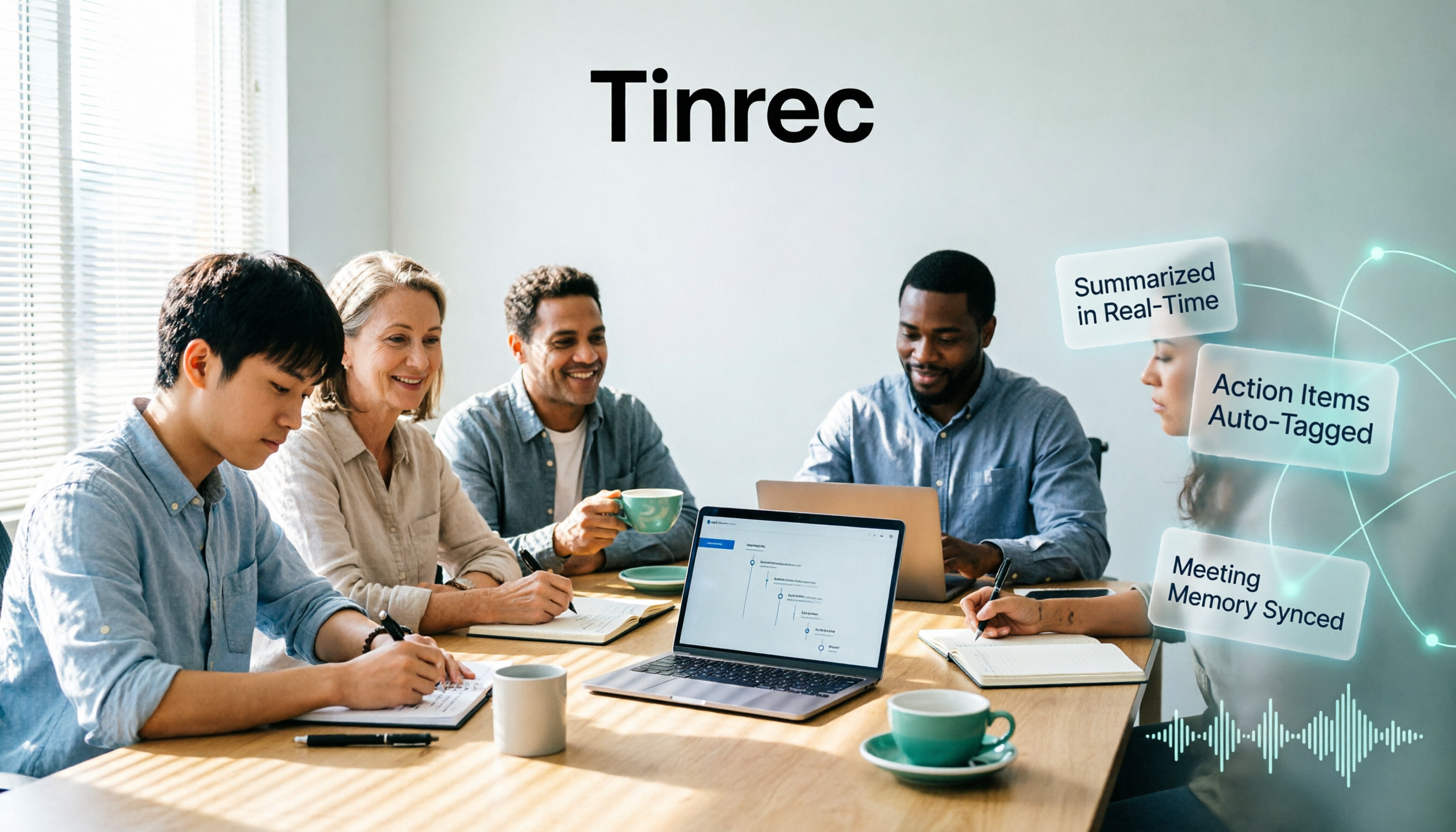
4 AI Meeting Notes Tools Tested for 2026: Is Notta AI Any Good, and How Does It Compare to Tinrec?
What is Notta AI, is the free version enough, and how does it differ from Tinrec? Starting from real meeting scenarios, this article outlines 4 key points for choosing a tool and compares Notta AI, Tinrec, Otter.ai, and TurboScribe in terms of positioning, quotas, and post-meeting workflows to help you pick the right one for you.

2026 Free Audio-to-Subtitle Tools Buying Guide: 4 Hands-On Tests and Recommendations
From free quotas and subtitle file exports to post-meeting organization, we tested four audio-to-subtitle tools—Tinrec, cSubtitle, TurboScribe, and MyEdit—to help you choose a free yet capable solution.
Lynn Nottage: A Complete Guide to Her Life, Plays, and Two Pulitzer Prizes
Want to get to know American playwright Lynn Nottage but don't know where to start? This guide covers her background, three key plays—Intimate Apparel, Ruined, and Sweat—her two Pulitzer Prizes for Drama, four common misconceptions, and suggestions for further reading, so you can grasp the essentials quickly.

3 AI Meeting Transcription Solutions Compared in 2026: Read This Before Buying Notta Memo
Card-style AI voice recorder hardware, built-in meeting platform transcription, and AI meeting notes software—what's the real difference? This comparison breaks down capture methods, post-meeting organization, team collaboration, and pricing, and explains how Tinrec uses desktop system audio to record online meetings without bots, automatically generates summaries and action items, helping you clarify the real problem before checkout.

2026 Test of 3 Transcription Tools: Good Tape Security, Which Is Smoother for Chinese Meetings?
Many people choose transcription tools based only on accuracy, but in practice, data storage, post-meeting organization, and team handover are the real keys. This article starts with selection criteria, first explaining Good Tape's positioning, security design, and minor drawbacks mentioned in third-party reviews, then compares Tinrec, Notta, and Granola in Chinese meetings, bot-free recording, and post-meeting workflows, and finally offers scenario-based recommendations.

2026 Video Auto-Subtitle Software Comparison: Which Tool Saves the Most Time on Chinese Transcripts and Post-Meeting Organization?
We tested and compared five video auto-subtitle tools—Tinrec, cSubtitle, Kapwing, pyTranscriber, and Adobe Express—breaking down Chinese recognition, output formats, post-meeting organization, and team collaboration to help you decide whether you need a subtitle file generator or a searchable text database.

4 AI Meeting Note Tools Tested for 2026: Who Can Auto-Summarize After an All-Nighter?
Many people search for 'after nottata' because they've pulled an all-nighter in a meeting and need to turn the conversation into text the next day. This article starts with the most common post-meeting pitfalls, explains 4 key points for choosing an AI meeting notes tool, compares Tinrec, Otter.ai, Notta, and Granola, and lists the 4 biggest mistakes to avoid—so you can find a method that actually saves time after an all-nighter.

5 Best Pubs in Nottage (2026): From an 1858 Inn to Seaside Drinks
Nottage is a small village outside Porthcawl with a handful of pubs, each with its own character. This guide covers five local drinking spots including Farmers Arms, Rose & Crown, and The Sea Horse, detailing their dining style, opening hours, dog and child policies, and club status so you can pick the right one before you go.

Dragon Quest 7 Reimagined Nottagen Choices Tested: Can You Actually Save the Town?
Can Nottagen be saved? The key isn't beating the boss—it's how you handle Buddy's pet worm, Wiggles. This guide covers the real consequences of all three choices, the full steps for the safe route, what you miss if you kill Wiggles, and where to save before making the call.