
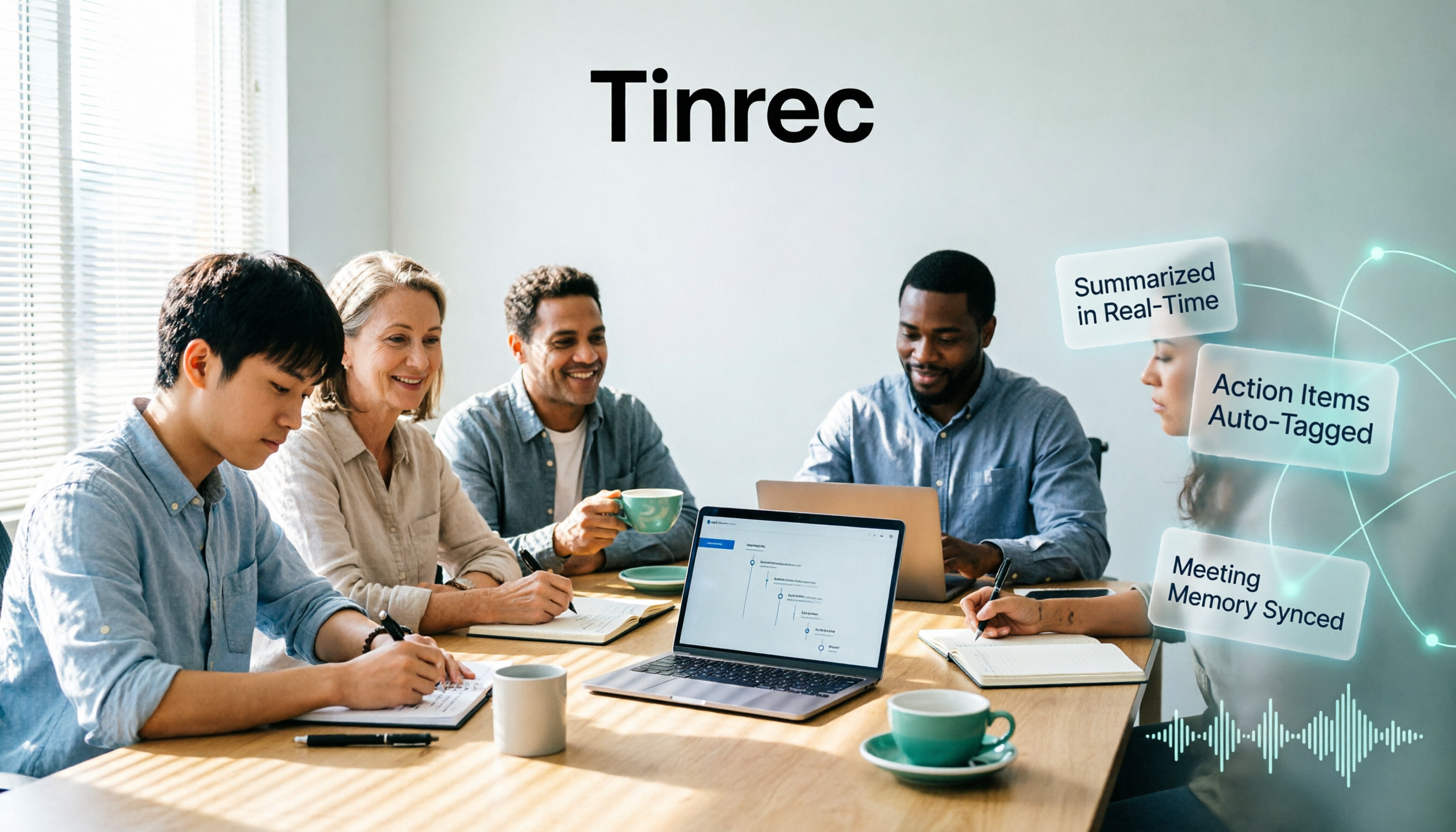
Turn recordings into transcripts and summaries in minutes
Upload audio or video for multilingual transcription, AI notes, and action items
The Pain Begins After the Meeting Ends
It's 3 PM, and you've just wrapped up a 90-minute project meeting. The discussion was lively, and the direction is set.
But the real work starts now: recalling the hour-and-a-half conversation, figuring out who's responsible for what, what's been decided, and what's still stuck.
If the meeting is cross-language, or participants have heavy accents and talk over each other, organizing notes often takes longer than the meeting itself.
Two weeks later, it gets worse. Your boss asks, "Who said they'd follow up on that quote?" You only remember "someone mentioned it," but can't find which part.
This isn't a memory issue—it's a process issue. If meeting content isn't properly captured, it's as if it never happened.
That's why AI meeting notes tools have become a staple for office workers this past year. Notta AI is one of the most searched names, so this article starts with it and lays out several common tools.
Before Choosing a Tool, Understand These 4 Key Points
1. Look at the "per-recording limit" for free quotas, not just the monthly total
Many tools advertise "300 free minutes per month," which sounds like plenty.
But the devil is in the details: some tools limit each recording to a few minutes; beyond that, you pay.
If your meetings start at 60 minutes, that "300 minutes per month" is almost meaningless.
When choosing a tool, confirm two things: the monthly total quota and the maximum length per recording.
2. How the meeting is "recorded"
There are three common approaches:
- Meeting bot: Joins online meetings as a participant. Convenient, but a "so-and-so has joined the meeting" notification appears, which some clients may mind.
- Desktop system audio capture: Directly captures the sound played by your computer, without disturbing anyone in the meeting room.
- Hardware recording device: A physical device, suitable for phone calls or in-person interviews, but requires an additional purchase.
There's no absolute good or bad. But if your meetings often involve external clients, or your company doesn't allow external bots to join, the second option is more practical.
3. What you need to do after transcription
The transcript is just raw material. The real time-saver is the processing afterward: automatic summaries, chapter segmentation, action item extraction, asking questions about the content, and whether it can export to tools you already use (Notion, Google Docs, etc.).
Using the tool only as "audio to text" means you're only getting one-third of its value.
4. For team use, look at the "governance" layer
Personal use and team use are two different things. Teams need to ask: Who owns the data? Will data disappear when a member leaves? Can admins see usage?
This involves role and seat design—roles determine who can manage the team, seats determine who can record, upload, and edit. It's worth clarifying before purchasing.
Tinrec (Instant Recording) — Our Most Frequently Used Tool
Tinrec (Instant Recording) is an AI meeting notes and collaboration tool for individuals and teams, supporting web, desktop, and mobile, and handling Chinese, Traditional Chinese, and multilingual meetings.
It's not just about converting sound to text; it turns meetings into searchable, queryable, and further processable data.
During the meeting: The desktop version directly captures computer system audio, handling online meetings on Zoom, Google Meet, Microsoft Teams, Webex, etc., without needing an extra bot to join. No unfamiliar name appears on participants' screens, which is especially friendly for external client meetings.
After the meeting: AI automatically generates summaries, chapters, and key points, and organizes action items from the discussion into to-dos. After segmenting long meetings, finding "which part discussed the budget" is much faster.
Post-meeting queries: This is where it stands out from ordinary transcription tools. You can directly ask "What were the conclusions of this meeting?" or "What were the three concerns the client mentioned?" and it will answer based on the transcript content, rather than giving you a list of keyword search results.
Further processing: Besides exporting to Notion, Google Docs, OneNote, Dropbox, it can also generate reports, tables, and document drafts. For those who need to submit meeting notes or weekly reports, this saves the most practical time.
Team collaboration: The team version is a separate team space, not "multiple people sharing one account." Meeting data belongs to the team; members can view and reuse historical meetings; admins can assign seats, view usage trends, query and export operation logs, and there's an audio recycle bin to recover accidentally deleted recordings.
Stop organizing recordings by hand
Upload audio or video and automatically get a transcript, summary, and action items
Where We Need to Be Honest
Tinrec does not promise a fixed accuracy rate. Actual performance is affected by recording quality, background noise, accents, multiple simultaneous speakers, and technical terms. For important content, it's recommended to cross-check with the transcript timestamps.
Also, it requires you to actively start recording, not a bot mode that "automatically joins all calendar meetings."
The team version currently focuses on team-level sharing and does not support fine-grained permissions at the individual file level—if you need "this file only visible to three people," confirm this first.
Who It's For
Those who often have Chinese or mixed Chinese-English meetings, don't want bots in the meeting room, want to use AI to find key points directly after meetings, or need to turn meetings into shared team assets.
Besides Tinrec, What Other Options Are There? Starting with Notta AI
What is Notta AI?
The name Notta comes from "Note Taking" in English. It's positioned as an AI note-taking tool that converts conversations to text and adds summaries. It supports up to 58 languages, covering multi-platform transcription, meeting notes, file import, translation, and team plans. It's a well-known name with high search volume in recent years.
The official current plan details are roughly: Free version 120 minutes per month, max 3 minutes per recording; Pro annual billing about USD 8.17/month, 1,800 minutes per month; Business annual billing about USD 16.67/seat/month, offering unlimited transcription, role permissions, and usage reports. Actual prices are subject to the official page.
Note that "3 minutes per recording"—the free version is fine for trying it out, but to fully organize a meeting, you almost certainly need to upgrade.
It overlaps significantly with Tinrec, both doing multi-platform transcription, meeting notes, and translation. The difference is in the post-meeting part: Notta's strengths lean toward transcription, subtitles, and translation itself, while Tinrec does more complete chapters, to-dos, AI Q&A, report generation, and team hotwords. If your focus is "quickly getting an accurate transcript + translation," Notta is sufficient; if you want "deliverable meeting materials directly after the meeting," the workflow extension will be the key differentiator.
Additionally, third-party review circles have discussed its paid terms and data usage policies. If you handle sensitive content, it's advisable to read the official privacy terms before deciding.
Otter.ai
A veteran choice for English business meetings. The free 300 minutes per month is quite generous, Pro annual billing about USD 8.49/user/month, and team and enterprise features are mature. Its mindset is mainly focused on English scenarios. If 90% of your meetings are in English, it will be smoother than Tinrec; but for Chinese and mixed Chinese-English organization experience, Tinrec puts more effort there.
TurboScribe
A cost-effective file transcription tool, focusing on long files and batch uploads—paid version supports up to 10 hours per file, 50 files at a time, free version 3 files per day (30 minutes per file). It's suitable for "I have a bunch of recordings to convert to text" scenarios. But real-time meeting recording and team collaboration space are not its forte, which is a clear difference from Tinrec.
Pitfall Guide: The 3 Most Common Mistakes When Choosing AI Meeting Notes Tools
Pitfall 1: Only looking at the officially advertised accuracy rate.
Many tools claim "98% accuracy," but that's usually measured under quiet studio conditions with a single clear speaker. Real meeting rooms have air conditioning noise, keyboard sounds, three people talking over each other—performance will noticeably decline. It's recommended to test with your own real recording, not just look at advertising numbers.
Pitfall 2: Ignoring "how the meeting is recorded."
You buy it only to find the tool requires a bot to join the meeting, and clients don't like unfamiliar accounts in the meeting room; or you find it only supports file upload, not real-time recording. Such after-the-fact fixes are troublesome, so think clearly about your meeting format first.
Pitfall 3: Buying it but only using it as "audio to text."
If you just save the transcript, you're wasting the AI features behind it. Try asking the tool directly after the meeting: "What three things were confirmed in this meeting?" "Who promised to deliver what by when?"—this is much faster than manually flipping through a 40-minute transcript.
Conclusion: Which One Should You Choose?
In one sentence: If you want "usable meeting materials right after the meeting," Tinrec has the most complete workflow among these.
Recommendations by scenario:
- Mainly Chinese or mixed Chinese-English meetings → Tinrec, Chinese scenarios are its focus
- Don't want bots in the meeting room → Tinrec desktop version directly captures system audio
- Need to submit notes, weekly reports, reports after meetings → Tinrec, can generate documents and tables directly from meetings
- Need to turn meetings into team assets → Tinrec team version, data belongs to the team, with seat and usage management
- Zero budget, only recording English → Otter.ai free 300 minutes is a reasonable choice
- A bunch of recording files to batch transcribe → TurboScribe is more targeted
If you're just evaluating whether Notta AI is worth using, it's recommended to first run a short meeting with its free version to get a feel, and also put Tinrec's free version side by side for comparison—throw the same recording into both and see whose summary is closer to what you'd actually want to deliver after the meeting.
There's no absolute best tool, only the one that better fits your actual meeting workflow.
References
Turn every recording into actionable outcomes
Get 60 free transcription minutes when you sign in. No credit card required.
Related Reading
You might also like

5 Best Auto Subtitle Tools in 2026: Free Tiers and Chinese Accuracy Compared
Stuck adding subtitles after editing? This hands-on comparison of 5 auto subtitle tools in 2026 covers Chinese recognition, free usage limits, timeline adjustments, and post-meeting text organization. It also explains how Tinrec turns video content into searchable, queryable, deliverable transcripts and meeting notes—helping you pick the tool that truly saves time.

2026 Voice Translation Tools Compared: Can Notta Translate? Which Is Better for Chinese Meetings?
The answer to "Can Notta translate?" is yes, but being able to translate doesn't mean it's easy to use. This article breaks down four dimensions: translation timing, Chinese and mixed Chinese-English performance, post-meeting output, and team governance. It compares Notta, Otter.ai, TurboScribe, and Tinrec to help you decide which one deserves a spot in your company budget.

5 Affordable Tape-In Extensions Tested for 2026: Can Cheap Extensions Last Through Seasonal Changes Without Shedding?
Looking for cheap but good tape-in extensions? This article compiles real user experiences from social communities to highlight 5 worth-considering options. First, learn to compare by total weight, not by number of pieces. Then, we break down the differences between affordable Amazon brands and Bellami, Beauty Works, SWAY, and JZ Styles. Finally, we list the 4 most common pitfalls to avoid.

5 Best Auto Subtitle Tools Online in 2026: Which Transcript Is Ready to Use?
There are many online auto subtitle tools, but the real difference lies after subtitles are generated. This article starts with common misconceptions, outlines 4 key purchasing points, and compares Tinrec, cSubtitle, FlexClip, Adobe Express, and others to help you decide whether to choose a dedicated subtitle tool or an AI meeting notes tool that also produces transcripts, summaries, and action items.

2026 Nottawa Restaurant Group Dining Planning: 5 Key Selection Tips + How to Choose a Post-Meeting Notes Tool
The restaurant list around Nottawa (Clearview Township, Ontario) may seem short, but the real challenge is determining what the meal needs to achieve. This article organizes selection tips across four dimensions—dining purpose, drive time, group size, and post-meeting follow-up—and compares four meeting notes tools: Tinrec, Otter.ai, Notta, and Granola, to help you keep reservation discussions, dietary restrictions, and post-meeting action items clearly recorded.

4 Notta Alternatives Tested for 2026: Which App Saves the Most Time on Chinese Meeting Notes?
Notta's free plan limits each recording to 3 minutes, so long meetings must be split into segments. This article compares four Notta alternatives—Tinrec, Otter.ai, Fireflies.ai, and Granola—from a practical decision-making perspective, covering free tier limits, meeting recording methods, post-meeting outputs, and team collaboration differences to help you choose the one that truly saves time.

2026 Free Audio-to-Subtitle Tools Buying Guide: 4 Hands-On Tests and Recommendations
From free quotas and subtitle file exports to post-meeting organization, we tested four audio-to-subtitle tools—Tinrec, cSubtitle, TurboScribe, and MyEdit—to help you choose a free yet capable solution.

Lynn Nottage: A Complete Guide to Her Life, Plays, and Two Pulitzer Prizes
Want to get to know American playwright Lynn Nottage but don't know where to start? This guide covers her background, three key plays—Intimate Apparel, Ruined, and Sweat—her two Pulitzer Prizes for Drama, four common misconceptions, and suggestions for further reading, so you can grasp the essentials quickly.

3 AI Meeting Transcription Solutions Compared in 2026: Read This Before Buying Notta Memo
Card-style AI voice recorder hardware, built-in meeting platform transcription, and AI meeting notes software—what's the real difference? This comparison breaks down capture methods, post-meeting organization, team collaboration, and pricing, and explains how Tinrec uses desktop system audio to record online meetings without bots, automatically generates summaries and action items, helping you clarify the real problem before checkout.