

Turn recordings into transcripts and summaries in minutes
Upload audio or video for multilingual transcription, AI notes, and action items
2026 Free Audio-to-Subtitle Tools Buying Guide: 4 Hands-On Tests and Recommendations
You have a 48-minute interview recording and want to add subtitles to your video. You open the first free tool and discover that free users can only transcribe 3 minutes. You switch to another site, sign up, and learn it allows 3 files per day but caps each file at 30 minutes. You try another one—the quota is enough, but the export is plain text with no timestamps.
This is the most common situation when searching for "free audio to subtitle" today: it's not that there are no free tools at all, but that free quotas, file limits, and output formats each have their own restrictions.
In this article, I'll walk you through how to choose among four tools from the perspective of actually organizing audio files, and explain when it's better to use the right workflow to handle transcripts, summaries, and action items all at once instead of continuing to hunt for free options.
Why do most people still get stuck with free audio-to-subtitle tools?
Free tools typically limit three things: length per session, number of uses per day, and output format. Short audio files seem fine, but once you deal with meetings or interviews, the limitations become obvious.
If you only have a 3-minute voice clip, a no-registration tool like cSubtitle is convenient. But meetings, interviews, and lectures often start at 30 minutes and may require SRT subtitle files.
Another issue is "what happens after transcription." Even after you get the transcript, you still need to spend time extracting key points and organizing action items. That's why I include "post-processing" in my selection criteria.
Four key factors for choosing a free audio-to-subtitle tool
1. How is the free quota calculated? Is it 3 minutes per session, 3 files per day, or monthly credits? Do you need to register? Figure this out first so you don't upload a file only to find you can't download it.
2. Do you need a transcript or a subtitle file? TXT, Word, SRT, and VTT are very different. SRT includes timestamps and can be imported directly into editing software or YouTube; plain text is better for notes and searching.
3. Recognition performance for Chinese and mixed Chinese-English speech. Taiwanese Mandarin, proper nouns, and overlapping speakers all affect results. Most tools don't promise a fixed accuracy rate, so always double-check important content.
4. Can you use the output directly after transcription? If you only get a transcript, you still have to organize it manually. If a tool can also produce summaries, chapters, action items, and AI Q&A, you save more than just transcription time.
Tinrec (秒聽錄音) — Our top recommendation for meeting audio organization after hands-on testing
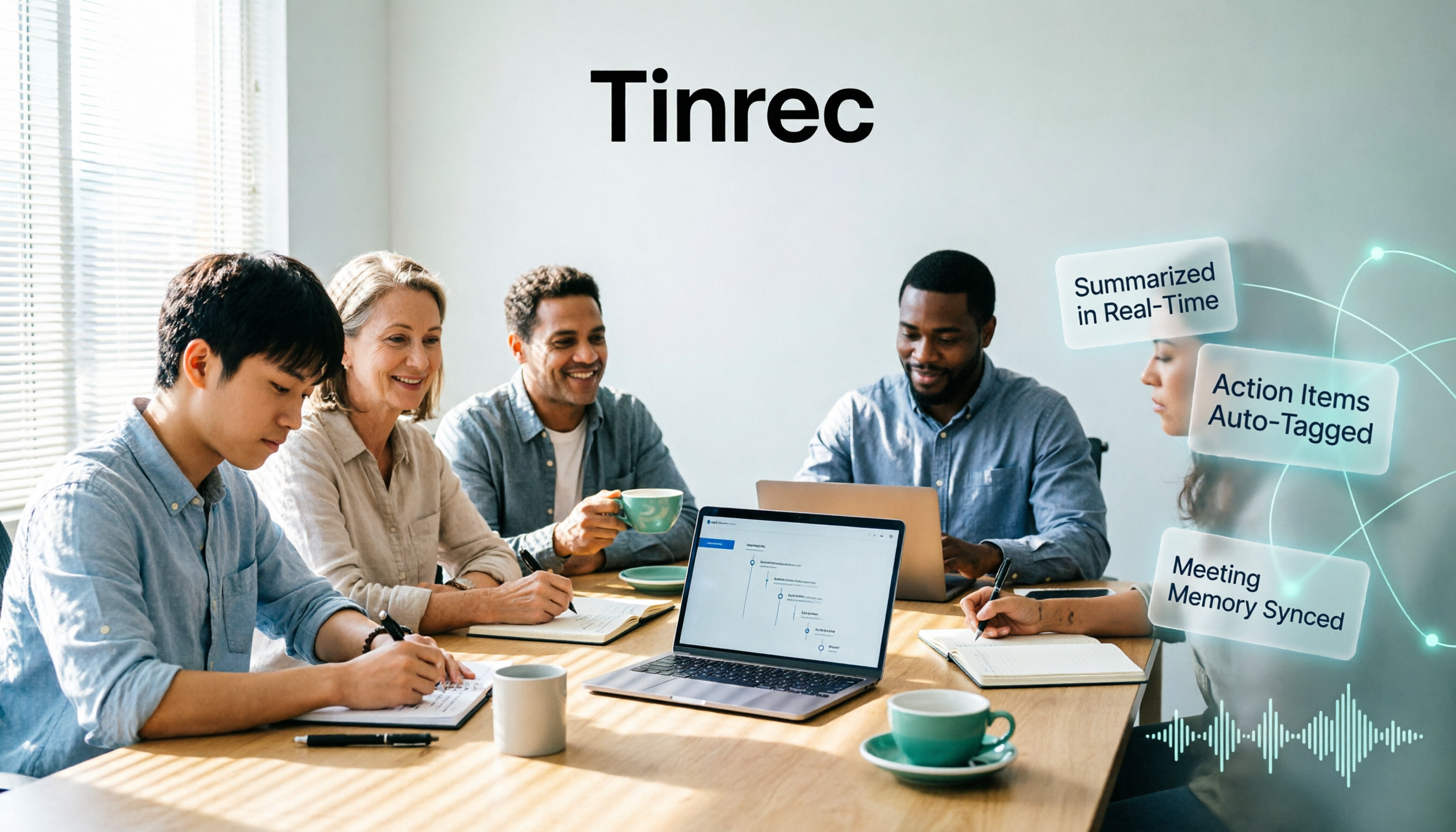
Tinrec (秒聽錄音) is an AI meeting notes and collaboration tool for individuals and teams. It supports live recording, desktop recording of online meetings without bots, media file import, and real-time translation. It doesn't just convert speech to text; it turns meeting recordings into searchable, summarizable, queryable, and exportable data.
Let's start with the most common scenario: you already have an interview or meeting audio file. Import it into Tinrec, and it generates a transcript and automatically creates summaries, chapters, key points, and action items. Previously I needed three tools—transcription, note-taking, and to-do lists—but now I can see everything in one place. That "ready to use right after transcription" feeling was the most impressive part of my testing.
The second scenario is online meetings. Tinrec's desktop version captures your computer's system audio directly, handling Zoom, Google Meet, Microsoft Teams, Webex, and other meetings without inviting a meeting bot. Note that this is not "automatically joining all meetings"—you open Tinrec yourself to start recording. For those who don't want a bot appearing in the participant list, this design is thoughtful.
The third scenario is post-meeting queries. After recording, you can ask Tinrec directly: "Which pricing plan does the client care about most?" "Who was responsible for the budget in the last meeting?" It answers based on the meeting content rather than just giving you keyword search results. Currently, most competitors in the same price range still focus on transcripts and summaries; AI Q&A is not standard.
Stop organizing recordings by hand
Upload audio or video and automatically get a transcript, summary, and action items
If you're a team, Tinrec's team edition is a separate team space, not multiple people sharing a personal account. It offers members, roles, seats, usage analytics, audit logs, and an audio recycle bin. Members without a seat can still view, play, and read team materials but cannot upload, edit, or import/export. Team data belongs to the team, and resources can be handed over when members leave. The first eligible team trial is 7 days with 1 free seat and 300 minutes of shared import quota; paid seats provide 2,000 minutes of shared import quota per month. Prices and benefits are subject to the official website.
During testing, I used a Chinese meeting recording and an interview audio file, going through the upload, transcription, summarization, and export process. The most obvious difference wasn't how fast the transcription was, but that I didn't need to open three tools afterward. For mixed Chinese-English content, you can view the original text, translation, or bilingual view. Actual recognition results are still affected by recording quality, accent, noise, overlapping speakers, and technical terminology; for important content, I recommend reviewing the transcript timestamps against the recording.
Limitations should also be clear: Tinrec's free version provides a basic quota, not unlimited transcription. If you only need a one-time 3-minute SRT, Tinrec may be overkill. Its strength is turning an entire meeting into queryable data, not quick no-registration subtitle conversion.
Who is it for? People who frequently have meetings, interviews, or lecture recordings and want transcripts, summaries, and action items together; those who need to record online meetings without bots; and teams that want to turn meeting data into team assets.
Besides Tinrec, what other free audio-to-subtitle options are there?
If you only need short audio-to-text or SRT, the following three can serve as alternatives. Free quotas and formats may change; check the official website before downloading.
cSubtitle: No registration required. The free version quickly transcribes 3 minutes, supports MP4, MOV, MP3, WAV, and other formats, and allows downloading text files, Word transcripts, and subtitle files with timestamps. Suitable for those who only have a few minutes and need SRT right now. How Tinrec differs: Tinrec connects transcripts to summaries, action items, and AI Q&A, not just a subtitle file.
TurboScribe: Requires registration. Free plan allows 3 files per day, up to 30 minutes per file; strengths are long documents and batch transcription. Paid version supports up to 10 hours or 5GB per file and 50 files at once. Suitable for those who have multiple recordings to transcribe daily. How Tinrec differs: Tinrec focuses more on live meeting recording, post-meeting organization, and team sharing, rather than one-time bulk file processing.
MyEdit: After logging in, you can use free credits daily. Supports 9 languages including Chinese, English, and Japanese, and can export TXT or SRT. You can edit the transcript and timestamps before exporting. Suitable for small amounts of audio and those who want a simple interface. How Tinrec differs: Tinrec supports desktop bot-free recording of online meetings, real-time translation, AI Q&A, and team spaces.
Pitfall guide: The 4 most common mistakes with free audio-to-subtitle tools
Pitfall 1: Only looking at the word "free" without checking limits. Length per session, daily uses, file size, and registration requirements can each trip you up. I recommend testing with your longest audio file first.
Pitfall 2: Treating a transcript as a subtitle file. SRT requires timestamps and line breaks, and AI-generated text still needs proofreading. For important videos, keep the original audio and revise against timestamps.
Pitfall 3: Ignoring recording authorization and privacy. Before uploading to the cloud, confirm whether customer data, personal information, or confidential material is involved; obtain consent before recording. For team use, confirm data ownership and member permissions.
Pitfall 4: Focusing only on transcription and ignoring follow-up organization. If you still have to manually extract key points after each transcription, you only save half the time. Tinrec's AI Q&A and action item extraction handle the "after transcription" part as well.
Conclusion: Which one should you choose?
Simply put, ask yourself: do you want "a subtitle file" or "usable data from a meeting"?
- Meeting, interview, or lecture recordings, wanting transcripts, summaries, and action items together → Tinrec
- Need to record Zoom, Meet, Teams without a bot joining → Tinrec desktop version
- Want to ask AI directly after recording "who mentioned the budget" or "what does the client care about" → Tinrec
- Team needs to share meeting data and manage member seats and usage → Tinrec team edition
- Mixed Chinese-English, need real-time translation and bilingual view → Tinrec
- Only a 3-minute short audio, need SRT immediately without registration → cSubtitle
- Multiple files under 30 minutes daily, want batch transcription → TurboScribe
- Small amount of audio, want 9 languages and SRT export → MyEdit
If you're not sure, start by running your most recent meeting recording through Tinrec's free version to see if the transcript, summary, and action items can be used directly in your daily work. Free quotas and export formats are subject to the official website; if you need SRT, confirm format options before downloading.
References
Turn every recording into actionable outcomes
Get 60 free transcription minutes when you sign in. No credit card required.
Related Reading
You might also like

5 Best Auto Subtitle Tools in 2026: Free Tiers and Chinese Accuracy Compared
Stuck adding subtitles after editing? This hands-on comparison of 5 auto subtitle tools in 2026 covers Chinese recognition, free usage limits, timeline adjustments, and post-meeting text organization. It also explains how Tinrec turns video content into searchable, queryable, deliverable transcripts and meeting notes—helping you pick the tool that truly saves time.

2026 Voice Translation Tools Compared: Can Notta Translate? Which Is Better for Chinese Meetings?
The answer to "Can Notta translate?" is yes, but being able to translate doesn't mean it's easy to use. This article breaks down four dimensions: translation timing, Chinese and mixed Chinese-English performance, post-meeting output, and team governance. It compares Notta, Otter.ai, TurboScribe, and Tinrec to help you decide which one deserves a spot in your company budget.

5 Affordable Tape-In Extensions Tested for 2026: Can Cheap Extensions Last Through Seasonal Changes Without Shedding?
Looking for cheap but good tape-in extensions? This article compiles real user experiences from social communities to highlight 5 worth-considering options. First, learn to compare by total weight, not by number of pieces. Then, we break down the differences between affordable Amazon brands and Bellami, Beauty Works, SWAY, and JZ Styles. Finally, we list the 4 most common pitfalls to avoid.

5 Best Auto Subtitle Tools Online in 2026: Which Transcript Is Ready to Use?
There are many online auto subtitle tools, but the real difference lies after subtitles are generated. This article starts with common misconceptions, outlines 4 key purchasing points, and compares Tinrec, cSubtitle, FlexClip, Adobe Express, and others to help you decide whether to choose a dedicated subtitle tool or an AI meeting notes tool that also produces transcripts, summaries, and action items.

2026 Nottawa Restaurant Group Dining Planning: 5 Key Selection Tips + How to Choose a Post-Meeting Notes Tool
The restaurant list around Nottawa (Clearview Township, Ontario) may seem short, but the real challenge is determining what the meal needs to achieve. This article organizes selection tips across four dimensions—dining purpose, drive time, group size, and post-meeting follow-up—and compares four meeting notes tools: Tinrec, Otter.ai, Notta, and Granola, to help you keep reservation discussions, dietary restrictions, and post-meeting action items clearly recorded.

4 Notta Alternatives Tested for 2026: Which App Saves the Most Time on Chinese Meeting Notes?
Notta's free plan limits each recording to 3 minutes, so long meetings must be split into segments. This article compares four Notta alternatives—Tinrec, Otter.ai, Fireflies.ai, and Granola—from a practical decision-making perspective, covering free tier limits, meeting recording methods, post-meeting outputs, and team collaboration differences to help you choose the one that truly saves time.
4 AI Meeting Notes Tools Tested for 2026: Is Notta AI Any Good, and How Does It Compare to Tinrec?
What is Notta AI, is the free version enough, and how does it differ from Tinrec? Starting from real meeting scenarios, this article outlines 4 key points for choosing a tool and compares Notta AI, Tinrec, Otter.ai, and TurboScribe in terms of positioning, quotas, and post-meeting workflows to help you pick the right one for you.

Lynn Nottage: A Complete Guide to Her Life, Plays, and Two Pulitzer Prizes
Want to get to know American playwright Lynn Nottage but don't know where to start? This guide covers her background, three key plays—Intimate Apparel, Ruined, and Sweat—her two Pulitzer Prizes for Drama, four common misconceptions, and suggestions for further reading, so you can grasp the essentials quickly.

3 AI Meeting Transcription Solutions Compared in 2026: Read This Before Buying Notta Memo
Card-style AI voice recorder hardware, built-in meeting platform transcription, and AI meeting notes software—what's the real difference? This comparison breaks down capture methods, post-meeting organization, team collaboration, and pricing, and explains how Tinrec uses desktop system audio to record online meetings without bots, automatically generates summaries and action items, helping you clarify the real problem before checkout.