

Turn recordings into transcripts and summaries in minutes
Upload audio or video for multilingual transcription, AI notes, and action items
Assuming 'a certification badge means security' is the most common misjudgment when choosing an AI meeting tool
When choosing an AI meeting recorder, many people first look for ISO 27001 or SOC 2 on the official website.
Having certification is certainly good, but it only answers 'whether this company's security processes have been independently audited.' It does not answer two more personal questions: where your meeting recordings are ultimately stored, and whether you can take them with you when you no longer want to use the service.
There is also a third, most easily overlooked question: how will this subscription charge you when you forget to cancel?
This article breaks down Notta AI's security into 'data security' and 'billing security,' then compares it with Tinrec, Otter.ai, and Granola—tools that are also frequently asked about—to help you judge which one is more reassuring to use.
Is Notta AI safe? First distinguish 'data security' from 'billing security'
Bottom line: on the data processing side, Notta has verifiable third-party audits and encryption practices; on the billing and customer service side, many users on public review platforms report unpleasant experiences. Looking at the two separately makes things much clearer.
For data security, Notta's official Help Center is fairly clear: files are transcribed by machine without human review; data is stored in a Tokyo data center; it has obtained SOC 2 Type II certification through independent audits; the entire site uses HTTPS (TLS 1.2) for transmission, and data is encrypted with AES-256 at rest. Third-party reviews also mention compliance with GDPR, CCPA, HIPAA, and ISO 27001 requirements.
For general business meetings, this combination is fairly complete. Note that 'machine transcription, no human review' refers to the transcription process; it does not mean data is thereafter free from other access possibilities. The real variables still lie in account permissions and team member management.
The billing security part has more noise. On Trustpilot's notta.ai review page, a user said they subscribed to a free trial on June 1, 2024, 'canceled immediately,' but was then charged for 7 consecutive months at $14.99 per month, with no response after multiple contacts; another said they simply forgot to cancel before the trial ended and was charged €83, complaining that the 3-day trial with annual billing design is not consumer-friendly.
These are one-sided user statements and do not mean the platform is breaking the law, but they do reflect a reality: trial cancellation deadlines and automatic renewal rules are the most common pitfalls with this type of tool. If you are evaluating Notta, it is advisable to screenshot and save the four fields on the checkout page: 'how many days is the trial, when will I be charged, how much, and how to cancel.'
Before choosing an AI meeting recorder, understand these 4 key security points
1. Look at certifications, but understand what they cover
SOC 2 Type II means the service provider's control processes have been audited, covering security, availability, processing integrity, confidentiality, and privacy. It is a good signal, but not a guarantee that 'data will never leak.'
The real questions to ask are: In which region is data stored? Is there encryption for transmission and storage? Who has access permissions?
2. Whether recordings are retained and can be exported in bulk
Few people compare this, but it has the biggest impact. If audio files are retained, you can replay them later to verify the transcript; if not, there is no way to check when errors occur. Whether you can export determines whether you will be locked in when you want to switch tools.
3. Whether team permissions are 'roles' or 'seats'
When multiple people use the tool, 'who can manage team settings' and 'who can upload, edit, and export' are actually two different things. Some tools bundle them together, while others design them separately. The clearer the separation, the easier it is to handle member changes.
4. Billing rules for subscriptions and trial periods
How many days is the trial, the amount and frequency of automatic renewal charges, whether cancellation takes effect immediately, and what the refund policy says. For this section, it is recommended to look directly at the checkout page, not just the marketing copy on the homepage.
Tinrec (秒聽錄音) — our top pick after this review
Tinrec (秒聽錄音) is an AI meeting recording and collaboration tool for individuals and teams, supporting web, desktop, and mobile. It moves meetings from 'recorded' to 'organized into data you can continue to use': transcripts, summaries, chapters, action items, mind maps, and the ability to ask questions directly about meeting content.
The most convenient part in practice is how meetings are captured. The desktop version directly captures the computer's system audio, handling online meetings on Zoom, Google Meet, Microsoft Teams, and Webex without inviting a meeting bot to join. For client meetings or cross-department communication, this is very practical—you do not want an unknown account appearing on the participant list.
Stop organizing recordings by hand
Upload audio or video and automatically get a transcript, summary, and action items
Post-meeting processing is where it stands out from pure transcription tools. When the meeting ends, summaries and chapters are already generated, and action items are organized; if you have questions, you can directly ask 'who mentioned the budget in the last meeting?' and it will answer based on semantics, rather than throwing a list of keyword search results. When archiving or handover is needed, you can export to Notion, Google Docs, OneNote, or Dropbox for further processing.
On security and governance, Tinrec takes the 'team data ownership' approach. The team edition is an independent team space where data belongs to the team, not the individual uploader; members are divided into three roles: owner, admin, and regular member, with 'seats' controlling who can record, upload, edit, and export—members without seats can still view, play, and read team data but will not accidentally edit. Admins can view usage trends, member rankings, and details, as well as query and export audit logs; accidentally deleted audio files can be recovered from a 30-day recycle bin.
One thing to be honest about: Tinrec emphasizes governance capabilities such as team spaces, role seats, auditing, and recycle bins externally, and does not highlight third-party compliance certifications. If your industry (medical, legal, financial) requires naming specific certifications for procurement, you should confirm directly with the official team rather than inferring from review articles.
Limitations are also clear. The free version is a basic quota, suitable for occasionally organizing one or two recordings; those with high meeting volume need to upgrade. Versions are divided into free, weekly pass, Pro monthly, and Pro annual—choose based on usage frequency. Team edition monthly billing is USD 29.80 per paid seat, annual billing is USD 199 per paid seat (about USD 16.58/month), each paid seat provides 2,000 minutes of team shared import quota per month; eligible teams get a 7-day trial, 1 free seat, and 300 minutes of shared quota for the first time. Actual prices and promotions are subject to the official purchase page.
Also, transcription accuracy is affected by recording quality, background noise, accents, overlapping speech, and technical terminology. For important content, it is recommended to replay and verify against transcript timestamps. Before recording, please obtain consent from participants in accordance with local regulations.
Who it suits: people who frequently hold Chinese or mixed Chinese-English meetings, do not want bots joining meetings, need to turn meetings into team data, and care about member permissions and data handover.
Besides Tinrec, what other options are there?
Notta: A multi-platform transcription and meeting recording tool with broad language support. The official free version offers 120 minutes per month (3 minutes per session), Pro annual billing is about USD 8.17/month with 1,800 minutes per month, Business annual billing is about USD 16.67/seat/month. Its data security description is relatively complete, but team governance and post-meeting workflow detail (roles, seats, auditing, post-processing output) are not as good as Tinrec. Confirm your team permission needs before choosing.
Otter.ai: A veteran choice for English business meetings. Basic free offers 300 minutes per month, Pro annual billing is about USD 8.49/user/month including 1,200 minutes. If your meetings are entirely in English and your team is used to an English interface, it is a very solid option; however, for Chinese and mixed Chinese-English meetings, as well as integration with bot-free desktop recording, Tinrec is closer to the Taiwan usage context.
Granola: Takes the 'bot-free plus user handwritten note enhancement' approach. Basic is free, Business is USD 14/user/month. The orientation is clear, but note that it does not save meeting audio files and does not support uploading pre-recorded audio files—those who want to review original audio or organize old recordings will be stuck. Tinrec retains audio files and supports file import, a clear difference.
Pitfall guide: 4 most common mistakes in judging AI meeting tool security
Pitfall 1: Treating certification as a panacea. Certification audits the vendor's processes, not your usage habits. With the same tool, some set the team to allow everyone to edit, while others implement role and seat layering—the risk difference is significant.
Pitfall 2: Ignoring automatic renewal during the trial period. This is the most common type of complaint on review platforms, regardless of brand. Mark the cancellation deadline on your calendar at the time of subscription—more useful than writing ten emails afterward.
Pitfall 3: Not confirming whether audio files are retained. When the transcript has errors, whether you can replay the original audio determines whether you spend 5 minutes or 50 minutes fixing it. This is also the most important thing to know in advance when evaluating tools like Granola that do not save audio.
Pitfall 4: Treating 'machine transcription, no human review' as the entire safeguard. It only indicates that no human is involved in the transcription process; it does not mean there are no risks in account sharing, departing member permissions, or export file flows. Team use must handle member and seat handover.
Conclusion: Which one should you choose?
Back to the original question: Is Notta AI safe? On the data processing side, it has SOC 2 Type II, encrypted transmission, and a Tokyo data center that can be verified—it can be called safe; what really deserves attention are billing details such as trial periods and automatic renewal, as well as how team permissions are managed.
For selection, you can divide as follows:
- Need Chinese/mixed Chinese-English meeting transcription and do not want bots joining meetings → Tinrec (desktop bot-free recording)
- Want to turn meetings into team data and need roles, seats, usage, and auditing → Tinrec Team Edition
- Need to retain audio files and import old recordings and videos → Tinrec (Granola does not save audio or support pre-recorded files)
- All-English meetings and team used to English interface → Otter.ai
- Only need a small amount of file transcription, subtitles, and translation → Try Notta free version first
It is recommended to first run your own real meeting with the free quota, listen to the transcription quality, see how accurately summaries and action items are captured, and then decide whether to pay. Whether a tool is safe is one thing; whether it is smooth to use is what you face every day.
References
- notta.ai Reviews | Read Customer Service Reviews of notta.ai
- Notta Review | A Unique AI Note-Taker (2026)
- Data security and privacy policy – Notta - Help Center
- Notta ai Review (2026): Is It Legit or a Scam? Full Honest Analysis - The Maker Depot
- Notta AI Review 2026: Features, Pricing, and Performance
Turn every recording into actionable outcomes
Get 60 free transcription minutes when you sign in. No credit card required.
Related Reading
You might also like

2026 Comparison of 3 Google Meet Meeting Notes Tools: Which One Turns Upcoming Meetings into Action Items?
Many people think Google Meet links appear automatically, but they are actually scattered across the Meet homepage, Gmail sidebar, Google Calendar, and mobile app. Starting from this common pain point of finding meetings, this article first explains how to view upcoming meetings in Google Meet, then tests and compares 3 meeting notes tools to see which one can truly turn a meeting into usable transcripts, summaries, and action items.

Google Meet vs Microsoft Teams (2026): Which Video Conferencing Tool Should You Choose?
Your company's email and file storage—Google or Microsoft—often determines whether you use Google Meet or Microsoft Teams. This comparison examines free version limits, participant experience, and where meeting data lives, plus common pitfalls and post-meeting organization tips.

2026 Google Meet Note-Taking Tools Compared: Tinrec's Chinese Summaries Save the Most Time After Updates?
A roundup of 2026 Google Meet updates and a hands-on comparison of meeting note-taking tools including Tinrec, Otter.ai, Notta, and Granola. From bot-free recording, Chinese transcription, post-meeting summaries, AI Q&A, and team collaboration perspectives, this guide helps US office workers choose the right solution.

3 Audio Transcription Tools Tested: Nottamun Town Lyrics Research and Interview Organization—Which Saves the Most Time?
Why does Nottamun Town (Roud 1044) get more confusing the more you look into it? This article first sorts out the origin of the song's title, three theories about its origins, and the contradictions in its lyrics. Then, based on the real needs of 'organizing recordings and interviews,' it compares Tinrec, Notta, TurboScribe, and Otter.ai in terms of capture methods, AI Q&A, export options, and team collaboration capabilities to help you pick the one that saves the most time.

2026 AI Transcription Tools Compared: Is Good Tape AI Worth It? Chinese Meetings & Team Collaboration
Starting from Good Tape AI's security compliance and multilingual transcription positioning, we compare Tinrec, Good Tape AI, Otter.ai, and Notta in Chinese meetings, post-meeting AI Q&A, team collaboration, and pricing to help you decide which one truly saves time.
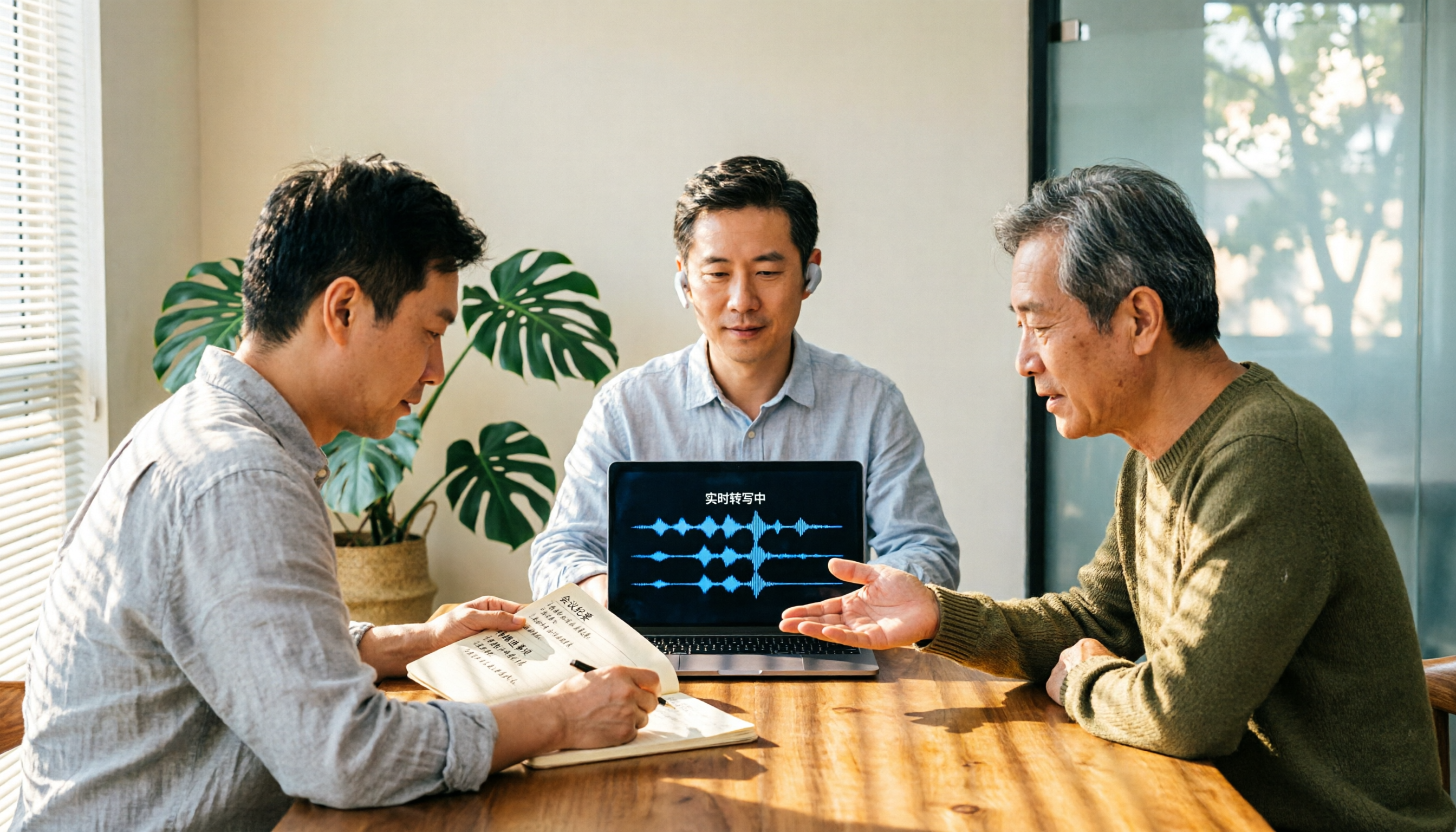
Good Tape Review 2026: Is This Privacy-First Transcription Tool Worth It?
Good Tape was built for the privacy needs of Danish newsrooms, emphasizing GDPR compliance, EU data storage, and no model training on user files. This guide cuts through common misconceptions to break down its real strengths and trade-offs, and explains better approaches for Chinese-language meetings and team collaboration.

2026 AI Meeting Notes Showdown: Is Notta's Free Plan Enough?
Is Notta free? Yes, but the free plan caps at 120 minutes per month and 3 minutes per recording—fine for short clips, but it struggles with real meetings. This comparison pits Notta against Tinrec across five dimensions: free-plan usability, meeting capture, post-meeting output, team governance, and billing risk, so you can decide which one belongs in your budget meeting.
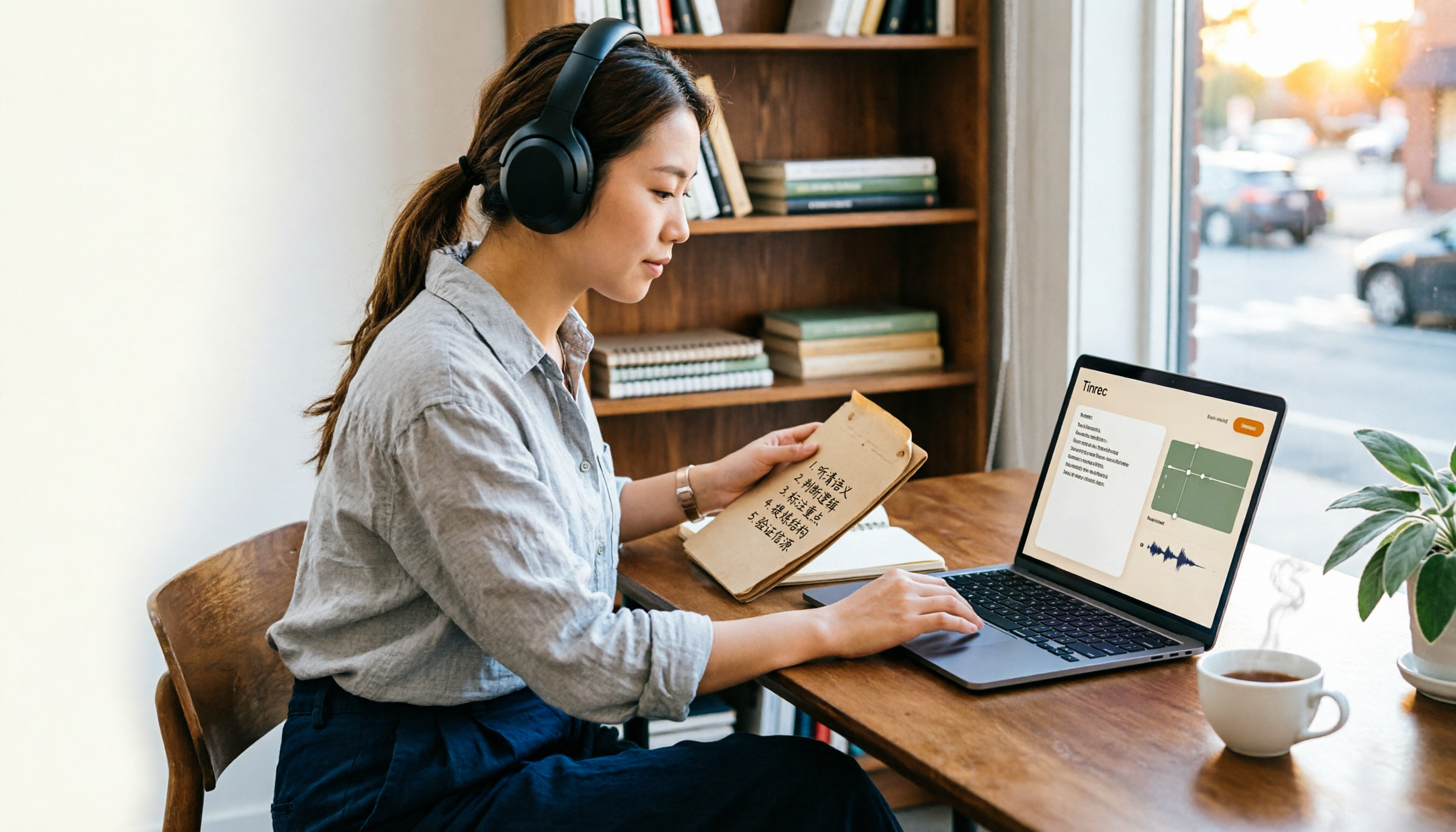
Is Notta Free Plan Enough in 2026? 5 Steps to Decide If You Should Upgrade
Notta offers a free plan, but it caps you at 120 minutes per month and 3 minutes per recording, and exporting and translation require a paid upgrade. This guide walks through real-world use cases with 5 steps to judge whether the free tier is enough, and compares the free terms and best-fit scenarios of Tinrec, Otter.ai, TurboScribe, and Granola so you can think it through before paying.

Good Tape Employee Handbook 2026: Transparent Culture + Meeting Notes Comparison
Good Tape publishes its entire employee handbook online so job seekers can understand the culture before deciding to join. This article breaks down the conditions behind this 'radical transparency' approach and compares Tinrec and Notta across 5 dimensions to see which is better suited for turning meeting content into shareable team knowledge.