

Turn recordings into transcripts and summaries in minutes
Upload audio or video for multilingual transcription, AI notes, and action items
When choosing a transcription tool, most people look at accuracy first. 90%, 95%, 98%—the higher the number, the more reassuring it seems.
But anyone who's been burned knows that's not the first question to ask. You should first ask: Once this audio file is uploaded, where does it live? Who can see it? Will it be used to train models?
Meeting recordings often contain client quotes, HR discussions, and unreleased product plans. If that content gets uploaded to the wrong place, no amount of accuracy can make up for it.
Another common misconception is equating "encrypted" with "secure." Encryption only describes the form of transmission and storage. What you really need to confirm is the storage location, retention period, model training policy, and who on your team has permission to open it.
This article uses Good Tape as an example to break down "is it good?" into concrete, checkable factors, and then explains more suitable approaches for different needs.
5 Key Points to Understand Before Choosing a Transcription Tool
1. Where audio is stored, how long it's kept, and who can see it
Uploading the same interview to different tools might mean it's stored on US servers or EU servers. This doesn't affect transcription quality, but it affects whether you dare upload it. If the recording contains personal data or undisclosed partnership terms, you must confirm three things first: storage location, encryption method, and whether it will be used to train models.
2. Accuracy depends on test conditions
Official accuracy figures are typically measured in quiet environments with standard accents. Real online meetings have air conditioning noise, keyboard clicks, people talking over each other, and mixed languages. Rather than trusting marketing numbers, try your own most difficult recording once.
3. What you can do after transcription
A tool that only gives you a transcript is basically handing the organization work right back to you. What's more valuable: Can it automatically generate summaries and chapters? Can it extract action items? Can you ask questions directly about the meeting content? Can it export to tools you already use?
4. How to manage a team
When multiple people use it, "roles" (who can manage the team and members) and "seats" (who can record, upload, edit) are two different things. Some plans only sell account numbers without permission and usage management. As the team grows, data gets scattered across individual accounts.
5. Chinese and multilingual scenarios
Taiwanese teams rarely meet in pure Chinese; it's usually Chinese mixed with English product names and technical terms. In this case, automatic language detection, bilingual display, and terminology support are more practical than a number like "supports 100 languages."
What Is Good Tape? A Privacy-First Transcription Service
Good Tape is an AI transcription service with privacy at its core, originating from a newsroom in Copenhagen, Denmark. It supports over 100 languages and dialects, features automatic language detection, and offers web, iOS, and Android apps. Transcripts sync with audio playback so you can listen and edit simultaneously.
Security specifications are its clearest differentiator: GDPR compliance, EU data storage, AES-256 encryption, ISO 27001, and a commitment not to train models on user files. For those doing investigative reporting, handling source interviews, or working with archived material, this set of conditions matters more than decimal points in accuracy.
Real-world performance and reputation
Third-party reviews rate it well on clean audio files, with a simple interface that's quick to learn—this is what it gets praised for most. But with heavy accents, background noise, or overlapping speakers, transcription accuracy shows a noticeable gap compared to similar tools.
On third-party review platforms, 76 user reviews average 3.1 out of 5, showing quite divided opinions. Satisfied users are mostly journalists and researchers who value compliance and storage location; dissatisfied users focus on transcription quality and the experience of "running a job only to get a small portion, with the rest locked behind payment."
So, is Good Tape good?
If the question is "Is there a transcription tool I dare upload sensitive interviews to, where data doesn't leave the EU?" the answer is yes, and it's designed exactly for that.
But if the question is "I want to turn weekly team meetings into searchable, transferable data," then it's probably not the smoothest path. Its strength is protecting audio files, not turning them into something the team can use afterward.
Tinrec — Turning Meetings into Searchable, Transferable Team Data
In one sentence: Tinrec is an AI meeting notes and collaboration tool for individuals and teams, available on iOS, Android, desktop, and web.
No need to add another bot to your meeting
When using the desktop version, Tinrec captures your computer's system audio to record Zoom, Google Meet, Microsoft Teams, and Webex—no need to invite a meeting bot as a participant. No unfamiliar account appears on the attendee list, which is especially useful for external client meetings.
Stop organizing recordings by hand
Upload audio or video and automatically get a transcript, summary, and action items
After the meeting, you get more than just a transcript
Once recording ends, the transcript is already there, along with AI summaries, chapters, key points, and action items. Action items show who's responsible for what and when it's due.
Even better is AI Q&A. You can directly ask "What were the client's concerns about the quote?" or "What three conclusions were confirmed in this meeting?" and it answers based on the content, rather than dumping a list of keyword search results.
For mixed Chinese-English meetings, you can enable real-time translation and view in original, translated, or bilingual mode. If you need deliverables afterward, you can generate reports, tables, and documents, or export to Notion, Google Docs, OneNote, or Dropbox for further processing.
Team Edition: Data belongs to the team, not individuals
The Team Edition is a separate team workspace where meeting data belongs to the team. Admins can assign and revoke seats, view usage trends and member rankings, query and export audit logs, and manage team hotwords. Accidentally deleted audio can be recovered from a 30-day recycle bin. When a member leaves or is removed, their team resources can be transferred to others, rather than disappearing with their personal account.
Currently, the Team Edition is USD 29.80 per paid seat per month, or USD 199 per paid seat per year (about USD 16.58 per month). Eligible teams can try 7 days free with 1 free seat and 300 minutes of shared import quota. Paid seats include 2,000 minutes of team shared import quota per month. Real-time recording currently does not deduct minutes under an active plan and seat; file and web imports consume the team shared quota. The Personal Edition offers a free version, weekly pass, Pro monthly, and Pro annual—choose based on your usage frequency.
Important to note
The Team Edition currently operates primarily on team-level sharing, where all active members can read team data—it's not file-level granular permissions. Members without a seat can view, play, and read, but need a seat to record, upload, edit, and export.
Also, transcription quality is still affected by recording quality, accents, noise, and overlapping speech. For important content, cross-check with the audio timestamps.
Who it's for
Those with Chinese or mixed Chinese-English meetings, who need bot-free recording of online meetings, want summaries and action items right after meetings, or want to turn meetings into shared team knowledge.
What Other Transcription Tools Should You Consider?
Otter.ai
A veteran choice for English meetings. Basic is free with 300 minutes per month; Pro annual billing is about USD 8.49 per user per month, including 1,200 minutes per month and 10 file imports. Its English meeting ecosystem is mature and it offers team management. The difference is that Tinrec focuses on Chinese meetings, bot-free recording, and post-meeting knowledge retention.
Notta
A multilingual transcription tool. Free is 120 minutes per month (3 minutes per item max); Pro annual billing is about USD 8.17 per month for 1,800 minutes per month. Suitable for those primarily transcribing files. If you want bot-free recording during meetings plus post-meeting AI Q&A and export workflows, Tinrec is a closer fit.
TurboScribe
Focused on bulk file processing. Free allows 3 files per day, 30 minutes per file max; Unlimited annual is USD 120 (about USD 10 per month), with paid plans supporting up to 10 hours per file and 50 files at once. It's cost-effective for batch processing long recordings and subtitles, but real-time meetings, post-meeting action items, and team handover are not its strong suit.
Pitfall Guide: 4 Most Common Mistakes When Choosing a Transcription Tool
Pitfall 1: Looking only at accuracy numbers
Advertised high accuracy is mostly measured on clean recordings. Real meetings have echo, keyboard noise, and people talking simultaneously. Try your own recordings with the free quota—don't just look at ads.
Pitfall 2: Treating "encrypted" as "data won't leak"
Encryption doesn't mean data stays where you're comfortable with, nor does it mean it won't be used to train models. These three things need separate confirmation, especially when handling sensitive interviews.
Pitfall 3: Buying only transcription, not the post-meeting part
If the tool only gives you a transcript, you still have to spend time going through that 30-minute meeting again. Whether it can automatically generate summaries, let you ask questions directly, and export—that's where real time savings come from.
Pitfall 4: Looking only at account count for team plans, not roles and seats
"Buying 5 accounts" and "5 people can record, upload, and edit" are two different things. Also note: shared visibility doesn't mean everyone can edit. Unclear permission design is hard to fix later.
Conclusion: How Should You Choose?
Start with the problem you're actually trying to solve, then choose the tool.
- Chinese or mixed Chinese-English meetings, needing summaries and action items afterward → Tinrec (Chinese experience and post-meeting workflow are the focus)
- Don't want a bot joining online meetings, but need team data sharing → Tinrec (desktop captures system audio, unified team workspace)
- Multiple team members, need seat and usage management, member offboarding handover → Tinrec (roles, seats, usage, audit, recycle bin all included)
- Sensitive interviews, requiring data to stay in the EU, valuing GDPR and ISO 27001 → Good Tape (this is its solid ground; the trade-off is accuracy gaps under some audio conditions)
- Pure English meetings, zero budget → Otter.ai Basic (300 minutes per month, enough for testing)
- Bulk processing of long recordings and subtitles → TurboScribe (advantages in file length and batch quantity)
If you have a Chinese meeting on hand, run it through the free quota first to see if the transcript and summary quality meet your standards, then decide whether to pay. The best way to know if a tool works is to try it with your own audio.
Sources
- Good Tape Review: The Transcription Tool Built for Journalists Who Protect Their Sources
- Good Tape Reviews | Read Customer Service Reviews of goodtape.io
- Goodtape.io Review 2025: Secure, Automated Transcription For Scalable Shopify Brands
- Good Tape review 2026 — ai audio & video transcription
- Good Tape Review (2026): Pros, Cons, Pricing, and Who It Is For | File Transcribe
Turn every recording into actionable outcomes
Get 60 free transcription minutes when you sign in. No credit card required.
Related Reading
You might also like

2026 Comparison of 3 Google Meet Meeting Notes Tools: Which One Turns Upcoming Meetings into Action Items?
Many people think Google Meet links appear automatically, but they are actually scattered across the Meet homepage, Gmail sidebar, Google Calendar, and mobile app. Starting from this common pain point of finding meetings, this article first explains how to view upcoming meetings in Google Meet, then tests and compares 3 meeting notes tools to see which one can truly turn a meeting into usable transcripts, summaries, and action items.

Google Meet vs Microsoft Teams (2026): Which Video Conferencing Tool Should You Choose?
Your company's email and file storage—Google or Microsoft—often determines whether you use Google Meet or Microsoft Teams. This comparison examines free version limits, participant experience, and where meeting data lives, plus common pitfalls and post-meeting organization tips.

2026 Google Meet Note-Taking Tools Compared: Tinrec's Chinese Summaries Save the Most Time After Updates?
A roundup of 2026 Google Meet updates and a hands-on comparison of meeting note-taking tools including Tinrec, Otter.ai, Notta, and Granola. From bot-free recording, Chinese transcription, post-meeting summaries, AI Q&A, and team collaboration perspectives, this guide helps US office workers choose the right solution.
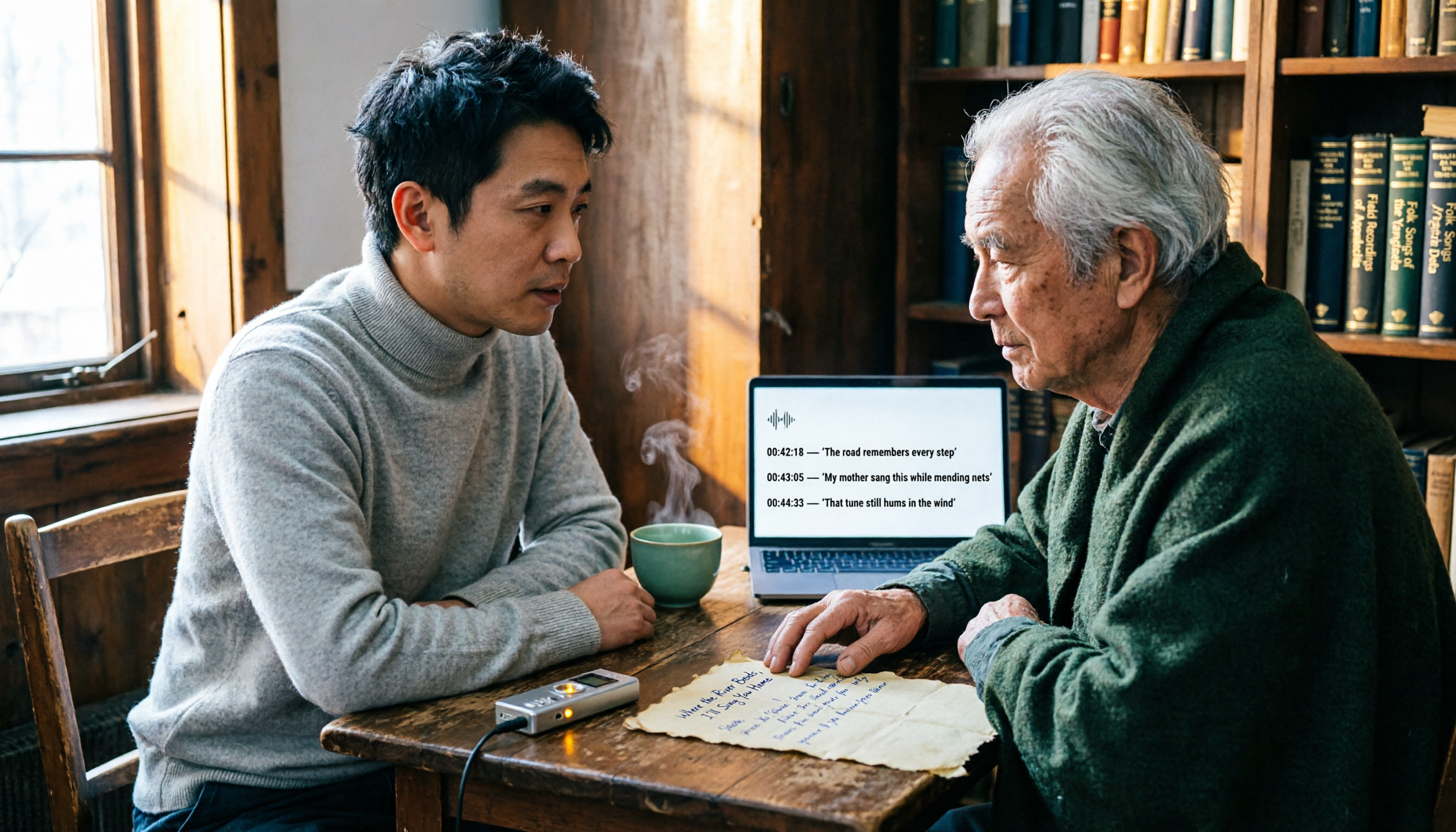
3 Audio Transcription Tools Tested: Nottamun Town Lyrics Research and Interview Organization—Which Saves the Most Time?
Why does Nottamun Town (Roud 1044) get more confusing the more you look into it? This article first sorts out the origin of the song's title, three theories about its origins, and the contradictions in its lyrics. Then, based on the real needs of 'organizing recordings and interviews,' it compares Tinrec, Notta, TurboScribe, and Otter.ai in terms of capture methods, AI Q&A, export options, and team collaboration capabilities to help you pick the one that saves the most time.

2026 AI Transcription Tools Compared: Is Good Tape AI Worth It? Chinese Meetings & Team Collaboration
Starting from Good Tape AI's security compliance and multilingual transcription positioning, we compare Tinrec, Good Tape AI, Otter.ai, and Notta in Chinese meetings, post-meeting AI Q&A, team collaboration, and pricing to help you decide which one truly saves time.

2026 AI Meeting Notes Showdown: Is Notta's Free Plan Enough?
Is Notta free? Yes, but the free plan caps at 120 minutes per month and 3 minutes per recording—fine for short clips, but it struggles with real meetings. This comparison pits Notta against Tinrec across five dimensions: free-plan usability, meeting capture, post-meeting output, team governance, and billing risk, so you can decide which one belongs in your budget meeting.

2026 AI Meeting Recorder Security Comparison: Notta Data Protection vs. Tinrec Team Governance
Many assume a certification badge on the official website means security—this is the most common misjudgment. This article breaks down Notta AI's security into 'data security' and 'billing security,' cross-checks official statements with public reviews, and compares Tinrec, Otter.ai, and Granola on permission governance, audio retention, and pricing to help you choose a meeting recorder you can truly trust.
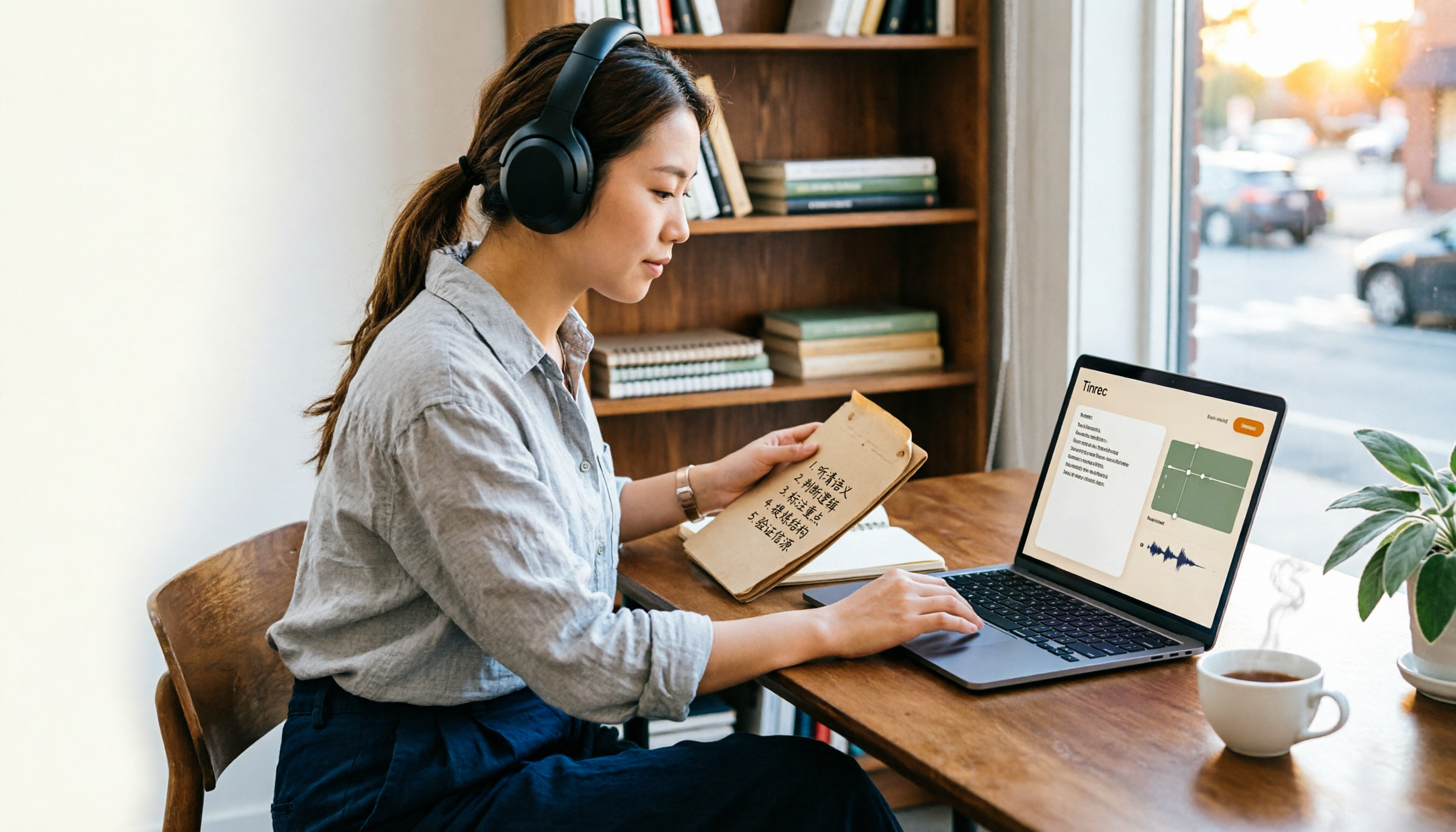
Is Notta Free Plan Enough in 2026? 5 Steps to Decide If You Should Upgrade
Notta offers a free plan, but it caps you at 120 minutes per month and 3 minutes per recording, and exporting and translation require a paid upgrade. This guide walks through real-world use cases with 5 steps to judge whether the free tier is enough, and compares the free terms and best-fit scenarios of Tinrec, Otter.ai, TurboScribe, and Granola so you can think it through before paying.

Good Tape Employee Handbook 2026: Transparent Culture + Meeting Notes Comparison
Good Tape publishes its entire employee handbook online so job seekers can understand the culture before deciding to join. This article breaks down the conditions behind this 'radical transparency' approach and compares Tinrec and Notta across 5 dimensions to see which is better suited for turning meeting content into shareable team knowledge.