
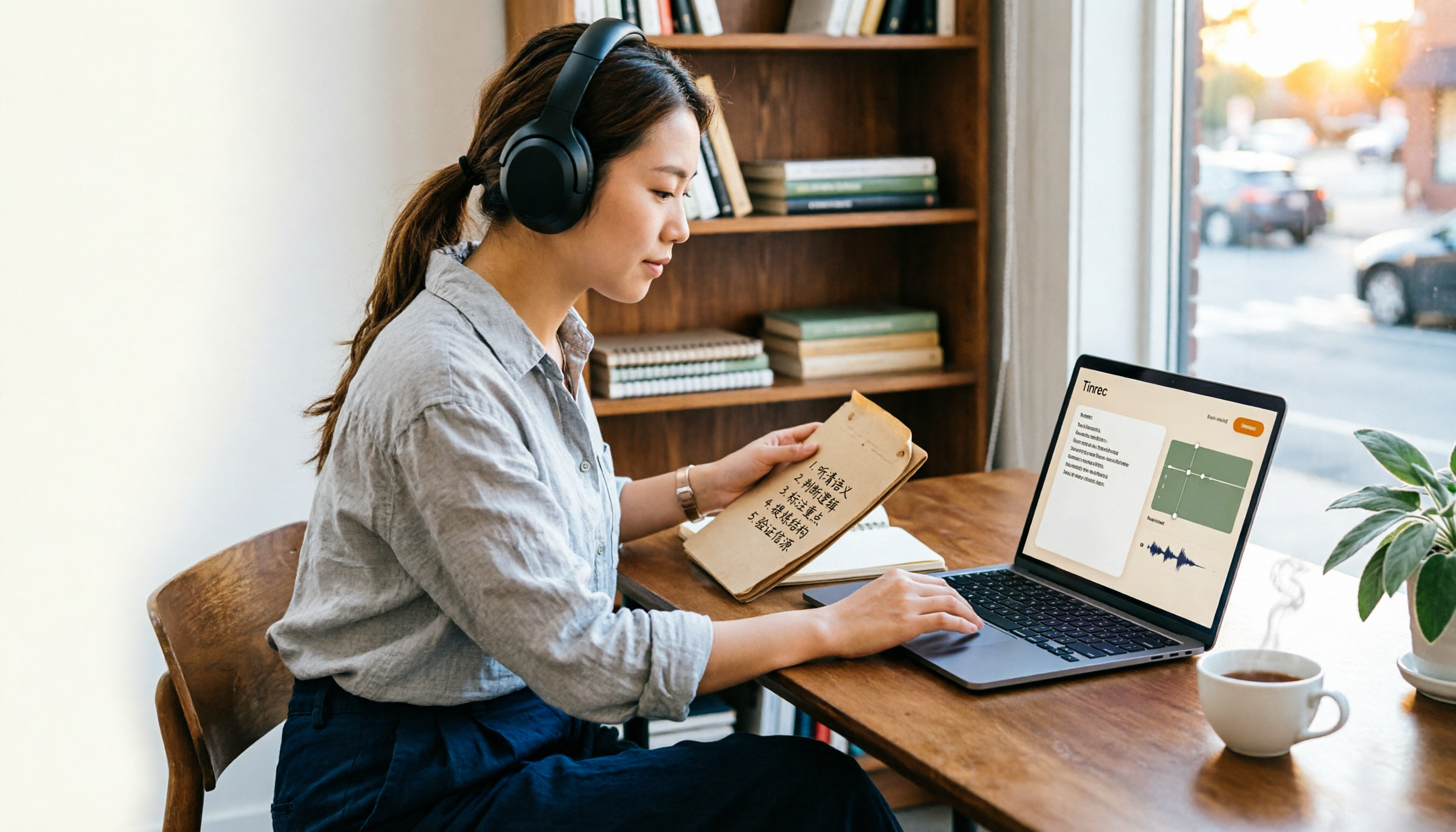
Turn recordings into transcripts and summaries in minutes
Upload audio or video for multilingual transcription, AI notes, and action items
Your meeting ends, your manager asks who said what in the final decision, and you open your transcription tool to check the transcript—only to find the free plan lets you see just the first 3 minutes.
Or you spend 40 minutes cleaning up an interview, hit export, and get an "upgrade to unlock" pop-up.
This article answers the question so many people get stuck on: Is Notta actually free? And how far can the free plan really take you?
Is Notta Free? First, Look at the Real Free Plan Limits
Bottom line: Notta has a free plan, but it's more of a "trial version" than a "work version."
According to Notta's official pricing page, the free plan provides 120 minutes of transcription per month, with a maximum of 3 minutes per recording or file. 120 minutes sounds like a lot, but a single team meeting eats 20 to 30 minutes, so in practice you'll run out after about four meetings.
More importantly, there's exporting. The free plan lets you view the transcript, but exporting, translation, custom vocabulary, and collaboration are locked behind an upgrade. The official FAQ is blunt about it too: after canceling a paid plan your data stays, but on the free tier you can only view the first 3 minutes of a transcript, so export to your local machine before downgrading.
On pricing, the official page currently shows Pro at about USD 8.17/month billed annually, with 1,800 minutes per month; Business at about USD 16.67/seat/month billed annually, offering unlimited transcription, role permissions, and usage reports. For actual prices, promotions, and currencies, refer to Notta's official purchase page.
Also, the online free transcription tool on the website has this rule: each user can transcribe one audio or video file for free, with a 3-minute cap per file. Registering an account gets you a 3-day free trial to test the full experience.
Simply put: the free plan suits "I want to check whether its recognition is accurate," not "I need to turn in meeting notes next week."
Is the Notta Free Plan Enough? Check With These 5 Steps
I usually don't just look at free minutes—I walk through these five steps.
Step 1: Confirm whether the quota "resets monthly" or is "one-time" 120 minutes per month and 120 minutes total are very different. Notta resets monthly, which is fine; but some tools say "free" when they actually give you a one-time credit at signup that's gone once used up.
Step 2: Confirm whether you can export This is the trap most people hit. If you can see the transcript but can't get it out, your whole dataset is locked inside the tool. When choosing a tool, just search for "export TXT, Word, SRT"—it's faster than reading the feature list.
Step 3: Test Chinese and mixed Chinese-English with your own recording Meetings in Taiwan rarely stay in Chinese the whole time—they usually mix in product names, KPIs, and roadmaps. These mixed-language sentences are where errors happen most. Don't test with official sample audio; run a real meeting recording of yours through it, and you'll know in five minutes whether it works.
Step 4: See what you can do after recording If the tool only gives you a transcript, you still have to re-read 40 minutes yourself. Better tools now generate summaries, chapters, and action items directly, and even let you ask questions about the content. This matters most for people who "have to deliver something after the meeting."
Step 5: Calculate the upgrade cost, not just the monthly fee Behind the monthly fee there are also per-recording length caps, export limits, and whether AI features cost extra. Some tools sell core features as separate add-ons, so read the plan details from top to bottom before you buy.
After these five steps, you'll have a good idea whether to stay on the free plan or go straight to a paid one.
Tinrec (秒聽錄音)—The One I Use More After Testing
Tinrec (秒聽錄音) is an AI meeting notes and collaboration tool for individuals and teams, available on web, desktop, and mobile.
What won me over most is how the desktop version records. Tinrec captures your computer's system audio directly, handling online meetings on Zoom, Google Meet, Microsoft Teams, and Webex without dropping a meeting bot into the room. This is especially noticeable with external clients—you don't have to explain upfront that "an AI will be joining the meeting."
Stop organizing recordings by hand
Upload audio or video and automatically get a transcript, summary, and action items
The second difference is after the meeting. Tinrec doesn't just hand you a transcript; it automatically generates summaries, chapters, and action items. After a meeting you can ask it directly "what did we decide last time" or "who's responsible for this," and it searches the meeting content for answers rather than just giving you keyword search results. The same material can also be turned into reports, tables, or meeting minutes.
The third is workflow integration. Transcription results can be exported to Notion, Google Docs, OneNote, and Dropbox for further editing, with no copy-pasting between tools.
For team use, Tinrec's team plan provides a separate team space where meeting data belongs to the team, plus member management, roles and seats, usage analytics, audit logs, an audio recycle bin (30-day retention), and team hotwords. One common misunderstanding to clear up: roles determine who can manage the team, while seats determine who can record, upload, edit, and export. Members without a seat can still view, play, and read team data—they just can't upload, edit, or export. On pricing, the team plan is currently USD 29.80 per paid seat per month, or USD 199 per paid seat per year billed annually (about USD 16.58/month), with each paid seat providing 2,000 minutes of shared team import quota per month; live recording doesn't deduct minutes under an active plan. Eligible teams get a 7-day trial, 1 free seat, and 300 minutes of shared import quota on first signup.
To be honest about limitations: Tinrec doesn't promise a fixed accuracy rate—actual performance depends on recording quality, noise, accents, people talking over each other, and technical jargon, so for important content we recommend replaying with timestamps to verify. The free plan provides a basic quota to try recording, importing, summaries, and transcription; whether it's enough depends on your meeting frequency.
Who is it for? People who frequently hold online meetings, need Chinese and mixed Chinese-English transcripts, and want to ask follow-up questions about key points right after recording.
Besides Notta, What Other Free Options Are There?
Otter.ai: A veteran choice for English meetings, with a free Basic plan of 300 minutes per month—the most generous free quota among these tools. But it doesn't focus on Chinese meetings; if you're recording all-English content, it's a better deal than Tinrec. Conversely, bot-free recording and bilingual organization for Chinese meetings are where Tinrec shines.
TurboScribe: Leans toward pure file transcription, with a free plan of 3 files per day and a 30-minute cap per file—good for batch-processing lots of long audio files. However, it lacks post-meeting collaboration features like meeting summaries, AI Q&A, and team spaces, which is the biggest difference from Tinrec.
Granola: Also a bot-free AI meeting notes tool, with a free Basic plan. It emphasizes "your handwritten notes plus AI enhancement," but doesn't support uploading pre-recorded audio files and doesn't save meeting audio. If you need to keep recordings and check back later, Tinrec is far more complete in this respect.
Pitfall Guide: The 3 Most Common Mistakes When Choosing These Tools
Pitfall 1: Only looking at free minutes and ignoring the per-recording length cap. 120 minutes per month sounds like enough, but with a 3-minute cap per recording, you can't record a meeting directly. When you see a quota, always check "maximum length per recording" at the same time.
Pitfall 2: Assuming the free plan can export. Many people only discover exporting costs money after they've finished organizing. Make it a habit: before signing up, check the "Export" row in the plan comparison table.
Pitfall 3: Treating AI features as included in the plan. Translation, AI summaries, and extra export formats may be add-ons in different tools. Confirm what the plan actually includes before buying—don't just look at the monthly fee number.
Conclusion: Which One Should You Actually Choose?
To bring it back to one sentence: Notta is free, but the free plan is for trying it out, not for delivering work.
- Just want to confirm transcription quality, fewer than three meetings a month → Try Notta's free plan first, reassess when the quota runs out
- Need to export transcripts and deliver notes after meetings → Go straight for a plan with free export, or consider Tinrec
- Mainly record English meetings, zero budget → Otter.ai's 300 free minutes is the most practical
- Have a pile of long audio files to batch-transcribe → TurboScribe's file rules fit better
- Want Chinese meetings, bot-free recording, and the ability to ask about key points right after recording → Tinrec matches these needs most completely
I recommend starting with the free plan and running your own real recording through it—that's more accurate than reading ten reviews. Upgrade only if it fits your needs; there's no need to pay the moment you sign up.
One last reminder: recording and transcription involve other people's privacy, so follow local regulations and get participants' consent when necessary.
References
Turn every recording into actionable outcomes
Get 60 free transcription minutes when you sign in. No credit card required.
Related Reading
You might also like

2026 Comparison of 3 Google Meet Meeting Notes Tools: Which One Turns Upcoming Meetings into Action Items?
Many people think Google Meet links appear automatically, but they are actually scattered across the Meet homepage, Gmail sidebar, Google Calendar, and mobile app. Starting from this common pain point of finding meetings, this article first explains how to view upcoming meetings in Google Meet, then tests and compares 3 meeting notes tools to see which one can truly turn a meeting into usable transcripts, summaries, and action items.

Google Meet vs Microsoft Teams (2026): Which Video Conferencing Tool Should You Choose?
Your company's email and file storage—Google or Microsoft—often determines whether you use Google Meet or Microsoft Teams. This comparison examines free version limits, participant experience, and where meeting data lives, plus common pitfalls and post-meeting organization tips.

2026 Google Meet Note-Taking Tools Compared: Tinrec's Chinese Summaries Save the Most Time After Updates?
A roundup of 2026 Google Meet updates and a hands-on comparison of meeting note-taking tools including Tinrec, Otter.ai, Notta, and Granola. From bot-free recording, Chinese transcription, post-meeting summaries, AI Q&A, and team collaboration perspectives, this guide helps US office workers choose the right solution.
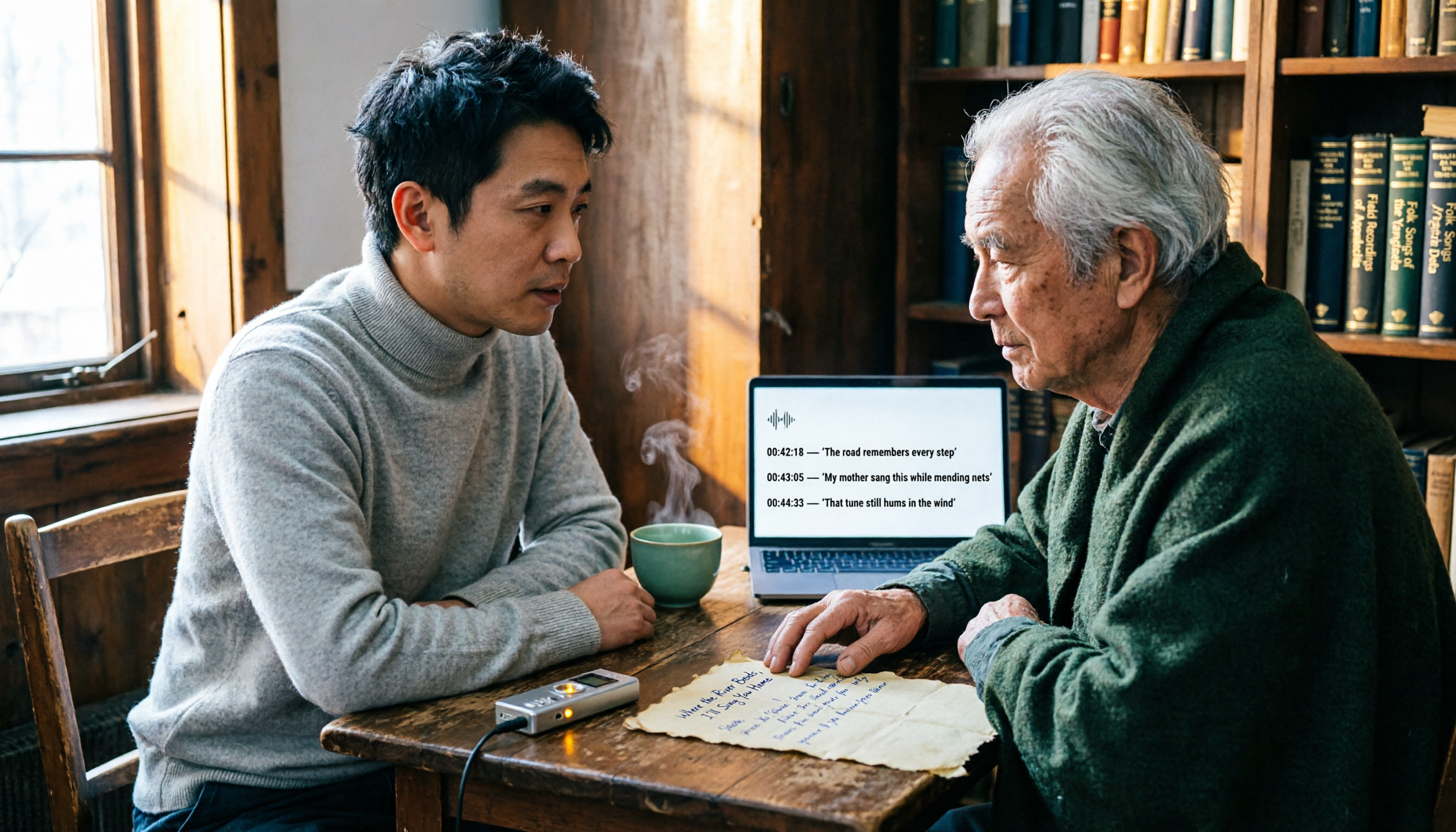
3 Audio Transcription Tools Tested: Nottamun Town Lyrics Research and Interview Organization—Which Saves the Most Time?
Why does Nottamun Town (Roud 1044) get more confusing the more you look into it? This article first sorts out the origin of the song's title, three theories about its origins, and the contradictions in its lyrics. Then, based on the real needs of 'organizing recordings and interviews,' it compares Tinrec, Notta, TurboScribe, and Otter.ai in terms of capture methods, AI Q&A, export options, and team collaboration capabilities to help you pick the one that saves the most time.

2026 AI Transcription Tools Compared: Is Good Tape AI Worth It? Chinese Meetings & Team Collaboration
Starting from Good Tape AI's security compliance and multilingual transcription positioning, we compare Tinrec, Good Tape AI, Otter.ai, and Notta in Chinese meetings, post-meeting AI Q&A, team collaboration, and pricing to help you decide which one truly saves time.
Good Tape Review 2026: Is This Privacy-First Transcription Tool Worth It?
Good Tape was built for the privacy needs of Danish newsrooms, emphasizing GDPR compliance, EU data storage, and no model training on user files. This guide cuts through common misconceptions to break down its real strengths and trade-offs, and explains better approaches for Chinese-language meetings and team collaboration.

2026 AI Meeting Notes Showdown: Is Notta's Free Plan Enough?
Is Notta free? Yes, but the free plan caps at 120 minutes per month and 3 minutes per recording—fine for short clips, but it struggles with real meetings. This comparison pits Notta against Tinrec across five dimensions: free-plan usability, meeting capture, post-meeting output, team governance, and billing risk, so you can decide which one belongs in your budget meeting.

2026 AI Meeting Recorder Security Comparison: Notta Data Protection vs. Tinrec Team Governance
Many assume a certification badge on the official website means security—this is the most common misjudgment. This article breaks down Notta AI's security into 'data security' and 'billing security,' cross-checks official statements with public reviews, and compares Tinrec, Otter.ai, and Granola on permission governance, audio retention, and pricing to help you choose a meeting recorder you can truly trust.

Good Tape Employee Handbook 2026: Transparent Culture + Meeting Notes Comparison
Good Tape publishes its entire employee handbook online so job seekers can understand the culture before deciding to join. This article breaks down the conditions behind this 'radical transparency' approach and compares Tinrec and Notta across 5 dimensions to see which is better suited for turning meeting content into shareable team knowledge.