
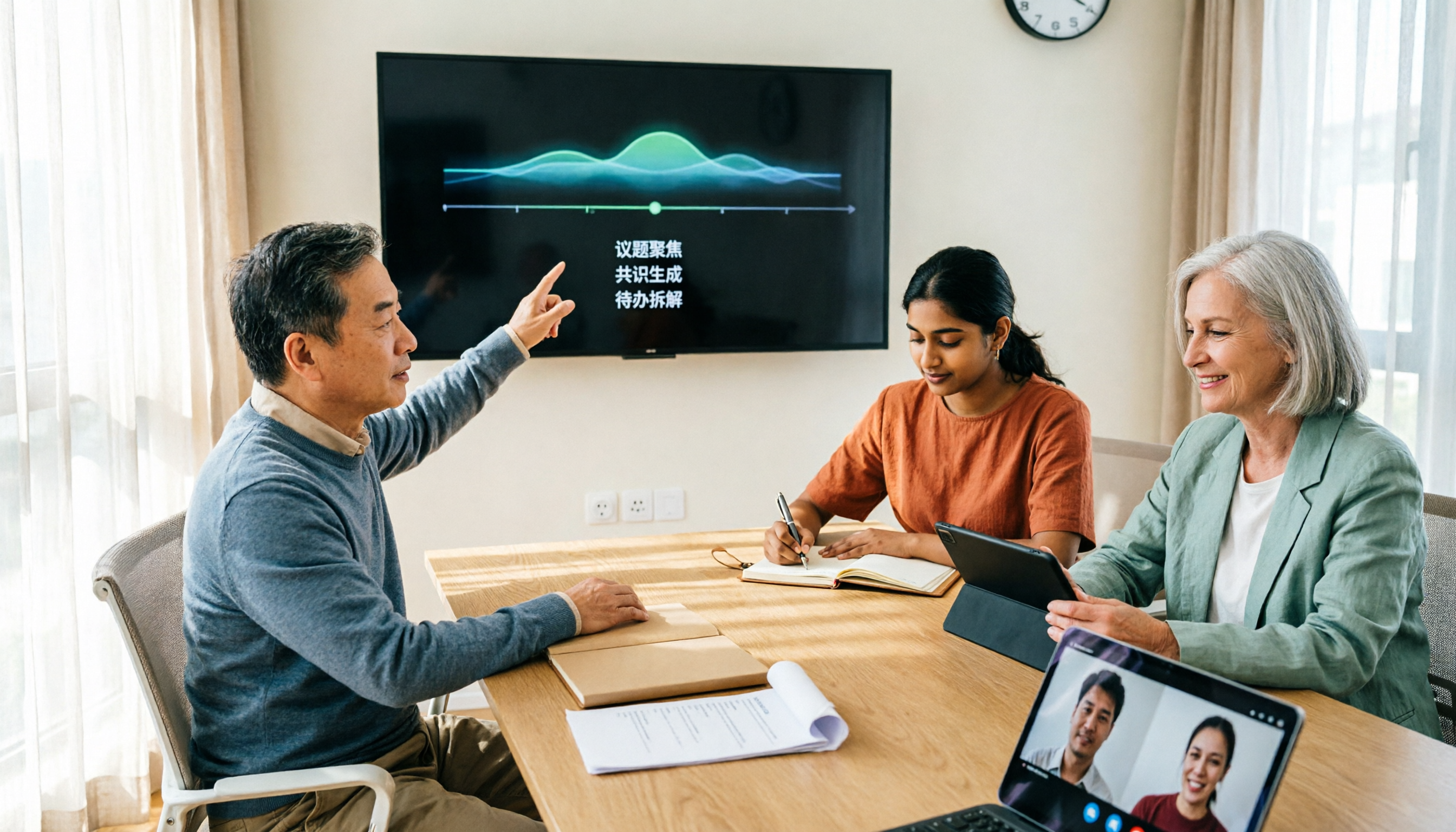
Turn recordings into transcripts and summaries in minutes
Upload audio or video for multilingual transcription, AI notes, and action items
Google Meet vs Tinrec in 2026: 5-Dimension Comparison — Which Is More Cost-Effective for Meeting Notes?
Many people ask "how much does a Google Meet account cost," but that question actually hides three different issues: Is the free version enough? How much extra for recording and transcripts? And how much will it cost for a team of dozens using it together?
In this article, I'll first break down Google Meet's cost structure, then look back at whether it's worth it based on what you actually need to do.
Understand three common misconceptions first to avoid wasting money
Misconception 1: Thinking Google Meet requires buying a separate account. It doesn't. Any personal Google account can use it. The free version supports up to 100 participants per meeting, group meetings with three or more people are capped at 60 minutes, and one-on-one calls can last much longer.
Misconception 2: Thinking the free version includes recording and transcripts. This is the most common trap. The free version has no recording, no transcripts, and no Gemini-related features. If you need these, you'll have to move up to paid plans like Workspace or Google One/Google AI Pro.
Misconception 3: Looking only at unit price without considering use case. Workspace is priced per user, so the larger the team, the higher the total cost. If you're upgrading solely because "I need meeting notes," you're essentially trading an entire productivity suite for one feature.
Clarify these three things first, then talk about money.
How is Google Meet actually priced?
Based on current public information, there are roughly three scenarios (actual fees are subject to Google's official pages and local currency):
1. Free: Personal Google account
- Up to 100 participants per meeting
- 60-minute limit for group meetings with three or more people
- One-on-one calls can last longer; some sources say up to 24 hours
- No recording, transcripts, or Gemini
2. Personal paid: Google One or Google AI Pro
- Google One (2TB storage) or Google AI Pro (US pricing about US$19.99/month)
- Both add longer group meeting times, recording, and noise cancellation to personal accounts
3. Team paid: Google Workspace
- Entry plans start at about US$6–7/user/month, varying by plan, region, and annual vs. monthly billing
- Starter, Standard, and Plus offer 14-day trials
- Enterprise is mostly custom-quoted, with higher participant limits; some sources list up to 1,000 participants
Simply put: Google Meet itself has no standalone monthly fee; its cost is tied to the Google plan you choose. The real question is—which plan contains the features you need.
Before calculating costs, confirm these 4 key points
1. Can you accept the free version's limits? The 60-minute group meeting cap is fine for one-on-one interviews but a clear limitation for two-hour project meetings.
2. Are recording and transcripts included in your plan? Different Workspace editions, Google One, and AI Pro include different features. Be sure to check the official plan descriptions before upgrading.
3. Is the pricing unit "per person" or "per meeting"? Workspace is priced per seat, so a 10-person team means 10 seats; Google One/AI Pro are personal subscriptions. Calculate annual total cost, not just monthly fees.
4. Do you want "to have meetings" or "usable data after meetings"? This is the most overlooked point. Meetings are free, but turning them into transcripts, summaries, and action items is where the real time goes.
If your answer leans toward point 4, consider a different approach: instead of upgrading an entire suite for one recording feature, just add a dedicated meeting notes tool.
Tinrec: A different calculation—spend money on post-meeting
Tinrec is an AI meeting notes and collaboration tool for individuals and teams, available on web, desktop, and mobile. Its positioning is not to replace video software but to fill in the "after the meeting" gap.
Bot-free recording of online meetings. Tinrec's desktop version directly captures your computer's system audio, handling Zoom, Google Meet, Microsoft Teams, and Webex meetings played on your computer without inviting an extra meeting bot. Start recording from the desktop app during the meeting, and the transcript is generated in sync while the meeting proceeds as usual.
Stop organizing recordings by hand
Upload audio or video and automatically get a transcript, summary, and action items
Delivers usable results after meetings, not just transcripts. After the meeting, Tinrec generates AI summaries, chapters, and action items; you can continue asking questions about the content, such as "What was the budget cap the client mentioned this time?" It answers based on semantics, not just keyword search results. When you need deliverables, Agent post-processing can generate reports, tables, and documents, and export to Notion, Google Docs, OneNote, Dropbox, and other tools for further work.
Chinese and multilingual meetings. Supports Chinese, Traditional Chinese, and multilingual content; during recording, you can switch between original text, translation, or bilingual view. Team plans also maintain hotwords to improve recognition of product names and proper nouns. Actual performance is affected by recording quality, accents, noise, and overlapping speakers—I won't give you fixed numbers on this.
Cost structure. The personal plan has a free version for basic recording, import, summary, and transcription quotas, plus weekly cards and Pro monthly/annual cards, suitable for short sprints or long-term use. The team plan offers a 7-day trial for first-time eligible users, including 1 free seat and 300 minutes of shared team import quota; monthly billing is USD 29.80 per paid seat per month, annual billing is USD 199 per paid seat per year (about US$16.58/month), each paid seat provides 2,000 minutes of shared team import quota per month, and real-time recording under an active plan and seat is currently not deducted by minutes. Prices and benefits are subject to the official purchase page.
Things to note. It is not a meeting bot and won't automatically join every meeting on your calendar; you need to start recording from the desktop app yourself. File and web link imports consume shared import minutes. The team plan currently focuses on team-level sharing and lacks file-level granular permissions.
Who it's for. If you have weekly Chinese meetings, need audio records, want to use AI to find key points right after meetings, or want to turn meeting data into a searchable team asset—this path is more direct than upgrading an entire suite.
Besides Tinrec, what other options are there?
Otter.ai. A mature choice for English business meetings. Free version offers 300 minutes per month; Pro annual billing is about US$8.49/user/month. It has deep experience in English scenarios, but Chinese meetings and bilingual views are not its focus; in contrast, Tinrec retains recordings and imports existing audio files, making the organization workflow more complete. If your meetings are entirely in English and your budget is zero, Otter's free version is a good deal.
Notta. Multi-platform transcription and translation. Free version offers 120 minutes per month (max 3 minutes per session); Pro annual billing is about US$8.17/month, Business about US$16.67/seat/month. It overlaps heavily with Tinrec; the difference is Tinrec uses bot-free desktop recording and integrates AI Q&A and Agent post-processing into the same workflow.
Granola. Bot-free AI meeting notes. Basic is free; Business is US$14/user/month. It emphasizes "your handwritten notes + AI enhancement," but does not support uploading pre-recorded audio files or saving meeting audio. If you need to listen back for verification, this is a clear limitation; Tinrec supports recording retention and file import.
Pitfall guide: The 4 most common mistakes when calculating Google Meet costs
Pitfall 1: Thinking the free version includes recording and transcripts. It doesn't. Recording and transcription require paid plans; confirm the features you need are actually included before upgrading.
Pitfall 2: Looking only at monthly fees without calculating annual totals. Workspace is priced per person, and annual vs. monthly billing differs. The annual cost for a 10-person team is a different world from a single subscription.
Pitfall 3: Upgrading an entire suite for one feature. If all you lack is "meeting notes and post-meeting organization," think carefully about whether it's worth upgrading the whole productivity suite.
Pitfall 4: Ignoring historical data. Can interviews recorded on your phone, old voice files, and videos from clients be organized together? Many tools have separate workflows for "meetings" and "files," and you only discover they don't connect when you need them.
One final reminder: recording and transcription involve personal data; please comply with local regulations and obtain participant consent when necessary.
Conclusion: Which one should you choose?
- Just need free video meetings → Google Meet free version is enough: 100 participants, 60 minutes, zero cost.
- Need recording and transcripts, and already use Google ecosystem → Evaluate Workspace or Google One/AI Pro, noting feature differences across plans.
- Mostly Chinese meetings, need post-meeting summaries, action items, and AI Q&A → Tinrec, spending budget on "usable post-meeting data."
- Team needs shared meeting data, seat and usage management → Tinrec team plan, with team space, seat management, usage analytics, and audit logs.
- Meetings entirely in English, zero budget → Otter.ai free version, 300 minutes per month.
My advice: start with free quotas. Throw your most recent real meeting into it, see if the transcript is usable and whether the summary captures key points, then decide whether to pay. That's more accurate than reading ten spec comparison tables.
References
Turn every recording into actionable outcomes
Get 60 free transcription minutes when you sign in. No credit card required.
Related Reading
You might also like

3 Google Meet Alternatives Tested in 2026: Who Generates Your Transcripts After You Switch?
Reddit's hottest Google Meet alternatives—from Jitsi Meet and Brave Talk to AI meeting note-takers—the real comparison is who handles meeting notes after you switch platforms. This article breaks down 4 key buying factors, 3 common pitfalls, and explains how Tinrec fills Meet's documentation gap with bot-free desktop recording.

5 No-Login Meeting Tools Tested in 2026: How to Choose a Solution That Lets You Meet Without Signing Up
Do external clients always get stuck on the login screen when they click your meeting link? This article approaches the problem from two angles—whether the host needs an account and whether guests can join directly—and compares the practical differences among Jitsi Meet, Whereby, Signal, Microsoft Teams, and Tinrec. It covers the real limits of no-login access, who is responsible for post-meeting records, and team plan seats and pricing.

Does Google Meet Have Transcripts in 2026? 5 Steps to Enable & 6 Meeting-to-Text Solutions
Google Meet does have built-in transcripts, but they require three prerequisites: account plan, device, and host settings. This article shows you how to enable it in 5 steps, then rounds up 6 meeting-to-text solutions, from native features to Tinrec, Otter, Fireflies, and Notta, so you can see how to choose at a glance.
2026 Google Meet Alternatives: Bot-Free Recording + Chinese Meeting Notes
Ending a meeting with only a few lines of notes is a daily reality for many people. Starting from real meeting scenarios, this article breaks down what to check in a Google Meet alternative: how meetings are recorded, what the recording becomes, and whether the team can find it later. It also walks through Tinrec's complete workflow from recording and transcription to summaries, action items, and team knowledge retention.

Google Meet vs Tinrec in 2026: 5-Dimension Comparison and How to Choose a Paid Plan
Google Meet doesn't have a standalone subscription page—paid capabilities are actually bundled within Google Workspace and Google One. This article breaks down six purchasable paths from Business Starter, Business Plus, Enterprise, and Google One Premium to Tinrec, comparing them across five dimensions to help you understand whether you're buying video calling or meeting notes before you check out.

3 Ways to Buy Google Meet in 2026: Free vs. Google One Premium vs. Workspace
Google Meet doesn't sell standalone accounts. This guide breaks down three routes—free, Google One Premium, and Google Workspace—comparing who pays, meeting limits, admin controls, and post-meeting workflows, plus a pre-purchase checklist to share with your manager.

How to Choose a Free Google Meet Alternative in 2026: 5 Steps to a Truly Sufficient Setup
A free Google Meet alternative isn't just another video app. This article uses 5 decision steps—call time limits, meeting recording methods, post-meeting organization, and team governance—to help you choose a setup that's truly sufficient and regret-free.

Google Meet for PC: No Download Needed — PWA Install & 4 Meeting Notes Tools Compared (2026)
Google Meet doesn't offer a standalone desktop app; the official options are browser access and PWA installation. This guide walks through three ways to use Google Meet on a computer and how to install the PWA, then compares four meeting notes tools — Tinrec, Otter.ai, Notta, and Granola — on transcription, summaries, action items, and team collaboration, so you can decide which one to use after your next meeting.

4 Google Meet Note-Taking Tools for Mac Compared: Which Free Tier Is Enough?
You don't need to install anything to use Google Meet on a Mac—the real hassle is organizing notes afterward. This article covers three ways to use Google Meet on Mac and compares Google Meet's native recording, Tinrec, Otter.ai, and Granola, so you can decide which tool to use for transcripts, summaries, and action items—and whether the free tier is sufficient.