

Turn recordings into transcripts and summaries in minutes
Upload audio or video for multilingual transcription, AI notes, and action items
6 Speech-to-Text Apps Tested in 2026: Which One Turns Recordings into Usable Transcripts and Action Items?
Why Do You Need a Speech-to-Text App?
Many people make the mistake of choosing a speech-to-text app based solely on accuracy. But the real challenge usually isn't transcription—it's the large block of text you're left with afterward: you have to re-listen, find key points, and organize to-dos, which ends up taking just as much time.
Another common pitfall is focusing only on free quotas while ignoring file length limits, export formats, whether online meetings can be recorded, and whether team members can share access. A more reasonable approach is to first confirm your input source—live recording, online meeting, or existing audio file—then determine what you need after the meeting: a transcript, summary, action items, or a team knowledge base. Only then should you compare prices.
Below is a rundown of 6 speech-to-text apps, with plans and limitations listed honestly.
Tinrec | The Most Complete AI Meeting Notes and Team Collaboration Assistant
Tinrec is an AI meeting notes and collaboration tool for individuals and teams. It doesn't just convert speech to text; it organizes meetings into searchable, summarizable, queryable, and exportable data. For those who need to handle online meetings, interviews, courses, and team meetings, it's more like a complete workflow from recording to post-meeting deliverables.
There are three core highlights. First, the desktop version can directly capture computer system audio to handle online meetings on Zoom, Google Meet, Microsoft Teams, Webex, etc., without needing a meeting bot to join or inviting an extra account into the meeting. Second, after transcription, it automatically generates summaries, chapters, key points, and action items, and allows AI Q&A around the meeting content, with real-time translation viewable in original text, translated text, or bilingual format. Third, it supports export to common formats and third-party tools, and can further generate reports, tables, and documents, suitable for post-meeting reporting and review.
In terms of plans, the personal version includes a free version, weekly card, Pro monthly card, and Pro annual card. The free version offers basic quota to experience recording, import, summary, and transcription. The team version is a separate team space; the first eligible team trial is 7 days, 1 free seat, and 300 minutes of team shared import quota; team monthly payment is USD 29.80 per paid seat per month, annual payment is USD 199 per paid seat per year, about USD 16.58 per month. Paid seats provide 2,000 minutes of team shared import quota per month; under an active team plan and active seats, real-time recording currently does not deduct minutes. The team version also includes members, roles, seats, usage analytics, audit logs, team hotwords, and audio recycle bin.
Who it's for: Those who need Chinese meeting notes, bot-free online meeting recording, post-meeting summaries and action items, and team-shared meeting data.
Notta | A Familiar Face for Multilingual Transcription and Meeting Notes
Notta also covers multi-platform transcription, meeting notes, file import, translation, and team plans, making it a common choice for those who need multilingual content organization. The difference from Tinrec is that Tinrec emphasizes bot-free desktop recording and post-meeting team data retention, while Notta offers a complete solution for multilingual transcription and team role management.
The free version offers 120 minutes per month, with a maximum of 3 minutes per session; Pro annual payment is about USD 8.17 per month, with 1,800 minutes per month; Business annual payment is about USD 16.67 per seat per month, providing unlimited transcription, role permissions, and usage reports. Suitable for users who need multilingual transcription, meeting notes, and team permission management.
TurboScribe | A Practical Choice for Long Audio Files and Batch Transcription
TurboScribe is more of a cost-effective file transcription tool, focusing on long documents, batch uploads, subtitles, and translation. If you have many pre-recorded audio or video files and need to process multiple files at once, its approach is more direct than real-time meeting tools.
The free version allows 3 files per day, up to 30 minutes per file; Unlimited annual payment is USD 120, about USD 10 per month. The paid version supports up to 10 hours or 5 GB per file, and can upload 50 files at once. Suitable for research interviews, course recordings, podcasts, and bulk audio organization.
SoundType AI | A Transcription App Focused on Transcripts, Summaries, and Multilingual Support
SoundType AI focuses on accurately converting recordings into transcripts, and offers AI summaries and speaker identification, supporting over 90 languages. The source page mentions that its system has been trained on 680,000 hours of multilingual data, suitable for meetings, interviews, podcasts, and other scenarios requiring transcripts and summaries.
The source page also mentions paid subscriptions from users; actual prices and plans should be based on the app store. Before use, it's advisable to confirm customer support channels, offline status, and export limitations. Suitable for users who primarily record on mobile and need multilingual transcripts and summaries.
Stop organizing recordings by hand
Upload audio or video and automatically get a transcript, summary, and action items
Atter App | A Free, Unlimited Transcription Option
Atter App is a rare free, ad-free, and unlimited speech-to-text tool mentioned in the source article. It supports importing video files from the gallery and automatically converting them to audio, and can also start recording from Apple Watch. For those who don't want to be constrained by trial periods or daily quotas, it's very appealing.
Before use, note that the source article mentions PDF export is currently in Simplified Chinese, and it focuses mainly on summaries and transcripts; recognition accuracy and mind map categorization still have room for improvement. Suitable for users with zero budget who mainly organize interviews or meeting recordings personally.
Yating Transcript | A Chinese Transcription App Supporting Real-Time and Audio File Transcription
Yating Transcript supports "simultaneous recording + real-time text conversion" and "direct audio file to text conversion," and can save transcript content, making it an intuitive choice for Chinese meetings, courses, and interview records.
The difference from Tinrec is that Tinrec, in addition to transcripts, integrates summaries, action items, AI Q&A, export, and team space into one workflow; Yating Transcript focuses more on the Chinese transcript itself. Fees and plans are subject to official announcements, suitable for those who only need Chinese transcripts and don't require a complex post-meeting workflow.
With So Many Options, How Should You Choose?
• Want the most complete post-meeting workflow (transcript + summary + action items + AI Q&A + export) → Tinrec.
• Need bot-free recording of Zoom, Google Meet, Microsoft Teams, Webex online meetings → Tinrec.
• Need meeting notes in Chinese, mixed Chinese-English, and real-time translation → Tinrec.
• Need team-shared meeting data, manage roles, seats, usage, and audit → Tinrec Team version.
• Need multilingual transcription and existing team role permissions → Notta.
• Need to handle many long audio files, batch uploads, and subtitle translation → TurboScribe.
• Zero budget, just want to occasionally transcribe a recording → Atter App.
• Only need Chinese transcripts, no complex post-meeting organization → Yating Transcript.
4 Things to Know Before Using a Speech-to-Text App
First, confirm your input source. Live recording, online meetings, mobile recording, and existing audio files require different tools. For example, Tinrec's desktop version records online meetings via system audio, requiring you to actively initiate recording—it doesn't automatically join all meetings.
Second, a transcript is not the end goal. Rather than just looking at transcription minutes, look at whether it can produce summaries, chapters, action items, and Q&A. Tinrec's value lies in completing the post-transcription organization and delivery together.
Third, understand the free quotas clearly. Free versions usually have limits on minutes, file length, or export; team versions distinguish member roles and seats—members who are active but without a seat can view, play, and read team data, but cannot upload, edit, import, or export.
Fourth, recording and transcription involve privacy. Obtain participant consent before recording and comply with local regulations; for sensitive content, confirm the tool's data processing methods first.
Conclusion
If you only occasionally transcribe a recording, free tools like Atter App are worth trying first; if you're dealing with meetings—especially online meetings, post-meeting organization, and team sharing—Tinrec offers the highest completeness. It puts recording, transcripts, summaries, action items, Q&A, export, and team space into a single workflow, making it easier for those who need to retain meeting data long-term.
It's recommended to first run through your own meeting workflow with the free version or team trial before deciding whether to upgrade.
FAQ
Is the free version of a speech-to-text app enough?
It depends on your use case. For occasional recording and note organization, free tools like Atter App are worth considering; Notta's free version offers 120 minutes per month, up to 3 minutes per session; TurboScribe's free version allows 3 files per day, up to 30 minutes per file; Tinrec's free version offers basic quota. If you have online meetings and post-meeting organization needs, paid plans are usually more reliable.
Can I record online meetings without a bot?
Yes. Tinrec's desktop version captures computer system audio to handle online meetings on Zoom, Google Meet, Microsoft Teams, Webex, etc., without needing a meeting bot to join. However, you still need to actively initiate recording—it doesn't automatically join all meetings.
Can transcript accuracy be guaranteed?
It's not advisable to rely solely on a fixed percentage. Recording quality, noise, accents, overlapping speakers, and technical terminology all affect results. Tinrec can use team hotwords to improve recognition of specialized terms; for important content, it's still recommended to cross-check the recording and transcript timestamps.
What's the difference between Tinrec Team and Personal versions?
Personal version data is managed by the individual account; the team version has a separate team space, meeting data is owned by the team, and adds members, roles, seats, shared quota, usage analytics, audit logs, and audio recycle bin. When a member leaves or loses a seat, team resources need to be handed over to other active members.
If I only want a free unlimited option, which one should I choose?
The source article describes Atter App as free, ad-free, and without quota limits, suitable for personal low-budget organization. However, its PDF export is currently mainly in Simplified Chinese, and it focuses on summaries and transcripts; if you need team collaboration or online meeting recording, you should still evaluate other options.
What should I pay attention to when transcribing recordings?
Obtain participant consent first and comply with local regulations. If meeting content involves sensitive information such as client, medical, legal, or financial data, confirm the privacy policy and data processing methods first; for important decisions, it's also recommended to keep a manual verification process.
References
Turn every recording into actionable outcomes
Get 60 free transcription minutes when you sign in. No credit card required.
Related Reading
You might also like

How to Write Sales Meeting Minutes in 2026: 5 Steps with Tinrec from Recording to a Trackable Example
Sales meeting minutes often turn into a running log that no one opens three months later. This article provides a ready-to-copy sales meeting minutes template skeleton, breaks down how to separate decisions from action items, and uses 5 steps to demonstrate how Tinrec turns a recording into a transcript, AI summary, and team knowledge—transforming a single visit into a trackable customer asset.

Sales Meeting Notes Platform 2026: Tinrec Template + AI-Generated Minutes Tutorial
The biggest problem with sales meeting notes isn't that they don't get written—it's that no one uses them afterward. This guide walks through five steps—from field design and recording to transcript proofreading, AI-generated minutes, and team knowledge retention—showing how to turn a template into trackable, transferable sales data.

2026 Comparison of 4 Sales Meeting Notes Solutions: From Handwritten Templates to AI Automation
Sales meeting notes are not just for record-keeping; they are the basis for tracking customer needs, objections, commitments, and next steps. This article uses a comparison table to break down four approaches: handwritten templates, spreadsheets, built-in platform transcription, and Tinrec AI meeting notes. It also covers key purchasing considerations, comparison table fields, and common questions.

Best Sales Meeting Notes Software in 2026: 5 Tools Tested, Tinrec vs. Notta for Chinese Meetings
What fields should a sales meeting notes template include? From the perspective of a mid-level manager leading a 10-person sales team with over a dozen meetings per week, I break down a ready-to-use sales meeting notes template and compare Tinrec and Notta on bot-free online meeting recording, Chinese terminology recognition, post-meeting action items, and team data retention, with buying advice and how to evaluate free versions.

How to Write Sales Meeting Notes in 2026: 5-Step App Tutorial with Examples
Sales meeting notes aren't a verbatim transcript—they're the key information someone else can act on. This guide shows a 5-step app workflow: define 7 fields, transcribe live, proofread only key numbers, use AI for summaries and action items, then export to team data. Includes a copy-ready blank template and a filled-in example.

How to Write Sales Meeting Minutes in 2026: 5 Steps + 6 Templates and Tools Tested
Sales meeting minutes aren't just about filling in fields and calling it done. This guide starts with 5 essential fields, then tests and compares 6 templates and AI tool options—including Tinrec's bot-free recording, AI Q&A, and team spaces—to help you pick the one that saves the most time.

2026 Sales Meeting Notes Free Plans Compared: Tinrec vs Granola
The real pain of sales meeting notes isn't recording—it's that no one wants to organize them afterward. This article uses the same sales scenario to compare the free plans of two bot-free meeting note tools, Tinrec and Granola, breaking down Chinese recognition, audio retention, post-meeting outputs, free quotas, and team collaboration. It concludes with a direct recommendation for small sales teams of eight or fewer on which tool to spend time on.

Tinrec vs Granola 2026: 5-Factor Comparison — Which Is Better for Sales Meeting Notes?
Using a real sales meeting scenario, we compare Tinrec and Granola across five dimensions: recording sources, audio retention, Chinese-language experience, post-meeting outputs, and team governance. Includes a comparison table you can drop straight into a report to help you decide which tool fits your sales meeting notes.
2026 Sales Meeting Notes Template: The Complete Guide from Field Design to AI Automation
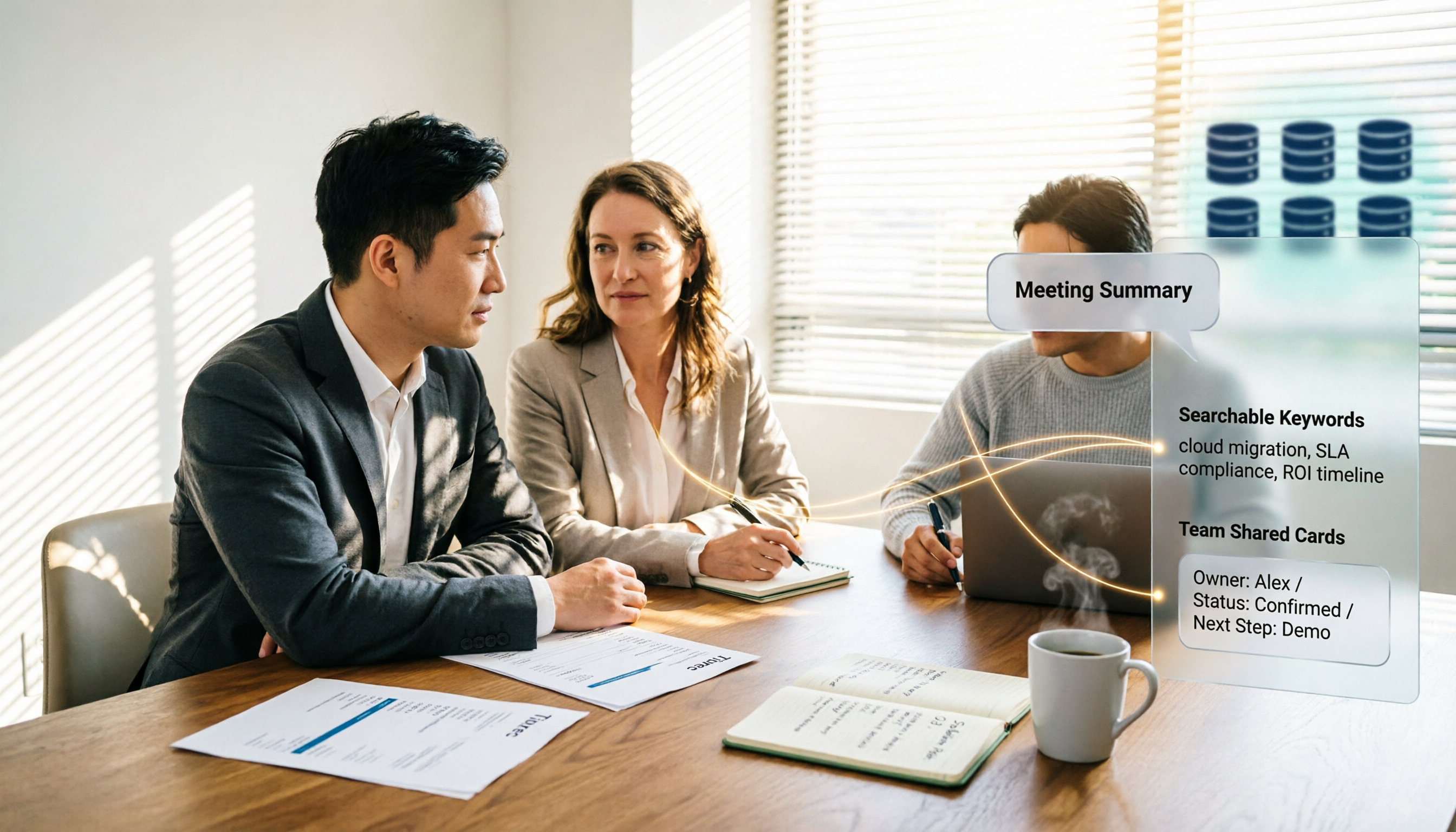
The real challenge with sales meeting notes isn't the table fields—it's where the data lives after the meeting, who can access it, and whether you can reference the customer's exact words. This guide starts with six essential sections and explains how Tinrec automatically turns visits, weekly meetings, and pricing discussions into searchable, queryable, and transferable team knowledge. It also covers five key purchase considerations and common FAQs.