

Turn recordings into transcripts and summaries in minutes
Upload audio or video for multilingual transcription, AI notes, and action items
Why Are Sales Meeting Notes So Hard to Handle?
Last month, during my internship in the sales department, my mentor dropped a line: "I need the notes from this client meeting before you leave today." The meeting lasted two hours. The client talked about budget, competitors, and three questions they needed to confirm. I typed furiously, but I completely missed the key sentence: "We absolutely must complete acceptance by the end of the year."
It's not that you're not serious enough—it's that the human brain isn't good at remembering details. The value of a sales meeting isn't in the meeting itself, but in the follow-up afterward: what the client said, what was promised, and who is responsible for the next step. The notes aren't written for your boss; they're for yourself and your colleagues two weeks or a month later.
This article covers 5 sales meeting note tools I've used, looking at Chinese transcription, AI summaries, free tiers, and pricing all at once, with buying advice at the end.
Tinrec | Turning Meetings into Searchable, Queryable Data
One-sentence positioning: An AI meeting notes and collaboration tool for individuals and teams. It doesn't just turn audio into text—it organizes meetings into data you can keep working with.
Highlight 1: Record online meetings without a bot. The desktop version directly captures your computer's system audio, handling meeting audio played on Zoom, Google Meet, Microsoft Teams, and Webex without inviting a meeting bot to join. For sales, this is very practical—a recording bot suddenly appearing in a client meeting really makes the atmosphere awkward.
Highlight 2: It's still useful after transcription—that's the difference. Beyond the transcript, it automatically generates summaries, chapters, key points, and action items, and you can ask AI questions about the meeting content. When my mentor asked me "What was the budget cap the client mentioned?" I didn't re-listen to the recording—I directly asked the meeting data and got an answer in thirty seconds. It also supports mind maps, multi-format export, and can further generate reports, tables, and meeting minutes.
Highlight 3: Chinese and multilingual meetings. It can organize Chinese meetings and mixed Chinese-English content, with real-time translation and original/translated/bilingual views. The team version also has team hotwords to maintain recognition of your product models and proper nouns. Actual performance is affected by recording quality, accents, background noise, and overlapping speakers, so it's best to test with your own real meeting recording first.
Highlight 4: The team version keeps data in the team's hands. The team version is a separate team space where Audio, Folder, and TODO are centrally stored, with distinct "roles" and "seats": roles determine who can manage members and team settings, while seats determine whether you can record, upload, edit, and import/export. Members who are active but have no seat can still view, play, and read team data. There are also team usage trends, member rankings, audit logs, and a 30-day audio recycle bin.
Plans and pricing: The free version has a basic quota to try recording, importing, summaries, and transcription. For short-term intensive use (e.g., several client interviews in a week), consider the weekly card; for steady weekly meeting needs, the Pro monthly card; for long-term accumulation of recording data, the Pro annual card offers a lower monthly equivalent. The team version is USD 29.80 per paid seat per month, or USD 199 per paid seat per year (about USD 16.58 per month), with each paid seat providing 2,000 minutes of team shared import quota per month; the first eligible team trial is 7 days, 1 free seat, and 300 minutes of shared import quota. Under an active team plan and active seats, real-time recording currently does not deduct minutes; file and web imports use the team shared quota (actual prices and benefits are subject to the official purchase page).
Who it's for: People whose meetings are mostly in Chinese, who don't want a bot in the meeting, and who need to leave the data for the entire sales team afterward. Note that you need to start recording yourself—it doesn't automatically join all calendar meetings; the team version is primarily team-level sharing, not file-level granular permissions.
Otter.ai | A Mature Choice for English Meetings
One-sentence positioning: A veteran AI meeting assistant for English business meetings, strong in English-language maturity. The free Basic plan offers 300 minutes per month; Pro annual billing is about USD 8.49 per user per month, including 1,200 minutes of in-app recording and 10 file imports per month. During my internship, I tried it for two weeks first. The transcripts from English client calls were indeed smooth, but when clients switched to Chinese and mixed in product model numbers, editing time increased noticeably. Suitable for: people whose meetings are mainly in English and whose teams are already used to English interfaces.
Stop organizing recordings by hand
Upload audio or video and automatically get a transcript, summary, and action items
Fireflies.ai | The Automation and Integration Meeting Assistant
One-sentence positioning: A meeting assistant that automates meetings into your workflow. Annual pricing: Free, Pro USD 10 per seat per month, Business USD 19 per seat per month, Enterprise USD 39 per seat per month; strengths include meeting automation, CRM sync, action item identification, and team analytics. Very appealing for sales teams with a CRM, but our group only had three people, so we gave up just on setting up integrations. Suitable for: teams with a CRM that want to plug meeting notes directly into the sales process.
Notta | Multilingual Transcription and Subtitles
One-sentence positioning: A transcription tool with broad language support and convenient subtitle handling. The free version offers 120 minutes per month, with a maximum of 3 minutes per item; Pro annual billing is about USD 8.17 per month for 1,800 minutes per month; Business annual billing is about USD 16.67 per seat per month, including unlimited transcription, role permissions, and usage reports. Many language options and convenient subtitle export, but the 3-minute limit per item isn't enough for a one-hour client meeting. Suitable for: tasks requiring subtitles, multilingual translation, and bulk file processing.
Granola | Bot-Free Notes, But No Audio Files Kept
One-sentence positioning: A note-taking tool that combines system audio with your own handwritten notes to generate more personalized meeting content. Basic is free, Business is USD 14 per user per month, Enterprise is USD 35 per user per month. Its transcript can be viewed, copied, and searched in real time, but it does not support uploading pre-recorded audio files and does not save meeting audio files. For salespeople who need to go back and verify the client's exact words, this is something to consider first. Suitable for: people who are used to typing during meetings and don't need to keep recordings.
TurboScribe | The High-Value Option for Pure File Transcription
One-sentence positioning: An affordable transcription tool focused on long files and batch uploads. The free version allows 3 files per day, with a 30-minute limit per file; Unlimited annual billing is USD 120 (about USD 10 per month), and the paid version supports files up to 10 hours or 5 GB, with up to 50 files uploaded at once. Suitable for: situations where you already have audio files and only need transcripts and subtitles, without real-time meeting recording or post-meeting Q&A.
With So Many Options, How Should You Choose?
- Meetings mainly in Chinese (including mixed Chinese-English), and you need to follow up on details afterward → Tinrec, with summaries, action items, and AI Q&A all in one
- Don't want clients to see a meeting bot join → Tinrec desktop version, which directly captures system audio
- Meeting data needs to be left to the entire sales team, with seat, usage, and audit management → Tinrec team version, where data belongs to the team and can be handed over when members change
- Want to test the waters at zero cost first → Tinrec free version's basic quota, or TurboScribe's 3 files per day
- All-English meetings, and the team is already familiar with English interfaces → Otter.ai
- Already have a CRM and want to automatically plug meeting notes into the sales process → Fireflies.ai
- Only need subtitles, translation, and bulk file processing → Notta or TurboScribe
4 Things to Know Before Using Sales Meeting Note Tools
1. Test with your own real recordings first. The recognition performance written on the official website is very different from the actual situation in a meeting room where three people are talking over each other and the air conditioner is humming. Testing with a real client meeting is more accurate than reading ten introductions.
2. Convert free quotas into "how many meetings per month." Three client meetings a week, 60 minutes each, is about 720 minutes a month. Compare that with each provider's free quota to know whether it's enough or whether you need a paid plan.
3. Get consent before recording. According to local regulations and company policies, inform clients and colleagues before recording. This is the most basic and most easily overlooked step.
4. The transcript is not the end—action items are. A good set of notes should answer: what the client said, what was promised, who is responsible for the next step, and when it will be completed. Treat AI-generated summaries and action items as drafts, and verify key numbers and amounts against the transcript timestamps—AI may miss or misunderstand details, so a human still needs to take a look at the end.
Conclusion
How well sales meeting notes are done doesn't depend on how fast you type, but on whether you've left content that "still makes sense two weeks later." These 5 tools each have their positioning: for English meetings, go with Otter.ai; for CRM automation, look at Fireflies.ai; for subtitles and batch files only, use Notta or TurboScribe; if you want no bot and no audio files kept, consider Granola.
If, like me, your meetings are mainly in Chinese and you still get asked afterward "What exactly did the client say?" then Tinrec is the most complete one on this list: bot-free recording, summaries and action items, the ability to query meeting content, and export to Notion or Google Docs for further processing. I suggest starting with the free version to record a real meeting, feel how much time the transcript plus AI Q&A can save, and then decide whether to pay.
References
- 4 Sales Meeting Note Tools Tested for 2026: Which Meeting神器 Is Dcard Users' Favorite? - 秒聽錄音Blog
- How to Create a Sales Meeting Notes Template in 2026? 5 Steps from Blank Table to AI Auto-Organization - 秒聽錄音Blog
- Top 8 AI Meeting Note Tools: Adopting Smart Meeting Notes
- Meeting Notes Format Template [Ready to Copy] 4 Key Points + Writing Examples, Fill It In and Submit
- 10 Best AI Meeting Note Tools in 2026: Tested and Compared | HiNoter Blog
Turn every recording into actionable outcomes
Get 60 free transcription minutes when you sign in. No credit card required.
Related Reading
You might also like

2026 Sales Meeting Minutes Examples: A Buying Guide with 3 Templates Tested and Recommended
Starting from common sales meeting minutes needs discussed on PTT, this guide compiles 3 ready-to-use sales meeting minutes examples, fields, and writing tips, and explains how to use Tinrec to turn recordings, transcripts, summaries, and action items into trackable team data.

2026 Comparison of 4 Sales Meeting Notes Tools: From Free to Paid at a Glance
In 2026, sales meeting notes must capture more than what the client said—they need to track budget, decision timeline, and action items. This article starts from the fields sales meetings truly require and compares Tinrec, Notta, Granola, and TurboScribe across recording methods, post-meeting organization, Chinese language experience, and team collaboration to help you choose the right one.

4 Sales Meeting Notes Tools Compared (2026): Which One Saves the Most Time?
How do you take sales meeting notes so you can still understand them two weeks later? Starting from common pain points discussed on Dcard, this article compares the positioning of four tools—Tinrec, Notta, Granola, and Otter.ai—and walks through five steps using Tinrec as an example: recording, transcription, proofreading, generating summaries and action items, and exporting and sharing with your team. It also includes suggested fields and FAQs.

2026 Sales Meeting Notes Tools Compared: Which One Turns Client Promises into Action Items?
In 2026, with back-to-back sales meetings, the real challenge isn't taking notes in the moment—it's whether you can still recall the client's budget range, decision-makers, and your commitments two weeks later. This article starts with 5 key selection criteria, compares Tinrec, Otter.ai, Notta, and Granola in real workflows, and outlines the 4 most common mistakes in sales meeting notes, helping you choose a tool that lets you follow up with clients right after the meeting.

Free Excel Sales Meeting Notes Options for 2026: 4 Tools Compared
A roundup of free Excel-based sales meeting notes options for 2026, covering field design, free templates, and the free tiers and limits of Tinrec, Notta, Otter.ai, and Granola to help sales teams choose a meeting notes workflow that tracks customer commitments and action items.

2026 Comparison of 3 Sales Meeting Notes Excel Tools: From Templates to AI Organization, Which Saves the Most Time?
From Excel field design to AI tool selection, here are practical approaches for 2026 sales meeting notes: 6 essential fields, 4 key points for choosing tools, and a comparison of Tinrec, Otter.ai, Notta, and Granola in sales meeting scenarios, including differences and limitations.

2026 Sales Meeting Notes Tools Compared: Which One Actually Captures Customer Commitments?
The most common mistake in sales meeting notes isn't writing too little—it's writing like a transcript. This article tackles three common pitfalls and compares handwritten templates, meeting bot AI assistants, and Tinrec's bot-free desktop recording. Includes copy-paste field lists and prompt templates.
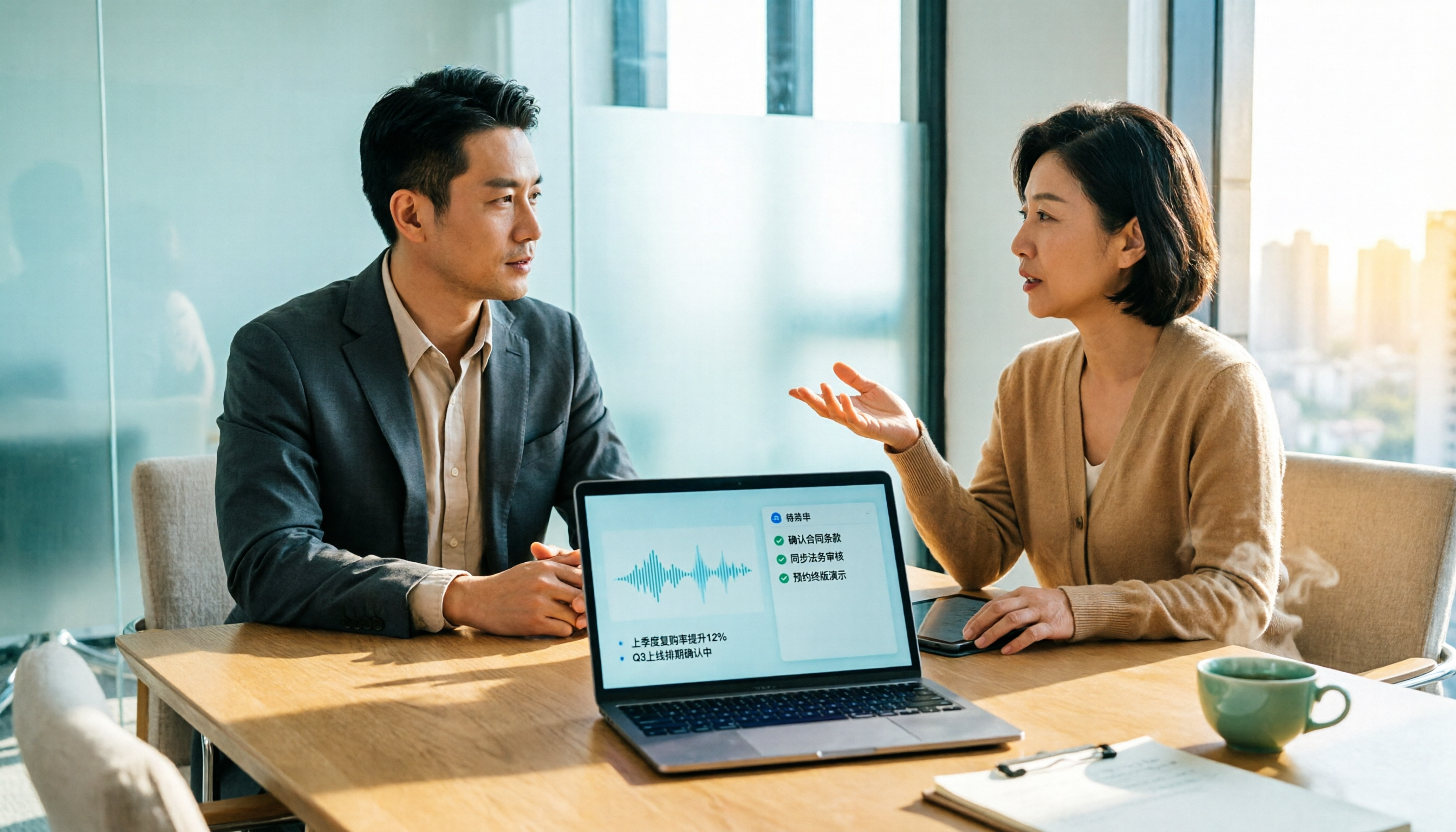
Best Sales Meeting Notes Tools in 2026: 4 Tested, This One Works Best for Chinese Client Meetings
Can't remember the client's budget, decision timeline, or competitor moves after the meeting? We tested four sales meeting note tools—Tinrec, Otter.ai, Notta, and PLAUD—comparing Chinese recognition, post-meeting action items, team data management, and quota calculations. We also list four common buying mistakes to help you choose the best tool for Chinese client meetings.

2026 Comparison of 4 Sales Meeting Notes Tools: From Templates to AI Summaries, Which One Do People Actually Use?
The problem with most sales meeting notes isn't that they're too short—it's that the fields are wrong. They capture the conversation but miss customer commitments, decision-makers, and next steps. Starting with a copyable sales meeting notes template, this article tests four approaches—Tinrec, Otter.ai, Notta, and Granola—on Chinese-language meetings, post-meeting follow-up questions, and team handoffs, and summarizes four common pitfalls to help you choose the one that will actually be used.