

Turn recordings into transcripts and summaries in minutes
Upload audio or video for multilingual transcription, AI notes, and action items
Two Hours After the Meeting, the Transcript Is Still "Waiting for a Miracle"
After a two-hour Cantonese meeting, the recording sits quietly on your phone, but the transcript is nowhere in sight—this is the daily reality for many Cantonese speakers in Hong Kong, Macau, and Taiwan. What's more troublesome is that most speech-to-text tools default to English or Mandarin, and when they encounter colloquial phrases like "m goi" (thank you/please), "go dou mun seng yat dou sung" (that door is always loose), or "ngo dei ha sing kei zoi king" (let's talk next week), the output often turns into something else entirely.
The second step is often overlooked: even if you get a transcript, it doesn't mean you have the meeting results. Who is responsible for what, what the deadlines are, what was actually decided in the last meeting—the transcript won't tell you proactively; someone still has to go through it from start to finish.
Add another scenario: colleagues and clients are used to communicating via voice messages, one after another, with important information buried in a vast "sea of voice," and re-listening takes more time than typing.
This article is not about "which tool is the best," but rather: in the specific scenario of Cantonese meetings, which aspects are worth thinking through first, and which tools can truly help at which stage. Choose the right tool, and the three problems above will be mostly eliminated.
**Scope and limitations of this article, to be clear upfront:** This article focuses on feature comparison and publicly available information. It does not conduct actual accuracy testing of Cantonese transcripts under the same audio file and device conditions, so it does not provide any accuracy rankings or word error rate figures that have not been tested. Any items involving Cantonese recognition performance are marked as "to be verified," and readers are advised to confirm with their own real meeting recordings. Third-party tool information is taken from their official pages and public reports, verified as of August 2026; Tinrec's capabilities and plans are subject to official product descriptions.
Before Choosing a Cantonese Speech-to-Text Tool, Understand These 4 Key Points
Key Point 1: First distinguish between "text-to-speech" and "speech-to-text." This is the biggest cause of wrong purchases. Tools like Narakeet, Cantonesetts AI, and Piliapp are TTS (text-to-speech), which read text aloud—the opposite direction of "turning meeting recordings into transcripts." You want STT (speech-to-text), so don't spend ages on a TTS page wondering why you can't upload a recording.
Key Point 2: The difficulty of Cantonese colloquial speech lies not in vocabulary but in "code-mixing." Real Cantonese meetings are rarely pure Cantonese: a sentence may mix English proper nouns, product codes, and Mandarin terminology. Rather than looking at the official list of supported languages, it's better to confirm whether it can handle Chinese-English code-mixing and whether it allows custom team terminology.
Key Point 3: Is there anything after transcription? A tool that only gives you a transcript is essentially handing the organization work right back to you. What's worth checking: does it automatically generate summaries, chapters, action items, and can you ask questions directly about the meeting content?
Key Point 4: For one person or for a whole team? If the meeting data will eventually be shown to supervisors, colleagues, and new members, consider cross-device use and team spaces; if you just occasionally organize a recording yourself, a free quota is enough—no need to pay from the start.
Tinrec (Instant Recording)—The Difference Is Not in Transcription but After It
Tinrec (Instant Recording) is an AI meeting notes and collaboration tool for individuals and teams, covering iOS, Android, desktop, and web. Its positioning is not a "recording-to-text tool" but rather turning meetings into searchable, queryable, and further processable data.
Recording: No need to invite a bot to join the meeting. The desktop version directly captures computer system audio, handling online meetings on Zoom, Google Meet, Microsoft Teams, Webex, etc., without the need for an extra meeting bot as a participant. For internal meetings, this is very practical—no need to explain to attendees "who that bot is," and no need to wait for the host to admit it. For offline meetings and interviews, you can use the mobile or desktop version for real-time recording, transcribing while recording.
Understanding: Breaking long meetings into digestible pieces. After the meeting, Tinrec generates transcripts, AI summaries, chapters, and highlights, and extracts action items from the discussion. For cross-language meetings, real-time translation can be enabled, viewing in original, translated, or bilingual format. For scenarios mixing Cantonese teams and foreign clients, bilingual transcripts are much more practical than plain transcripts.
Querying and output: This is where it stands out from most similar tools. After recording, you can directly ask questions about the meeting, such as "Who mentioned the budget in the last meeting?" It will answer based on content semantics, rather than throwing a bunch of keyword search results at you. After confirming key points, you can use Agent post-processing to generate reports, tables, and documents, and export to Notion, Google Docs, OneNote, Dropbox, etc. for further use.
Stop organizing recordings by hand
Upload audio or video and automatically get a transcript, summary, and action items
Team: Data belongs to the team, not individuals. The team version is an independent team collaboration space, not "multiple people sharing one personal account." You can create multiple team spaces, invite members via join links, set owners/admins/regular members, and assign or revoke seats. Meeting data is centrally stored in the team space; members can view, play, and read even without a seat, and only after obtaining a seat can they record, upload, edit, and export. There are also team usage analytics, audit logs, audio recycle bin (retained for 30 days), and team hotwords—hotwords are particularly helpful for recognizing Cantonese technical terms and product codes.
Plans and limitations, honestly stated: The personal version starts with a free quota, and there are weekly cards, Pro monthly, and annual cards, choose according to usage frequency. The team version offers a 7-day trial for first-time eligible users, 1 free seat, and 300 minutes of team shared import quota; monthly payment is USD 29.80 per paid seat per month, annual payment is USD 199 per paid seat per year (about USD 16.58/month), each paid seat provides 2,000 minutes of team shared import quota per month; under an active team plan and active seat, real-time recording is currently not deducted by minutes. Prices and benefits are subject to the official purchase page.
Limitations should also be clearly stated: First, the actual performance of Cantonese transcripts will be affected by accent, speech rate, environmental noise, overlapping speakers, and technical terminology. This article has not conducted unified accuracy testing for Cantonese, so it is a to-be-verified item; it is recommended to test with your own meeting recording first. Second, the team version currently focuses on team-level sharing, managing governance and usage eligibility through roles and seats, and does not support file-level granular permission settings. Third, if your need is to upload dozens of long documents at once for batch transcription, this is not its primary scenario.
**Who it's for:** People who frequently handle Chinese/Cantonese meetings, want to use AI to find key points directly after recording, need to submit minutes and action items after meetings, or need to switch between mobile and computer and retain meeting data for the team.
Besides Tinrec, What Other Options Are There?
Speechnotes (Cantonese online dictation): A web-based voice input notepad; open it and speak into the microphone, suitable for quickly dictating meeting conclusions or personal notes, no installation required. But it is essentially real-time dictation, does not process existing recording files, and has no summaries, action items, or team spaces—the post-recording organization work is still up to you. If you just want to turn your thoughts into text, it's enough; if you need a complete meeting minutes, you'll need another tool.
cantonese.ai's Speech to Text (WhatsApp voice to text): Forward WhatsApp voice messages via iOS Shortcut, and in seconds, your friend's Cantonese recording becomes text—very targeted at the "sea of voice messages" pain point. However, its use case is more for scattered voice messages, and does not cover online meeting recording, meeting summaries, action item extraction, and team data management; to turn a whole meeting into deliverable minutes, the latter half of the process is missing.
Otter.ai: A mature choice for English meetings; the free version offers a generous 300 minutes per month, and Pro annual billing is about USD 8.49 per user per month including 1,200 minutes per month. If 90% of your meetings are in English, it is a reasonable or even more cost-effective choice—this is one of the few situations in this article where we directly recommend another tool. But it is not designed for Cantonese scenarios; handling Chinese and Cantonese content is not its strength, and it lacks bot-free desktop recording and other workflows designed for Chinese teams.
Pitfall Guide: The 4 Most Common Mistakes When Choosing a Cantonese Speech-to-Text Tool
Pitfall 1: Mistaking text-to-speech for speech-to-text. When searching for "Cantonese voice," the top results are often TTS tools (reading text aloud in Cantonese), and you can't find an entry to upload recordings. Before ordering, confirm whether the page has "Upload Audio" or "Real-time Dictation."
Pitfall 2: Only looking at accuracy numbers given by others. Numbers measured in a recording studio are a different matter from a real meeting room with air conditioning noise, keyboard sounds, and people talking over each other. Rather than trusting anyone's percentage, try it with your own meeting recording—that's more accurate than reading ten reviews.
Pitfall 3: Ignoring Chinese-English code-mixing and proper nouns. In Cantonese meetings, "this campaign launches next week" is the norm. If the tool does not support custom terminology or hotword maintenance, the transcript will have many typos requiring manual correction, which is actually more time-consuming.
Pitfall 4: Only using the tool as a voice recorder. If you only use it for "recording to text," you're only using one-third of its capabilities. After recording, directly ask it "What was the conclusion of this meeting?" and "Who is responsible for which item?"—much faster than manually flipping through a 30-minute transcript; extracting action items and putting them directly into your workflow is the key to saving time.
Conclusion: Which One Should You Choose?
In one sentence: the barrier to Cantonese speech-to-text is no longer high; what really sets them apart is "what you get after transcription."
- Need to handle Cantonese/Chinese meetings and submit minutes and action items afterward → Tinrec (summaries, chapters, action items, AI Q&A, and Agent post-processing all in one workflow)
- Don't want to invite a bot to online meetings → Tinrec desktop version (directly captures system audio)
- Want to use AI to query key points directly after recording, rather than Ctrl+F searching keywords → Tinrec (can ask questions about single or multiple meetings)
- Meeting data should be retained for the team, and members may change → Tinrec team version (team spaces, roles and seats, usage and audit)
- Just occasionally dictate notes, no need to organize meetings → A web dictation tool like Speechnotes is enough
- 90% of meetings are in English → Otter.ai is a reasonable choice
Suggested verification method: Take a real recording of your own Cantonese meeting (including Chinese-English code-mixing and background noise), run it once with the free quota, and see if the transcript requires extensive manual correction and whether the summary captures key points. If it works for you, then consider upgrading—no need to pay upfront. After all, in Cantonese scenarios, actually running it once is more reliable than any review numbers.
References
Turn every recording into actionable outcomes
Get 60 free transcription minutes when you sign in. No credit card required.
Related Reading
You might also like

WhatsApp Voice to Text for Cantonese: 3 Methods Tested (2026) — iPhone's Fastest Way
Don't want to listen to Cantonese voice messages on iPhone? This guide breaks down three methods: WhatsApp's built-in transcription, iOS Shortcuts, and uploading to an AI tool. We compare language support, audio retention, and post-meeting organization, and show how Tinrec turns voice into searchable, queryable, actionable text records.
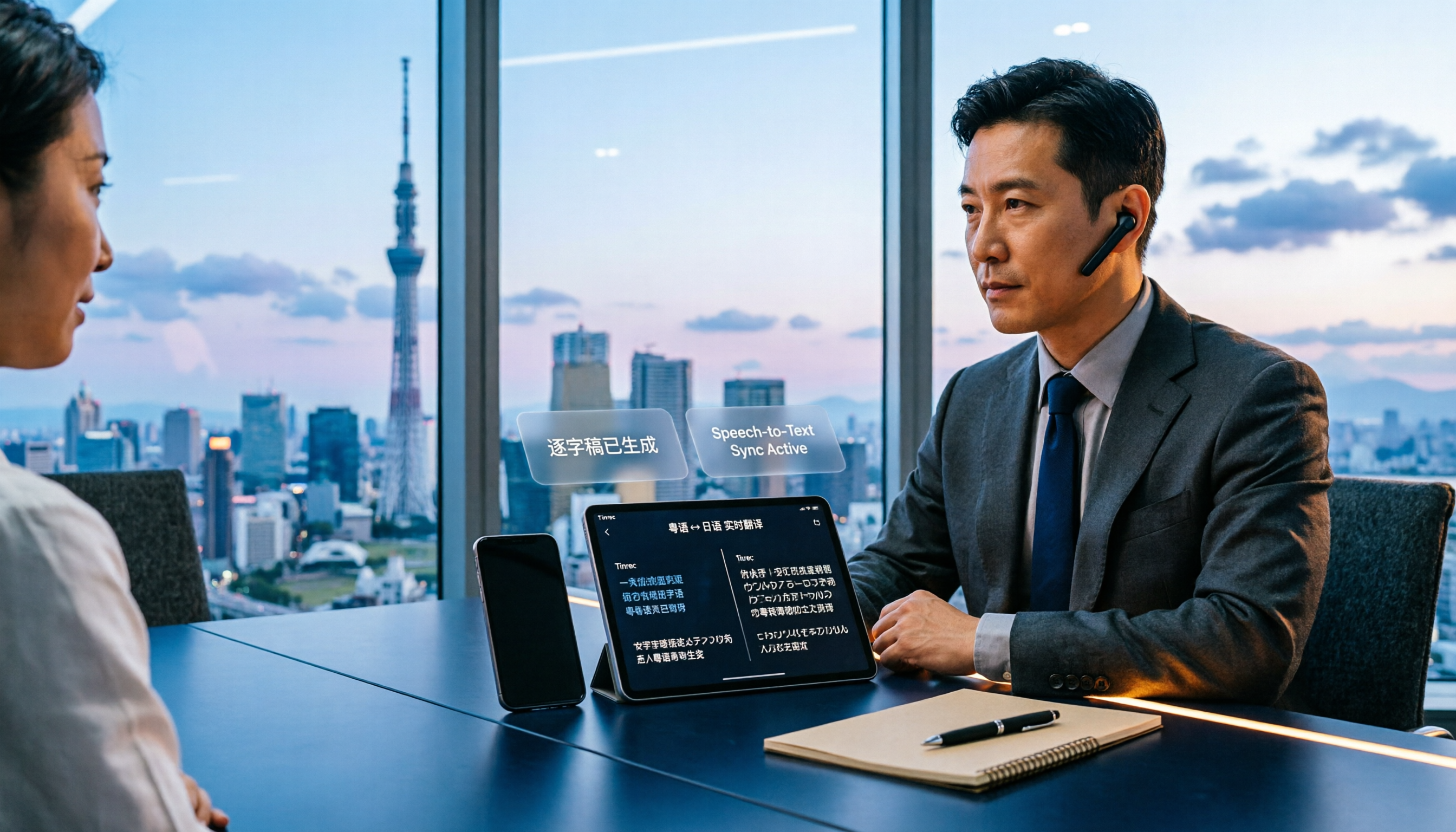
How to Choose a Cantonese-to-Japanese Translation App in 2026: 5 Steps from Needs to Real-World Testing Without Pitfalls
From asking for directions and ordering food in Japan to business meetings, here are 6 Japanese translation apps and tools that support Cantonese, plus 5 steps to help you decide between real-time voice conversation, offline translation, or a tool like Tinrec that keeps transcripts and meeting records.

How to Install a Taiwanese Input Method on PC in 2026: 3-Step Comparison of Ministry of Education, FHL, and TaigiKeyboard
Which Taiwanese input method should you install on your PC? This article compares the Ministry of Education Taiwanese Hokkien Hanzi Input Method, the FHL Taigi-Hakka IME, and TaigiKeyboard in terms of dictionary sources, supported platforms, and installation difficulty. It includes Windows installation steps and troubleshooting for common errors to help you get it right the first time.

2026 Comparison of 4 Cantonese Speech-to-Text Tools: Which Is More Practical—Bot-Free Recording or AI Follow-Up Questions?
Using four key criteria, we tested and compared Tinrec, Otter.ai, Granola, and TurboScribe on Cantonese speech-to-text performance, covering audio capture methods, post-meeting organization, AI follow-up questions, team collaboration, and pricing plans to help you choose the one that truly fits into your workflow.

2026 Comparison of 4 Cantonese to Indonesian Translation Tools: Which One Can Translate Live During Cross-Language Meetings and Still Be Searchable Afterward?
Cantonese to Indonesian translation in the workplace has two needs: understanding in the moment and keeping a searchable record afterward. Based on real cross-language meeting scenarios, this article outlines 5 key points for choosing a tool, tests Tinrec's real-time transcription, bilingual view, AI summary and action items, and team spaces, and compares the suitable boundaries of Zeemo, iCantonese Translator, and human translation.

How to Find a Yating Transcript Promo Code in 2026: 5 Steps to Choose the Right Transcription Tool
Many people search for a 'Yating transcript promo code' to find a more cost-effective way to get started, but promo codes expire, and choosing the wrong tool can waste even more time. This article uses real meeting scenarios from a mid-level manager to break down Yating Transcript's pricing and limitations, compares Tinrec, Otter.ai, and Notta, and provides 5 steps to choose the right tool based on needs, budget, post-meeting organization, and team collaboration.

2026 Comparison of 3 Transcription Apps' Free Tiers: Is Yating's Free Version Enough?
How exactly does Yating's free transcription quota work? Why do some sources say 300 minutes while others say 20 minutes? This article compiles a comparison table of free-tier policies for 3 transcription apps, then walks through the 5-step workflow of 'record → transcribe → proofread → summarize → export' using Tinrec, helping you spend your free quota where it truly matters.

2026 Online Transcription Comparison: Yating Pricing vs Tinrec and 4 Tools Tested
We break down Yating transcription pricing, free quotas, and limitations, and compare Tinrec and other online transcription tools to help professionals decide whether to buy hours, use free versions, or choose a solution that handles post-meeting summaries and team collaboration.

2026 Comparison of 3 Transcription Tools: Yating Transcription Cost vs. Tinrec — Which Is More Cost-Effective?
Many people compare transcription tool costs by looking only at the per-hour rate, but overlook free quotas, feature limitations, and post-meeting organization costs. This article breaks down Yating Transcription's pricing model and uses Tinrec as an example to help you calculate the truly cost-effective choice, from transcription and summarization to AI Q&A and team collaboration.