

Turn recordings into transcripts and summaries in minutes
Upload audio or video for multilingual transcription, AI notes, and action items
When many people look up Taiwanese translation, their first move is to paste an entire Chinese sentence into a translation box and assume they're done once they see a row of Chinese characters. This is the most common inefficient approach to online Taiwanese translation: Taiwanese and Mandarin differ in vocabulary, word order, and idiomatic expressions, so substituting character-by-character readings easily produces results where "you understand every character, but the whole sentence doesn't sound like Taiwanese."
A more reasonable approach is to break down your needs first: Are you looking up a single word, checking how a name is pronounced, converting an entire Chinese sentence into Taiwanese, listening to pronunciation, or organizing a Taiwanese interview? Different needs call for different tools. Below, I'll compare 5 common online Taiwanese translation tools within actual usage workflows, and also explain where a meeting notes tool like Tinrec can fill the gap if you need to organize an entire recording.
Why does online Taiwanese translation often "find results but use them wrong"?
The first common scenario is word lookup. You enter a Mandarin word, and the tool gives you a Taiwanese word and romanization, but that word may be unnatural when placed in a sentence because Taiwanese has its own customary collocations and tones.
The second scenario is full-sentence translation. Many people think translating means replacing each Chinese character with its Taiwanese reading, but Mandarin and Taiwanese differ in vocabulary and word order, so the overall meaning often needs to be reorganized.
The third scenario is listening to pronunciation. You understand the romanization, but you get stuck when actually saying it because Taiwanese has connected-speech tone sandhi, and pauses, neutral tones, and accents in a sentence all affect how it's read.
If you've also experienced "looked it up many times but still not sure how to say it," the problem usually isn't a lack of tools—it's not separating word lookup, translation, pronunciation, and verification.
Before choosing an online Taiwanese translation tool, understand these 5 key points
1. Do you need word lookup or full-sentence translation?
Dictionary-type tools are suitable for looking up single words, name pronunciations, and idioms; translation-type tools are suitable for converting a passage of Chinese into Taiwanese. The two cannot replace each other.
2. Is the romanization system clearly labeled?
Tâi-lô and Pe̍h-ōe-jī are both Taiwanese romanization systems, with different tone-marking methods. Good tools will display romanizations side by side or note the source so you don't have to guess.
3. Is there pronunciation you can listen to?
Looking only at romanization easily misses connected-speech tone sandhi. Tools that can play full-sentence audio are better for confirming rhythm and actual reading.
4. Does it re-express using Taiwanese vocabulary and word order?
If it merely replaces Chinese characters with Taiwanese readings character by character, the result is usually unnatural. Full-sentence translation should first understand the meaning, then re-say it in Taiwanese.
5. Are free limitations and data sources transparent?
Free tools are sufficient for beginners, but check whether they label romanization sources and whether you can cross-check with a dictionary. For names, times, and negations, always verify again.
Tinrec — When you need to organize an entire interview, not just look up a sentence
Let's clarify its positioning first: Tinrec is not a Taiwanese dictionary, nor a dedicated Taiwanese translator. It's an AI meeting notes and collaboration tool for individuals and teams, whose strength is turning meeting, interview, and course recordings into searchable, summarizable, and queryable data.
If you just need to look up how to say a sentence in Taiwanese, the 5 tools below will be more direct. But if you've recorded an interview that's mainly Mandarin with some Taiwanese mixed in, and later need to organize a transcript, summary, and action items, Tinrec is more useful.
The actual workflow is like this: upload an audio file or record an online meeting via the desktop version, and Tinrec generates a transcript and automatically organizes summaries, chapters, and action items. You can then ask it "What three difficulties did the interviewee mention?" or "What follow-up actions came out of this meeting?" It answers based on the meeting content, not just keyword search results. Finally, you can export documents to continue using in workflows like Notion, Google Docs, and OneNote.
For Taiwanese readers, note especially: Tinrec supports Chinese and multilingual meeting transcription and real-time translation, but Taiwanese is not a dedicated translation language it publicly promises. Taiwanese recognition accuracy is affected by accent, dialect, recording quality, and overlapping speakers, so it's recommended to test with your real recordings using the free version first, and always manually verify important names, times, and negations.
It's also not a meeting bot. The desktop version captures computer system audio and doesn't require an extra bot to join Zoom, Google Meet, Microsoft Teams, or Webex meetings; but users need to actively initiate recording—it doesn't automatically join all calendar meetings.
The team version centralizes meeting data into a team space: you can create multiple teams, invite members via join links, set owners and admins, assign seats, and view usage and audit logs. Team resources belong to the team and can be handed over when members leave, rather than disappearing with individual accounts. Currently, the team monthly plan is USD 29.80/paid seat/month, and the annual plan is USD 199/paid seat/year, equivalent to about USD 16.58/month; the first eligible team trial is 7 days, 1 free seat, and 300 minutes of shared import quota. Paid seats provide 2,000 minutes of shared import per month, and real-time recording is currently not deducted by minutes under active plans and seats. Prices and benefits are subject to the official purchase page.
Stop organizing recordings by hand
Upload audio or video and automatically get a transcript, summary, and action items
In short, Tinrec is suitable for people who need to turn meetings and interviews into transcripts, summaries, action items, and team data; it's not suitable for looking up Taiwanese words or learning pronunciation.
Comparison of 5 online Taiwanese translation tools
The following comparison is based on each tool's public pages and source materials, focusing on the four actions of "word lookup, full sentence, pronunciation, verification," and does not claim laboratory accuracy rates.
1. Lohankha
Lohankha offers free instant translation, supporting Taiwanese (Hokkien), English, Japanese, Korean, and Mandarin, with Tâi-lô and Pe̍h-ōe-jī romanization, and also provides Taiwanese transcription services. It's suitable for cross-language comparison, such as viewing a Mandarin sentence alongside Taiwanese and English at the same time. Note that it lists writing and romanization assistance; for actual connected speech, you still need to listen yourself or ask someone familiar with Taiwanese to verify.
2. iTaigi
iTaigi is more like a community-style Taiwanese dictionary; when looking up words like "translation," you can see corresponding expressions and related materials. The site also has entries like Your Name, Hall of Fame, Normalization, Team, Good Tools, and Taiwanese Treasure; sources also mention the "厝鳥仔講台語" speaking and shadowing practice app. It's suitable for looking up single words, name pronunciations, and everyday usage, but full-sentence long-text translation is not its main strength.
3. EzTranslate
EzTranslate's process is straightforward: input Chinese or speak Mandarin, and it translates into Taiwanese, simultaneously displaying Taiwanese text, Tâi-lô, and Pe̍h-ōe-jī romanization, and can play Taiwanese pronunciation. It's suitable for situations where "I want to say this sentence out loud." When using it, note connected-speech tone sandhi: Tâi-lô usually marks the citation tone of words, and actual sentences are affected by pauses, neutral tones, and accents; don't treat all differences between romanization and audio as normal tone sandhi.
4. Moedict
Moedict is suitable for looking up word meanings and Taiwanese pronunciations; the interface displays pronunciation and meaning simultaneously, helpful for beginners checking meanings and pronunciations. Sources mention it occasionally lags; if you're just quickly looking up a word, the impact is small, but if you want to listen to pronunciations continuously or do a whole practice session, it may interrupt. It's more like a learning-oriented dictionary, not a full-sentence translator.
5. Ministry of Education Taiwanese Common Word Dictionary
The Ministry of Education Taiwanese Common Word Dictionary is suitable for verifying standard vocabulary and romanization. When you're unsure about words produced by a translation tool, checking the official dictionary is more reliable than just looking at the translation result. Sources also list ChhoeTaigi Taiwanese Dictionary⁺ as a common resource that can be used alongside. The value of such dictionaries lies in "verification," not replacing full-sentence translation.
Pitfall-avoidance guide: The 4 most common mistakes when choosing online Taiwanese translation tools
Pitfall 1: Treating Tâi-lô romanization as actual connected-speech pronunciation.
Tâi-lô usually marks the citation tone of words, and actual sentences undergo tone sandhi. Pauses, neutral tones, and accents all affect reading; don't draw conclusions from romanization alone.
Pitfall 2: Replacing Chinese characters with Taiwanese readings character by character.
Mandarin and Taiwanese differ in vocabulary and word order. Full-sentence translation should first understand the meaning, then express it in natural Taiwanese, rather than finding a reading for each character.
Pitfall 3: Not verifying names, times, and negations.
Just because the audio sounds fluent doesn't mean the meaning is correct. After translating, first confirm whether names, times, and negations have changed, then look at the romanization.
Pitfall 4: Assuming free tools can handle all technical terms.
Technical vocabulary, emerging terms, and place names often require additional dictionary lookup. If you use a recording organization tool, like Tinrec's team version, you can maintain common terms with team hotwords; but Taiwanese technical terms still need manual verification.
Conclusion: Which one should you actually use?
- Looking up single words, name pronunciations, everyday usage → iTaigi, Ministry of Education Taiwanese Common Word Dictionary, Moedict
- Translating full Chinese sentences into Taiwanese, and viewing Tâi-lô and Pe̍h-ōe-jī → EzTranslate
- Cross-language comparison (Taiwanese, English, Japanese, Korean, Mandarin) → Lohankha
- Want to listen to pronunciation, practice shadowing → EzTranslate playback, iTaigi speaking and shadowing app
- Interview or meeting recordings needing transcripts, summaries, action items → Tinrec (test Taiwanese recognition first)
- Teams needing to share meeting notes, manage seats and usage → Tinrec team version
Generally, I'd recommend first using free tools to handle "word lookup" and "full-sentence translation" separately: use dictionaries for word lookup, translators for full sentences, and playback features to confirm pronunciation. If what you need is to distill an entire interview into data, then consider a meeting notes tool like Tinrec, and test with your own recordings first—don't assume from the start that it can handle all Taiwanese accents.
A few final common questions
Are online Taiwanese translation tools all free?
Not necessarily. Lohankha advertises free instant translation, iTaigi and the Ministry of Education dictionary are free to query, EzTranslate has free usage methods, but restrictions on each site may change, so check official instructions before use.
What's the difference between Tâi-lô and Pe̍h-ōe-jī?
Both are Taiwanese romanization systems, using Latin letters and tone marks to record pronunciation; the difference lies in tone-marking methods and some spelling conventions. Many tools display them side by side for easy comparison.
Can translation results be trusted directly?
Not recommended. Taiwanese has connected-speech tone sandhi and accent differences, and the same sentence can have different expressions. For important content, it's best to check a dictionary again or ask someone familiar with Taiwanese to verify.
Can Tinrec be used as a Taiwanese translator?
Not recommended. Tinrec is a meeting notes and collaboration tool, not a Taiwanese dictionary or dedicated Taiwanese translator. It supports Chinese and multilingual meeting transcription and real-time translation, but Taiwanese performance needs to be tested first.
How is Tinrec's team version priced?
Currently, the monthly plan is USD 29.80/paid seat/month, and the annual plan is USD 199/paid seat/year, equivalent to about USD 16.58/month. The first eligible team trial is 7 days, 1 free seat, and 300 minutes of shared import quota; paid seats provide 2,000 minutes of shared import per month. Actual prices and benefits are subject to the official purchase page.
References
Turn every recording into actionable outcomes
Get 60 free transcription minutes when you sign in. No credit card required.
Related Reading
You might also like

3 Taiwanese Input Methods Compared in 2026: Which One for Romanization, Hanzi, and Missing Characters?
Struggling with romanization, tone marks, and missing characters when typing Taiwanese? This article compares the Ministry of Education's Taiwanese Input Method, PhahTaigi, and the FHL Taiwanese & Hakka Input Method, and provides step-by-step guides for mobile installation, keyboard setup, voice input, and handling missing characters.

2026 Cantonese to Mandarin Translation App Buying Guide: 5 Criteria Tested and Recommended
In meetings where Cantonese and Mandarin switch back and forth, ordinary translation apps often can't keep up. Based on real meeting pain points, this guide explains how to choose a Cantonese-to-Mandarin translation app using 5 criteria, and uses Tinrec's real-time transcription, bilingual comparison, AI summaries, and team spaces as examples to clarify when it's sufficient and what to watch out for.
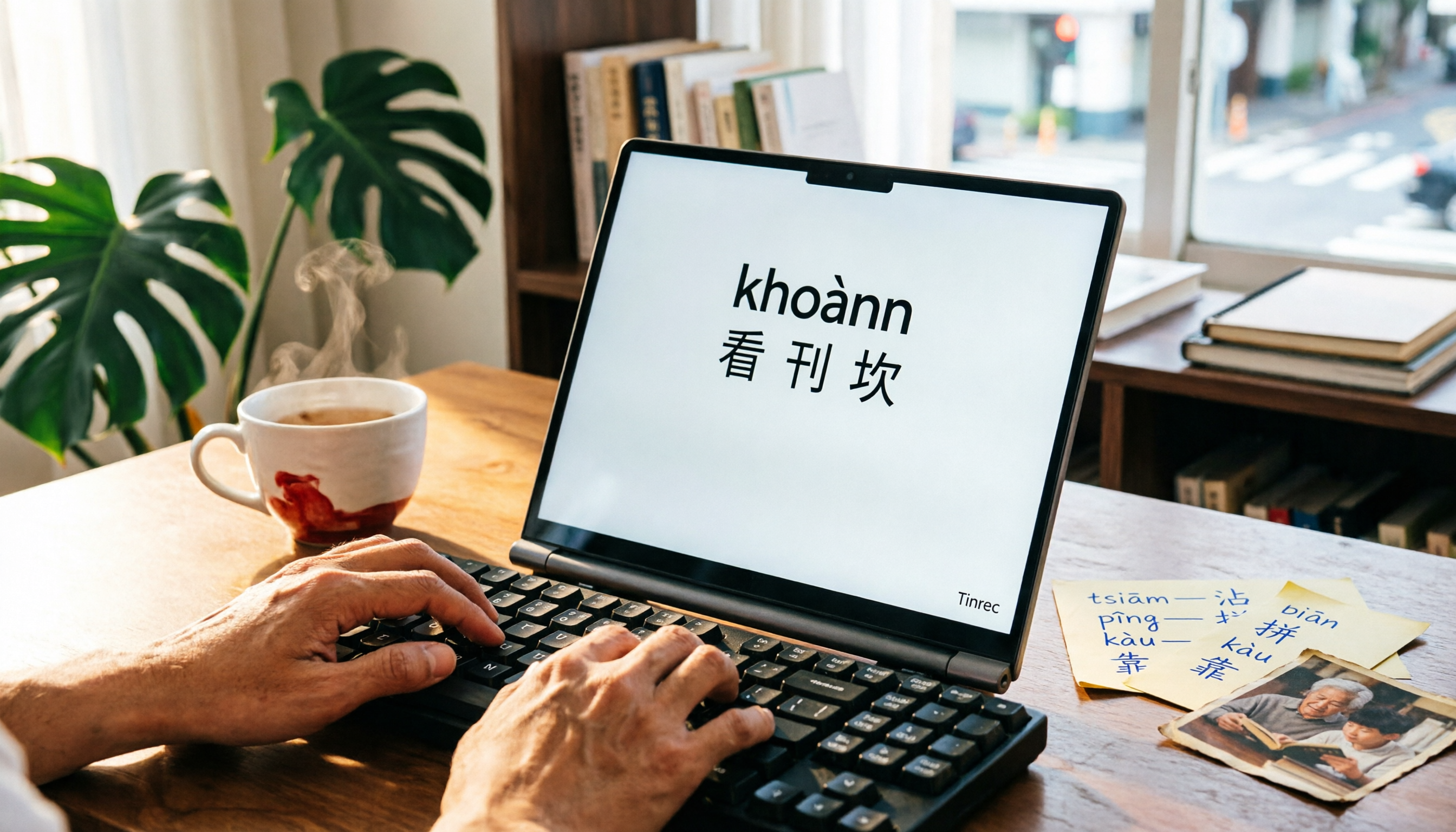
Best Taiwanese Input Methods in 2026: Free Official MOE Version and 2 Desktop Alternatives
Struggling to type in Taiwanese due to character selection and romanization? This guide covers the free scope, installation, practical workflow, and limitations of the Ministry of Education's "Taiwanese Input Method" mobile and desktop versions. It also compares two desktop alternatives—Hanin's "Taiwanese Hanzi Input Method" and the FHL Taiwanese Input Method—with buying tips and pitfalls to avoid, plus recommendations based on your needs.

Tinrec vs Taiwanese AI Translation in 2026: 5-Dimension Comparison — Which One for Taiwanese to Indonesian?
Many people search for Taiwanese-to-Indonesian translation but only find results relayed through Chinese. This article compares Taiwanese AI translation and Tinrec across 5 dimensions, and also covers alternatives like Taiwanese AI voice translation and the Ministry of Education resource website translator, helping you distinguish real-time interpretation from post-meeting data organization.

3 Ways to Learn Taiwanese Pronunciation and Translation in 2026: Dictionary, Audio, or AI — Which Works Best?
Taiwanese translation and pronunciation needs fall into three categories: looking up meanings, practicing pronunciation, and preserving what you hear. This article compares three approaches using real-world scenarios and demonstrates how Tinrec turns recordings of Taiwanese classes, elder interviews, and client meetings into searchable, reviewable material. It also includes a basic explanation of Tâi-lô and Pe̍h-ōe-jī, plus five key points for choosing a tool.

4 Taiwanese Translation Tools Tested: Which Handles Sentence Pronunciation and Full Interview Transcripts Better in 2026?
People searching for 'Taiwanese translation tools' actually have two different needs: one is to look up how to say and pronounce a single sentence, and the other is to turn a full Taiwanese interview or meeting recording into usable text. This article reviews 4 tools separately, breaking down input methods, romanization support, recording retention, and team collaboration, and summarizes 3 common purchasing pitfalls to help you choose the right tool at once.

3 Taiwanese Translator Tools Tested in 2026: Which One Is Best for Looking Up Words, Pronunciation, and Meeting Notes?
Taiwanese translators aren't just for looking up words. This article breaks down three common needs—looking up words, listening to pronunciation, and organizing full interviews and meetings—and explains how Tinrec fills the gap in post-meeting organization that Taiwanese translation tools often overlook, using audio-to-text, real-time translation, AI summaries, and team spaces.

4 Taiwanese Translation Tools Tested: Which Is Best for Full-Sentence Translation, Pinyin, and Pronunciation?
Struggling to speak Taiwanese with elders? This article compares Lohankha, EzTranslate, the Taiwanese AI Translation App, and Moedict across full-sentence translation, romanization (Tâi-lô and POJ), and audio playback. It also explains when Tinrec is useful for meeting and interview transcription.

4 Apple Cantonese Voice Input Methods Tested for 2026: Built-in Dictation, Pinyin, and AI Transcription Compared
Starting with Apple Cantonese voice input settings on iPhone and Mac, we compare built-in dictation, Cantonese Pinyin, Gboard, and Tinrec for short phrase input, long meeting recordings, and post-meeting organization to help you choose the right tool.