

Turn recordings into transcripts and summaries in minutes
Upload audio or video for multilingual transcription, AI notes, and action items
2026 Real-Time Audio Transcription Tools Compared: A Voice Recorder Isn't Always the Answer
The Most Common Pitfall: Assuming You Need a Voice Recorder First for Real-Time Transcription
Over the past few years, one of the questions readers ask me most is: "Which voice recorder should I buy for real-time transcription?"
But many people's actual experience goes like this: they buy a voice recorder, get home, and only then discover that transcription requires connecting to a phone app, Bluetooth pairing, has a free quota limit, and the finished transcript still needs to be exported manually.
Another inefficient approach is even more common: record with a voice recorder first, then transfer the audio file to a separate transcription service. For a 40-minute meeting, just moving files and waiting for uploads can take over ten minutes—before you've even started organizing.
A more sensible approach is to first clarify whether you're solving "audio capture" or "what to do after recording."
If you're mostly in meeting rooms or on-site interviews, hardware mobility has value; but if most of your meetings are on Zoom, Google Meet, or Teams on your computer, what you actually need isn't a voice recorder—it's a workflow that turns audio directly into usable data.
5 Key Points to Understand Before Buying a Real-Time Transcription Tool
1. Is transcription done on-device, or does it require an app or cloud connection?
Some voice recorders only handle recording; transcription relies on a phone app or desktop service. This means an extra step, and it also means real-time transcription isn't possible when your phone isn't nearby.
2. How is the free quota calculated?
Don't just look at the word "free." Check how many minutes per month, whether there's a per-session limit, and whether exports are locked. For example, Notta's free version offers 120 minutes per month with a maximum of 3 minutes per session; TurboScribe's free version allows 3 files per day with a maximum of 30 minutes per file. Different quota rules mean very different use cases.
3. The number of microphones doesn't equal transcription accuracy.
8 microphones and 15-meter pickup range solve "can it hear." But whether a transcript is readable also involves noise reduction, accents, overlapping speakers, and the language model. These two things are often conflated.
4. Can the data be used directly after transcription?
Getting only a transcript means you still have to spend time highlighting key points, writing conclusions, and extracting action items. So when choosing a tool now, I first check whether it can produce summaries, chapters, action items, and whether you can continue asking questions about the content.
5. Cross-platform and team data ownership.
Recording on your phone today and organizing on your computer tomorrow is the norm. Also, for team meetings, whose account the data sits under and whether it can be retrieved after a member leaves—these should be thought through before purchase.
Tinrec — The Most Hassle-Free Option in Our Hands-On Testing
Tinrec is an AI meeting notes and collaboration tool for individuals and teams, supporting iOS, Android, and web, with a desktop version that can directly capture computer system audio.
The first problem it solves is the awkward question of "should we let a bot into the online meeting?"
Open the Tinrec desktop app, let it capture system audio, and it can record meeting content played on Zoom, Google Meet, Microsoft Teams, and Webex—without inviting an extra meeting bot to join the roster. For external client meetings, this is very practical.
The second common scenario is on-site real-time transcription. With your phone recording and transcribing simultaneously, it works for interviews, lectures, and impromptu discussions; for cross-language meetings, you can switch between original text, translation, or bilingual view.
The third—and what I find most differentiating—is that you don't need to switch to another tool after the meeting.
Tinrec automatically generates summaries, chapters, and action items, and can also do AI Q&A around the meeting content. For example, you can directly ask "What were the conclusions of this meeting?" or "Who is responsible for the launch?" and it will answer based on the content, rather than just throwing keyword search results at you. When you need to deliver documents, you can use Agent post-processing to generate reports, tables, and documents, and export to Notion, Google Docs, OneNote, Dropbox, and other tools for further editing.
Testing conditions: We used a 12-minute mixed Chinese-English meeting audio file, indoor environment, single microphone, with air conditioning background noise. The point isn't to produce a beautiful but hard-to-reproduce accuracy number, but to see whether the transcript can be read directly and whether the summary separates conclusions from action items. Under these conditions, mixed Chinese-English sentences weren't broken apart entirely, and the summary and action items were listed separately. Actual performance will still be affected by accents, noise, multiple people talking over each other, and technical terminology; for important content, it's recommended to cross-check with transcript timestamps and audio playback.
Stop organizing recordings by hand
Upload audio or video and automatically get a transcript, summary, and action items
I see three advantages:
- The shortest post-transcription processing radius. Transcript, summary, action items, Q&A, and export are all in one place—no moving files around.
- Complete experience for Chinese and mixed Chinese-English meetings. The team version also supports team hotwords, which helps with recognition of product terms, names, and proper nouns.
- The team version keeps data within the team. It offers independent team spaces, member invitations, owner/admin/member roles, seat allocation, usage analytics, audit logs, and an audio recycle bin (currently retained for 30 days). When a member leaves or loses a seat, resources need to be handed over to other active members—they don't simply follow the individual account.
Limitations, to be honest:
Tinrec is not hardware. In situations with no computer and no phone, it can't help; audio quality still depends on your microphone and environment.
Also, the team version currently focuses on team-level sharing, not file-level permissions; active members without a seat can view, play, and read data, but cannot upload, edit, or export.
On pricing: the personal version has a free tier, weekly card, Pro monthly, and Pro annual; the team version offers a 7-day trial for first-time eligible users, 1 free seat, 300 minutes of team shared import quota, USD 29.80 per paid seat per month for monthly billing, USD 199 per paid seat per year for annual billing, with each paid seat providing 2,000 minutes of shared import quota per month; real-time recording is currently not deducted by minutes under an active plan and seat. Actual prices and benefits are subject to the official purchase page.
**Who it's for:** People who frequently hold online meetings on computers, need mixed Chinese-English transcripts, want to use AI to find key points directly after meetings, or want to turn meeting data into team assets.
Besides Tinrec, What Other Voice Recorders Are Worth Considering?
PLAUD NotePin / Note Pro
A representative of AI recording hardware. NotePin is priced at USD 159 on the US official website, and Note Pro at USD 189, following a portable recording and hardware experience approach. The membership-based Starter plan offers 300 minutes per month, and Pro is USD 99.99 per year with 1,200 minutes per month. Suitable for people who are often on the go and need call recording. But if you want multi-person shared meeting data, seat allocation, and audit logs, PLAUD's membership model has no corresponding design—that's what Tinrec's team version does.
VOITER SR502J
A high-end model optimized for legal and judicial voice transcription, with 8 microphones, up to 15-meter pickup range, Focus++ noise reduction technology, Wi-Fi or SIM card real-time cloud upload, 32GB storage, and 10 hours of continuous recording. Large-scale on-site audio capture is its strength. However, it has no team spaces or seat management; if you want to ask follow-up questions about the content after the meeting, like "Who mentioned the budget?"—that's handled by Tinrec's AI Q&A.
Philips VTR5102Pro
A 3-in-1 recording and translation pen, 16GB, Bluetooth connection to a phone app (VTR TW), free voice-to-text with no time limit, about 9 hours of standalone use and about 5 hours with the app, pickup range within 5 meters. Good enough for budget-conscious, close-range interviews. On the other hand, it doesn't handle online meetings played on a computer, and has no summaries, action items, or AI Q&A—post-meeting organization is still up to you.
Pitfall Guide: The 4 Most Common Mistakes When Choosing a Real-Time Transcription Tool
Pitfall 1: Treating microphone count as accuracy.
More microphones means better long-distance pickup potential, but doesn't guarantee more readable transcription. What you should really test is your own meeting recording: with air conditioning noise, people talking over each other, and technical terms—can the transcript still be used under those conditions?
Pitfall 2: Only looking at free hours, not per-session limits.
Some tools seem generous with monthly quotas, but have limits on single recording length. A two-hour meeting might be split into several segments. Before buying, confirm which range your meeting length falls into.
Pitfall 3: Ignoring the "after transcription" cost.
Using a tool only for audio-to-text means using only a third of its capabilities. If the transcript still needs manual organization into minutes and action items, the time saved is limited. When choosing a tool, look at summaries, action items, Q&A, and export together.
Pitfall 4: Recording team meetings with a personal account.
No problem short-term, but when a member leaves or changes projects, data gets scattered across personal accounts. For team meetings, it's recommended to put them into a team space from the start, and confirm roles, seats, and data handover rules.
Conclusion: Which One Should You Choose?
To sum up in one sentence: most people who hold meetings on computers don't lack a voice recorder—they lack a process that turns meetings into usable data.
- Many online meetings, don't want a bot on the roster → Tinrec (desktop version captures system audio)
- Mixed Chinese-English, need bilingual transcripts → Tinrec (real-time translation and bilingual view)
- Want to ask AI directly after the meeting "What were the conclusions?" → Tinrec (AI Q&A and Agent post-processing)
- Want to accumulate team meetings, manage seats and usage → Tinrec team version
- Often outdoors, no computer, need portable hardware audio capture → voice recorders like PLAUD or VOITER SR502J
If you're still not sure, don't rush to buy hardware. Use Tinrec's free tier basic quota to record a meeting you were going to have anyway, and see whether the transcript reads smoothly and whether the summary captures the conclusions. If it works for you, then consider paying—no need to pay from the start.
References
- Professional IC Voice Recorder Recommendation Ranking: 4 High-End Voice-to-Text Models, Doctor and Lawyer Picks
- Philips Voice Recorder "Verbatim + Translation" Instantly Done (No Monthly Fee), Easily Handle Every Meeting - Wonder Electronics
- AI Voice Recorder Recommendations 2026 | Class, Meeting, Interview Transcription, 5 Models by Route | Milk Tea Brother's Sharing Corner
- Penpower AI Recording King | Taiwan-Developed AI Voice Recorder, Voice-to-Text, One-Click Summary from Transcript to Notes, Supports Mixed Chinese-English-Taiwanese-Hakka Recognition, the Voice Recorder Recommendation That Best Understands Local Contexts – Penpower Easy Buy
- [2024 Update] Voice-to-Text Voice Recorder Comparison
Turn every recording into actionable outcomes
Get 60 free transcription minutes when you sign in. No credit card required.
Related Reading
You might also like
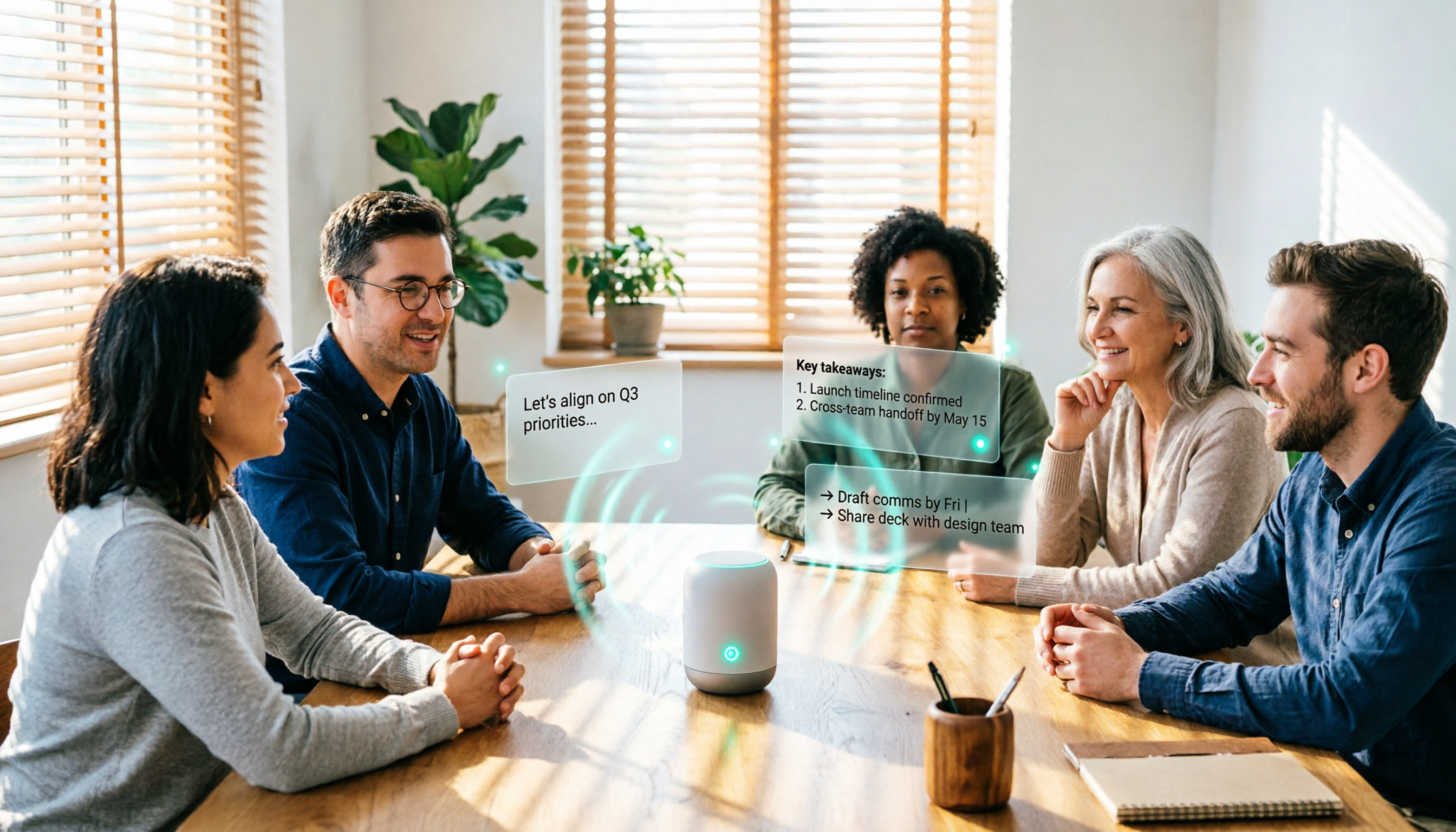
4 Real-Time Audio-to-Text AI Tools Compared for 2026: Free Tiers to Post-Meeting Organization
This comparison covers the free tiers, registration and device requirements, key features, and limitations of four real-time audio-to-text AI tools in 2026, using Tinrec as the main example to show how to go from recording to transcript, summary, action items, and team collaboration. It also compares Otter.ai, Granola, and TurboScribe for different use cases, helping budget-conscious readers choose the right tool.

4 Cantonese Speech-to-Text Tools Tested for 2026: Shortcuts vs. AI Meeting Notes
Should you use an iPhone Shortcut or a meeting tool for Cantonese speech-to-text? This article breaks down the setup and limitations of the cantonese.ai Shortcut and compares Tinrec, Otter.ai, and Notta on meeting summaries, action items, and team collaboration to help you choose the right tool for your situation.

4 iPhone Live Translation & Recording Solutions Compared (2026): Beyond Call Translation, Which Saves the Most Time on Meeting Notes?
With iOS 26.1, iPhone now supports Traditional Chinese Live Translation for calls, FaceTime, and Messages—so you can understand foreign languages in real time. But understanding and keeping a usable record are two different things. This hands-on comparison tests four options: Apple's built-in Live Translation, Notes dictation, Notta, and Tinrec. We look at input sources, post-meeting organization, Chinese performance, and team licensing to help you pick the best combo for your needs.

2026 Comparison of 4 Cantonese Speech-to-Text Tools: Which One Turns Cantonese Meetings into Usable Records?
Using a Cantonese meeting scenario with mixed Chinese and English, this comparison examines the workflow differences among Tinrec, Subanana, CantoSub, and Speechnotes. It covers Cantonese recognition, converting spoken language to written form, post-meeting summaries and action items, and team data retention, outlining who each tool suits and where its limitations lie.

3 Best Taiwanese Hokkien Translators in 2026: Free, Romanization, and Pronunciation Features Compared
Looking for a Taiwanese Hokkien translator? This comparison of Lohankha, EzTranslate, and iTaigi covers free access, romanization support, pronunciation features, and best use cases so you can choose based on daily queries, learning, or work needs.

3 Free Cantonese Subtitle Generators in 2026: Free Tiers and Spoken vs. Written Chinese Output Compared
The most common gap when creating Cantonese subtitles is discovering that downloading costs money only after the subtitles are generated. This article reviews three tools that can handle Cantonese subtitles, breaking down free tiers, registration requirements, and differences between spoken and written Chinese output, with a comparison table and recommendations based on different needs.
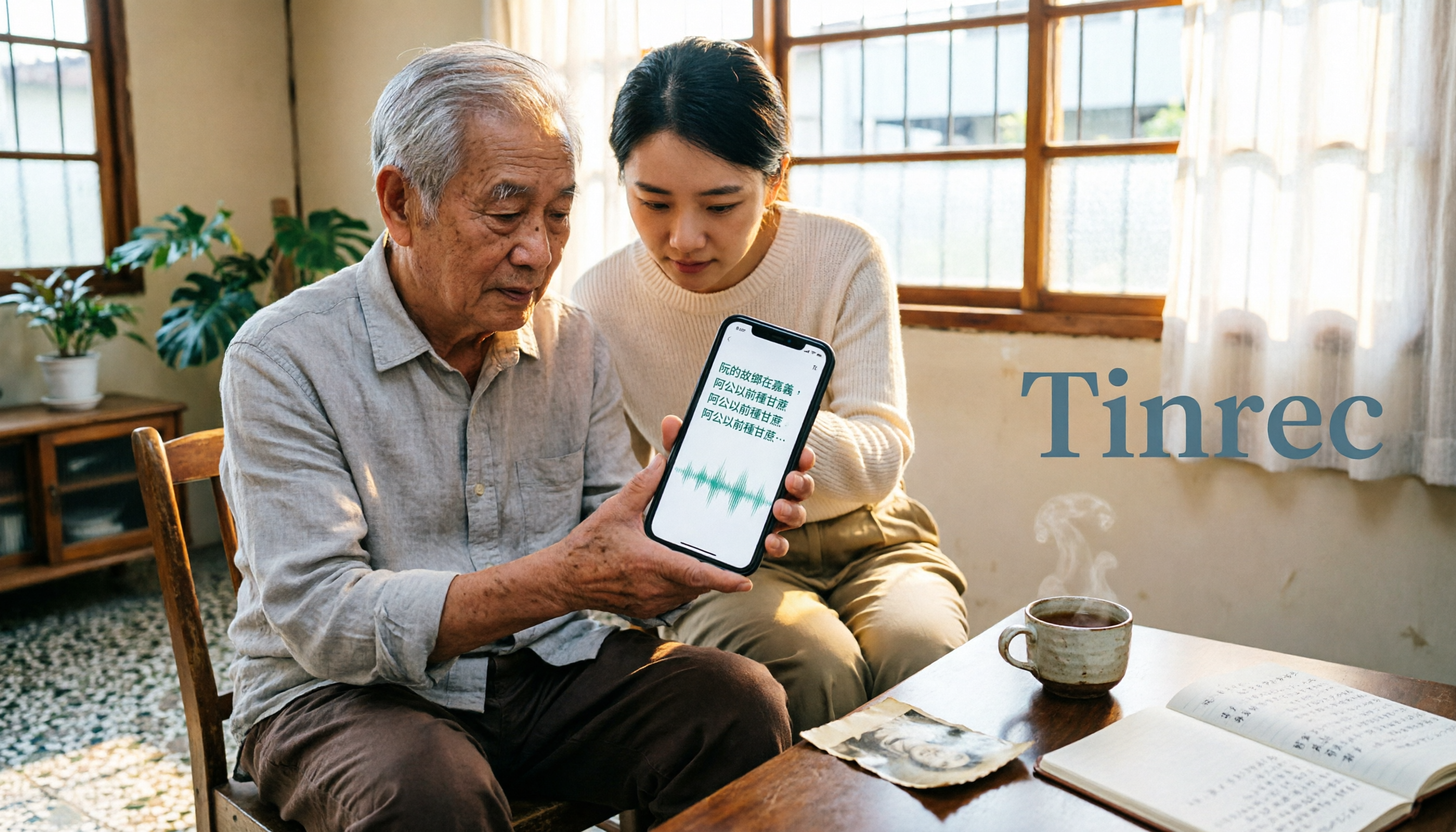
3 iPhone Taiwanese Input Methods Tested in 2026: Which Voice Input Is Best for Elders?
When typing Taiwanese on an iPhone, the first decision isn't which app has the most features—it's whether you want to 'speak to your phone' or 'type it yourself using romanization.' This article compares three free tools: the Ministry of Education's Taiwanese Input Method, PhahTaigi, and TaigiKeyboard. It breaks down voice input, missing character handling, learning curve, keyboard setup, and offline availability, and explains which type of tool to use for transcribing long recordings.

The Complete Guide to Real-Time Recording Translation Apps in 2026: 4 Key Buying Factors and Bilingual Transcripts in Practice
A real-time recording translation app is more than just a button for asking directions abroad. This guide starts with 4 key buying factors, explaining how to turn cross-language meetings from real-time bilingual subtitles into searchable, queryable, and actionable transcripts, and covers practical workflows, common pitfalls, and tool selection advice.
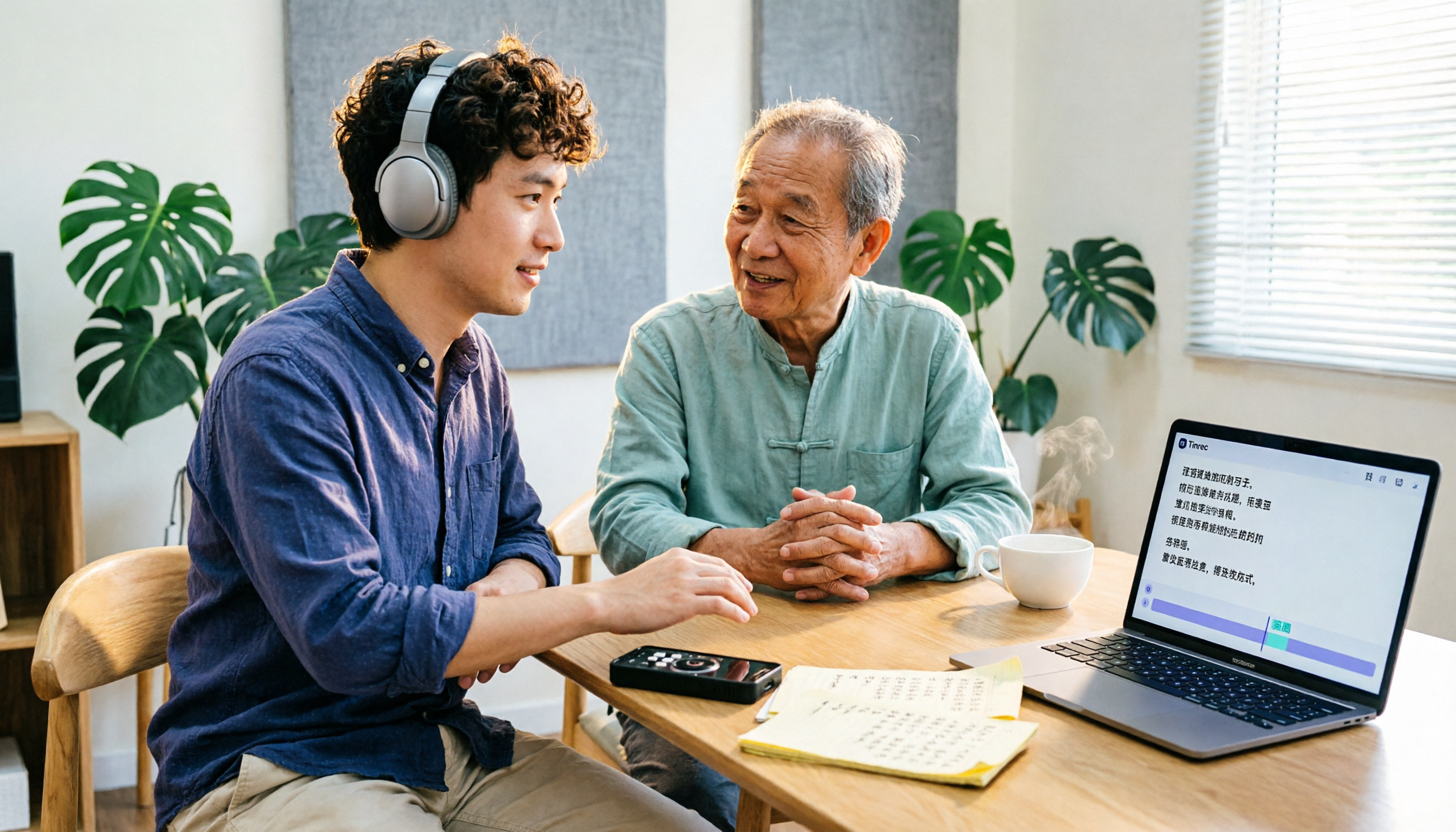
5 Free Cantonese Subtitle Solutions Compared in 2026: Free Quotas, Sign-Up, and Export Limits
A roundup of free-to-start Cantonese subtitle solutions in 2026, including CantoSub AI, Hey! Subtitles, Subanana, Google AI Studio, and youtuber.ai, covering free quotas, credit card requirements, subtitle file downloads, and spoken vs. written Chinese output differences, plus transcript organization options after subtitles are done and a comparison table.