
Turn recordings into transcripts and summaries in minutes
Upload audio or video for multilingual transcription, AI notes, and action items
Do you need to "look up a word" or "translate a whole sentence"? Figure that out first so you don't download the wrong tool
Many people search for "Taiwanese translator" when they actually have two completely different things in mind.
One is "How do you say this sentence in Taiwanese?"—translating a whole sentence, where the focus is on whether the meaning is correct and natural. The other is "How do you write and pronounce this word in Taiwanese?"—you want the Chinese characters, Tâi-lô romanization, POJ (Pe̍h-ōe-jī), and ideally audio to listen to.
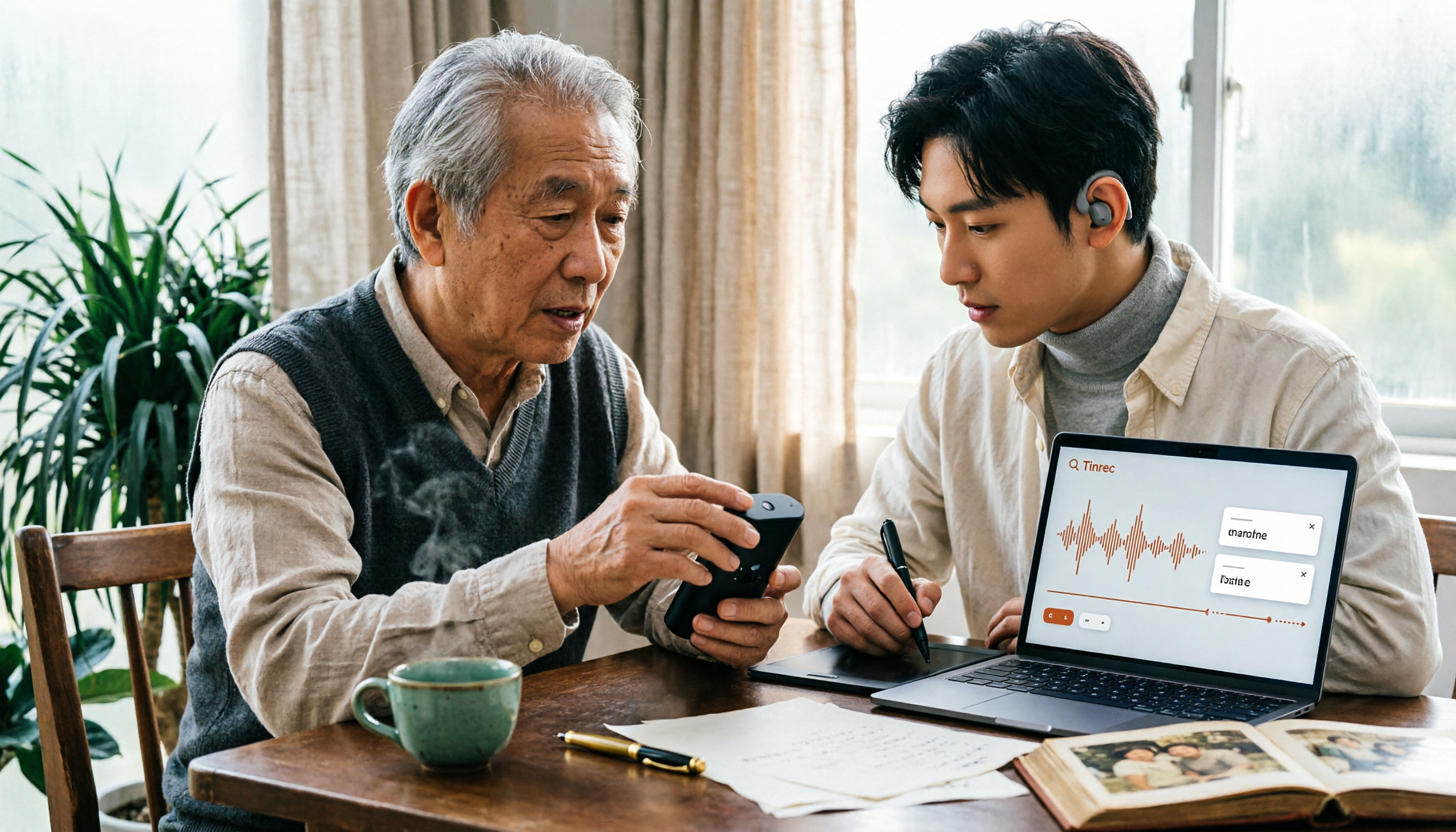
There's also a third need that's often overlooked: you have a recording. Maybe it's Grandpa's oral history, a Taiwanese interview, or a two-hour recording of a Taiwanese class. You don't need translation—you need to turn the audio into text that can be searched and quoted.
These three needs require completely different tools. Figure out which one you need first, then read on—it'll save you a lot of wasted effort.
Before choosing a Taiwanese translation tool, understand these 5 key points
1. Output format: Chinese characters alone aren't enough
The tricky thing about Taiwanese is that there's more than one "writing system." For the same sentence, you might need a Chinese character version for general readers, a Tâi-lô version for teaching, and a POJ version for specific publications. A tool that only outputs one format means you'll have to do extra work later. Tools that can provide all three—Chinese characters, Tâi-lô, and POJ—save the most time when organizing subtitles and scripts.
2. Romanization system: Tâi-lô and POJ are two different systems, not the same one
Tâi-lô and POJ are both romanization systems, but they use different conventions. Some tools support only one, while others let you switch. If you need to submit homework, write a thesis, or align with a specific teaching system, not confirming this upfront means you'll have to start over later.
3. Is there audio? Taiwanese is a tonal language—understanding it doesn't mean you can say it
This is a pitfall many people have fallen into. The text may be translated correctly, but if the tones are wrong, the listener still won't understand. Tools with text-to-speech or pronunciation examples make a huge difference in learning efficiency compared to text-only tools.
4. Dictionary-type vs. translation-type: these are two different things
Dictionary-type tools excel at "multiple ways to say a word, usage examples, and pronunciation." Translation-type tools excel at "converting the meaning of a whole sentence." Using a dictionary to translate a whole article is painful, and using a translator to look up a single word often gives you only a rigidly literal answer.
5. Who proofreads? AI is a first draft, not a final version
Taiwanese varies by region, generation, and family. AI translation is suitable for everyday understanding, learning, and communication; for formal publication, teaching, medical, or legal content, it's still recommended to have someone familiar with Taiwanese proofread. Treating tool output as a first draft is much more practical than treating it as the standard answer.
Bonus: Tinrec—when you're dealing with a whole recording, not a single sentence
Everything above is about "one sentence" needs. But if you're doing Taiwanese fieldwork, oral history with elders, or recording Taiwanese classes, what really holds you back is often not translation but "how to turn a three-hour recording into usable material."
Tinrec is an AI meeting notes and collaboration tool for individuals and teams. Let's be clear about its positioning: it's not a Taiwanese dictionary, and it won't annotate Tâi-lô or POJ for you. It solves the part that translators can't handle—recording in, material out.
Here's how it works in practice: at an interview, you open real-time recording and transcription, and the transcript appears as you record, so you don't have to listen to the whole thing afterward. If the interview is online, the desktop version can capture computer system audio directly, handling meetings on Zoom, Google Meet, Microsoft Teams, and Webex without inviting a bot into the meeting as a participant. Already-recorded audio and video files can also be uploaded for transcription, which is very useful for rescuing old recordings.
After recording is where it really stands out. The system automatically generates summaries and chapters, breaking a one-hour interview into scannable sections; action item extraction organizes follow-up tasks mentioned in the interview; and the most practical feature is AI Q&A—you can directly ask "How many times did this interviewee mention moving?" and it will answer based on semantics rather than dumping a bunch of keywords for you to sift through. During recording, you can also enable real-time translation and view it in original, translated, or bilingual side-by-side mode, which is especially convenient for cross-language interviews. Organized results can be exported to Notion, Google Docs, OneNote, Dropbox, and other tools for further processing.
Stop organizing recordings by hand
Upload audio or video and automatically get a transcript, summary, and action items
Limitations should also be stated upfront. It does not provide Tâi-lô or POJ annotation; that part still relies on the specialized Taiwanese tools mentioned above. Transcription performance for Taiwanese content will be affected by accent, recording quality, and overlapping speakers. It's recommended to test with a real recording of your own first and not assume it performs the same as Mandarin. The free version has usage limits, and heavy users will need to pay.
If this is a team project—for example, three to five people working on the same interview project—the team version is more suitable. It provides a separate team space where recordings, transcripts, and action items are centralized; roles determine who can manage members and settings, and seats determine who can record, upload, edit, and export; members without seats can still view and play materials. There are also team usage analytics, audit logs, and an audio recycle bin. When a member leaves or loses a seat, team resources are not taken away and need to be handed over to other members.
Pricing is subject to the official purchase page. Current internal figures are: team monthly USD 29.80 per paid seat per month, annual USD 199 per paid seat per year (equivalent to about USD 16.58 per month), with each paid seat providing 2,000 minutes of team shared import quota per month; eligible teams get a 7-day trial, 1 free seat, and 300 minutes of shared import quota for the first time. Under an active plan and active seats, real-time recording is currently not deducted by minute, while file and web imports use the team shared quota.
Besides Tinrec, these 5 Taiwanese tools each have their strengths
Lohankha (translate.lohankha.tw): A free instant translation service that handles translation between Taiwanese (Hokkien) and English, Japanese, Korean, and Chinese. It explicitly supports both Tâi-lô and POJ romanization, and also offers Taiwanese transcription services. If your language pair is "Taiwanese–Japanese" or "Taiwanese–Korean," this is one of the few options available. Its focus is sentence translation; looking up definitions and usage of single words still requires dictionary-type tools.
iTaigi (itaigi.tw): A Taiwanese dictionary and community crowdsourcing platform from Taiwan. Its value lies in "how Taiwanese people actually say it"—you can often see several ways to say the same sentence, which is very helpful for understanding regional and generational differences. You can look up words, listen to pronunciation, and see example sentences all here. The platform also has a speaking and shadowing app called "厝鳥仔講台語." Suitable for learning and confirming usage, not for translating large amounts of sentences.
EzTranslate Taiwanese Translator: Focuses on Chinese-to-Taiwanese translation, providing Taiwanese Chinese characters, Tâi-lô, and POJ in one go, along with romanization and pronunciation. For people making subtitles, writing scripts, or preparing teaching materials, this "three formats at once" design saves the most organization time. It also reminds users: AI translation is suitable for everyday understanding and learning, but should still be proofread by a human before public use; also note that Tâi-lô usually marks the citation tone of words, and actual connected speech may involve tone sandhi—the pronunciation of a single word in the dictionary may not be exactly the same as in a sentence.
Taiwanese AI Translator (Android App): Instant Taiwanese translation on mobile, supporting Chinese, Japanese, Vietnamese, and Indonesian, with voice input, text-to-speech, and some features usable offline—the official description states translation is done locally. Suitable for travel, spontaneous conversations, and situations where internet access is inconvenient. The limitation is that it's Android-only, so cross-device use requires other solutions.
TopMediai Text-to-Speech: Strictly speaking, it's not a translator but a voice generation tool. Its built-in Hokkien conversion capability can turn your input text into Taiwanese speech, with adjustable gender, speed, and pitch. If you need "voiceover" rather than "translation"—for example, short video narration, teaching audio, or audio versions of social media posts—this type of tool is more direct than a translator.
Pitfall guide: The 4 most common mistakes when choosing a Taiwanese translation tool
Pitfall 1: Thinking you're done just because you have Chinese characters. The difficulty of Taiwanese has never been the Chinese characters but the tones and romanization. Getting only Chinese characters is like getting a script you can't even read aloud yourself.
Pitfall 2: Treating a dictionary as a translator, or a translator as a dictionary. This is the most common reason for choosing the wrong tool. First figure out whether you're mostly "looking up a word" or "translating a whole sentence," then decide which one to use as your main tool.
Pitfall 3: Assuming there's one standard answer. Taiwanese varies by region, generation, and family. Tools give you reference answers, not the only correct answer. When you see multiple ways of saying something, first confirm the context of the person you're talking to rather than rushing to judge which one is wrong.
Pitfall 4: Ignoring tone sandhi. Tâi-lô usually marks citation tones, but actual connected speech involves tone sandhi. Reading each character separately according to the dictionary will sound very unnatural. For important occasions, it's recommended to listen to actual audio examples or ask someone to confirm the tones of the whole sentence.
Conclusion: Which tool matches your needs?
- Want quick Chinese-to-Taiwanese translation with Chinese characters, Tâi-lô, and POJ at once → EzTranslate
- Need to switch between Tâi-lô and POJ, or handle Taiwanese–Japanese/Korean translation → Lohankha
- Look up words, hear how native speakers say them, compare different expressions → iTaigi
- Mobile use on the go, need voice input and text-to-speech, occasional offline use → Taiwanese AI Translator
- Need Taiwanese speech output for voiceover or audio files → TopMediai Text-to-Speech
- Need to organize a whole interview, class, or meeting recording → Tinrec (transcription, summaries, Q&A, and team knowledge retention for interview and meeting materials)
One final practical tip: the effectiveness of Taiwanese tools depends heavily on "your actual use case." Rather than reading reviews and paying right away, use each tool's free quota or free plan to test with your own real materials—a family conversation, a script you have on hand, an interview you've recorded. After testing, decide how much to invest—that's more accurate than any review.
References
Turn every recording into actionable outcomes
Get 60 free transcription minutes when you sign in. No credit card required.
Related Reading
You might also like

4 Cantonese Subtitle Generators Tested in 2026: Tinrec vs Subanana — What's the Difference?
There are many Cantonese subtitle generators, but most only turn videos into subtitle files. This article takes a practical workflow perspective, comparing Tinrec and Subanana in terms of source materials, post-meeting outputs, team knowledge retention, and pricing structure. It explains why meetings, interviews, and course recordings really need searchable, queryable transcripts and organized results—not just an SRT file.

How to Use iPhone Live Translation for Calls in 2026: A 4-Step Guide
iPhone's built-in Live Translation lets you understand foreign languages in real time during calls, FaceTime, and Messages, but it only provides on-screen captions—not searchable meeting records. This guide walks through four setup steps, explains three key limitations, and then shows a complete workflow for turning recordings into transcripts, summaries, and action items.

How to Choose a Voice Recorder in 2026: 5 Steps to Find a Real-Time Transcription Tool
Starting from the pain point of students taking notes in class, this article breaks down the 5 steps for choosing a real-time voice-to-text recorder, compares the applicable scenarios of Tinrec, PLAUD Note, VOITER SR502J, and Philips VTR5102Pro, and helps you avoid the pitfalls of only looking at hardware specs while ignoring post-meeting organization and free quotas.
4 Recommended Taiwanese Input Methods to Download in 2026: A Guide to Mobile, Desktop, and Online Tools
Which Taiwanese input method should you download? This guide compares the Ministry of Education Taiwanese Input Method, the FHL Taiwanese and Hakka Input Method, PhahTaigi, and Lohankha—covering their differences, supported devices, and real-world pain points. It also explains how audio-to-text tools can address the other half of the need: when someone else speaks and you need to take notes. Plus, it highlights the four most common pitfalls for beginners.

Free Cantonese Speech-to-Text Options in 2026: 3 Tools Compared
Starting with the cantonese.ai iOS Shortcut, we compare three free Cantonese speech-to-text options: what each can do for free, the actual steps, limits, and restrictions, so you can pick the right tool without spending money.

Tinrec vs Subanana: 2 Cantonese Subtitle Apps Tested for Meeting Notes in 2026
How to choose a Cantonese subtitle app? This comparison of Tinrec and Subanana across 5 dimensions—from how to record during meetings, to post-meeting organization, team sharing and management, and pricing and free tier differences—helps you decide which one to use.

3 iPhone Taiwanese Voice Input Methods Compared (2026): Real-Time Typing vs. Post-Meeting Organization
iPhone Taiwanese voice input isn't as simple as enabling the built-in keyboard. This article compares the voice input of the Ministry of Education's Taiwanese Input Method, the limitations of iPhone's built-in dictation, and Tinrec's post-meeting recording organization workflow. It also covers keyboard setup, missing character handling, and common FAQs.
5 Free Taiwanese Hokkien Translation Tools Tested in 2026: Which One Best Handles Mandarin-to-Taiwanese, Tailo Romanization, and Pronunciation?
Many people assume that feeding Mandarin word-for-word into a translator will produce authentic Taiwanese Hokkien, but the resulting text may be correct while the pronunciation is off. This article reviews 5 Taiwanese Hokkien translation and audio transcription tools that were still free to use as of August 2026, comparing free-tier limits, registration requirements, Tailo and POJ support, pronunciation playback, and usage restrictions, with a free-feature comparison table and selection advice.

5 Free iPhone Live Transcription Solutions in 2026: A Complete Comparison
iPhone users now have more ways than ever to turn live recordings into text—from built-in Voice Memos, Notes transcripts, and keyboard dictation to third-party services like Otter.ai and Notta, all with free tiers. This article examines five free solutions from the perspective of a mid-level manager's real meeting scenarios, covering their quotas, limitations, and post-meeting processing capabilities, and explains why our team ultimately entrusted daily meeting notes to Tinrec.