

Turn recordings into transcripts and summaries in minutes
Upload audio or video for multilingual transcription, AI notes, and action items
3 AI Recording Solutions Compared in 2026: Is the Plaud Recorder Worth It? Free Tiers and Paid Thresholds Explained
People searching for "Is the Plaud recorder worth it?" usually have a more specific question in mind: should I buy another piece of hardware just for recording?
This article lays out three options: buying an AI recording device like PLAUD, using meeting notes software like Tinrec, or sticking with your iPhone or Android's built-in recorder and sending the audio to AI for processing.
Here's the bottom line. If you attend three or more in-person meetings or calls per week, a hardware device that records with one press is genuinely convenient. But if most of your meetings happen on a computer, or you don't want to carry another device that needs charging, a software solution is more cost-effective.
The following is based on official pages and public reviews; there are no fabricated personal tests. Prices and plans were verified in August 2026. Plans change, so please check the official website again before purchasing.
What to Check Before Using a Free Tier
When evaluating these tools, I usually confirm four things first, because the word "free" is easily misunderstood.
First, is the free part the service or the hardware? The PLAUD device itself costs money; what's free is the app-side plan quota.
Second, how is the quota calculated? PLAUD's official Starter plan currently lists 300 minutes per month, not unlimited.
Third, do you need to register or pair a device? PLAUD requires downloading the app, registering an account, and pairing via Bluetooth. Tinrec requires signing up and can be used on the web, desktop, or mobile.
Fourth, what happens when the quota runs out? Typically, transcription and AI summaries stop at the limit. Features don't disappear, but you can process fewer meetings.
The above was verified in August 2026. Actual quotas and prices are subject to each product's official page.
1. PLAUD Note Pro: Best for Frequent In-Person Meetings and Call Recording
The PLAUD Note Pro is a card-shaped AI recording device priced at USD 189 on the official US website. The same brand's NotePin is USD 159.
Costs have two layers. The device is a one-time purchase. The app's Starter plan provides 300 minutes per month; more quota requires a subscription. The official page lists Pro at USD 99.99/year for 1,200 minutes per month, and Unlimited at USD 239.99/year.
(Some third-party reviews mention subscriptions starting around NT$275; currencies and plans vary with promotions. Check the official checkout page for actual amounts.)
The workflow is roughly: install the PLAUD app on your phone, register an account, and complete Bluetooth pairing. Slide the switch on the device to "Note Mode" or "Call Mode," then long-press the button until it vibrates to start recording. After recording, generate transcripts and summaries in the app; some plans also produce mind maps. One review noted that even with the phone in a pants pocket, meeting discussions at the same table were clearly captured.
Third-party reviews also highlight several practical points: the body uses aerospace-grade aluminum alloy and is about 2.99mm thick, so magnetically attaching it to the back of a phone takes up little space. It uses VCS technology for iPhone call recording, avoiding the iOS built-in call recording feature that plays a voice notification to the other party.
Limitations should be clear too. It's a standalone device that needs charging and carrying. Transcription and AI processing quotas are tied to the subscription plan. And before and after recording, you still need to consider local laws and notification obligations.
2. Tinrec: The Software Approach for Those Who Don't Want Another Device
Tinrec is an AI meeting notes and collaboration tool for individuals and teams, available on web, desktop, and mobile. The free version provides a basic quota so you can try recording, importing, summarizing, and transcribing.
The most compelling workflow is for online meetings. The desktop version captures computer system audio directly, so when handling Zoom, Google Meet, Microsoft Teams, or Webex, you don't need to invite a meeting bot.
After recording, transcripts, summaries, chapters, and action items are generated together. You can ask follow-up questions about the meeting content and export to Notion, Google Docs, or OneNote for further processing.
Note that it requires you to actively start Tinrec to record; the official documentation does not claim it automatically joins all meetings on your calendar. Transcription accuracy should not be promised as a fixed number—it depends on recording quality, accents, and people talking over each other.
Stop organizing recordings by hand
Upload audio or video and automatically get a transcript, summary, and action items
Team features are separate. The team version is an independent workspace where active members can view, play, and read team materials, but a seat is required to upload, edit, and export.
Pricing: the team version is currently USD 29.80 per paid seat per month, or USD 199 per paid seat per year (about USD 16.58/month). Each paid seat gets 2,000 minutes of shared import quota per month; real-time recording is not deducted by minute under an active plan. Eligible teams can try 7 days with 1 free seat and 300 minutes of shared import.
3. Built-in Phone Recording + AI Chat: Zero Cost, But DIY
This is the cheapest route: record directly on iPhone or Android, then send the audio file to AI like ChatGPT or Gemini for processing.
It's genuinely free, but the cost is the workflow. Phone recording takes at least three steps: record, upload, and prompt—plus you have to check whether the summary is correct and whether any action items were missed.
If you want to record an iPhone phone call, iOS 18 and later include built-in call recording, but it plays a voice notification to the other party when activated. That's one reason many salespeople and interviewers turn to external devices.
Free Feature Comparison Table
| Solution | Registration & Device Requirements | Free Quota | Key Features | Main Limitations |
|---|---|---|---|---|
| PLAUD Note Pro / NotePin | Purchase device (USD 189 / USD 159) + app registration and pairing | App Starter: 300 minutes/month | One-press recording, auto transcription, summaries, mind maps, call recording | Needs charging and carrying; AI quota tied to subscription |
| Tinrec | Sign up; usable on web/desktop/mobile | Free version offers basic quota (per official site) | Bot-free online meeting recording, transcripts, summaries, action items, AI Q&A, multi-format export | Must manually start recording; team features require team plan |
| Built-in phone recording + AI | No extra registration | Completely free | Record then upload for processing yourself | Manual workflow; call recording notifies the other party |
Data verified: August 2026, sources are official product pages and public reviews.
Which One Is Right for You?
If you have three or more in-person meetings a week, take calls often, and don't want to organize notes afterward: a hardware device like PLAUD offers the most peace of mind with one-press recording—provided you're willing to pay for the device and subscription.
If meetings mainly happen on a computer, or you also need to organize historical audio files and team materials: a software solution like Tinrec means no extra device to carry, and the post-meeting outputs and collaboration workflow are more complete.
If you only record once or twice a month on a limited budget: phone recording plus AI is sufficient. Get the workflow smooth first, then decide whether to upgrade.
FAQ
Q1: Is the Plaud recorder worth it? Should I buy one?
The key is how often and where you record. Its advantage is portability and one-press recording; third-party reviews also note that call recording doesn't trigger system notifications, saving manual organization time. The trade-off is device cost plus subscription fees, along with charging and carrying overhead.
Q2: Are Plaud's AI features free?
Not entirely. The app has a Starter quota of 300 minutes per month. Exceeding that or needing more minutes requires a Pro or Unlimited subscription, and the hardware is separate.
Q3: Can I achieve similar results with software without buying hardware?
Mostly yes. The difference is the immediacy of one-press recording and call recording capability. The software approach's advantage is not carrying an extra device, with smoother online meetings and post-meeting organization.
Q4: Is Tinrec's free version enough?
For light use, yes, but quotas and features have limits. Actual minutes are subject to the official site. If you have meetings every week, you'll likely need a paid plan.
Q5: Do I need to inform the other party about recording?
It depends on local laws and the situation. It's advisable to get consent before recording, especially for client meetings and phone interviews, to avoid later disputes.
Q6: Can I mix these three approaches?
Yes, and it's common. Record in-person meetings with hardware or a phone, record online meetings with desktop software, and consolidate key points in one place. That's more practical than sticking to one tool.
In short, the question isn't whether the Plaud recorder is a "must-buy" or "not worth it"—it's how many meetings and calls you need to spread the device and subscription costs across.
Sources: PLAUD official device pricing page, PLAUD official membership pricing page, Mr. Mad's PLAUD Note Pro unboxing review.
References
- Plaud Note Pro unboxing review: portable AI smart recording evolves further! Is it good? Who should buy it - Mr. Mad
- Plaud Note Pro review: 30-day test in 2026 - monthly plan, 3 scenarios, 2 major drawbacks full review
- Plaud Note Pro unboxing review: portable AI smart recording evolves further! Is it good? Who should buy it
- Six-month usage review of Plaud Note - Teacher Heng-Yu's Living Technology
- Plaud Note Pro usage experience AI note-taking - 3C forum | Dcard
Turn every recording into actionable outcomes
Get 60 free transcription minutes when you sign in. No credit card required.
Related Reading
You might also like
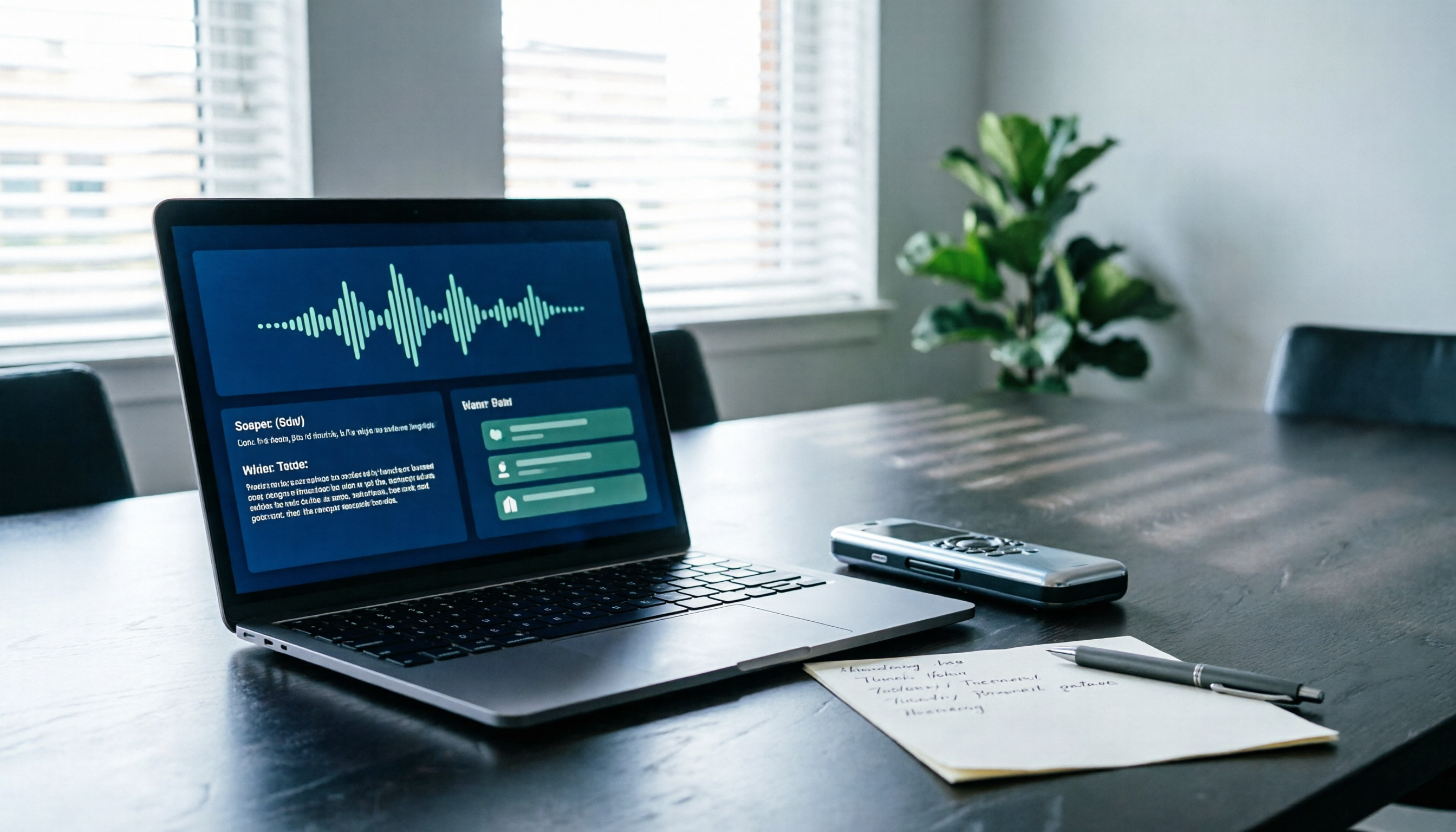
2026 AI Recording Solutions Compared: PLAUD Recorders vs. Tinrec from Hardware to Software
PLAUD recorders offer a solid hardware experience for on-the-go recording, but frequent online meeting users often face device costs, quotas, and post-meeting organization. This article compares PLAUD NotePin, Note Pro, and Tinrec across five practical dimensions to help you decide which approach suits your meeting scenarios.

Tinrec vs PLAUD Note 2026: 5-Dimension Comparison — Which Is Better for Online Meeting Notes?
People searching for 'online PLAUD recorder' often hit the same snag: they buy the hardware only to realize online meeting audio lives on the computer. This article breaks down Tinrec vs PLAUD Note across 5 dimensions—online meeting capture, post-meeting output, Chinese-language experience, team collaboration, and cost structure—to help you decide which solution truly fits your meeting scenario.

2 Free AI Recording Tools in 2026: Plaud's 300-Minute Allowance vs. No-Hardware Options
Plaud's "free" plan is actually a 300-minute monthly transcription allowance, and the hardware must be purchased separately. This article compares the free conditions, available features, and limitations of PLAUD and Tinrec to help you decide what to choose on a zero budget (verified October 2026).

How to Use PLAUD Recording for Free in 2026: 5-Step Tutorial and Free Quota Explained
How do you use PLAUD's free 300-minute monthly transcription quota? This guide walks through the entire process in 5 steps, from hardware pairing and recording to cloud transcription and quota management. It also covers the three most common pitfalls of the free plan and explains what to do if you don't have PLAUD hardware.

2026 AI Voice Recorder Comparison: What Is PLAUD, and Should You Buy Hardware or Use an App?
What is PLAUD? This article explains the hardware form factor, transcription workflow, and pricing of PLAUD Note and NotePin, and compares them side-by-side with the app-based AI meeting tool Tinrec and built-in phone recording. It includes official prices and free quotas verified in August 2026 to help you decide between buying a device or using software.

How to Share Plaud Recordings in 2026: 3 Export Methods + Team Collaboration Tips
Recording is the easy part—sharing is where things get complicated. This guide explains three native ways to share Plaud recordings: share links, file exports, and sharing via third-party apps, including how each works and its limitations. Then it covers what to do when you go from sharing with one person to sharing with ten, and how teams can turn meeting recordings into searchable, trackable, handover-ready data.

3 AI Recording & Transcription Tools with Free Plans in 2026: Is Plaud Worth It? Meeting Note Limits Compared
Starting from whether Plaud recordings are useful, this comparison of Plaud, Otter.ai, and Tinrec covers free plan limits, meeting note organization, post-meeting Q&A, and team collaboration to help you decide which recording workflow fits your work situation.

How to Record with Plaud Note Pro in 2026: 4-Step Tutorial and Hands-On Comparison
How does Plaud Note Pro record? This guide breaks down the actual steps and hardware specs for in-person recording and MagSafe call recording, and compares hardware-free AI meeting notes solutions, including Tinrec's bot-free online meeting recording, AI Q&A, and team knowledge retention, to help you choose the approach that truly saves time after meetings.

Plaud Recording Files Free Plan Guide 2026: 3 Plans Compared
What is a Plaud recording file? This guide covers the file itself, export methods, and free quotas, compares Plaud Starter, Pro, and Unlimited plans, and contrasts Tinrec, Notta, and Otter.ai for online meetings, Chinese transcripts, and team knowledge retention—helping you decide whether to buy recording hardware or switch your meeting notes workflow.