

Turn recordings into transcripts and summaries in minutes
Upload audio or video for multilingual transcription, AI notes, and action items
6 Best YouTube Cantonese Subtitles Solutions in 2026: Free Native Features vs AI Tools Compared
Why Do You Need to Handle YouTube Cantonese Subtitles?
Many people think that once a video is uploaded, turning on "auto-captions" is the end of it. Honestly, I thought so too at first—until a friend who does Cantonese tech unboxing videos messaged me to complain.
He had just finished editing an 18-minute new phone review and used YouTube Studio to auto-generate captions—free, no need to leave the browser, sounds perfect. But when the captions finished, the entire video was full of colloquial phrases like "佢哋而家唔使咁做" (they don't need to do that now). Hong Kong viewers have no problem reading it, but Traditional Chinese viewers in Taiwan, Singapore, and Malaysia get stuck.
This is the most common misconception: treating "having subtitles" as "viewers can read smoothly."
YouTube officially supports auto-captions in over 60 languages, including Cantonese/Hong Kong, which is quite broad coverage in the industry. But Google doesn't publicly disclose accuracy by language; long-term user community observations are: English is strongest, Mandarin is above average, Cantonese is noticeably weaker. Nine tones and six pitch contours plus high density of homophones make it inherently a hard problem for speech recognition; videos mixing Chinese and English have the most unstable results.
So what you really need to decide is two things: do you want "understandable" or "smooth to read, and usable elsewhere"? This article covers 6 solutions, from YouTube's native free routes to AI tools, and clarifies what each is suitable for.
Tinrec | Turn Video Content into Searchable, Queryable Text Data
One-sentence positioning: This is not a subtitle tool, but an AI meeting notes and collaboration platform that turns audio into "data you can continue working with."
Let me be clear first: many people ask me "can this directly generate SRT?" No, Tinrec doesn't focus on subtitle timelines and SRT output. Its value is after subtitles—when video or meeting content needs to be turned into articles, summaries, scripts, or team databases, that's when it shines.
Audio/video file transcription + AI summaries and chapters: Upload already-recorded video audio to quickly get transcripts, summaries, and segmented highlights, so you don't have to watch long videos from start to finish.
AI Q&A and real-time translation: You can continue asking questions about the content, like "what were the three conclusions in this segment," or view in original, translated, or bilingual mode. Especially useful for mixed Chinese-English content—this is also my most-used feature when creating bilingual materials.
Bot-free online meeting recording: The desktop version directly captures system audio, handling Zoom, Google Meet, Microsoft Teams, and Webex meetings without pulling an extra bot into the meeting room.
Team spaces and governance: Meeting data belongs to the team, with management of members, roles, seats, usage analytics, audit logs, and audio recycle bin. Even members without seats can view, play, and read team data.
Plans listed honestly: Personal plans include a free version, weekly card, Pro monthly, and Pro annual—choose by usage frequency; Team plans offer a 7-day trial for first-time eligible users, 1 free seat, 300 minutes of shared team import quota, USD 29.80/month per paid seat, or USD 199/year per paid seat (about USD 16.58/month), with each paid seat providing 2,000 minutes of shared import quota per month; real-time recording within an active plan is currently not deducted by minutes.
Who it's for: Those who already have steady video output and need to repurpose content into articles or summaries, or teams that need to manage materials and meeting notes together.
YouTube Studio Auto-Captions | Free, Fastest, but Be Prepared for Cantonese
Go to YouTube Studio backend, select "Subtitles" on the left, choose the language for the video, and click auto-generate. No tools to install, no leaving the browser—captions appear in minutes.
This is the lowest-barrier path among all solutions. Be aware of output quality: Cantonese auto-recognition is noticeably weaker than English, and it outputs colloquial speech, which can be a bit hard for cross-regional viewers to read.
Who it's for: Those whose videos are only for Hong Kong viewers, or who just need a first draft to edit themselves.
YouTube Studio Manual Subtitles | Zero Cost, Highest Time Cost
On the same subtitles page, select "Add manually" to type text segment by segment and set timelines. Completely free, and what you write is written Chinese, so viewers will definitely read smoothly.
The problem is time. For a 10-minute video, typing while listening can take over 30 minutes, and with mixed Chinese-English you have to repeatedly confirm terminology.
Who it's for: Those with very short videos, or who want to control every word personally.
YouTube Studio SRT Subtitle Upload | Self-Proofread, Self-Control
This path splits the subtitle work: first use a tool to generate an SRT file, edit it, then upload back to YouTube Studio. Natively supported, no extra charge, and timelines can be precisely controlled.
Stop organizing recordings by hand
Upload audio or video and automatically get a transcript, summary, and action items
I usually first check whether the tool offers both "colloquial/written" output modes, because this step determines how much you'll need to edit later.
Who it's for: Those who already have a preferred subtitle tool and want to keep a subtitle file on hand.
Subanana | Hong Kong-Developed Cantonese Subtitle Tool
One-sentence positioning: A web-based subtitle tool designed specifically for Cantonese, outputs .srt, can be uploaded back to YouTube.
The highlight is an interface designed directly for Cantonese users—use 3 shortcut keys to segment subtitles, then download the subtitle file from the top right. Actual trial reports mention that with mixed Chinese-English, English words are sometimes interpreted as Cantonese sounds, requiring manual re-listening and correction.
Who it's for: Creators who primarily use Cantonese and are willing to spend some time proofreading.
CantoSub | AI Subtitle Generator with One-Click Written Chinese Conversion
One-sentence positioning: An AI subtitle generator designed for YouTube creators, emphasizing one-click conversion of Cantonese output to written Chinese.
The biggest differentiator is that "convert to written Chinese" feature—very practical for those who want to push content to Taiwan and Malaysia viewers. The official page states a 30-minute free trial; for plans and pricing after the quota is used, check directly on the official website.
Who it's for: Those whose audience is not limited to Hong Kong and who want subtitles directly in written Chinese.
YouTuber AI | Multilingual Tool That Generates Subtitles from a Link
One-sentence positioning: A multilingual (including Cantonese) AI subtitle tool—enter a YouTube link or upload MP3/MP4 to generate subtitle files.
The process is simple: select the video language, and get subtitle files in about 20 minutes. It also has noise removal and an Assistant feature that automatically generates timestamped chapters and video descriptions from subtitles—helpful for those concerned with search ranking.
Who it's for: Creators with many videos who want to process links and files at once.
So Many Solutions—How Should You Choose?
• Want the most complete post-processing, turning transcripts into summaries, chapters, to-dos, and queryable data → Tinrec (highest proportion of having all these features) • Content often mixes Chinese and English, need bilingual comparison and translation → Tinrec (supports real-time translation and bilingual viewing) • Team needs to manage materials together, with seats, usage, and auditing → Tinrec (has independent team spaces and governance) • Video is already running, just want the fastest subtitle upload → YouTube Studio auto-captions (free, zero barrier) • Need non-Hong Kong viewers to read, focus on written Chinese → Subanana or CantoSub • Don't want to spend money at all, willing to type yourself → YouTube manual input or SRT upload
4 Things to Know Before Using YouTube Cantonese Subtitles
1. First decide whether viewers should read colloquial or written Chinese. If you don't think this through, no amount of editing later will be right. For Hong Kong viewers only, colloquial is more natural; for other Traditional Chinese regions, written Chinese saves a lot of explanation.
2. Auto-captions are a first draft, not a finished product. Free tools save you typing time, but proofreading time still counts. My habit is to generate the colloquial draft first, then convert it segment by segment to written Chinese—much faster than starting from scratch.
3. Mixed Chinese-English is the biggest variable. Videos mixing Cantonese with English or Japanese have the most unstable recognition results, and technical terms often go wrong. If certain terms appear regularly, you can build a glossary first, or use the team hotword feature in the tool to reduce repeated edits.
4. Pay attention to authorization when recording and transcribing. When handling others' videos or interview audio, remember to comply with local regulations and obtain consent when necessary.
FAQ
Q: Are YouTube's built-in auto-captions good enough for Cantonese? A: Depends on where your audience is. For Hong Kong viewers only, it's good enough as a first draft; for publishing to other Traditional Chinese regions, colloquial output usually needs a full rewrite.
Q: Can free solutions do it? A: Yes. YouTube Studio's auto-captions, manual input, and SRT upload are all free—the difference is how much proofreading time you're willing to invest.
Q: Do subtitles have to be output as SRT? A: Not necessarily. You can also input manually directly in YouTube Studio, but keeping an SRT file has an advantage—the same content can be reused on other platforms or archived.
Q: Can Tinrec help me put subtitles on YouTube? A: It doesn't focus on subtitle timelines and SRT output. It's suitable for turning video or meeting content into transcripts, summaries, chapters, and to-dos, then continuing to ask questions or export to Notion, Google Docs, and other tools.
Q: What should teams pay attention to when working on subtitles together? A: Agree upfront on who drafts, who proofreads, and where files are stored. For example, Tinrec's team plan distinguishes roles and seats—only members with seats can upload, edit, and export, making management less chaotic.
Conclusion
There's no single best solution for subtitles; the key is to first clarify "what viewers should read" and "what else the content will be used for."
If you just want to quickly add subtitles, YouTube's native features are enough; if you need non-Hong Kong viewers to read, prioritize tools that output written Chinese; if, like me, you need to turn video content into articles, summaries, or even put it into a team database for reuse, then Tinrec's approach of turning transcripts into searchable, queryable data will save more follow-up time than just adding subtitles.
I suggest trying the free routes first to feel the gap in Cantonese auto-recognition, then decide whether to switch tools.
References
Turn every recording into actionable outcomes
Get 60 free transcription minutes when you sign in. No credit card required.
Related Reading
You might also like
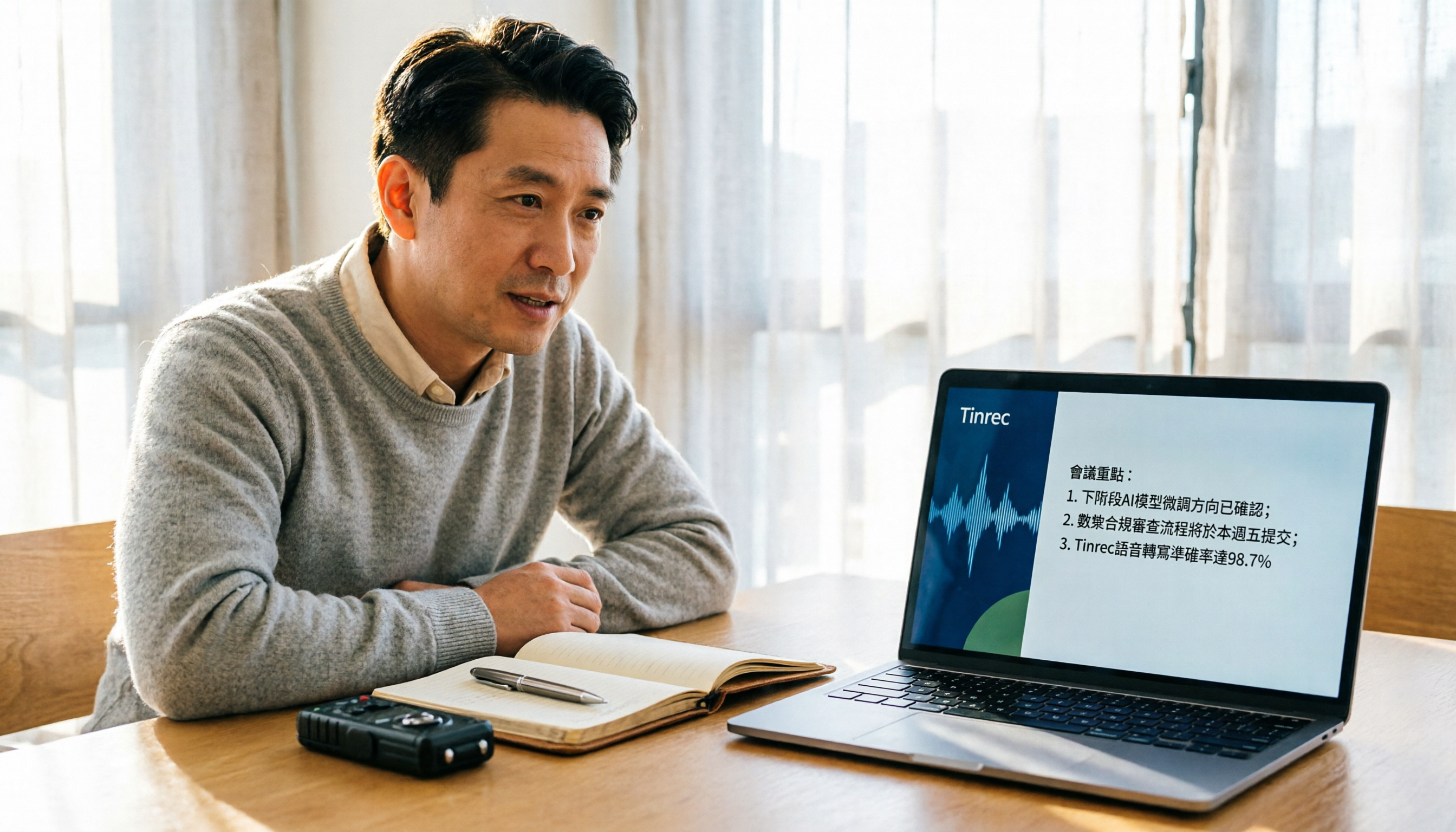
3 Free Cantonese Speech-to-Text Tools in 2026: Free Tiers and Meeting Notes Use Cases Compared
There are many free Cantonese speech-to-text tools, but whether the free tier can actually be used for work makes a big difference. This article starts from the decision point of 'are you transcribing a file or a meeting?' and compares the boundaries of three free plans—Tinrec, Subanana, and CantoSub—their approaches to converting spoken Cantonese to written Chinese, and how to choose among them for meeting notes, interview transcripts, and team knowledge retention.
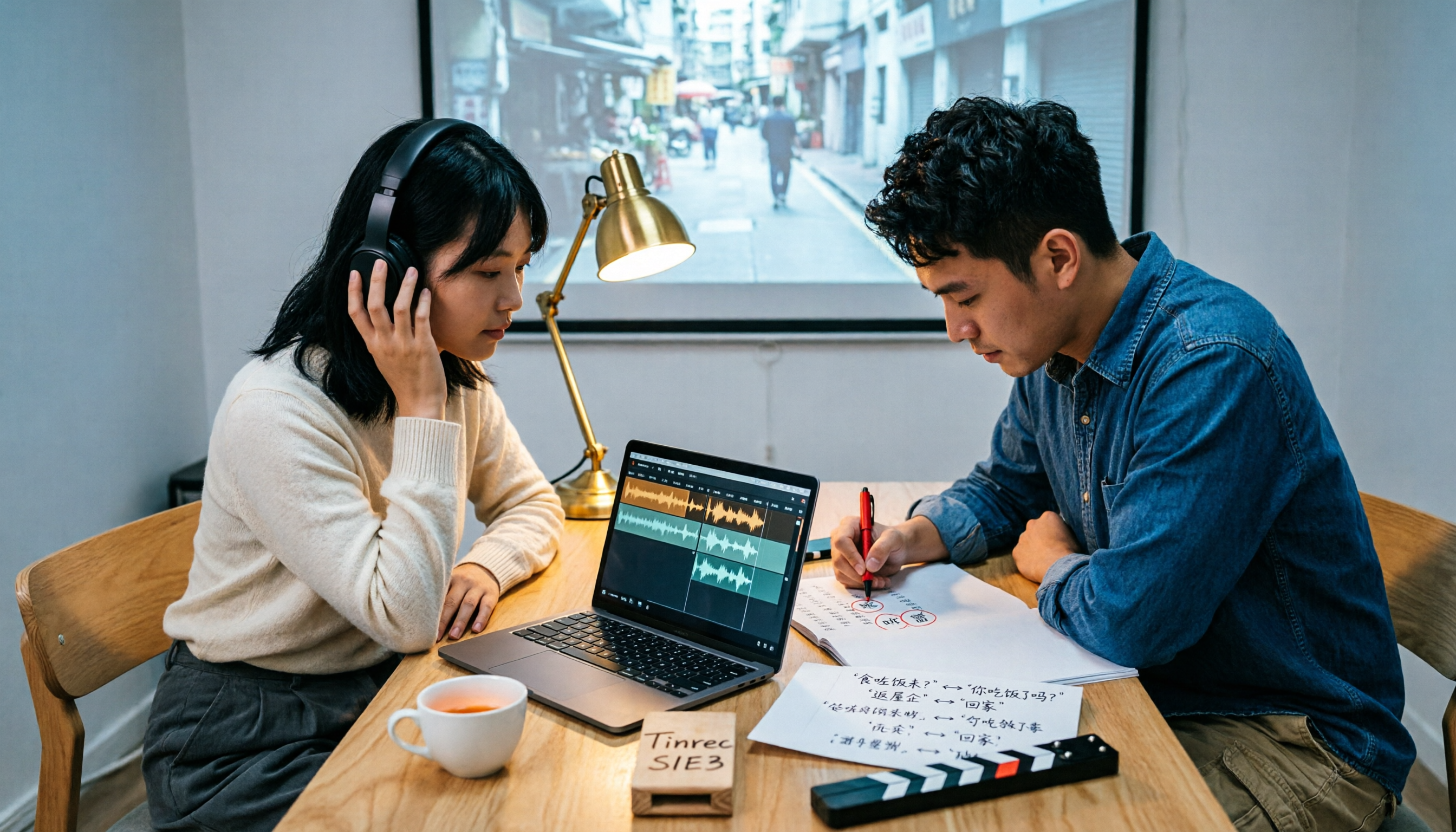
2026 Comparison of 3 Cantonese Movie Subtitle Solutions: Downloading Ready-Made Files vs. DIY Subtitle Workflow
When searching for "Cantonese subtitles movies," most people first look for subtitle files to download, but often encounter timeline mismatches and mismatches between colloquial and written language. This article starts with common misconceptions and compares three approaches: downloading ready-made subtitles, creating your own subtitles, and post-meeting audio/video organization. It also explains where Tinrec (Miao Ting Lu Yin) fits in interviews, film reviews, and team data retention.

2026 Real-Time Recording Translation Tools Comparison: Tinrec vs Google Translate — Which One Actually Keeps a Transcript?
Real-time recording translation is often mistaken for 'live translation,' but meetings end with nothing saved. This article addresses three common misconceptions and compares Tinrec and Google Translate across six practical dimensions, including Chinese meeting transcription, transcript retention, online meeting audio capture, post-meeting organization, and team collaboration. It concludes with scenario-based recommendations and FAQs.

5 Cantonese Input Methods Tested for 2026: Free, Cross-Platform, and Offline Options Compared
Struggling to type in Cantonese due to platform support, free access, or offline availability? This guide compares 5 common Cantonese input methods in 2026, including open-source Jyutping, web-based tools, and built-in system options. It evaluates them on platform compatibility, cost, and limitations, then offers clear recommendations based on your needs, plus when to switch to speech-to-text for long content.

2026 AI Recording Solutions Compared: PLAUD Recorder vs Tinrec for Meetings
PLAUD recorders are dedicated portable hardware, but if most of your meetings happen on a computer, an AI meeting workflow like Tinrec may be more convenient. This article compares PLAUD Note, NotePin, and Tinrec across five dimensions—acquisition cost, online meetings, post-meeting organization, team collaboration, and multilingual support—to help you decide which solution fits your meeting scenarios.

Plaud Free Plan 2024: 6 AI Recording Tools Compared
Compare Plaud's free 300 minutes per month with Tinrec, Otter, Notta, TurboScribe, and Granola. See free limits, pricing, and team collaboration features at a glance.

5 Free Ways to Add Cantonese Subtitles to Your Videos in 2026
Editing video isn't hard—adding Cantonese subtitles is the painful part. We tested 5 free tools, comparing transcription accuracy, export formats, and team collaboration to help you find the most time-saving solution. Tinrec isn't a video editor, but it quickly turns Cantonese videos into transcripts, drastically cutting down subtitle correction time.

5 Best AI Recording Platforms in 2026: Plaud Alternatives & Meeting Notes Comparison
A roundup of 5 recording organization platforms in 2026, from PLAUD hardware recording to Tinrec, Notta, Otter.ai, and Granola, comparing transcription, summaries, team collaboration, and pricing limits to help you choose based on your scenario.

Plaud Recording Tool Tutorial 2026: 5 Steps to Get Started + Transcripts & AI Summaries
Bought a Plaud but only know how to press record? This guide breaks down the workflow for Plaud Note, Note Pro, and NotePin into 5 steps: unboxing and pairing, choosing the right recording mode, converting to transcript, applying templates to generate summaries, and using Ask Plaud for follow-up questions and exporting. It also covers common troubleshooting, legal considerations for recording, and alternative approaches for teams that mainly meet online.