
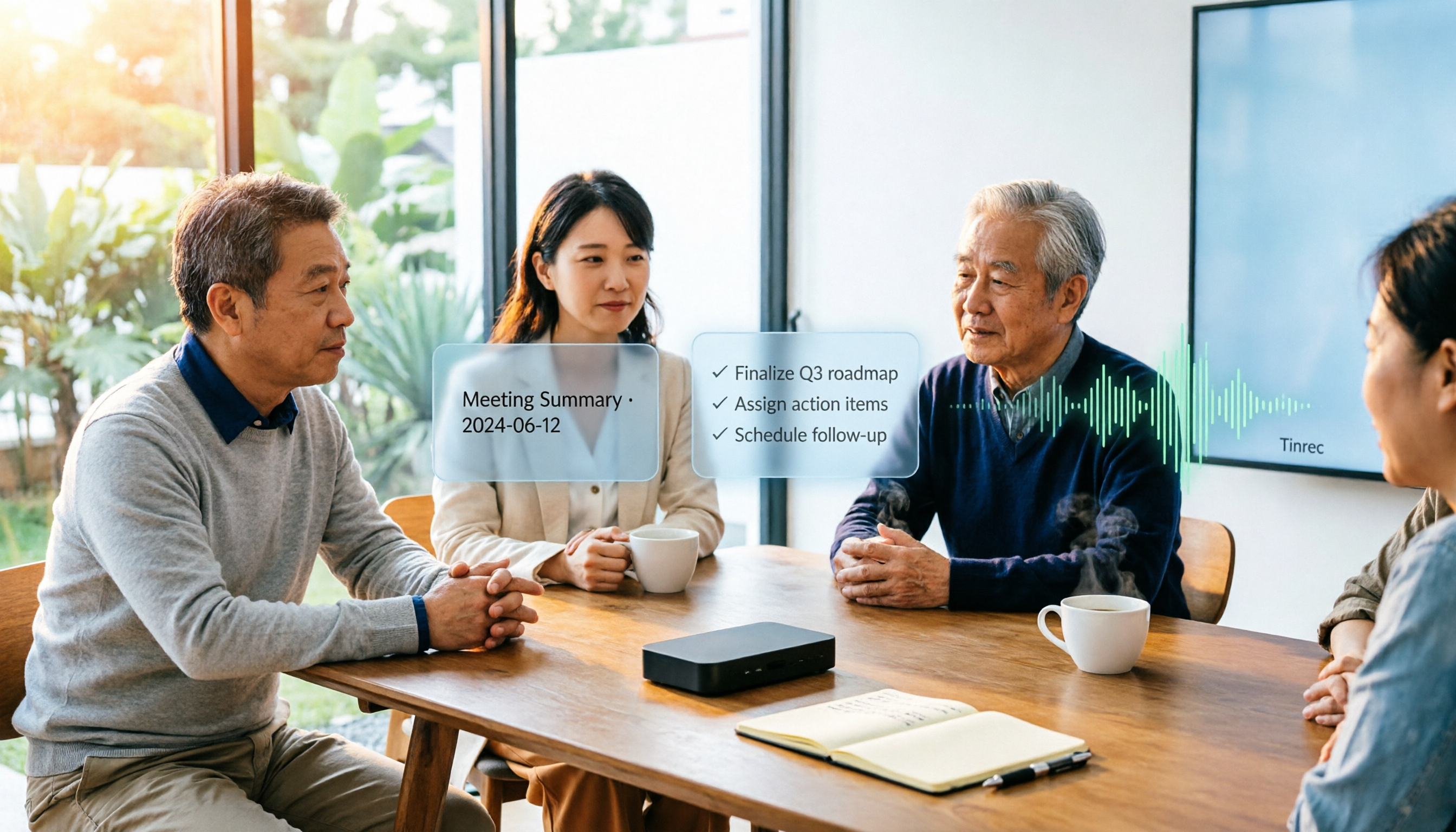
Turn recordings into transcripts and summaries in minutes
Upload audio or video for multilingual transcription, AI notes, and action items
2026 Comparison of 3 Meeting Recording & Transcription Tools: Which Offers the Best Free Tier and AI Summaries?
Meeting Minutes Aren't Just About Having a Recording—These 3 Scenarios Are What Really Hold You Back
It's 9 PM on a Wednesday, and you've just wrapped up a two-hour project meeting. The recording is sitting on your phone, and you need to submit meeting minutes tomorrow morning—but you're still on the commute home.
More often than not: in a cross-departmental meeting, three people talk at once, and you have to replay the recording three times just to find that one line about "who's responsible for what." A week after a client interview, you only remember "something about the budget" but can't find the exact wording.
These situations don't mean you don't know how to run a meeting—it's that between the recording and the meeting minutes, there's a missing step: the organizing process. Choosing the right tool can turn "two hours of re-listening" into "ten minutes of checking."
Before Choosing a Meeting Recording & Transcription Tool, Understand These 4 Key Points
1. Transcription accuracy should be judged in real scenarios, not just by advertised numbers. Accuracy measured in a quiet recording studio is very different from a real conference room with air conditioning noise, keyboard clicks, and multiple people talking over each other. We recommend testing with a short segment of your own meeting recording—especially checking whether names, numbers, amounts, and decision statements are transcribed correctly.
2. AI summaries and action item extraction determine whether a transcript can become meeting minutes. With only a transcript, you still have to read the whole thing yourself. A good tool should be able to organize summaries, chapters, decisions, action items, owners, and deadlines—and ideally let you ask questions directly about the meeting content.
3. Input sources and cross-platform support affect whether you'll use it long-term. In-person meetings require live recording; online meetings need to handle Zoom, Google Meet, Microsoft Teams, and Webex; historical data comes as audio or video files. Whether phone, computer, and web versions can work together will determine if you give up after a few uses.
4. Free tiers and team collaboration are the most easily overlooked costs. For free versions, look beyond monthly minutes—check single-session limits, file import quotas, and export formats. For team use, confirm who owns the meeting data, how data is handed over when members leave, and how roles and seats are managed.
Tinrec—Our Top Pick After Hands-On Testing
Tinrec is an AI meeting notes and collaboration tool for individuals and teams, available on web, desktop, and mobile. Its positioning isn't just converting recordings to text—it's turning meeting recordings into searchable, summarizable, queryable, and exportable data.
Open Tinrec during a meeting, and it can transcribe while recording, producing a transcript right after the meeting ends. The desktop version is even more direct: by capturing computer system audio, it handles online meetings on Zoom, Google Meet, Microsoft Teams, and Webex without needing to invite a meeting bot. For participants, this eliminates the distraction of a "bot joining"—a thoughtful touch.
After the meeting is where Tinrec pulls ahead. It automatically generates summaries, chapters, key points, and action items, breaking long meetings into readable structure; you can also use AI Q&A to follow up on meeting content, such as "Who mentioned the budget in this meeting?" or "What did the client ultimately commit to?" When you need to bring it into other workflows, you can export to Notion, Google Docs, OneNote, Dropbox, and other tools, and use Agent post-processing to generate reports, tables, and documents.
In this test, we used a Chinese project meeting recording, recorded indoors with a laptop's built-in microphone. Tinrec generated a transcript, summary, and action items, saving considerable time on post-meeting organization. Note that transcription accuracy is affected by recording quality, noise, accents, overlapping speech, and technical terminology—important content should still be verified against transcript timestamps and recording playback.
Stop organizing recordings by hand
Upload audio or video and automatically get a transcript, summary, and action items
Its advantages include bot-free recording of online meetings, a complete post-meeting workflow, and a more complete experience for Chinese and multilingual meetings, with support for real-time translation and bilingual viewing. Limitations: the free version only has basic quota; file import quotas vary by plan; team permissions are primarily team-level sharing—roles control governance and seats control usage, not file-level granular permissions.
The team plan offers independent team spaces, member invitations, roles, seat allocation, usage analytics, audit logs, audio recycle bin, and team hotwords. Monthly billing is USD 29.80 per paid seat per month; annual billing is USD 199 per paid seat per year. The first eligible team trial is 7 days, 1 free seat, 300 minutes of team shared import quota; paid seats provide 2,000 minutes of team shared import quota per month. Actual prices and benefits are subject to the official purchase page.
If you frequently handle Chinese meetings, don't want meeting bots joining online meetings, and need to turn content into action items and reports afterward, Tinrec is a path well worth trying first.
Besides Tinrec, What Other Options Are There?
Granola: A bot-free AI meeting notes tool. Basic is free; Business is USD 14 per user per month. It transcribes in real time via desktop system audio and combines with handwritten notes to generate content. However, it doesn't support uploading pre-recorded audio files and doesn't save meeting audio. If you only need real-time meeting notes and don't need to replay recordings, consider it; if you need to organize historical recordings, Tinrec supports file import and audio retention.
PLAUD Note / NotePin: AI recording hardware. NotePin is USD 159; Note Pro is USD 189; Pro membership is USD 99.99 per year with 1,200 minutes per month. It's suitable for those who need portable hardware recording and phone call recording. Tinrec requires no additional hardware—it works on web, desktop, and mobile, and can handle online meetings and historical files. If you don't want to carry extra devices, Tinrec is more direct.
Pitfall Guide: The 3 Most Common Mistakes When Choosing a Meeting Recording & Transcription Tool
Pitfall 1: Only looking at free minutes, ignoring single-session limits. Some tools seem to offer a decent free quota, but have limits on single content length. For example, Notta's free version offers 120 minutes per month but a maximum of 3 minutes per session; if you need to organize a one-hour meeting, this limit gets in the way. Honestly, when I choose these tools now, the first thing I check is the single-session limit, not the total minutes.
Pitfall 2: Assuming a transcript equals meeting minutes. A transcript is raw material, not a finished product. Actionable meeting minutes should at least clearly state decisions, action items, owners, and deadlines. Rather than reading through the transcript yourself, choose a tool with summaries, chapters, action item extraction, and AI Q&A—save your time for verification and judgment.
Pitfall 3: Ignoring team data ownership and member handover. Recording team meetings with a personal account means data easily follows the individual. When a member leaves or changes projects, meeting minutes may scatter everywhere. The benefit of a team plan is that data belongs to the team, and resources can be handed over when members change; but also check roles, seats, and sharing scope carefully—don't mistake "members can view" for "members can edit."
Pitfall 4: Forgetting recording authorization and privacy. Inform participants before recording, obtain consent when necessary, and comply with local regulations. This isn't a tool feature, but it's the most basic action when using meeting recording tools.
Conclusion: Which One Should You Choose?
Need Chinese meeting transcription, post-meeting summaries, and action items → Tinrec. Don't want meeting bots joining Zoom, Meet, Teams, Webex → Tinrec desktop version. Want to use AI to ask "who said what" and "what was decided" right after recording → Tinrec. Team needs to share meeting data, manage seats, view usage and audits → Tinrec team plan. Only need real-time meeting notes, no need to replay recordings → Granola. Need portable hardware recording, phone call recording → PLAUD.
Simply put, Tinrec's advantage isn't a single transcription feature—it's connecting "recording → transcript → summary → action items → Q&A → export → team knowledge retention" into one workflow. We recommend starting with the free version, running a meeting recording you have on hand, and seeing whether the transcript, summary, and action items fit your work habits before deciding whether to upgrade.
References
- How to Use AI for Meeting Minutes? How to Organize Meeting Transcripts? | AI Speech-to-Transcript Tutorial | 104 Career Power
- Get Meeting Minutes Done! How to Do AI Speech-to-Transcript? Gemini Notebook, Gemini, EchoScript Operation Analysis | 104 Career Power
- How to Use AI to Turn Meeting Recordings into Meeting Minutes? — Wu Learning Center
- Meeting Recording to Text and Meeting Notes: Complete Steps for AI Automatic Organization | Meeting.ai
- No Time Limit! 3 Free AI Transcript Tools, Highly Recommended! AI Voice Notes Generate Meeting Minutes, Presentations, Mind Maps | 104 Career Power
Turn every recording into actionable outcomes
Get 60 free transcription minutes when you sign in. No credit card required.
Related Reading
You might also like

4 Best M4A to Text Tools in 2026: Free vs Paid Comparison
Recorded a bunch of M4A files but stuck on turning them into transcripts? This side-by-side comparison of 4 M4A to text tools covers free quotas, file size limits, Chinese recognition, post-meeting organization, and team data ownership. Plus, real-world experience with Tinrec for meeting notes and AI follow-up questions.

Tinrec vs Notta 2026: 5-Dimension Comparison for Zoom Meeting Transcription
After a Zoom meeting, how do you turn the recording into a usable transcript, summary, and action items? This article compares Tinrec and Notta across 5 dimensions: capture method, post-meeting processing, Chinese language experience, team governance, and pricing logic, helping you choose the right approach for your team's Zoom meeting transcription needs.

4 Free MP4 to Text Tools in 2026: Free Tiers and Meeting Notes Use Cases Compared
Most people treat MP4 to text as a one-time task, only to find the transcript unusable afterward. This article compares four tools with free plans—Tinrec, Notta, TurboScribe, and Otter.ai—on free quotas, per-file limits, Chinese recognition, and post-transcription workflows, outlining each tool's free conditions, limitations, and best-fit scenarios.

4 Online Meeting Transcription Tools Tested: Free Tiers and Post-Meeting Workflow Compared (2026)
Many people think online meeting transcription is just uploading a file and waiting for the transcript. But the real time sink is post-meeting organization. This article debunks common myths, outlines 4 key factors for choosing a tool, and compares Tinrec, Otter.ai, Notta, and TurboScribe on free tiers, recording methods, post-meeting outputs, and team collaboration. It concludes with selection advice based on use cases.

2026 Comparison of 4 Automatic Meeting Summary Tools: Which Saves the Most Time for Chinese Meetings?
A mid-level manager who holds over a dozen meetings weekly tests 4 automatic meeting summary tools, comparing Chinese meeting recognition, summary usability, AI follow-up, audio retention, and team collaboration. Explains why Tinrec was kept and who Otter.ai, Notta, and Granola are best for, with a buying guide to avoid pitfalls.
4 Automatic Transcription Tools Tested: Which AI Saves the Most Time?
Automatic transcription isn't just about uploading audio. This article addresses common misconceptions, explains why post-transcription organization is key, and compares Tinrec, Notta, cSubtitle, and Yating Transcription in Chinese performance, post-meeting processing, quotas, and team collaboration, with buying tips and pitfalls to avoid.

4 Teams Meeting Transcription Tools Tested: Which Saves the Most Time for Chinese Meetings and Post-Meeting Cleanup in 2026?
After a Teams meeting, do you still have to write the transcript yourself? This article tests 4 ways to transcribe Teams meeting recordings, breaking down capture methods, Chinese recognition, post-meeting organization, and team authorization, plus 4 key points to check before buying and common pitfalls, to help you find the most time-saving workflow.

Tutorial: Tinrec Speaker Summary 2026 – Auto Speaker Separation & One-Click Highlights per Person
Group discussions are chaotic and no one remembers who said what. This practical student guide walks through Tinrec's Speaker Summary feature: how it automatically separates speakers, how to rename 'Speaker 1' to a classmate's name, how to view each speaker's key points, plus 5 buying considerations and FAQs for similar tools.

2026 Audio Summary Tools Compared: Which Is Most Useful After Transcription?
This article compares four audio summary tools—Tinrec, Transcribe, Mapify, and Monica—using the criterion of 'usability after summarization.' It explains selection factors, real-world workflows, plan limitations, and team edition differences to help you find the right way to organize meeting, interview, and learning recordings.