
Turn recordings into transcripts and summaries in minutes
Upload audio or video for multilingual transcription, AI notes, and action items
When writing sales meeting notes for the first time, many people run into the same problem: typing down every word the client says. A two-hour meeting turns into a five-thousand-word transcript, and no one wants to reread it afterward. The budget the client promised, the decision-maker, and the next steps are scattered across different pages. Another common mistake is recording only conclusions without the reasons—two weeks later, when the salesperson needs to follow up, no one remembers what the client's concerns about pricing were at the time.
Sales meeting notes are not a verbatim transcript; they are an instruction manual for post-meeting action. They should allow your future self, your manager, or a colleague taking over to understand without listening to the recording: what the client wants, where things are stuck, what was promised, who does what next, and when.
Next, I'll use five meeting notes tools with free plans, combined with the fields actually used in sales meetings, to walk through the process from pre-meeting preparation to post-meeting follow-up. The free quotas and pricing data in this article were verified in August 2026; plan details are subject to each official website.
What to Check Before Using Free Plans?
How to Evaluate Free Quotas
Free plans usually have three limitations: monthly minutes, single-session length, and file count. A sales meeting lasts 45 to 60 minutes. Notta's free version allows a maximum of 3 minutes per session, which is clearly insufficient; Otter Basic offers 300 minutes per month, enough for about 5 to 6 meetings; TurboScribe counts by file, with 3 files per day and 30 minutes per file; Granola offers a free plan but does not publicly disclose a fixed number of minutes; Tinrec's free version provides a basic quota, while the team version's first trial is 7 days, 1 free seat, and 300 minutes of shared team import quota.
The Five Fields Sales Meeting Notes Should Include
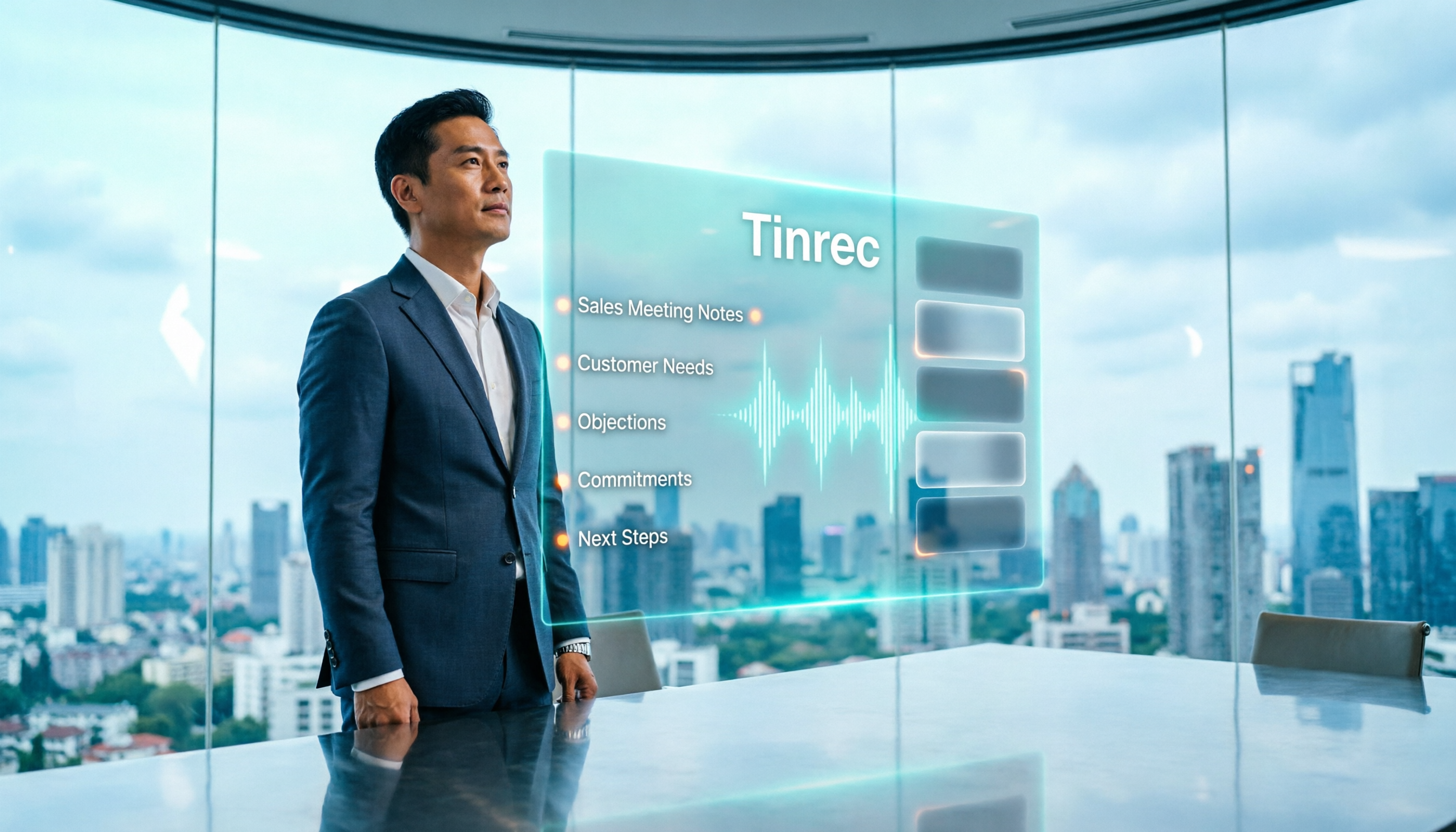
Free quotas determine whether you can use the tool, but the quality of your notes depends on whether you include the right fields. I usually keep only these five:
- Meeting purpose and client background: why the meeting was held, the client company, and the names and titles of attendees.
- Client's explicit needs and pain points: problems the client stated themselves, not the salesperson's assumptions.
- Client objections and concerns: pricing, competitors, decision process, timeline—anything unresolved at the meeting should be recorded.
- Confirmed decisions and commitments: what both parties agreed on, who committed to what.
- Open items and next steps: owner, date, completion criteria; if not yet determined, write "to be confirmed."
Transcripts can be left to the tool; these five fields are what you'll actually use after the meeting. Before recording, also remember to check company policies and obtain attendee consent when necessary.
1. Tinrec: Chinese Sales Meetings and Team Knowledge Retention
Tinrec is an AI meeting notes tool for individuals and teams. The free version provides a basic quota to experience recording, importing, summaries, and transcription. The team version offers a 7-day trial for first-time eligible users, 1 free seat, and 300 minutes of shared team import quota; paid seats are USD 29.80 per month, or USD 199 annually, equivalent to about USD 16.58 per month.
The workflow is straightforward: for online meetings, use the desktop version to capture computer system audio without inviting a meeting bot; for in-person visits, use your phone or desktop version for real-time recording. During the meeting, you can view the transcript; afterward, summaries, chapters, and action items are automatically generated. You can also use AI Q&A to follow up on competitor or budget details the client mentioned, and finally export to Google Docs, Notion, and other tools for further organization.
In sales scenarios, I use it like this: before the meeting, fill in the client name and attendee names and titles in the title; during the meeting, mark commitments the client made in their own words; after the meeting, add owners and dates in the action items field, then manually verify numbers and proper nouns once. Note that Tinrec is not a bot that automatically joins all calendar meetings; you need to initiate recording yourself. Transcription accuracy is also affected by recording quality, accents, and overlapping speakers.
If a sales team shares client meeting data, the team version offers an independent team space, role and seat management, usage analytics, and audit logs. Meeting data belongs to the team, and resources can be handed over when members leave. However, it currently provides team-level sharing, not file-level granular permissions—this is something to clarify when choosing.
2. Otter.ai: A Mature Option for English Business Meetings
Otter is a mature AI meeting assistant. The Basic free plan offers 300 minutes per month, covering platforms like Zoom, Microsoft Teams, and Google Meet, with real-time transcription, speaker identification, summaries, and AI Chat.
To use it, you can start recording from the web or app, or connect your calendar to have it join meetings; afterward, view summaries and action items on the meeting page, then use AI Chat to ask for details. For sales meetings where clients mainly speak English, Otter's English transcription and summaries are more mature, and the free 300 minutes is enough for testing for a while.
The limitation is that once the free quota is used up, you cannot continue, and the experience for Chinese meetings is not as good as Chinese-specific tools; if your clients are mainly Chinese-speaking, I recommend trying options with more stable Chinese performance first.
3. Notta: Multilingual and File Transcription
Notta covers multi-platform transcription, meeting notes, file import, and translation. The Free plan offers 120 minutes per month, with a maximum of 3 minutes per session; Pro annual billing is equivalent to USD 8.17 per month, with 1,800 minutes per month.
Stop organizing recordings by hand
Upload audio or video and automatically get a transcript, summary, and action items
Its free quota is more suitable for short segments, such as voice messages from clients, requirement supplements within 3 minutes, or transcribing a segment of recording for verification after a meeting. The workflow is to upload an audio file, select the language, start transcription, then export text or translation. To record a full 45-minute sales meeting, the free version's 3-minute per-session limit will directly block you, so you'll need to consider a paid plan.
4. Granola: Bot-Free Meeting Notes
Granola is a bot-free AI meeting notes tool that transcribes in real time through your desktop device's system audio and microphone, and combines your handwritten notes to generate post-meeting content. The Basic plan is free; specific quotas are subject to the official website.
To use it, open the desktop app and take notes in your own words while real-time transcription runs during the meeting; afterward, it merges the transcript and your notes into more structured meeting content. For salespeople who are used to listening and writing simultaneously, this approach is closer to the thinking process of "sales meeting notes" than a pure transcript.
Keep in mind that Granola does not support uploading pre-recorded audio and does not save meeting audio files. If your company requires audio archives, or you need to re-listen to a client's exact words after the meeting, this is a hard limitation.
5. TurboScribe: Long Files and Batch Transcription
TurboScribe is more of a cost-effective file transcription tool. The Free plan allows 3 files per day, up to 30 minutes per file; Unlimited annual billing is USD 120, equivalent to USD 10 per month, with paid versions supporting up to 10 hours or 5 GB per file and up to 50 files uploaded at once.
It is not suitable for real-time meeting notes, but it is very suitable for batch converting existing recordings to text after meetings: upload audio or video, select language, and export subtitles or documents after transcription. If a sales team has accumulated a batch of client visit recordings, they can use it to first produce transcripts, then manually organize them into five-field sales meeting notes. The limitation is that it lacks meeting summaries, action item extraction, and AI Q&A; you still need to process the transcription yourself.
Free Feature Comparison Table
| Tool | Registration Required | Free Quota | Key Features | Main Limitations |
|---|---|---|---|---|
| Tinrec | Yes | Free version basic quota; team first trial 7 days, 1 seat, 300 minutes shared import | Real-time transcription, summaries, action items, AI Q&A, team space | Free minutes not disclosed, subject to official website; does not automatically join meetings |
| Otter | Yes | Basic 300 minutes per month | English meeting transcription, summaries, AI Chat | Weaker Chinese experience; upgrade required after quota is used |
| Notta | Yes | Free 120 minutes per month, 3 minutes per session | Multilingual transcription, translation, file import | 3 minutes per session not suitable for full sales meetings |
| Granola | Yes | Basic free, quota subject to official website | Bot-free real-time transcription, note enhancement | Does not save audio, does not support uploading pre-recorded files |
| TurboScribe | Yes | Free 3 files per day, 30 minutes per file | Long file and batch transcription, subtitle export | No meeting summaries or action items; not a real-time tool |
Data verified: August 2026. Plan details and prices may change; please refer to official pages before use.
Which One Is Right for You?
If you mainly hold sales meetings in Chinese and need summaries, action items, and want to retain client data for the team, Tinrec's workflow is closest to sales scenarios; try the free version for one meeting first, then use the team version for multi-person sharing and governance.
If your clients are mainly English-speaking and you are already used to Otter, Basic's 300 minutes per month can hold you over. If you often handle short voice messages or multilingual translation, Notta's free version can serve as a supplementary tool, but don't use it to record a full meeting. If you don't want a bot joining meetings and prefer to write while listening, Granola's experience is very natural, provided you don't require audio archiving. If you already have a large number of recordings to batch transcribe, TurboScribe's per-file pricing will be more cost-effective than per-minute pricing.
When budget is limited, my advice is to first use a free plan to test three things with one real sales meeting: whether the transcript can recognize the client's key commitments, whether the summary covers objections and next steps, and whether it is easy to organize after export. Once these three pass, then consider paying.
Frequently Asked Questions
Do sales meeting notes require recording? Not necessarily, but recording allows you to verify the client's exact words afterward. If company policy or the client does not agree to recording, use handwritten notes and organize them immediately after the meeting, and mark "not recorded" in the notes.
Is the free version enough? It depends on meeting frequency and length. Otter Basic's 300 minutes per month is about 5 to 6 meetings; Notta's free version allows 3 minutes per session, which is not enough for a full meeting; Tinrec's free version basic quota is suitable for testing the workflow first. Free quotas may change; check the official website before upgrading.
Should meeting notes be shared with clients? Internal versions can be detailed; for client-facing versions, it is recommended to keep only decisions, commitments, and next steps, and ask the client to confirm before sending. Do not send internal comments about competitors directly to clients.
Do you need client consent to record? Handle according to local laws and company policies. Pay special attention to cross-border meetings; when necessary, inform and obtain consent at the start of the meeting.
Can AI-generated summaries be used directly as official records? Not recommended to send directly. AI may miss numbers, dates, or tone shifts; important commitments should still be verified against the transcript timestamps and recording.
What is the difference between team and personal versions? Personal version data belongs to the individual account; the team version has an independent team space, meeting data belongs to the team, and adds members, roles, seats, usage, audit, and recycle bin. Members without seats can still view and play data but cannot upload, edit, or export.
Overall, the key to sales meeting notes is not how much you write, but clearly writing "what the client wants, where things are stuck, and who does what next." When choosing a tool, first check whether the free quota covers a full meeting, then whether post-meeting organization and export are smooth. Starting with a free plan and validating with a real meeting is usually more accurate than reading spec sheets.
References
- Meeting Notes Format Template [Copy Directly] 4 Key Points + Writing Examples, Fill It In and Submit
- How to Create a Sales Meeting Notes Form in 2026? 5 Steps from Blank Form to AI Auto-Organization - Tinrec Blog
- Free Meeting Minutes Templates (Word, Google Docs, PDF) | HiNoter Blog
- Master the Techniques of Writing Meeting Minutes with Templates | Lark
- How to Write Meeting Minutes: Four Meeting Types, Steps, and Templates | VOMO
Turn every recording into actionable outcomes
Get 60 free transcription minutes when you sign in. No credit card required.
Related Reading
You might also like

Best Sales Meeting Notes Tools in 2026: 3 Tested, Tinrec Shines for Chinese Transcription & AI Q&A
A sales meeting notes template isn't just a record—it's the basis for tracking customer needs, commitments, and next steps after the meeting. This article explains what fields a sales meeting notes template should include and compares 3 tools through hands-on testing to help Chinese-speaking sales teams choose. Tinrec stands out for Chinese transcription, bot-free online meeting recording, AI Q&A, and team knowledge retention.

5 Sales Meeting Note Tools Compared for 2026: Chinese Transcription, Bot-Free Recording, and Team Collaboration
A comparison of official data for 5 sales meeting note tools, covering required sales meeting fields, bot-free recording, Chinese transcription, post-meeting action items, and team collaboration differences, with free tiers and paid pricing limits listed as-is.

2026 Comparison of 4 English Sales Meeting Minutes Tools: Which One Can Organize Client Meetings Fastest?
Starting from the definition of sales meeting minutes, English formats, and common pitfalls, this article reviews the features, pricing, and use cases of four English sales meeting minutes tools—Tinrec, Otter.ai, Fireflies.ai, and Notta—to help you choose based on your needs.

2026 Comparison of 3 Sales Meeting Notes Tools: How to Choose for Chinese Meetings, Post-Meeting Organization, and Team Knowledge Retention
What are sales meeting notes? This article first breaks down their definition, essential fields, and common pitfalls, then compares Tinrec and Notta across 6 dimensions regarding Chinese meetings, post-meeting organization, and team collaboration to help you decide which tool to use.

4 Sales Meeting Notes Tools Tested for 2026: Which Free Version Is Good Enough?
Sales meeting notes aren't just records for your manager—they're what you rely on two weeks later to follow up on customer commitments. This hands-on test compares Tinrec, Notta, Otter.ai, and Granola across field design, audio-to-transcript verification, post-meeting Q&A, and team handoff, plus the three most common note-taking mistakes and selection advice.

3 Sales Meeting Notes Methods Compared: Handwritten Templates vs. AI Auto-Summary — Which Really Saves Time?
Poor sales meeting notes usually aren't a typing-speed problem — they're a failure to separate customer commitments, decisions, and action items. This guide breaks it down using 4 key judgments, provides a copy-ready 5-section template with good vs. bad examples, and compares handwritten templates, built-in platform transcription, and AI meeting tools. It also explains where Tinrec fits in the before, during, and after meeting workflow.

The Complete Guide to Sales Meeting Note-Taking Tools in 2026: How to Choose Between Tinrec, Notta, and Otter.ai
Which sales meeting note-taking tool works best? This article compares Tinrec, Notta, and Otter.ai across four dimensions: meeting capture methods, Chinese and mixed Chinese-English recognition, post-meeting summaries and action items, and team knowledge retention. It also provides recommendations for choosing between personal and team plans, key considerations for purchasing, and answers to common questions, helping you find the meeting note-taking tool that fits your sales process.

2026 Comparison of 4 Sales Meeting Notes Tools: Chinese Transcription, AI Action Items, and Team Knowledge—Which Saves the Most Time?
Sales meeting notes aren't about transcribing every word—they're about turning customer commitments into trackable actions. This article starts with three common pitfalls, outlines 5 key buying criteria, and tests Tinrec, Notta, Otter.ai, and Granola on Chinese recognition, bot-free recording, post-meeting organization, and team knowledge retention, with a pitfalls guide and selection advice.

2026 Sales Meeting Notes Template Free Options Compared: 4 Tools at a Glance
Struggling to produce meeting notes after a sales call with only scribbled notes and a recording? This article outlines the fields a sales meeting notes template should include and compares the free plans of Tinrec, Otter.ai, Notta, and TurboScribe—covering free quotas, Chinese language support, summary and action items, and export capabilities—along with paid pricing and use cases to help you decide if a free version is enough.