
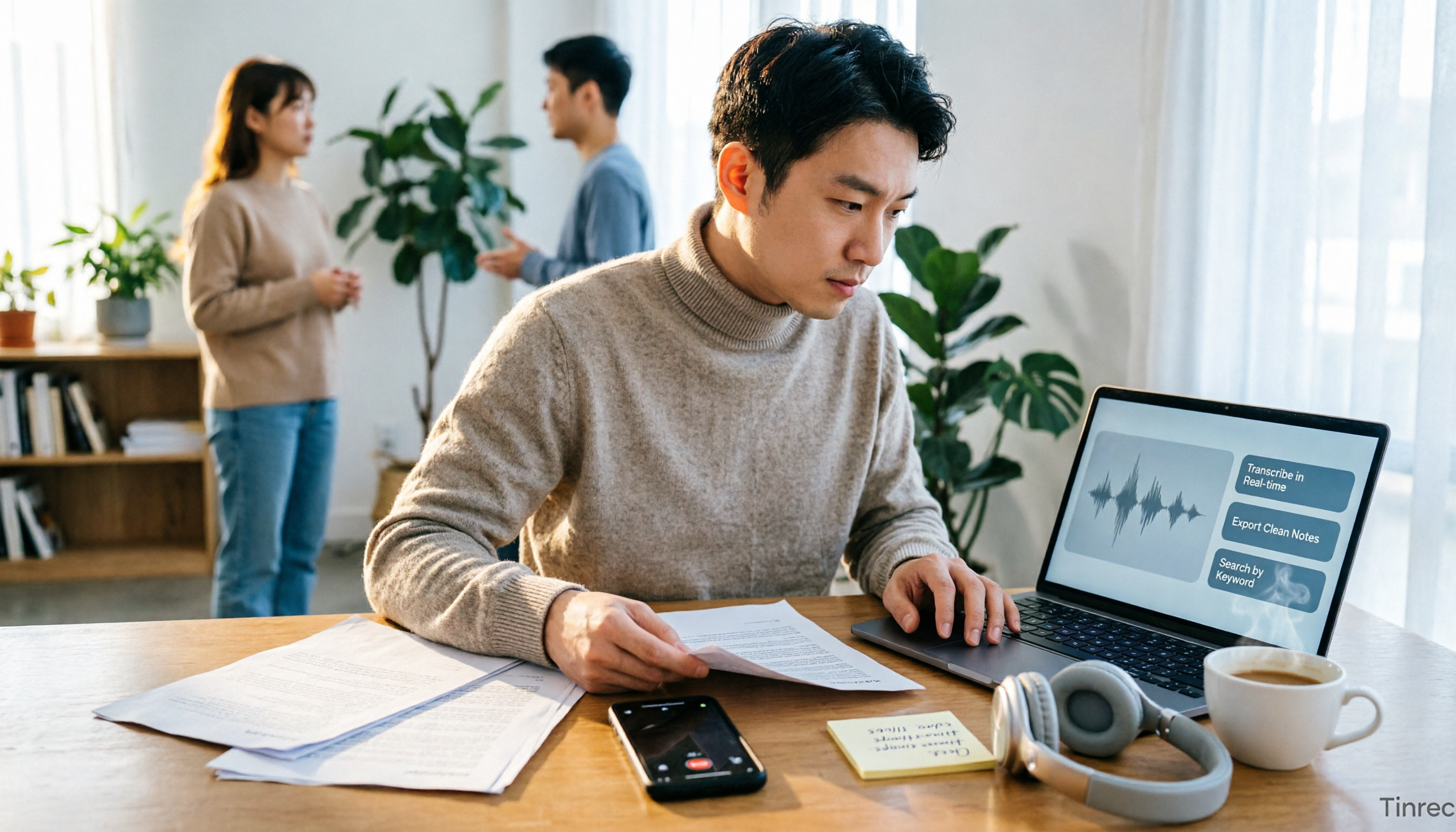
Turn recordings into transcripts and summaries in minutes
Upload audio or video for multilingual transcription, AI notes, and action items
You have 80 screenshots—do you want them all turned into text, or into usable data?
People searching for "bulk image to text" actually have two different needs mixed together.
One is text in static images: phone screenshots, scanned quotes, whiteboard photos, receipts, paper screenshots. This relies on OCR (optical character recognition).
The other is text from dynamic content: online meetings, interview recordings, lecture audio, videos. This relies on speech transcription, and OCR tools are completely useless for it.
Pick the wrong type, and even the best tool won't help. In this article, I'll first clarify the criteria, then give you the currently tested and workable options for each.
Dozens of screenshots piled up in a folder—what usually blocks you isn't "can't convert"
The meeting ends, and 30 whiteboard photos are sitting on your phone. A client sends a bunch of quote screenshots. You recorded 5 interview audio files for a project, and they're still unorganized.
Dropping them into a tool one by one, copying, pasting, renaming—the real time sink is never the recognition itself, but the organizing after recognition.
What's more troublesome is inconsistent material. Images can go to OCR, but meeting recordings will only come back blank. Many people buy a tool before realizing this.
So ask yourself first: am I dealing with "images" or "meetings, interviews, online courses"?
Before choosing an image-to-text tool, understand these 4 key points
**1. Whether it recognizes printed or handwritten text.** Most free tools do well with clear printed text, but performance drops noticeably with handwritten notes, artistic fonts, or low-resolution screenshots. If your material is mostly handwritten, confirm the tool supports it first.
**2. Whether the free limit is on "number of uses" or "file size".** This is the first wall you'll hit in bulk scenarios. Gaitubao's official documentation states a single file must not exceed 10MB and usage is limited to 5 times per day; for larger volumes, you need the professional version. Free doesn't mean sufficient.
**3. Whether it can process multiple images at once.** Uploading one by one is a fatal flaw for bulk scenarios. Tools with batch capability are several times more efficient than single-image tools.
**4. Privacy terms are more important than accuracy.** For receipts, contracts, and customer list screenshots, confirm before uploading whether they will be retained or shared. This is often overlooked but most troublesome when something goes wrong.
Tinrec—when your "bulk content" isn't just images
Let's be clear: Tinrec does not do image OCR. If all you have are screenshots, the OCR tools below are the answer you need.
But if your "bulk content" to organize includes meeting recordings, online meeting videos, and interview audio, that's a different workflow—and it's the one I mainly want to recommend here.
Tinrec is an AI meeting notes and collaboration tool for individuals and teams. It supports live recording, online meeting recording, and audio/video file import, and organizes content into transcripts, summaries, chapters, and action items. You can also continue asking questions about the meeting content.
**No need to invite a bot to meetings.** The desktop version directly captures computer system audio, handling meeting audio played on Zoom, Google Meet, Microsoft Teams, and Webex without an extra meeting bot joining as a participant. Open it before the meeting, and the transcript is ready when the meeting ends. Note that this is not "automatically joining all calendar meetings"—you need to initiate recording yourself.
**After recording, you get more than a transcript.** The system automatically generates summaries, chapters, key points, and action items. For cross-language meetings, you can instantly switch between original text, translation, or bilingual view.
**Even better after recording.** You can directly ask it "Who mentioned the budget in the last meeting?"—it gives you an answer based on semantic understanding, not keyword search results. Organized content can be exported to Notion, Google Docs, OneNote, Dropbox, and further used to generate reports, tables, and meeting minutes.
Stop organizing recordings by hand
Upload audio or video and automatically get a transcript, summary, and action items
**Team version keeps data within the team.** It provides independent team spaces; you can create multiple spaces, invite members via link, and distinguish owners, admins, and regular members. Here you need to distinguish "roles" from "seats": roles determine who can manage the team, members, and audits; seats determine whether a member can record, upload, edit, import/export. Members with valid status but no seat can still view, play, and read team data. There are also team usage analytics, audit logs, audio recycle bin (currently retained for 30 days), and team hotwords.
**Honest limitations.** The free version is a basic quota; heavy use requires payment. Personal plans include weekly, Pro monthly, and Pro annual cards, choose by usage frequency. The team version is currently USD 29.80 per paid seat per month, or USD 199 per paid seat per year (about USD 16.58/month). Paid seats provide 2,000 minutes of team shared import quota per month; the first eligible team trial is 7 days, 1 free seat, and 300 minutes of team shared import quota. File and web link imports consume team shared quota. Also, I don't recommend trusting any "fixed 98% accuracy" claims—audio quality, accents, people talking over each other, and technical terms all affect results. Important content should still be checked against the original text and recording.
Overall, if you mainly have Chinese meetings, don't want to add a bot, need summaries and action items after meetings, and want the team to share data, this is currently the tool that best meets those needs.
For image OCR, these 5 tools are a good start
LINE (mobile/desktop): Built-in image-to-text; you can extract text from images in chats and translate to Traditional Chinese with one click. The biggest advantage is no new installation—when clients or colleagues send images via LINE, you can process them right there. Limitation: it's more for single-image operations; for bulk, you still go one by one, and it lacks AI summaries and action item extraction for post-meeting organization.
Google Drive: Upload an image, open it as a Google Doc, and detected text appears in the document. Suitable for those already working in Google Docs, with no extra registration. Limitation: after format conversion, you need to rearrange the layout yourself, and it also lacks action item extraction and AI Q&A.
imgtotext.me: No installation or registration; drag an image into the page and click "Convert", and text appears in the field below within seconds, which you can download. Suitable for occasional processing of a few images. Limitation: mainly single-image, and no meeting recording processing or team collaboration capabilities.
Gaitubao Online OCR: Official documentation states support for jpg, gif, png, bmp, single file up to 10MB, recognition accuracy about 90%, limited to 5 uses per day; for bulk needs, use the professional version. Suitable for mixed formats and temporary processing.
imagetotext.info: Official documentation states completely free, no registration required, uses tesseract-ocr under the hood, supports JPG, PNG, TIFF, WebP and other formats, claims to handle handwritten notes, and can convert multiple images at once. Limitation is also in the later stage: no summaries, action items, or team spaces—the capabilities that turn text into work output.
Pitfall guide: the 4 most common mistakes in bulk image-to-text
**Pitfall 1: Treating "images" and "recordings" as the same need.** These two types of tools are not interchangeable. Inventory your material first, then choose a tool—it can save you a lot of wasted money.
**Pitfall 2: Looking only at "free" without checking usage limits and file size.** Limits like 5 times per day and 10MB per file will block you within two days in "bulk" scenarios. Check the official limits page before converting.
**Pitfall 3: Ignoring privacy terms.** For receipts, contracts, and customer data screenshots, confirm before uploading whether data is retained or shared. This is worth five minutes more than accuracy rates.
**Pitfall 4: Only recognizing, not organizing.** You get a pile of scattered text and still have to manually piece it together. What really saves time is "automatically turning converted text into summaries, chapters, and action items"—and that's exactly the dividing line between pure OCR tools and meeting notes tools.
Conclusion: which one should you use?
Occasional screenshots, no registration → imgtotext.me or LINE, process and go.
Daily image conversion, mixed formats → Gaitubao Online OCR, but first confirm whether the 5 times/day limit is enough.
Already working in Google Docs → Google Drive direct conversion, saving the learning curve of another tool.
What you need to organize is actually meeting recordings, online meetings, interview audio → Tinrec, with transcripts, summaries, action items, and AI Q&A all in one.
Team needs to share meeting data, manage seats and usage → Tinrec Team version, data belongs to the team and won't disappear entirely when members change.
Simply put, OCR tools solve "text in images", meeting notes tools solve "things in meetings". Both are needed by different people—first figure out which type you are, then decide whether to pay.
If you belong to the latter, I suggest starting with the free version to see if the quota is enough for two or three meetings. If it feels right, then consider upgrading—no need to pay upfront.
References
- 8 fast and simple image-to-text methods! Complete tutorial on free and paid PDF-to-text tools — LeadingMRK
- 2026 bulk image-to-text free solutions: 5 tools at a glance - Tinrec Blog
- Online image to text | Free online text recognition | Online OCR software - Gaitubao
- Image to text - Extract text from images
- Image to text - Convert scanned images to text files
Turn every recording into actionable outcomes
Get 60 free transcription minutes when you sign in. No credit card required.
Related Reading
You might also like
4 Japanese Audio Summary Tools Tested: Which Saves the Most Time on Meetings, Interviews, and Lecture Recordings?
Which tool should you use for Japanese audio summarization? We tested four tools on the same set of Japanese meetings, client interviews, and lecture recordings, comparing bot-free recording, real-time translation, summaries and action items, AI follow-up questions, and team knowledge retention. Here are the criteria you can follow to choose and the pitfalls to avoid.
4 Recommended Meeting Minutes Tools for State-Owned Enterprises in 2026: From Audio Transcription to Team Knowledge Retention
Meeting minutes for state-owned enterprises often get stuck in re-listening to recordings, organizing transcripts, and tracking action items. Starting from real meeting pain points, this article reviews 4 tools and explains how Tinrec turns meetings into traceable data with bot-free recording, AI Q&A, and team spaces.

2026 Comparison of 3 Life Summary Video Tools: Using Tinrec to Turn Scattered Videos into Key Summaries
Dozens of life videos are sitting in your gallery, and you don't know where to start organizing them into a record. This article uses Tinrec as an example, walking you through 5 steps to turn travel, family, and daily videos into transcripts, summaries, and key points, and honestly compares the differences and pricing of Notta and TurboScribe.

5 Free Real-Time Speech-to-Text Apps in 2026: Free Tiers and Use Cases Compared
Many free real-time speech-to-text apps look promising, but most only offer a few dozen minutes of trial or a small daily file limit. This guide covers 5 tools you can still start using for free in 2026, clearly separating long-term free options from free trials. It explains quota calculations, registration requirements, device restrictions, and whether existing audio files can be processed, plus a free feature comparison table and selection advice.
2026 Comparison of 4 Office Document Summary Apps: Which Saves the Most Time Turning Meeting Recordings into Key Points?
The most time-consuming part of the office isn't the meeting itself—it's turning the recording into readable key points afterward. This article puts 4 commonly used tools for meeting and audio summarization to the test, comparing source support, follow-up query capability, quota limits, and team data ownership, and outlines the 3 most common purchasing pitfalls to help you decide which one truly saves time.
2026 Comparison of 4 Online Voice Generation Tools: From Meeting Notes to Voiceovers, Which Saves the Most Time?
Online voice generation actually splits into two paths: text-to-speech and speech-to-text. Choose the wrong direction, and even the strongest tool won't help. This article first helps you clarify your needs, then compares Tinrec, MyEdit, Luvvoice, and TTSMaker from four angles: input sources, output content, Chinese performance, and team collaboration. It also summarizes the most common pitfalls before purchasing.

5 iPhone Speech-to-Text Solutions Tested for 2026: Built-in Features, Apps, and AI Recording Hardware Compared
Two-hour classes, eighteen-week semesters—the recordings pile up and you can't possibly re-listen to them all. This student-tested comparison covers iPhone built-in features, Otter.ai, Notta, PLAUD Note, and Tinrec, with buying criteria, pitfalls to avoid, and honest takes on whether free tiers are enough.

3 Audio-to-Text Tools Tested: How to Turn Recorded Evidence into Text Fast (2026)
The hardest part of recording evidence isn't capturing it—it's turning the recording into searchable, referenceable, usable text. This article addresses three common pitfalls, explains four key factors for choosing a tool, and compares Tinrec, Otter.ai, Notta, and Granola on Chinese transcription, audio retention, and post-meeting organization. It also includes a pitfalls guide and selection advice.

2026 Comparison of 5 Professional Video Summarization Tools: From Transcripts to Team Knowledge Retention
Most people start using video summarization tools the wrong way: treating "summarization" as "transcription," comparing prices only by minutes, and pasting summaries directly into notes. This article walks you through a practical, actionable workflow—from needs layering, source import, structured summaries, verification, to export and retention—and compares Tinrec, Notta, TurboScribe, Granola, Otter, and PLAUD to see who each is best for.