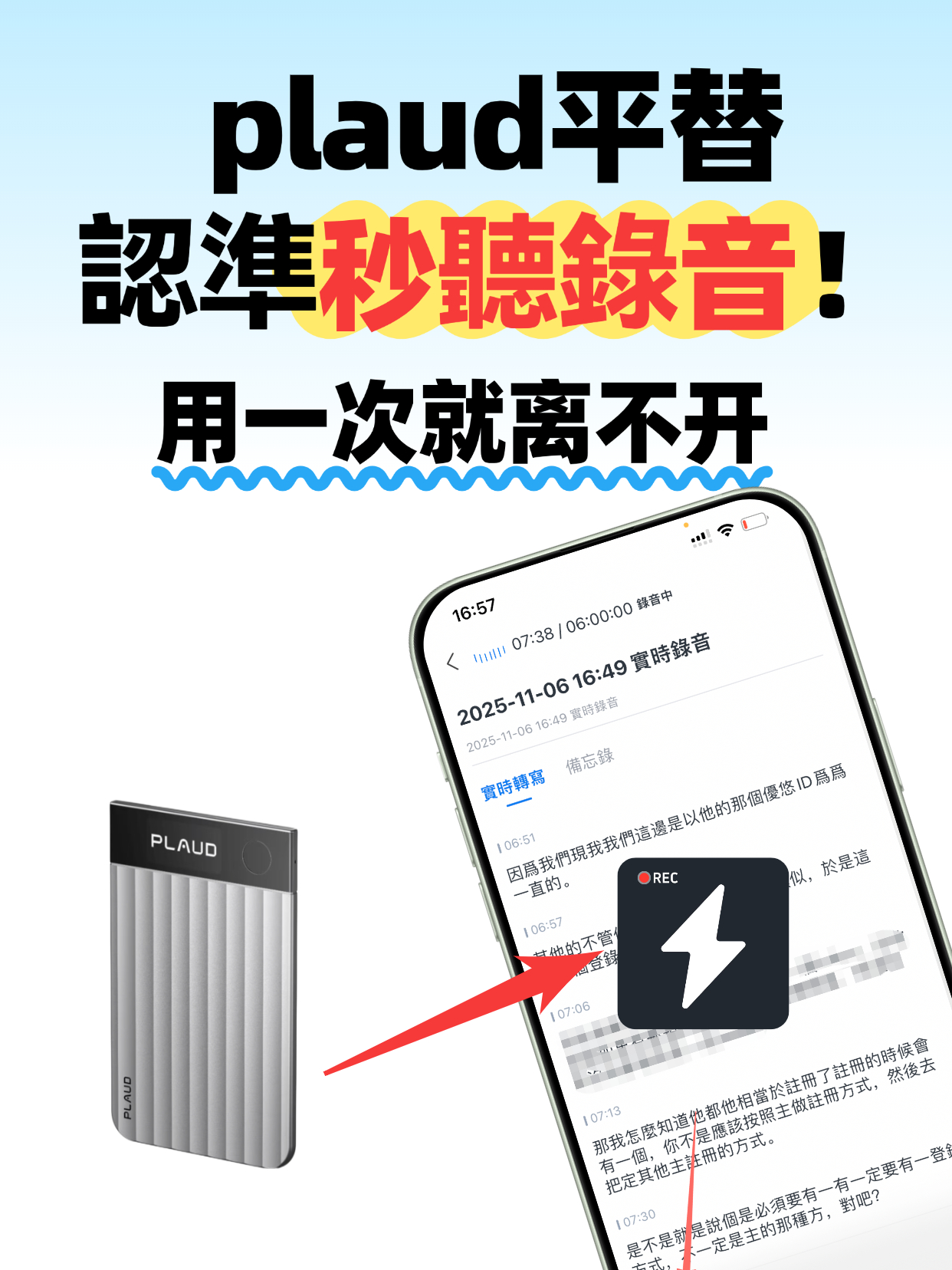
2026 Best Audio-to-Text Tools: Affordable Alternative to Plaud | iPhone Audio to Text & Verbatim Transcription

This audio-to-text tool is a high-value alternative to Plaud, supporting iPhone audio-to-text and verbatim transcription. It solves the need to convert audio to text with 98% accuracy, speaker diarization, and AI smart summaries. Suitable for various scenarios, easy to use, and multi-device sync saves hours of organizing time.

Productivity Tips
Lucas
November 26, 2025
26 min
23 views

Turn recordings into transcripts and summaries in minutes

Upload audio or video for multilingual transcription, AI notes, and action items

Tired of Plaud's Price? This Audio-to-Text Tool Is the Real Affordable Alternative!

Do you get tired of frantically taking notes during meetings until your hand hurts? Are you a student who records lectures and then wastes tons of time listening line by line? Or a journalist afraid of missing key details, replaying recorded interviews over and over? The truth is, many people are looking for a reliable audio-to-text tool.
There are plenty of similar tools on the market. Plaud has a good reputation, but its price holds many users back. The tool we're recommending today is a great affordable alternative. It not only handles basic audio-to-text conversion, but also easily processes iPhone audio recordings without any format compatibility worries.
You see, for many people the biggest headache after recording is the transcription efficiency. This tool's real-time transcription feature is super practical—transcribe while you record during a meeting, and get the text right after, saving hours of post-meeting work. The transcription accuracy reaches up to 98%, and with noise reduction technology, even if the meeting room is noisy, it captures every word precisely.
When multiple people are talking in a meeting, it's easy to lose track of who said what. This tool's speaker diarization feature is really thoughtful—it supports up to 8 speakers simultaneously, and each person's remarks are clearly labeled. When you later organize meeting minutes, you no longer have to guess who said what. We once tested it on a 5-person project meeting; after transcription, everyone's speech was neatly categorized, and organizing efficiency improved by 60%.
In short, transcription is just the first step—what really matters is saving users time. The AI smart summary feature is incredibly powerful. It automatically extracts key content from the audio, filters out filler words like "um" and "uh," and even identifies action items and time points. For example, if a meeting discusses 3 to-do items, the AI automatically marks them, and you can export them to a notes app with one click.
Many users who record on iPhone don't know how to convert audio files to text. This tool supports direct import of iPhone recordings without any format conversion—upload and get transcription results in seconds. It also supports multi-device sync, so you can record on your phone and view the text on your computer instantly, and your files won't be lost.
For scenarios that require precise recording, like class notes or interview transcripts, verbatim transcription is essential. This tool's verbatim generation is extremely detailed—it not only reproduces every word spoken, but also preserves speech pauses and even marks time intervals between utterances. A journalist friend used it for an interview, and the resulting verbatim transcript captured the speaker's tone shifts clearly, saving a lot of effort when writing the article.
Beyond common scenarios like meetings, classes, and interviews, this tool is also suitable for transcribing online courses, lecture recordings, and even parent-teacher meeting backups. Students using it to organize lecture recordings can turn 3 hours of transcription work into 10 minutes; office workers handling meeting recordings can save at least 4 hours of organizing time per week.
Operation is simple—no complex setup required. Just open the app, either record directly with real-time transcription or upload an existing audio file, select the transcription language and your needs, and click start to wait for the results. Even someone who's not tech-savvy can get started quickly.
Some users have reported that certain transcription tools limit recording length, requiring payment for files over 30 minutes. This tool's free version supports up to 120 minutes per audio file, which is more than enough for most daily scenarios. The paid version also costs half as much as Plaud, offering excellent value for money.
Many worry that the resulting text will be hard to edit. This tool's text editing features are comprehensive—you can correct typos, adjust paragraph formatting, add annotations, and more. It also supports exporting in multiple formats, including Word, PDF, and TXT, making it easy to further process the content.
For those who frequently deal with audio recordings, this tool really frees your hands. A friend who works in training holds 4 training sessions per week. After recording, he uses this tool to transcribe and generate smart summaries. What used to take 2 days to organize now takes half a day, leaving more time to prepare course content.
If you're also looking for a high-value audio-to-text tool—whether for daily meetings, classroom learning, or interview recording—this one is worth a try. It not only solves the core need of converting audio to text, but also helps users save time and boost efficiency through various practical features.
No more worrying about expensive tool costs or wasting time on tedious audio organizing. This audio-to-verbatim transcript tool will make you wonder how you ever lived without it. Sign up now and get a 7-day free trial to experience all the premium features. Give it a try today!

Turn every recording into actionable outcomes

Get 60 free transcription minutes when you sign in. No credit card required.

Upload audio or video for multilingual transcription, AI notes, and action items

Related Reading

You might also like

4 Slack Meeting Recording AI Tools Compared in 2026: Which Saves the Most Time and Is Most Accurate?

4 Slack Meeting Recording AI Tools Compared in 2026: Which Saves the Most Time and Is Most Accurate?

Slack Huddles have built-in AI recording, but is it really enough? This hands-on review tests Tinrec, Notta, Otter.ai, and Slack's native AI—looking at accuracy, summary quality, and cross-platform flexibility—to help you pick the best tool for organizing Slack meeting recordings.

2026-08-04
2026 Review: 3 Douyin Video-to-Text Tools Compared – Which Free Plan Is Enough?

2026 Review: 3 Douyin Video-to-Text Tools Compared – Which Free Plan Is Enough?

Want to turn Douyin video speech into written notes? This article tests 3 tools (Tinrec, CapCut, Vidnoz) across free quotas, accuracy, and AI features to help you find the best solution.

2026-08-04
2026 Free Discord Call Transcription Tools: 5 Options Compared

2026 Free Discord Call Transcription Tools: 5 Options Compared

Want to turn Discord voice calls into text records? This article covers 5 free or low-cost transcription solutions, including AI recording assistants, general transcription tools, and dedicated transcription services, to help you easily save meeting, gaming discussion, or interview transcripts.

2026-08-04
2026 Tinrec vs Notta: 4-Dimension Comparison, Which Should Taiwanese Hokkien Users Choose?

2026 Tinrec vs Notta: 4-Dimension Comparison, Which Should Taiwanese Hokkien Users Choose?

Looking for a speech recognition AI that supports Taiwanese Hokkien? This article compares Tinrec and Notta across four dimensions: Taiwanese Hokkien recognition, multilingual mixing, AI post-processing, and pricing plans, to help you quickly determine which one is better for organizing Taiwanese Hokkien content.

2026-08-04
How to Extract Text from Xiaohongshu Videos in 2026: Link-to-Transcript + AI Summaries

How to Extract Text from Xiaohongshu Videos in 2026: Link-to-Transcript + AI Summaries

Want to quickly turn Xiaohongshu video dialogue and captions into text? This guide uses Tinrec (Seconds to Listen Recording) as an example, walking you through step by step from copying the link, AI transcription, proofreading, summarizing, and exporting—so you can efficiently collect creative inspiration and research materials.

2026-08-04
2026 Hands-On Comparison of 2 Voice-to-Text Tools: Which Is Better for Chinese Meetings and Study on Huawei Phones?

2026 Hands-On Comparison of 2 Voice-to-Text Tools: Which Is Better for Chinese Meetings and Study on Huawei Phones?

Looking for a voice-to-text app for your Huawei phone? This hands-on comparison tests Tinrec and Otter.ai on Chinese recognition, input sources, AI summaries, pricing, and export options to help you pick the best tool for organizing Chinese audio and video content.

2026-08-04
2026 iPhone Voice-to-Text: Free Built-in Transcripts, AI Summaries, and Q&A

2026 iPhone Voice-to-Text: Free Built-in Transcripts, AI Summaries, and Q&A

Still transcribing recordings manually? This article explores the iPhone's built-in Voice Memos transcript feature and compares it with AI tool Tinrec in hands-on testing. Learn how to quickly turn meeting and course recordings into editable, searchable text—and say goodbye to transcription drudgery.

2026-08-04
2026 Web-Based Recording-to-Text Tool Comparison: 5 Tested – Can Browser Tools Deliver Professional AI Organization Without Installation?

2026 Web-Based Recording-to-Text Tool Comparison: 5 Tested – Can Browser Tools Deliver Professional AI Organization Without Installation?

We tested 5 web-based speech-to-text tools on accuracy, AI organization, and free plan limits, so you can find the one that truly saves time.

2026-08-04
2026 3 Voice-to-Text Apps Compared: Which AI Summary Actually Saves You Time?

2026 3 Voice-to-Text Apps Compared: Which AI Summary Actually Saves You Time?

Hands-on comparison of three voice-to-text apps on Xiaomi phones: Tinrec (秒听錄音) stands out with AI summaries, conversational Q&A, and multi-source organization — ideal for meetings, studying, and content creation. Here's why you shouldn't settle for a plain transcript.

2026-08-04
Use Tinrec Now