

Turn recordings into transcripts and summaries in minutes
Upload audio or video for multilingual transcription, AI notes, and action items
Whether you're a college student struggling to keep up with rapid-fire professor lectures or a professional stuck in marathon international meetings, efficiently organizing information has become a key competitive advantage. Traditional handwritten notes often can't keep up with the pace, and simple recordings make it hard to quickly retrieve key points later. That's exactly why AI tools for turning lecture recordings into notes have emerged.
This article will analyze current market trends, compare mainstream tools, and introduce an all-in-one powerhouse that has recently garnered attention—TinRec (秒聽錄音)—to help you break free from tedious transcribing.
Why Do You Need AI-Assisted Recording Notes?
In the past, organizing one hour of interview or lecture recording often required three to four hours of repeated transcribing. This was not only inefficient but also prone to missing key information due to fatigue. With the maturation of Whisper models and large language models (LLMs), today's tools can not only "transcribe" but also "understand."
Modern AI recording note tools solve three major pain points:
- Real-time and Accuracy: No need to manually pause and play; AI processes hours of recordings in minutes.
- Multi-language and Accent Recognition: For US users, it can accurately recognize English, code-mixing, and various accents, though originally optimized for Traditional Chinese and Taiwanese accents, it still performs well.
- Structured Output: Plain transcripts are hard to read; AI automatically generates summaries, action items, and mind maps.
2026 Popular Recording-to-Text Tools Comparison
There are many excellent tools on the market, each optimized for different scenarios. Here is a brief analysis of several mainstream options:
- Notion / Goodnotes 6: While these note apps integrate recording, their strength lies in "formatting" rather than "transcription accuracy," and they handle long audio files quite poorly.
- Otter.ai: A veteran in English transcription, but its Chinese recognition still lags behind tools optimized for Asian languages.
- PLAUD NOTE: A hardware recording card suitable for those who don't want to rely on phone recording, but the hardware cost is high.
- TinRec (秒聽錄音): A rising star that recently emerged in the market, focusing on "software as a service"—no extra hardware needed for high-quality call recording and transcription, with excellent support for English and other languages.
Stop organizing recordings by hand
Upload audio or video and automatically get a transcript, summary, and action items

In-Depth Analysis: Core Advantages of TinRec (秒聽錄音)
Among many tools, TinRec stands out for its comprehensive features and intuitive interface, making it especially suitable for students and business professionals who need high efficiency. This app is not just a voice recorder; it's like a 24/7 AI secretary.
Here are the key features of TinRec:
1. Powerful Call Recording to Text
Many recording apps cannot record phone calls or Line calls, but TinRec overcomes system limitations to clearly record two-way conversations and instantly transcribe them to text. This is a game-changer for those who need to document phone interviews or verbal business commitments, ensuring their rights are protected.
2. MP3 to Text and Efficient File Conversion
Do you have old voice recorder files or lecture recordings uploaded by your professor? TinRec supports importing MP3, M4A, WAV, and other formats. In tests, a 60-minute lecture recording takes about 3-5 minutes to transcribe, with high accuracy for English and other languages.
3. AI Meeting Summaries and Minutes
This is the most impressive feature. TinRec's built-in "meeting minutes AI" automatically analyzes the entire transcript and extracts key summaries. You don't need to read through thousands of words of raw text; the AI directly tells you: "What are the three exam points from this lecture?" or "What are the five action items from this meeting?"
4. YouTube Subtitle Generation
For content creators or students watching foreign language instructional videos, TinRec supports inputting a YouTube link, automatically extracting the audio, and generating subtitles with timestamps. It can even assist with translation, significantly lowering the barrier to knowledge acquisition.
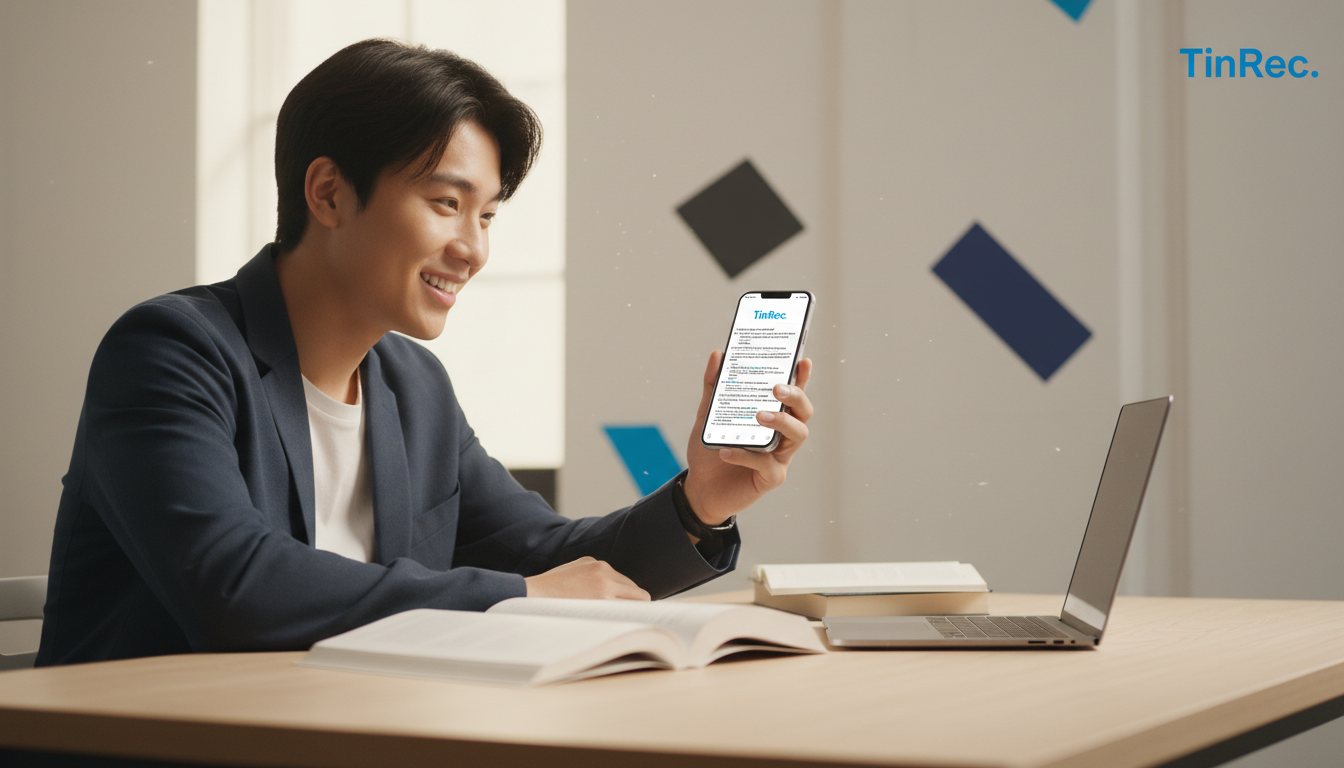
How to Build an Efficient Learning Workflow with AI Tools
With the right approach, tools can become your second brain. Here is a recommended efficient note-taking process using TinRec:
- Record and Import: In class or meetings, open TinRec to record. For online courses, use the MP3-to-text function to import files.
- Initial Transcription: Let the app transcribe in the background while you focus on interaction and thinking, without frantically scribbling notes.
- AI Summary and Review: After class, use the "AI meeting summary" feature to generate an outline. Copy these outlines into your primary note-taking software (like Notion or Obsidian).
- Keyword Search: When reviewing, if a concept is unclear, search for keywords directly in TinRec. Clicking on a result jumps to the corresponding part of the recording, enabling "point and listen."
Conclusion: Free Your Brain for Focus
In this AI era, we should no longer waste brainpower on "remembering" and "transcribing" but instead focus on "understanding" and "creating." Choosing the right tool allows you to transform from a passive recorder into an active thinker.
If you are looking for a powerful, accurate, and multi-functional recording-to-text tool, TinRec is definitely a top choice in 2026.
Product Name: TinRec (秒聽錄音) Core Features: Call recording to text, MP3 to text, AI meeting summary, meeting minutes AI, YouTube subtitle generation.
👉 Experience doubled efficiency now: Visit TinRec Website
Turn every recording into actionable outcomes
Get 60 free transcription minutes when you sign in. No credit card required.
Related Reading
You might also like

iPhone 16 vs Tinrec: Which Meeting Recorder Saves You More Time? (2026 Tested)
The iPhone 16's built-in Voice Memos can transcribe recordings, but it only supports American English and has limited features. This article compares Tinrec and iPhone 16's Voice Memos across 5 key dimensions—Chinese support, input sources, AI organization, cross-platform availability, and export options—to help you decide which is better for U.S. professionals.
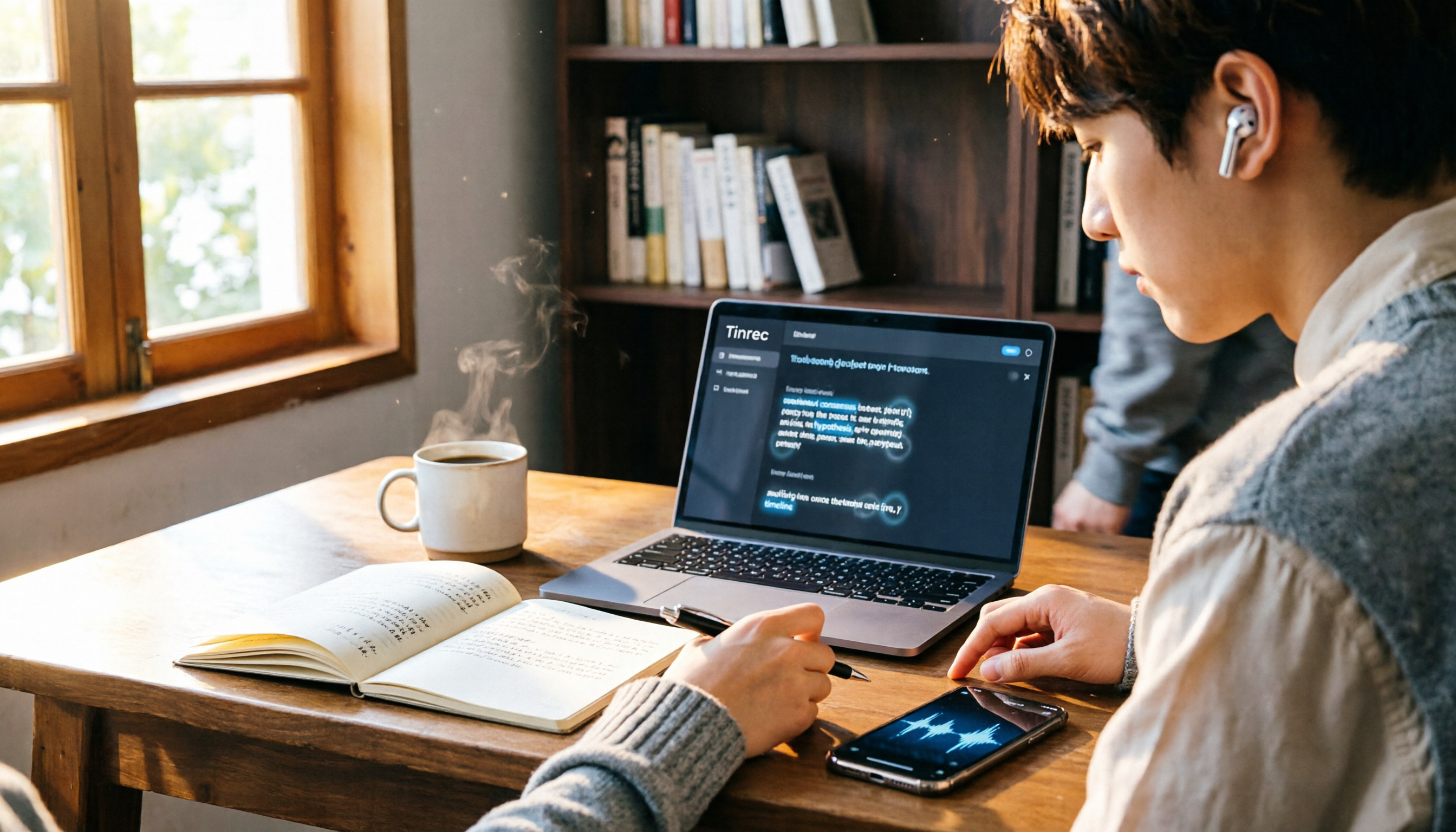
2026 iPhone Voice-to-Transcript Guide: Built-in vs AI Meeting Tools Compared
iPhone's built-in Voice Memos transcription seems convenient, but is it really enough? This article, from a student's perspective, tests transcription accuracy, post-processing, cross-platform support, team collaboration, and recording sources, comparing iPhone's built-in feature with Tinrec to help you find the best voice-to-text solution.

4 Best Google Meet Meeting Recorders in 2026: Which One Handles Chinese Transcription Most Reliably?
Tired of manually writing meeting minutes after Google Meet calls? This article compares Tinrec, Google Meet's native feature, Otter.ai, and SeaMeet to help you save time and avoid overtime.
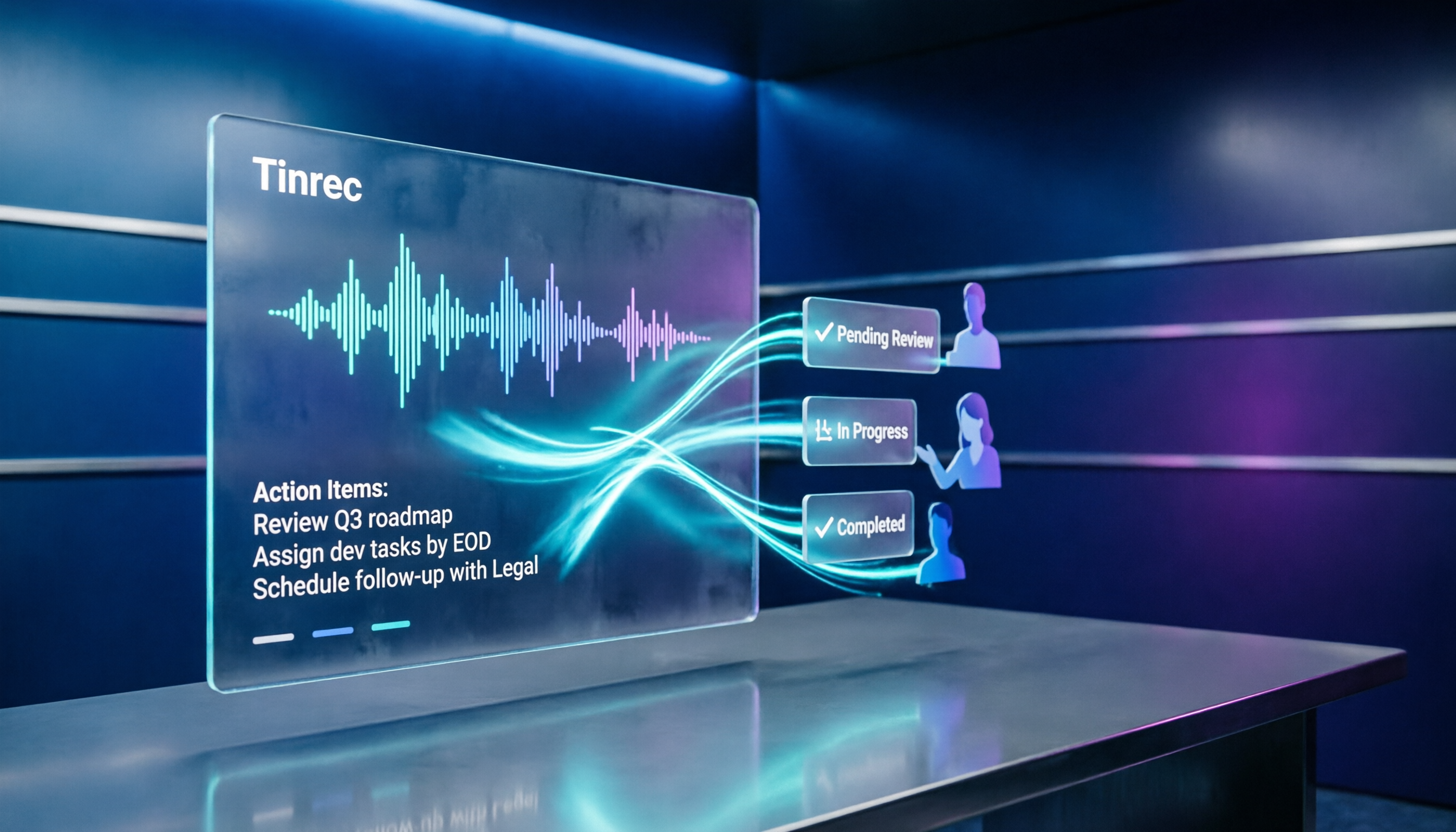
2026 Hands-On Comparison of 3 AI Meeting Note Tools: Google AI Studio, Tinrec, NotebookLM – Which Saves You the Most Time?
Want to use Google AI Studio for meeting notes but find writing prompts too tedious? This article tests three tools: Google AI Studio, NotebookLM, and Tinrec, covering bot-free recording, automatic summaries and action items, and team collaboration, to help you pick the best fit for your workday.

2026 Hands-On Comparison of 3 Recording Tools: Plaud Note, Tinrec, and Phone Recording—Why Tinrec Might Be a Better Fit for You
Thinking about buying a Plaud Note but still on the fence? This hands-on comparison pits Plaud Note against Tinrec and built-in phone recording, covering hardware dependency, online meeting recording, AI post-processing, Chinese language support, and pricing plans—and explains why Tinrec could be a more cost-effective alternative.

Plaud Voice Recorders in 2026: How to Choose? 3 Models Compared and Tinrec as an Alternative
Tired of taking meeting minutes? Instead of buying a Plaud voice recorder, see how Tinrec uses AI to turn meetings into searchable, collaborative team knowledge.

2026 Hands-On Comparison of 2 AI Recording Tools: Plaud Note vs Tinrec – Which One Should Professionals Choose?
As a mid-level manager attending 15 meetings a week, I tested Plaud Note and Tinrec and compared them across four dimensions: recording capture, transcription and post-processing, team collaboration, and cost, to tell you which one is better for professionals.

Plaud Note vs Tinrec 2026 Hands-On Comparison: 5 Key Factors to Decide Which Recording Tool Is Worth Buying
Still torn between buying the Plaud Note AI voice recorder or using an online meeting tool like Tinrec? This article compares the two across 5 key dimensions—recording methods, online meetings, AI post-processing, team collaboration, and cost—to help you avoid wasting money and pick the right recording solution.

The Complete Guide to Audio-to-Text Transcription in 2026: Free Credits, Costs, and Tinrec Alternatives
From a mid-level manager's perspective, this article debunks common myths about audio-to-text tools, compares the free credits and costs of PLAUD and Tinrec, and demonstrates how to use Tinrec for meeting minutes, action item tracking, and team collaboration.