
Turn recordings into transcripts and summaries in minutes
Upload audio or video for multilingual transcription, AI notes, and action items
In today's era of remote work and hybrid offices, Google Meet has become one of the most commonly used video conferencing tools for businesses and individuals. However, after a meeting that lasts several hours, effectively organizing information and generating accurate meeting notes can be a nightmare for many. Traditional handwritten notes not only miss details easily but also prevent you from fully focusing on the conversation.
With the rapid advancement of AI technology, the demand for Google Meet recording transcription has grown exponentially. This article provides a professional technical perspective, analyzing complete solutions from built-in features to third-party AI tools to help you build an automated meeting knowledge base.
Why Do We Need AI-Powered Speech-to-Text Technology?
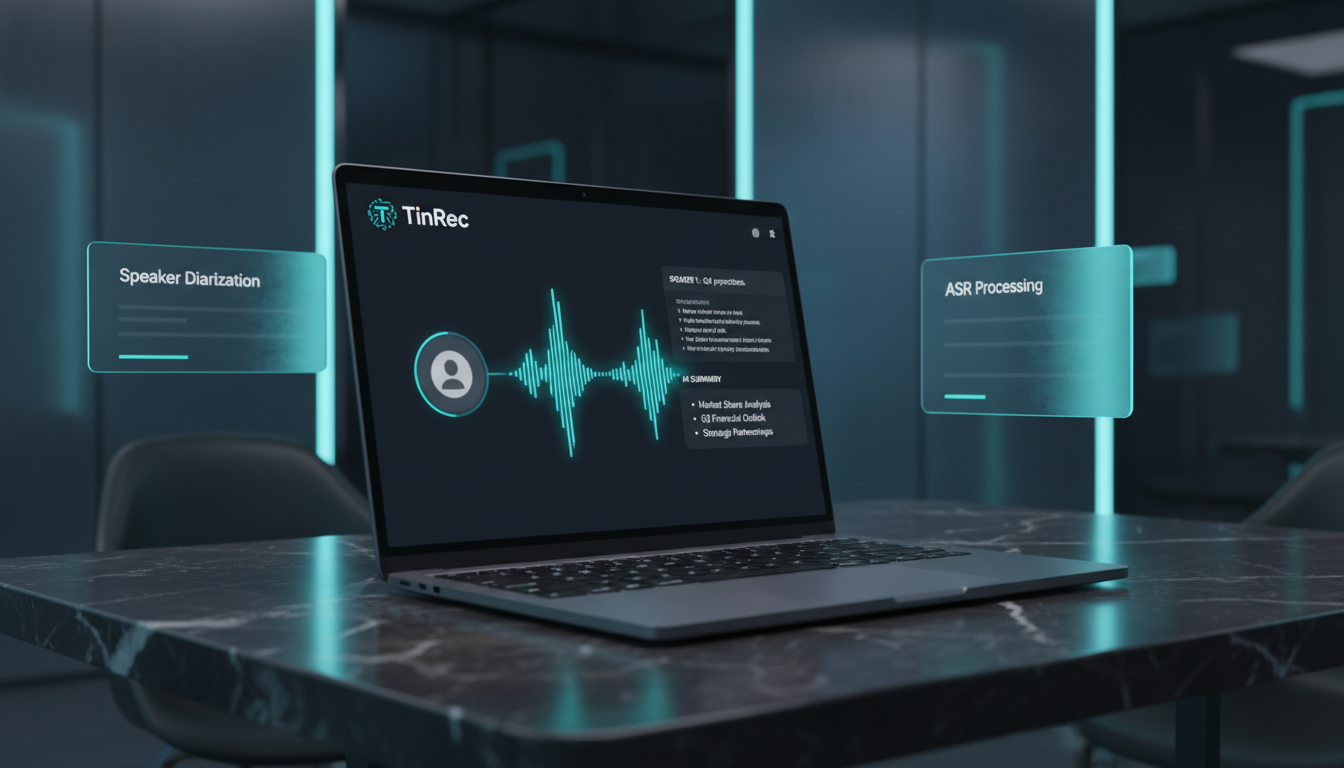
Simple 'recording' can no longer meet the demands of modern efficient work. Data shows that unorganized audio files have extremely low replay rates due to the high time cost of retrieving information. The new generation of speech-to-text (STT) technology combines three core capabilities that have completely transformed the way meeting notes are taken:
- Automatic Speech Recognition (ASR): Using deep learning models to accurately convert continuous speech streams into text. Modern models can achieve over 95% accuracy in clear audio conditions.
- Speaker Diarization: In multi-person meetings, the system can automatically identify and label 'who said what,' which is crucial for reconstructing the meeting scene.
- Natural Language Processing (NLP) and Generative AI: This is the most popular application today. Beyond just generating verbatim transcripts, AI can further understand semantics to automatically produce summaries, extract key data, and identify action items.
Method 1: Using Google Meet's Built-in Transcript Feature
Some Google Workspace editions (such as Business Standard, Plus, or Enterprise) offer a built-in 'transcription' feature. This is the most straightforward method but comes with certain usage requirements.
- How it works: In the meeting controls, the host can enable the 'transcription' feature. After the meeting ends, the transcript is automatically saved to Google Drive and attached to the calendar event.
- Advantages: Highly integrated with the Google ecosystem, no need to install additional software, and high security.
- Limitations:
- Language support: While English recognition is strong, accuracy in traditional Chinese or mixed Chinese-English contexts still has room for improvement.
- Permission restrictions: Free or personal accounts often cannot use this feature, and output formats are limited.
- Lack of deep analysis: Built-in features generally provide pure text logs without intelligent summaries or structured action items.
Stop organizing recordings by hand
Upload audio or video and automatically get a transcript, summary, and action items
Method 2: Advanced Solution – Integrating Third-Party AI Recording Tools
For users seeking high accuracy, multilingual support, and intelligent analysis, exporting Google Meet recordings and using professional AI tools is currently recognized as best practice in the industry. Such tools typically have more powerful model training to handle complex meeting scenarios.
Among various tools, TinRec demonstrates comprehensive processing capabilities, especially suitable for professionals who need to handle multiple audio sources.
In-Depth Analysis: Core Applications of TinRec
TinRec is more than just a transcription tool; it's like an intelligent meeting assistant. For Google Meet usage, you can adopt an efficient 'post-recording processing' workflow:
High-Precision MP3/MP4 to Text: You can first save meeting files using Google Meet's recording feature (or screen recording on your computer), then upload them directly to TinRec. Its powerful core engine can quickly process hours-long audio and supports multiple formats (MP3, WAV, M4A, etc.) to text, with excellent recognition performance in Traditional Chinese environments.
AI Meeting Summary and Minutes (AI Meeting Minutes): This is a key differentiator from ordinary transcription tools. TinRec's built-in Meeting Minutes AI can automatically analyze transcript content to extract 'core conclusions,' 'decisions,' and 'action items.' This means you don't need to read the entire transcript; you can grasp the meeting essence in seconds.
Cross-Platform and Multi-Scenario Support: Besides video conferencing, TinRec's call recording transcription is also powerful, suitable for business professionals recording phone interviews. Additionally, for users needing information from online videos, its YouTube subtitle generation feature only requires pasting a link to obtain a full transcript and summary, greatly improving information gathering efficiency.

Method 3: Choosing the Right Workflow for You
When deciding which solution to use, consider the following factors:
- Accuracy requirements: If meetings involve specialized terminology or language switching, tools like TinRec that focus on ASR optimization usually provide better readability.
- Post-processing needs: If you need to turn meeting content into articles, reports, or social media posts, tools with AI summary features can cut down processing time by 90%.
- Privacy and management: Ensure the chosen tool meets data security standards, especially when handling sensitive business meetings.
Conclusion: Unlock Meeting Productivity with AI
From Google Meet's basic built-in transcription to the comprehensive AI analysis provided by TinRec, we are at the center of a meeting productivity revolution. By using these tools to convert audio information into searchable, analyzable text assets, you not only avoid information gaps but also allow your team to invest valuable time in more creative decisions.
The first step in digital transformation might start with optimizing your meeting note-taking process, experiencing the efficiency leap that AI brings.
Turn every recording into actionable outcomes
Get 60 free transcription minutes when you sign in. No credit card required.
Related Reading
You might also like

How to Create Podcast Transcripts in 2026: 5 Steps from Recording to Transcript
Most people looking for podcast transcription software only focus on accuracy, but the real key is whether you need plain text or searchable, summarizable, shareable content. This article explains the complete podcast transcription workflow in 5 steps, demonstrating transcription, summarization, AI Q&A, export, and team sharing with Tinrec, and concludes with 5 purchasing considerations and FAQs.

4 AI Meeting Note Takers Tested for 2026: Which Saves the Most Time in Google Meet?
Still typing up notes after Google Meet? This article breaks down the 4 most common mistakes when choosing an AI meeting note taker and compares Tinrec, Otter.ai, Notta, and Granola on bot-free recording, Chinese meetings, post-meeting organization, and team knowledge retention. Includes pricing and pitfalls to help you pick the right one and leave on time.

4 LINE Call Recording Solutions Compared for 2026: Which One Actually Saves You Time After the Call?
LINE doesn't have built-in call recording, and iPhone and Android handle it completely differently. This article compares four options—iPhone's built-in local capture, Cube ACR, PLAUD recording hardware, and Tinrec—based on four key criteria: recording source, platform compatibility, post-recording organization, and team management, to help you choose a solution that truly saves time.

4 LINE Call Recording & Transcription Solutions Tested for 2026: How to Work Around iPhone Limits
A roundup of popular LINE call recording methods discussed on PTT, comparing iOS 18 built-in, Android built-in, Cube ACR, and Tinrec, with practical tips for transcribing and AI summarizing recordings.

Free LINE Call Recording Options in 2026: Tinrec and 4 Other Tools Compared
LINE doesn't have built-in call recording, so most people turn to third-party tools. This article reviews common free and paid options for LINE call recording, and uses Tinrec as an example to show how to turn recordings into searchable, queryable transcripts and meeting notes that can be shared with your team. It also includes buying tips and FAQs.

2026 AI Meeting Notes Tools Compared: Which Saves the Most Time for Teams Meetings?
After a Teams meeting, do you still have to organize the transcript, summary, and action items yourself? This article breaks down how to choose an AI meeting notes tool from a methodology perspective, comparing Microsoft Teams built-in transcription, Otter.ai, Notta, and Tinrec on their actual differences in Chinese meetings, bot-free recording, and post-meeting Q&A, with a copyable starter checklist.

4 Podcast Transcription Tools Tested for 2026: Which One Best Fits Students' Needs for Transcripts and Bilingual Subtitles?
Ever listen to a podcast during your commute, hear a key point, but can't write it down? Or need to cite a specific idea for a final paper but can't find the timestamp? This article tests 4 podcast subtitle and transcription tools from a student's perspective, covering input methods, whether transcripts are searchable and queryable, bilingual translation, and whether free tiers are sufficient. We break down key buying factors, pitfalls to avoid, and recommendations.
4 Computer Recording Software Compared in 2026: Auto-Generate Summaries and To-Dos After Recording
This article focuses on the decision factor of 'how quickly you can organize after recording' and compares four computer recording software: Tinrec, Bandicam, Audacity, and Windows Voice Recorder. It analyzes key differences such as system sound recording, AI transcription, summary and to-do generation, and team collaboration, and provides buying tips, pitfalls to avoid, and scenario-based recommendations.

2026 Notta vs Tinrec: Bot-Free Recording & Team Knowledge Retention
When you search 'notta vs nada' on Google, half the results are slang explanations—but what you really want to compare is Notta and Noota. This article breaks down Notta and Tinrec across five dimensions, from bot-free recording and Chinese meeting experience to post-meeting workflows, team governance, and pricing, helping you figure out which one better suits Chinese-language meeting scenarios in Hong Kong.