
Turn recordings into transcripts and summaries in minutes
Upload audio or video for multilingual transcription, AI notes, and action items
With the rapid advancement of AI, speech-to-text (STT) has become an indispensable tool for modern workplaces and content creation. However, for Hong Kong users, generic tools often struggle with the unique linguistic features of Cantonese. This article benchmarks tools like Subanana and introduces TinRec (Miao Ting Lu Yin), a standout in business and learning scenarios, for a comprehensive comparison of accuracy and functionality.
The Ultimate Challenge of Cantonese Transcription: Why General AI Often Goes Wrong?
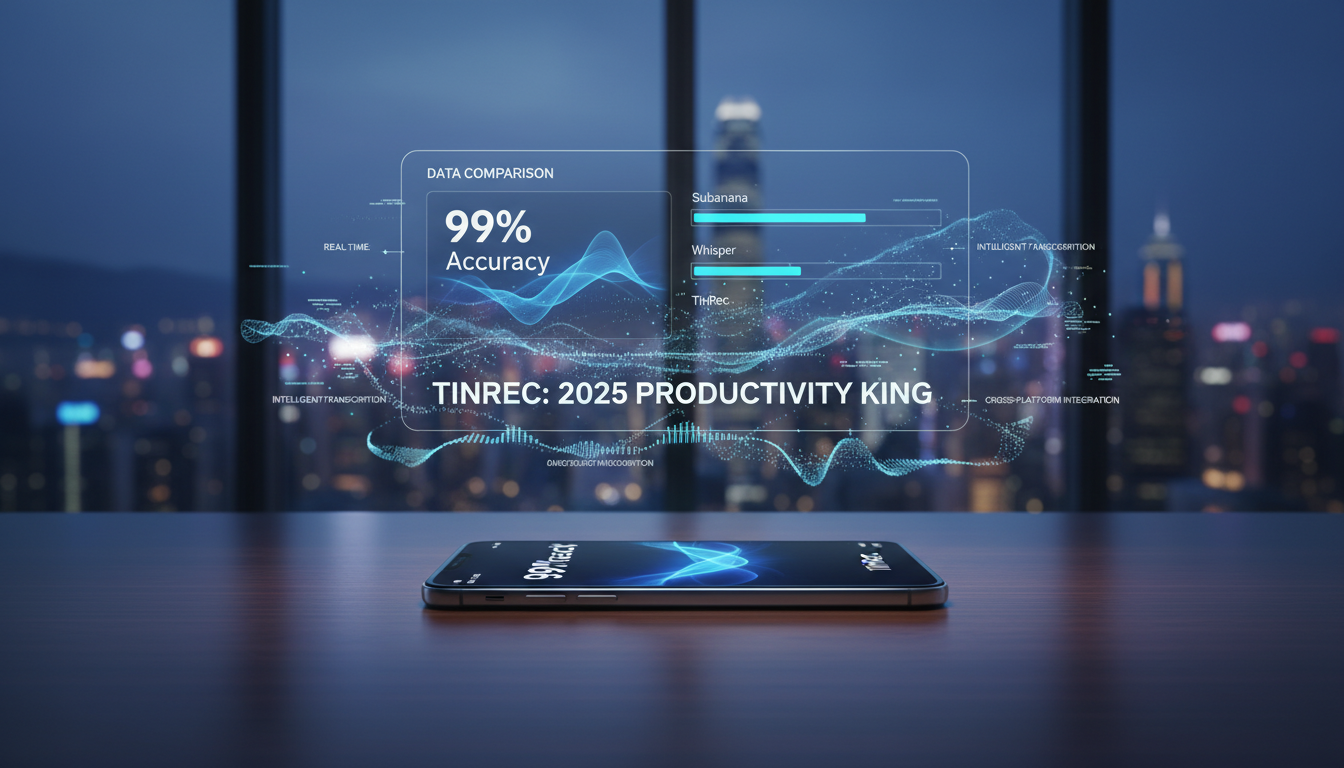
Before diving into tool reviews, we must understand why Cantonese speech-to-text is so challenging. Users relying on Google or general real-time transcription tools often face two main pain points:
- Code-mixing: Hong Kongers frequently mix Cantonese and English in daily communication, e.g., "幫我 check 下個 schedule" or "send 個 file 俾 client." Traditional models often recognize only one language, leading to absurd outputs like "幫我拆下個車都."
- Colloquial vs. Written Chinese: Cantonese is spoken differently from written Chinese. Speech is filled with particles like "嘅," "喺度," "咁樣," but formal meeting minutes or subtitles require conversions to "的," "正在," "這樣." Without automatic colloquial-to-written conversion, post-editing becomes extremely labor-intensive.
In-Depth Review of Mainstream Tools: Subanana, Whisper, and TinRec
To address these pain points, we selected the most representative tools for comparison:
1. Subanana: Hong Kong's Niche Subtitle Specialist
Subanana is a locally optimized tool for Cantonese, with its core strength in understanding Hong Kong slang. For video subtitling, it provides accurate colloquial-to-written conversion, greatly aiding YouTubers and media professionals needing formal subtitles. Its cloud-based approach also eliminates the high hardware requirements (e.g., M-series chips) of tools like MacWhisper.
2. TinRec (Miao Ting Lu Yin): All-in-One Business and Study Assistant
If Subanana is for video creators, TinRec (Miao Ting Lu Yin) is the all-in-one productivity tool for professionals and students. It boasts high-accuracy Cantonese recognition and significant functional diversity.
Stop organizing recordings by hand
Upload audio or video and automatically get a transcript, summary, and action items
- Core Strengths: TinRec integrates call recording to text, MP3 to text, and YouTube subtitle generation. For users who frequently need to transcribe phone conferences, interviews, or online videos, TinRec offers a one-stop solution.
- Learn More: Visit the TinRec official website (https://tinrec.com/) for details on cross-platform support.
3. OpenAI Whisper: The Open-Source Choice for Tech Enthusiasts
Whisper is arguably the most powerful open-source speech model globally, powering many tools including MacWhisper. Its raw transcription accuracy is excellent, but without fine-tuning for Cantonese code-mixing and automatic written conversion, users often need prompt engineering skills for optimal results.
Feature Face-Off: AI Meeting Summaries and Recording Scenarios
Simple "transcription" no longer suffices in 2025; "AI summarization" and "recording flexibility" are key differentiators.
AI Meeting Minutes and Action Item Extraction
For meeting notes, Subanana offers automatic segmentation and summarization. TinRec (Miao Ting Lu Yin) goes further in business applications: it generates AI meeting summaries and automatically extracts action items and key decisions. After a one-hour meeting, TinRec can produce a clear "who needs to do what" list in seconds, greatly enhancing post-meeting execution efficiency.
Recording Source Flexibility: Call Recording as a Killer Feature
This is TinRec's biggest differentiator. Most tools (e.g., Subanana or Premiere Pro) focus on transcribed existing audio files or live microphone recordings. However, business communication often happens over phone calls or instant messaging.

TinRec supports call recording to text, solving a pain point for salespeople, lawyers, and journalists—no need for a second device to record phone audio. TinRec performs high-quality internal recording and real-time transcription directly on the device, invaluable for capturing important calls.
New Content Acquisition Trend: YouTube Subtitle Generation
Beyond meetings and calls, learning and research are key use cases. Subanana excels in video upload and subtitle export. TinRec offers a lightweight YouTube subtitle generation feature: simply paste a YouTube link, and AI quickly generates a verbatim transcript and summary. This saves time for students and researchers digesting long videos without downloading files.
Conclusion: How to Choose the Right Tool?
Based on this review, your choice depends on your core use case:
- Video creators & media professionals: If your primary need is accurate subtitle creation with polished written conversion, Subanana's subtitle workflow and localization are excellent.
- Business professionals, salespeople & students: If you need call recording, quick AI meeting minutes, or extracting key points from YouTube videos, TinRec (Miao Ting Lu Yin) offers the highest productivity with its all-in-one capabilities.
- Developers: If you have powerful hardware and enjoy customizing model parameters, open-source tools based on Whisper give you maximum flexibility.
In Cantonese speech-to-text, there is no absolute best, only the most suitable. As AI evolves, we anticipate these tools will better solve code-mixing and colloquial transcription challenges, delivering a seamless digital experience for Hong Kong users.
Turn every recording into actionable outcomes
Get 60 free transcription minutes when you sign in. No credit card required.
Related Reading
You might also like

How to Use Smart Meeting Notes in 2026: Bot-Free Recording, Transcription, and AI Summaries with Action Items
Many people think smart meeting notes just means hitting record and waiting for AI to spit out a summary—but the resulting transcript is often something no one wants to read. This article starts with the most common misconceptions, breaks down the four key judgment points that truly matter for meeting notes, and then walks through a complete before-during-after workflow using Tinrec, including copy-paste prompt templates and a pitfalls checklist.

Best AI Meeting Notes Apps 2026: Auto Transcripts + AI Summaries & Action Items
Tired of spending two hours writing up meeting notes? This guide starts with the key question—do you need a recording or usable meeting data?—then breaks down 4 essential factors for choosing an AI meeting notes app, compares Tinrec, Otter.ai, Notta, and Granola, and covers the 3 most common pitfalls so you can pick the right tool the first time.

2026 AI Meeting Assistant Cost Comparison: Free Tiers and Paid Thresholds Dcard Users Ask About Most
Starting from the common Dcard question about free minutes, this article explains how to evaluate AI meeting assistant costs. Using Tinrec as the main test subject, it covers the quotas and pricing for the free, personal, and team plans, and compares bot-free recording, Chinese transcripts, AI summaries, action items, and team collaboration, with 6 cost FAQs.

Tinrec vs Notta 2026: 5-Dimension Comparison for Chinese Meeting Notes
How to choose the latest AI meeting assistant in 2026? This article compares Tinrec and Notta across 5 dimensions: Chinese transcription, meeting capture methods, post-meeting output, team data governance, and pricing quotas. It honestly lists free quotas and paid prices for both, and includes 4 common pitfalls when choosing an AI meeting assistant to help you decide which one fits your meeting scenarios.

2026 AI Meeting Assistant Comparison: No Bots, Best Chinese Transcription?
How to choose the latest AI meeting assistants in 2026? This article examines four key aspects: recording method, audio retention, Chinese recognition, and post-meeting output. It compares Tinrec, Otter.ai, Notta, and PLAUD, and includes pricing, seats, and quotas for personal and team plans to help you avoid the trap of only looking at free minutes.

How to Download an AI Meeting Assistant in 2026: 5 Steps from Installation to Meeting Minutes
Looking for an AI meeting assistant in 2026 but stuck on download, installation, and setup? This guide tackles real pain points and walks you through 5 steps to complete Tinrec download, permission settings, recording transcription, and post-meeting export, plus 5 things to consider when choosing and FAQs.

2025 AI Meeting Assistant Comparison: Tinrec, Otter.ai, Notta, and Granola Reviewed
Many people download AI meeting assistants only to find transcripts hard to use, Chinese recognition unreliable, and team data scattered. This article compares Tinrec, Otter.ai, Notta, and Granola across selection criteria, real workflows, and pitfalls to help you choose a tool that actually produces usable meeting notes.

2026 Smart Meeting Notes Tools Compared: How to Tell If Meeting Minutes Are Actually Useful
Most people evaluate smart meeting notes tools only by transcription accuracy, but the real cost is in how you use the notes after the meeting. This article starts with common misconceptions, breaks down 4 key points for reviewing meeting notes, compares Tinrec, Otter.ai, Notta, and Granola, and highlights 3 pitfalls to help you choose a tool that fits your workflow.

4 Smart Meeting Notes Tools Tested for 2026: From Transcripts to Action Items, Which One Really Saves Time?
Meeting notes aren't just about keeping a transcript. This article starts with the most common pitfalls, breaks down the correct workflow for smart meeting notes and 4 key selection criteria, and compares Tinrec, Otter.ai, Notta, and Granola in terms of recording capture methods, post-meeting organization capabilities, and team collaboration differences, with a guide to avoiding pitfalls and selection advice.