

Turn recordings into transcripts and summaries in minutes
Upload audio or video for multilingual transcription, AI notes, and action items
Boost Productivity: Best Meeting Scheduling Tools in 2026
How many emails does it take to schedule a simple meeting? With a crowded inbox and busy calendars, even a 30-minute meeting can require days of back-and-forth to pin down a time. If that sounds familiar, you need an efficient meeting scheduling tool. These tools automatically show availability, sync calendars, and integrate with your favorite apps to streamline the booking process.
Here are the top eight meeting scheduling solutions worth considering in 2026.
How to Choose the Right Meeting Scheduling Software?
Choosing a tool that truly saves time and effort is key. Here are some critical factors to consider:
- Ease of Use: A good scheduling tool should be intuitive, making it easy to set up recurring meetings, add participants, or reschedule.
- View Others' Calendars: Look for tools that show team members' focus time and availability to ensure everyone can attend, especially for closely collaborating teams.
- Pricing: Most tools offer free plans with basic features like group scheduling and automated reminders; paid plans unlock advanced features such as branded pages, meeting analytics, or team licenses.
- Integrations: Check if it supports Outlook, Zoom, Slack, and syncs with major calendar systems like Google to keep all participants' info consistent.
- Customization & Branding: Ideally, the tool should let you customize invitations, create unique booking links, and adjust available times by meeting type to strengthen your personal or corporate brand—especially useful for consultants and freelancers.
- Automation & Notifications: Automated invites, reminders, and change notifications help avoid double bookings and reduce communication overhead.
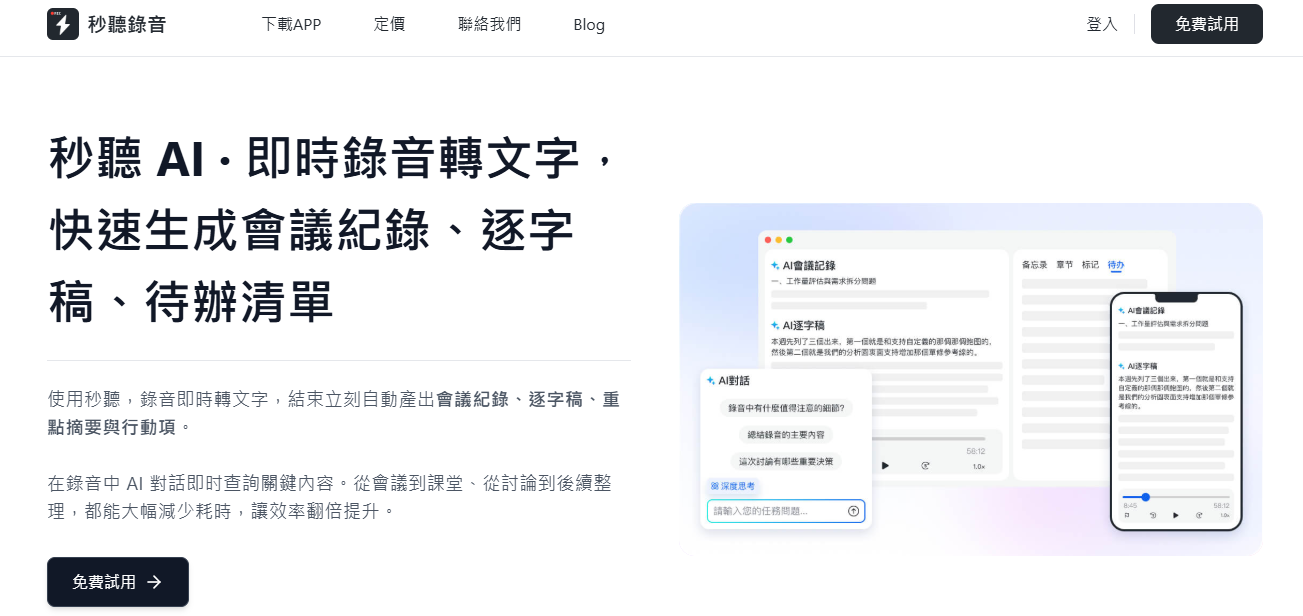
- Integration with Other Tools: Don't overlook AI meeting assistant integrations—like Miaoting Recording. Miaoting Recording syncs with your calendar, automatically joins meetings, transcribes them in real time, and sends summaries to all participants afterward.
Top 8 Meeting Scheduling Tools for 2026
The following eight tools excel at simplifying scheduling, whether for internal meetings, client appointments, or large events.
Zoho Bookings
Zoho is a cloud CRM suite covering sales, marketing, and customer service. Zoho Bookings is its dedicated appointment scheduling tool, ideal for businesses already in the Zoho ecosystem, making it easy to schedule multi-party internal and external meetings.
Pros: Highly customizable, deep Zoho CRM integration, intuitive interface
Cons: Few third-party integrations
Price: Zoho offers a free plan, but Bookings is only available on paid plans starting at $8 per user per month
Google Calendar
For businesses using Google Workspace, Google Calendar is a top choice. It's simple to use, lets you view team members' availability, and integrates with tools like Slack. Plus, by attaching a meeting link (e.g., Google Meet or Zoom) to a Google Calendar event, you can automatically trigger Miaoting Recording for real-time speech-to-text and send transcripts and summaries to participants after the meeting.
Pros: Seamless integration with Google ecosystem, supports multi-participant meeting invites
Cons: Scheduling features are less comprehensive than dedicated tools
Price: Free with a Google account; business plans start at around $6/month for higher quality video and more participants
Calendly
Calendly remains a leader thanks to its clean design and powerful features, and it's actively incorporating AI scheduling technology. Users set their availability, share a unique booking link, and let others choose a suitable time—it can even automatically find the best meeting slot for up to six people.
Stop organizing recordings by hand
Upload audio or video and automatically get a transcript, summary, and action items
The free plan is already feature-rich, including unlimited one-on-one meetings, customizable booking pages, and website embedding. Paid plans offer more integrations and calendar connections.
Pros: Easy to use, supports Google Calendar sync, integrates with 70+ popular tools, time zone detection
Cons: Free plan is limited, advanced customization requires payment
Price: Free version available; paid plans start at $8/month
HubSpot Meetings
As part of HubSpot CRM, this tool is perfect for businesses already using HubSpot. It connects to HubSpot's database, automatically syncs participant info, and makes scheduling with prospects or colleagues faster.
Pros: Seamless integration with HubSpot CRM, supports automated scheduling for sales teams
Cons: Primarily for HubSpot users
Price: Free with HubSpot CRM; advanced features require custom pricing based on business size and headcount
Acuity Scheduling
Acuity Scheduling automates workflows, payments, and booking processes. Although owned by Squarespace, it can be used independently without their website service and syncs with dozens of platforms.
This tool is ideal for professionals like healthcare providers, beauty salons, and fitness coaches who rely on client appointments. It also offers ClassPass integration for managing class bookings.
Pros: Highly customizable, supports PayPal and other payment gateways, full branding options
Cons: Learning curve for new users
Price: Free trial available; paid plans start at $14/month
Setmore
Setmore is designed for small and medium businesses to help convert leads into customers and manage schedules efficiently. It offers video meeting integration, payment collection, and customizable booking pages, plus automated reminders to ensure no meeting is missed.
Pros: Supports individual and team schedule management, integrates with Zoom and other major tools
Cons: Free plan has limitations
Price: Free plan allows up to 200 appointments per month; paid plans start at $12/month with unlimited appointments and advanced features
Doodle
Doodle is an excellent group scheduling tool. Participants can select preferred times from a simple calendar interface without needing an account—perfect for coordinating meetings with many people.
Pros: Great for large groups, uses polling-based scheduling
Cons: Free version includes ads; branding removal requires paid plan
Price: Free to use; paid plans start at $6.95/month for ad-free experience and unlimited time slots
SavvyCal
SavvyCal calls itself a "scheduling engine" and handles everything from one-on-one meetings to company-wide gatherings. It integrates all parties' schedules to show availability (including external participants) and lets you set daily/weekly meeting limits to protect focus time.
Higher monthly tiers unlock advanced analytics, AI features, and more integrations.
Pros: User-friendly, integrates with major calendar apps, supports Google calendar sync, also offers payment collection, messaging scheduling, and polling
Cons: Slightly pricier than some alternatives
Price: Basic features free; paid plans start at $12/month
Beyond Scheduling: Enhance Meetings with an AI Meeting Assistant
Once you've streamlined your calendar with the right scheduling tool, the next step is optimizing meeting quality. An AI meeting assistant like Miaoting Recording provides real-time transcription and intelligent summaries, ensuring you never miss a key point.
Key Features of Miaoting Recording:
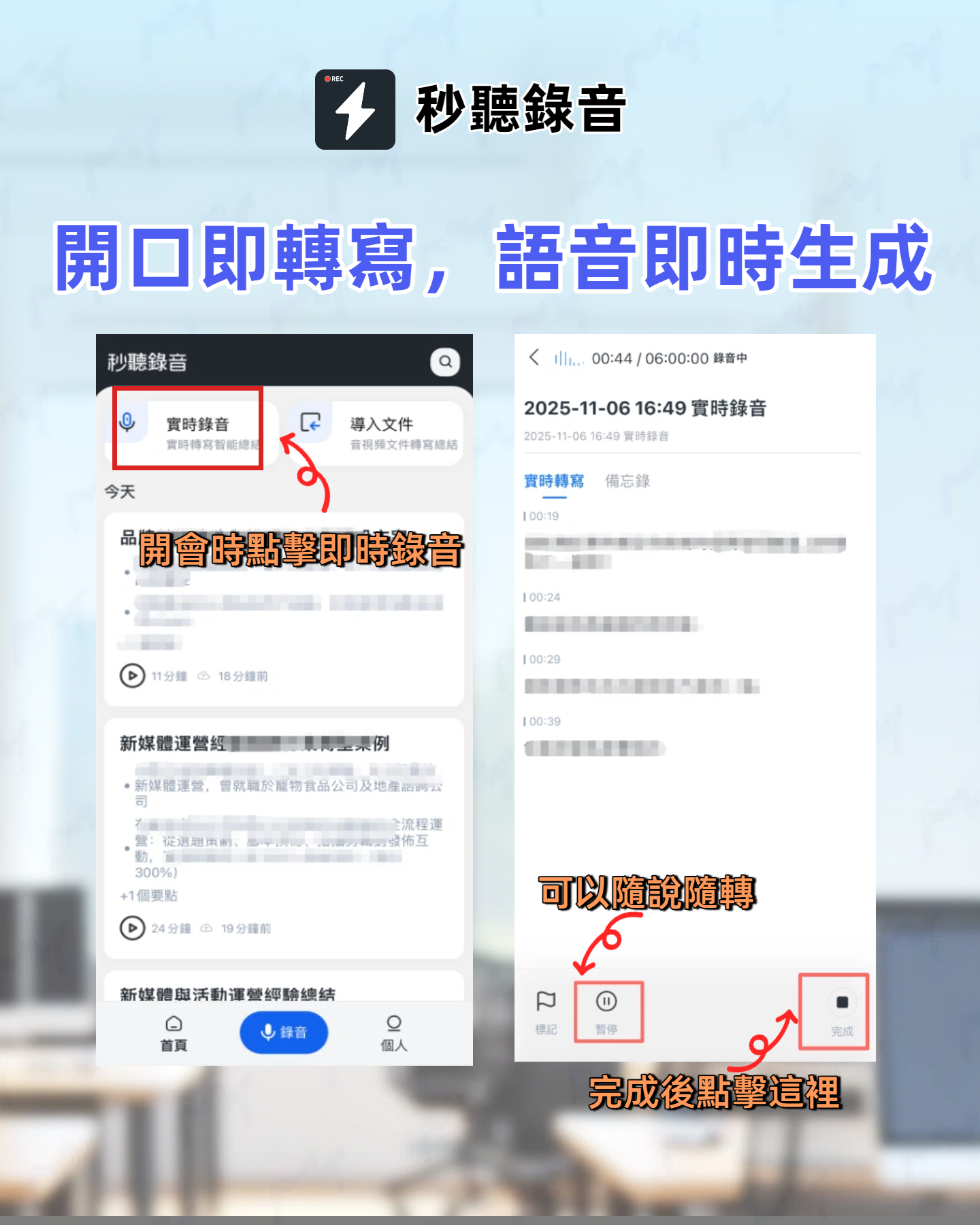
- Real-Time Speech-to-Text: Supports multiple languages including Chinese, English, Japanese, Cantonese, and Taiwanese Hokkien, automatically converting meeting speech into text so you can focus on the conversation without taking manual notes.
- AI Summaries & Action Items: Automatically generates key summaries and action items after the meeting, helping the team quickly grasp next steps.
- Real-Time Collaboration: Participants can edit and comment on the meeting record in real time, boosting consensus and follow-through.
- Smart Integrations: Seamlessly connects with Google Calendar, Zoom, and other tools to automatically join meetings, record content, and attach transcripts—eliminating tedious administrative work.
- Cross-Platform Access: Available on iOS, Android, Chrome extension, and web, so you can view or supplement meeting content anytime, anywhere.
Let Miaoting Recording Transform Your Meetings
Say goodbye to missed details, vague conclusions, or manual note-taking. Miaoting Recording captures and summarizes every meeting with minimal effort, allowing you to focus on what matters most—moving the conversation forward.
Experience firsthand how Miaoting Recording can revolutionize your daily meetings.
300 minutes of transcription per month | 30 minutes per meeting | Upload up to 3 audio/video files
Start Free
Industry-leading transcription technology | Advanced AI conversation features | Custom integrations and workflows
Book a Demo
Turn every recording into actionable outcomes
Get 60 free transcription minutes when you sign in. No credit card required.
Related Reading
You might also like

for mac google meet: Audio Permissions, Recording, and Transcript Handoff for Google Meet on Mac
Recording Google Meet on a Mac usually gets stuck not because you cannot find the record button, but because macOS separates 'capture system audio' and 'use microphone' into two independent authorizations. This article proceeds in three parts—permission setup, recording, and post-meeting organization—explaining how to determine which layer is causing meeting audio not to be recorded, and how to organize the recording into a transcript, summary, and to-dos and hand it off to a colleague.

How to Change Your Google Meet Background on Mobile: Check Account and Version Requirements First, Then Follow the Pre-Meeting or In-Meeting Path
When you're told to join a client-facing meeting and only have your phone on hand, the last thing you want is to discover five minutes before the call that you can't find the background option. This article first explains what's required to use backgrounds on mobile (account type, app version, device permissions), then walks through two paths step by step—one before you join the meeting and one during it—and closes with a pre-meeting checklist and alternatives if you can't find the option.

Google Meet 2026 APK Installed: Choosing a Meeting Notes Tool on Android — First Look at the Mobile vs. Desktop Organization Gap
Installing the Google Meet 2026 APK is just the first step. This article uses four dimensions to narrow down meeting notes tools that claim to 'support Google Meet' to two or three options, focusing on the real-world gap between Android mobile and desktop post-meeting organization. Each dimension includes specific questions you should confirm with the product page or vendor.

Google Meet 2026 Meeting Notes Capability Review: Where Built-in Transcription Ends and How to Split Post-Meeting Action Items and Deliverables
A practical mid-level manager's review of Google Meet 2026 recording and transcription coverage, explaining the responsibility boundaries for post-meeting summaries, action items, and deliverables, with recommendations for Chinese and mixed Chinese-English meetings, data storage, and team handoffs.

Which Google Meet 2026 APK Should You Install? Android Install Source Guide, Meeting Prerequisites, and Backup Recording Handoff Order When Nothing Was Recorded
When you're assigned to join a Google Meet on an Android phone and handle post-meeting notes, first clarify whether you're attending, hosting, or responsible for organizing. Then decide whether to install from the official app store or a third-party APK source, what prerequisites are needed to sign in, and how to use audio recording and transcription in order to fill in the transcript and action items and hand them off when the meeting wasn't recorded.

Google Meet 2026 Meeting Notes Capabilities: Where Built-In Transcription Ends and How to Split Post-Meeting To-Dos and Deliverables
Google Meet 2026 recording and transcription are not automatically enabled by default, and post-meeting summaries, to-dos, and deliverables still have coverage boundaries. This article walks through the actual workflow to assess built-in platform capabilities, explains the differences in organizing Chinese and mixed Chinese-English meetings, the distinction between data storage and team spaces, and offers recommendations for dividing post-meeting to-dos, deliverables, and data storage.
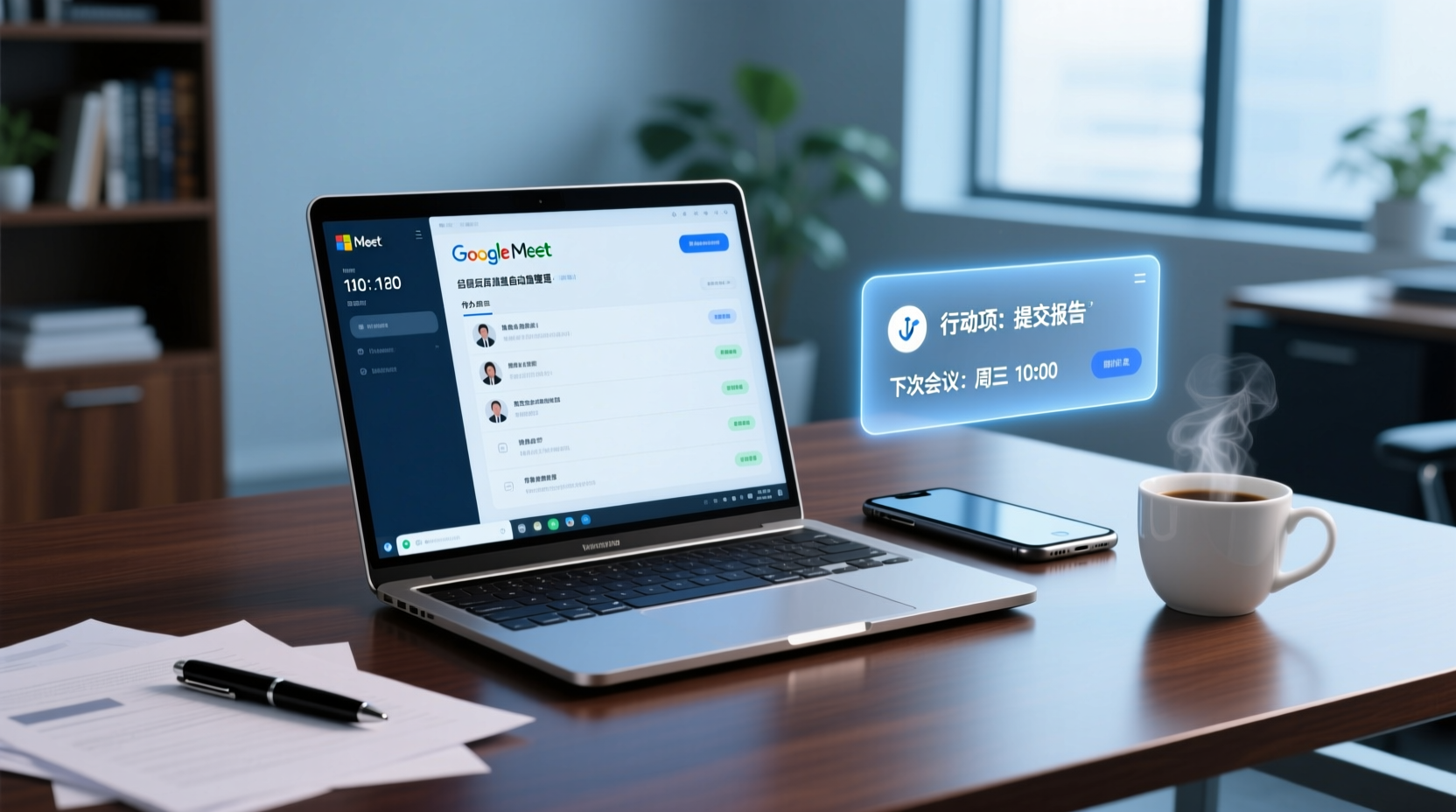
How to Choose a Google Meet Note-Taking Tool for Windows: Four Dimensions to Narrow Down from Cross-Device Gaps to Two or Three Options
Meetings happen on Google Meet on a Windows PC, but organizing often gets picked up on a phone or another device. This article uses four dimensions (how audio gets in, how far post-meeting output goes, the organizing gap between Windows and phone, and whether data stays in a personal or team space) to narrow down candidate tools to two or three, with specific questions to ask product pages or vendors for each dimension.
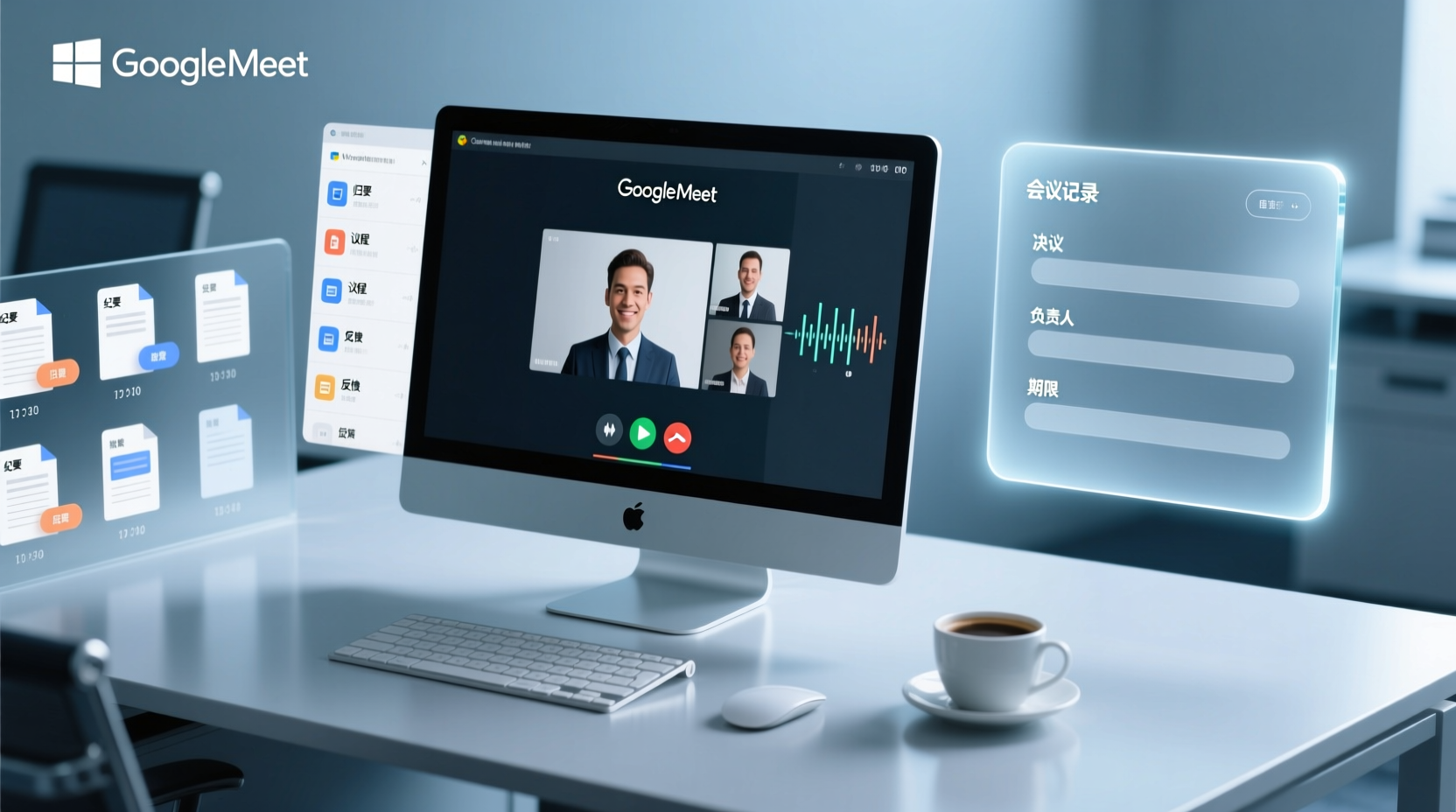
How to Choose a Google Meet Meeting Notes Tool for PC: Narrow a Dozen Options to Two or Three with Four Dimensions, and What to Confirm with Vendors for Each
After a Google Meet call on a Windows PC, what you actually need to deliver is decisions, owners, deadlines, and an archivable record. This article uses four dimensions to help you narrow a dozen tools that claim Google Meet support down to two or three, with specific questions to confirm on product pages or with vendors for each dimension.

What You Need for Google Meet: Pre-Meeting Role Checklist and Post-Meeting Handoff
From the perspective of administrative assistants and project coordinators, this guide breaks down the prerequisites for joining or hosting a Google Meet by role, including account requirements, organizational settings, recording permissions, and extra conditions for external attendees. It also provides a pre-meeting checklist and a post-meeting handoff sequence for transcripts, decisions, and action items.