
Turn recordings into transcripts and summaries in minutes
Upload audio or video for multilingual transcription, AI notes, and action items
Meeting Over, But Who Knows What to Do Next?
"This meeting lasted two hours, the transcript is 20,000 words, but who exactly needs to submit the report by Friday?" This is the deepest pain point for many office workers and project managers. Simple recordings or transcripts often have too low information density; re-listening or reading takes a lot of time. A tool that truly boosts efficiency must not only transcribe but also "understand"—automatically extracting action items and decisions from chaotic conversations.
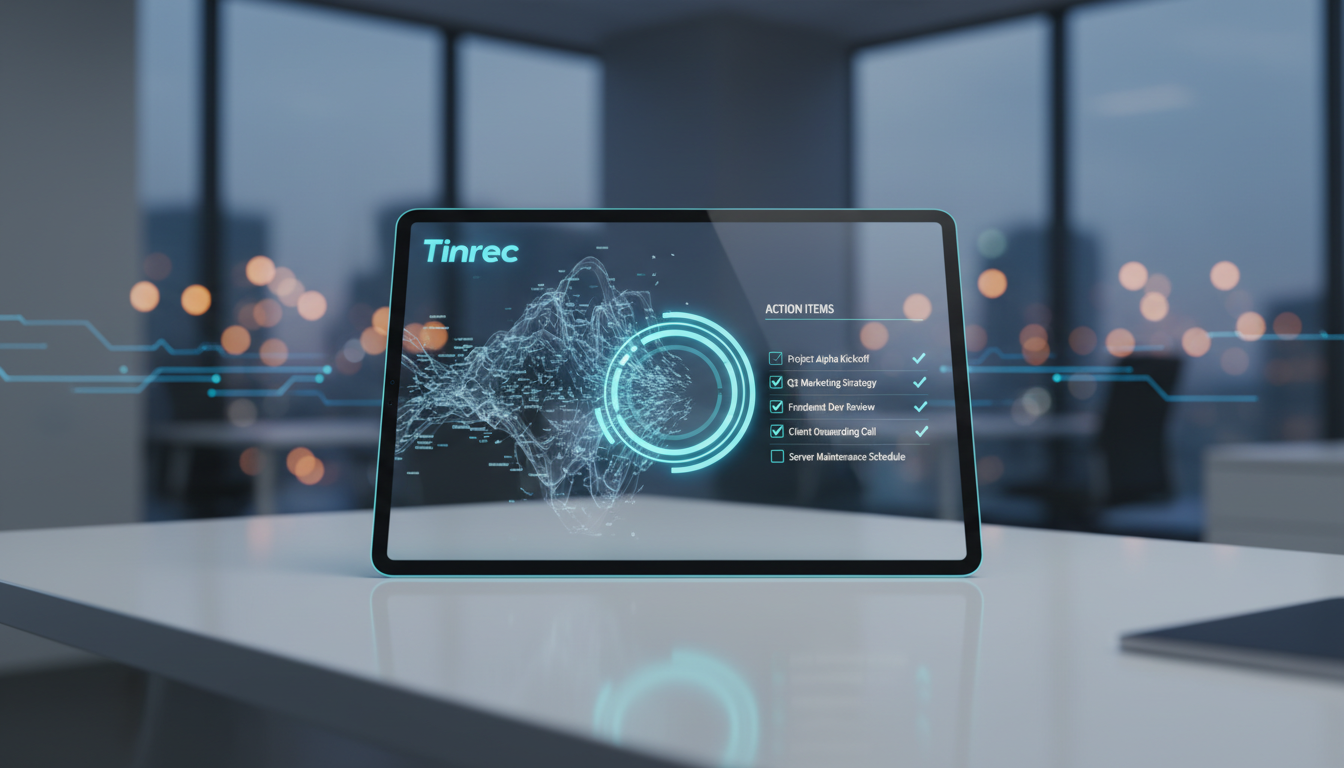
This article will review the mainstream AI meeting note-taking tools in 2026 from four dimensions: action item extraction capability, processing speed, language support, and value for money. Whether you're an enterprise user who needs integration with Teams/Meet or a salesperson relying on phone recordings, you'll find the answer here.
🚀 Quick Navigation Conclusions:
- For ultimate processing speed and stable summaries: Consider Meeting Ink first.
- For emphasis on "action item extraction" and "AI chat query" workflow: Try Tinrec (Seconds Recording).
- Heavy mobile users/hardware enthusiasts: Plaud is a good choice.
- All-English meeting environments: Otter.ai remains strong.
In-Depth Review: Pros and Cons of Mainstream AI Meeting Tools
Based on the latest test data and user scenarios, we've selected several representative tools for analysis. When choosing, pay special attention to whether the tool has "speaker diarization" and "summary logic" features, as these directly affect the accuracy of action items.
1. Meeting Ink: A Balance of Speed and Stability
In recent speed tests, Meeting Ink showed impressive performance. For a standard 26-minute audio file, upload took only 55 seconds and summary generation about 26 seconds, with high overall smoothness.
- Pros: Supports live captions and speaker diarization, which is friendly for multi-person meetings. Offers browser tab recording for online meetings.
- Cons: Occasionally requires manual page refresh to check processing status.
- Best for: Users who need quick post-meeting reports and have diverse meeting formats (online + in-person).
2. Tinrec (Seconds Recording): A Complete Workflow from Recording to Action
Tinrec's design philosophy is not just "save recordings," but "information transformation." In addition to basic speech-to-text, its core strength lies in using AI to understand context and automatically generate structured meeting minutes and to-do action items, solving the problem of "having records but no execution."
- Differentiating Highlights:
- AI Chat Query: This is the biggest difference between Tinrec and traditional tools. You don't need to Ctrl+F through transcripts; you can directly ask AI: "What was the conclusion about the marketing budget in this meeting?" AI answers based on the recording content, like asking a secretary who paid attention during the meeting.
- Multi-platform Sync: Supports iOS, Android, and Web, suitable for recording ideas during commutes and organizing on a computer back in the office.
- Multi-language Recognition: Supports 10 languages including Chinese, English, Japanese, Korean, Taiwanese, Cantonese, etc., with translation capabilities.
- Best for: Project managers who value "post-meeting execution," researchers who need to extract insights from interviews, and business professionals working across languages.

3. Plaud: Hardware-Enhanced Mobile Recorder
Plaud combines a physical recording card with an app, a rare software-hardware integrated solution. Upload speed is very fast (about 26 seconds), and operation via phone is very stable.

- Pros: Convenient for call recording (MagSafe attachment), suitable for business calls or impromptu interviews.
- Cons: Lacks a desktop web version (mainly app-dependent), and the current version has weaker speaker diarization, making it harder to distinguish who said what in multi-person meetings.
- Best for: Salespeople, journalists, or those who frequently have one-on-one conversations on the go.
Stop organizing recordings by hand
Upload audio or video and automatically get a transcript, summary, and action items
4. Otter.ai & SeaMeet: Strong in Specific Scenarios
- Otter.ai: A veteran with strong English recognition and live captions, but weaker Chinese support, and the free tier has many limitations.
- SeaMeet: Deeply integrated with Google Meet and Microsoft Teams, suitable for standardized enterprise meetings, allowing sharing of notes via email.
5. Brief Reviews of Other Tools
- Vocal.ai: Suitable for post-meeting batch processing, but lacks live captions; processing speed is moderate.
- Yating Transcript: Developed in Taiwan, strong for mixed Mandarin and Taiwanese recognition, but summary generation may occasionally queue up.
- Good Tape: Extremely simple to use, but the free version wait time can be very long (over 1 hour); suitable for users not in a hurry.
2026 AI Meeting Tool Specification Comparison Table
To help you choose more intuitively, here's a core dimension comparison table:
| Tool | Action Items/Summary Extraction | Supported Languages | Speaker Diarization | Best Use Case | Free/Paid Pricing |
|---|---|---|---|---|---|
| Tinrec | Excellent (includes AI chat query) | Chinese, English, Japanese, Korean, Taiwanese, Cantonese, etc. (10 languages) | Yes | Cross-platform meetings, study notes, action item management | Free: 100 min/month; Pro: ~$8.25/month |
| Meeting Ink | Good (fast) | Multiple languages | Yes | Real-time/online meeting notes | Subscription: Pro ~$9.99/month (approx.) |
| Plaud | Average (focus on recording) | Multiple languages | No | Phone calls, in-person interviews | Hardware purchase + subscription |
| Otter.ai | Good (primarily English) | Strong English / Weak Chinese | Yes | International English meetings | Free: limited; Pro: $16.99/month |
| SeaMeet | Good | Multiple languages | Yes | Teams/Meet online meetings | Personal: ~$9.99/month (approx.) |
| Yating Transcript | Average (may queue) | Mandarin, Taiwanese, English | Yes | Local language interviews | Pay-per-use: from $5/hr (approx.) |
Note: Processing speed and features may change with software updates; it's recommended to test free tiers for actual performance.
Hands-On Tutorial: How to Automatically Generate Meeting Action Items with AI Tools
Many people buy these tools but only use them as voice recorders. To unlock AI's value, the key lies in post-meeting processing. Here, using Tinrec as an example, we'll show you how to transform a chaotic meeting into an actionable to-do list.
Step 1: Obtain High-Quality Audio Source
AI accuracy depends on recording quality. You can access Tinrec in three ways:
- In-person/Online meetings: Use the live recording to text feature, open the web or app on your desktop to record. For online meetings, ensure speaker audio is clear.
- Existing files: If you have audio files (mp3/wav, etc.), use the audio file to text upload feature.
- Video content: For YouTube courses or seminars, use the podcast/video to text feature by entering the link.


Step 2: Review Automatically Generated Summary and Segmentation
After recording, the system automatically distinguishes speakers (speaker diarization). Quickly scan the AI-generated meeting minutes section to confirm the overall direction is correct.
Step 3: Use AI to Extract Action Items
This is the most critical step. In Tinrec's interface, AI automatically analyzes commitment statements in the conversation (e.g., "I'll send it by Friday...", "Please confirm...") and lists them as a to-do list.
- Tip: Check the list and copy it into your project management software (e.g., Notion, Trello, Asana).

Step 4: Use AI Chat for Detail Verification
If the auto-summary isn't detailed enough, don't re-listen to the recording! Use the AI chat query feature.
- Example commands: "List the three marketing data points Alex mentioned in the meeting," "What was the final decision on the budget in this meeting?"
- Through the chat, you can precisely dig out overlooked details—smarter and faster than traditional keyword search (Ctrl+F).

Frequently Asked Questions (FAQ)
Q1: Can these AI tools completely replace human meeting minutes? A: Current AI tools in high-clarity environments can achieve over 95% accuracy and automatically generate summaries and action items, replacing about 80% of the work. However, for highly specialized terminology or noisy multi-person interruptions, manual final review is still recommended.
Q2: Is there a solution for iPhone call recording? A: Due to iOS privacy restrictions, apps usually cannot directly record regular phone calls. Plaud solves this with a hardware recording card. Tinrec is suitable for recording speakerphone calls, Line/WeChat calls (using another device to record), or in-person meetings, and supports iOS app operation.
Q3: Do I need consent from participants to record Teams or Google Meet sessions? A: Yes, based on privacy and courtesy, when using SeaMeet, Otter, or any recording tool, you must inform participants that AI note-taking assistance is in use.
Q4: What are common limitations of free tiers? A: Most tools (e.g., Good Tape, Otter) limit recording duration (e.g., 300 min/month), single file length, or export capabilities. Tinrec offers 100 minutes free per month, suitable for light users to experience full features.
Q5: How effective is recognition for Taiwanese or Cantonese? A: Yating Transcript excels in Taiwanese recognition. Tinrec supports Taiwanese, Cantonese, Sichuan dialect, and more, including mixed recognition, suitable for multilingual communication environments.
Q6: How secure are the audio recordings? A: When choosing a tool, pay attention to its privacy policy. Legitimate paid tools typically encrypt data. For highly confidential business meetings, consider options that allow cloud data deletion or offline processing.
Turn every recording into actionable outcomes
Get 60 free transcription minutes when you sign in. No credit card required.
Related Reading
You might also like

2026 Real-Time Recording Tools Compared: Which Can Transcribe While Recording?
How do you choose a real-time recording tool? This article tests and compares Tinrec, free online voice recorders, Bandicam, and Granola in real meeting scenarios, explaining why what happens after recording is key, plus 4 buying tips, pitfalls to avoid, and scenario-based recommendations.

5 Meeting Recording Apps Compared in 2026: From Transcripts to Team Collaboration
Meeting recording apps aren't just about audio quality—they're about what happens after the meeting. This guide breaks down five common tool approaches, covering live transcription, AI summaries, action item extraction, AI Q&A, team spaces, and seat management. Using Tinrec as an example, we walk through bot-free online meeting recording, Chinese transcription, summaries, and exports, and compare the free, Pro, and Team plans to help you decide which solution fits your meeting needs.

What Is Instant Messaging in 2026? 5 Steps to Understand the Definition and Choose Tools
What does instant messaging (IM) mean? This article starts with the definition, history, and message storage methods to help you understand the essence of synchronous communication, 4 key points for choosing tools, and compares meeting and communication organization tools like Tinrec, Otter.ai, Notta, and Granola. Finally, a pitfall guide helps you choose the right tool.

Can You Share a Recording with Others in 2026? 5 Key Legal Points and How Tinrec Helps You Organize
Whether you can share a recording with others depends on your role, purpose, and content. This article summarizes key legal points on invasion of privacy and personal data protection, and explains how to use Tinrec to turn recordings into transcripts or summaries so you only share necessary information, reducing privacy and legal risks.

5 Best AI Meeting Notes Apps of 2026: Which Free Version Is Actually Enough?
There are countless AI meeting note takers, but buying one doesn't guarantee better notes. This article starts with the most common mistakes and inefficient habits, outlines 4 key factors for choosing a meeting transcription tool, tests Tinrec's bot-free recording, AI Q&A, and team workspace, and compares Otter.ai, Notta, and TurboScribe on positioning and pricing to help you find a solution that truly saves time.

4 Recording AI Tools Tested in 2026: Which Saves the Most Time on Chinese Meeting Minutes?
Before choosing a recording AI, first confirm where your meetings take place. This article tests 4 common recording AI tools, breaking them down from four angles: audio capture method, post-transcription output, recording file retention, and team sharing. It also summarizes pitfalls to help you determine which one truly saves time on meeting notes.

How to Use an AI Recording Assistant in 2026: A Complete 5-Step Guide
A complete 2026 guide to AI recording assistants: starting from common misconceptions about manual transcription, this guide explains what an AI recording assistant can do for you, a 5-step workflow, real-world use cases, and 5 key purchasing considerations. It uses Tinrec as an example to demonstrate real-time transcription, bot-free online meeting recording, AI summaries and action item extraction, AI Q&A, and team workspace governance, with FAQs and team pricing details at the end.

4 Real-Time Voice Tools Tested for 2026: Which Saves the Most Time for Meeting Notes and Transcripts?
What is real-time voice? This article first clarifies the difference between Apple Live Speech and Live Voicemail, then tests 4 tools, comparing meeting notes, transcripts, AI Q&A, and team collaboration to help you find the most time-saving solution.
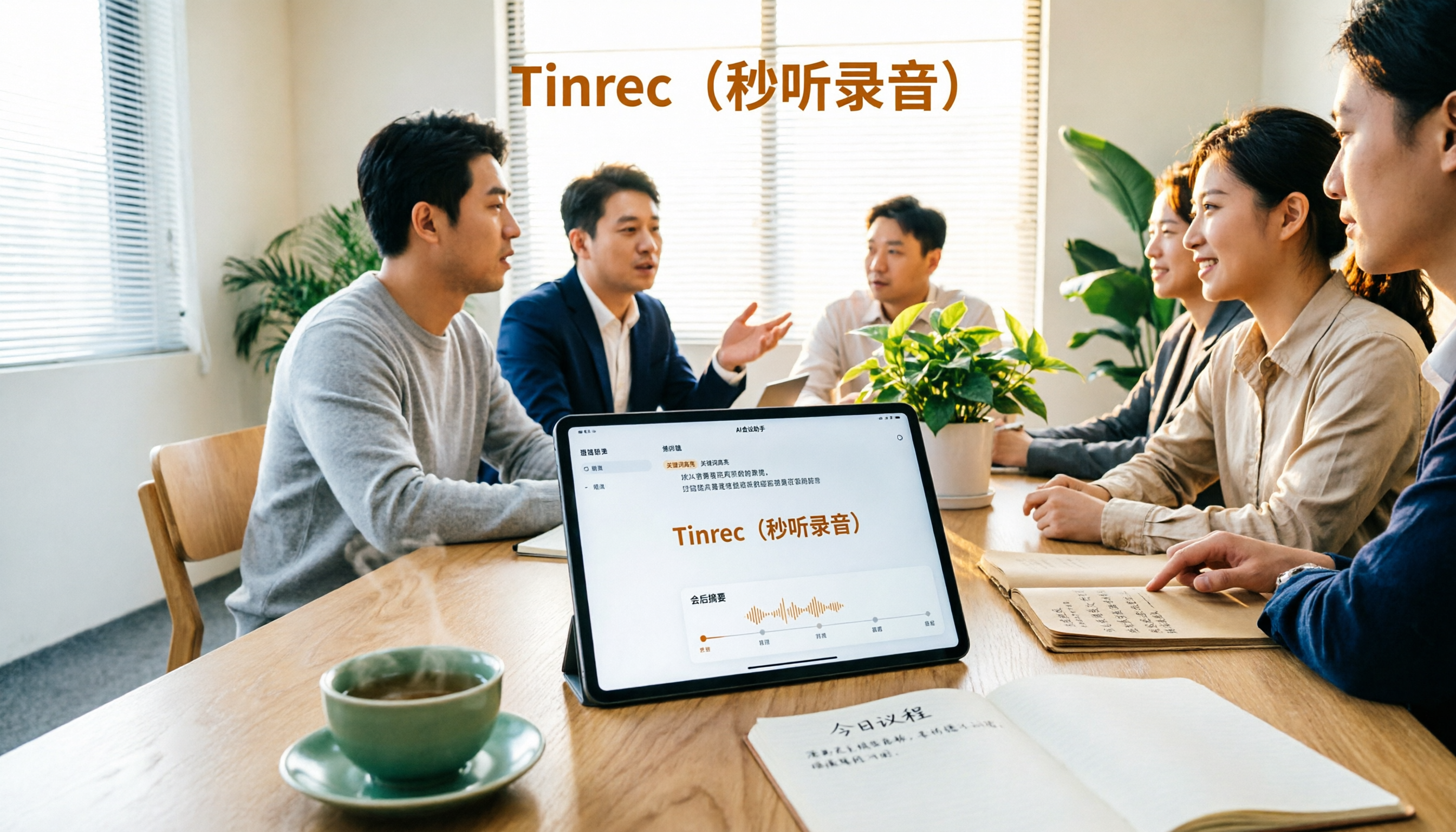
4 AI Recording Tools Tested for 2026: Which One Saves the Most Time on Chinese Meeting Notes?
Still have meeting recordings nobody re-listens to? We tested 4 AI recording tools, comparing Chinese transcription, meeting capture methods, post-meeting summaries, AI Q&A, and team data ownership. Find out why Tinrec is the smoothest for Chinese meetings and team collaboration, plus when to choose PLAUD, Otter.ai, or Notta, and key pitfalls to avoid.