
Turn recordings into transcripts and summaries in minutes
Upload audio or video for multilingual transcription, AI notes, and action items
As a project manager, graduate student, or content creator, have you ever fallen into the endless loop of "one hour of meeting, three hours of notes"? The constant pausing, rewinding, and typing is not only time-consuming but also leads to missed key points due to fatigue. The good news is that with mature AI speech recognition, today's mobile apps can not only accurately transcribe English but also generate meeting summaries and action items.
This article tests and rounds up 5 mainstream voice-to-text tools, comparing them across dimensions like English accuracy, free plan limits, and feature completeness (e.g., speaker diarization, AI key point extraction). If you need a quick conclusion: for strong speaker diarization and team collaboration, consider Vocol.ai; for extracting action items directly from recordings or AI chat queries, Tinrec is a top productivity choice; for privacy-focused transcription, Good Tape stands out.
Why Speech-to-Text Is an Essential Modern Work Skill
Traditional voice recorders or built-in phone recorders have a major pain point: extremely low information density. A 60-minute audio file is an unsearchable black box—you have to listen from start to finish to find key info. New AI speech-to-text apps solve three core problems:
- Visualization and Searchability: Convert speech to text with timestamps, so you can use keywords (Ctrl+F) to locate key points.
- Decision Efficiency: Plain transcripts are still lengthy; AI-powered tools automatically summarize "meeting conclusions" and "action items."
- Multilingual Environments: For international meetings or foreign language classes, AI real-time translation and transcription significantly lower comprehension barriers.
2026 Top 5 Mobile Speech-to-Text Apps: In-Depth Review
Below we select 5 tools suitable for English users based on market popularity and actual performance.
1. Tinrec: From "Record" to "Action" with AI
Tinrec's design philosophy goes beyond converting speech to text; it emphasizes a complete workflow from recording to understanding to action. Besides real-time transcription, its standout feature is AI chat queries. You can ask the AI conversationally: "What did David promise in this meeting?" and it answers based on the recording content, saving you from scanning through transcripts.

- Best for: Lecture notes, long meeting recordings, professionals needing quick extraction of to-do lists.
- Free plan: 100 minutes per month.
- Pros: AI chat query for recording content, auto-generated action items, multi-device sync (iOS/Android/Web), supports video link transcription.
- Key differentiator: Compared to tools that only provide transcripts, Tinrec focuses on post-meeting information retrieval efficiency.
2. Vocol.ai: Team Collaboration & Meeting Assistant
Vocol.ai positions itself as an "AI meeting collaboration platform." Beyond transcription, it emphasizes teamwork: it auto-generates meeting summaries and labels different speakers, ideal for teams that need to co-edit meeting notes.
- Best for: Project team meetings, multi-editor scenarios.
- Free plan: One-time 60-minute trial for new users.
- Pros: Free version includes speaker diarization, robust collaboration features.
- Cons: Free quota is one-time; long-term use requires subscription.
3. Good Tape: Privacy Fortress Favored by Journalists
Good Tape is well-regarded in journalist circles for its strong privacy security and clean interface. It uses OpenAI's Whisper model, offering solid accuracy for standard English, and emphasizes that it does not use user data to train AI.
- Best for: Sensitive interview content, privacy-conscious journalists or lawyers.
- Free plan: 3 free transcriptions per month, each up to 30 minutes.
- Pros: Strict privacy compliance (GDPR), minimal interface.
- Cons: Free transcriptions may have wait times, no speaker diarization.
Stop organizing recordings by hand
Upload audio or video and automatically get a transcript, summary, and action items
4. Notta: Generous Monthly Free Minutes for Real-Time Transcription
Notta supports real-time transcription in multiple languages, handy for frequent international meetings. Its free plan offers relatively generous time limits, suitable for regular personal transcription needs.
- Best for: Multilingual meetings, recurring transcription needs.
- Free plan: 120 minutes per month.
- Pros: Stable real-time transcription, strong multilingual support.
- Cons: Free version lacks speaker diarization.
5. Otter.ai: Popular All-Rounder with Live Meeting Notes
Otter.ai is one of the most widely used transcription apps in the US. It offers live meeting notes, speaker identification, and integrates with calendars to auto-join meetings.
- Best for: Business meetings, interviews, lectures.
- Free plan: 300 minutes per month (but per conversation limit may apply).
- Pros: Live transcription, speaker labels, calendar integration.
- Cons: Free plan limited to 30-minute conversations per session; less accurate with heavy accents.
Deep Comparison: Features & Free Plan Limits
To help you choose intuitively, here's a comparison table (as of 2026 info):
| Dimension | Tinrec | Vocol.ai | Good Tape | Notta | Otter.ai |
|---|---|---|---|---|---|
| Core Focus | AI queries & action items | Team collaboration meetings | Privacy & security | Multilingual real-time transcription | Live meeting notes & integration |
| Free Plan | 100 min / month | One-time 60 min | 3x 30 min sessions / month | 120 min / month | 300 min / month (30 min/session) |
| English Optimization | ⭐⭐⭐⭐ | ⭐⭐⭐⭐ | ⭐⭐⭐⭐ | ⭐⭐⭐⭐ | ⭐⭐⭐⭐ |
| Speaker Diarization | ✅ | ✅ (Free includes) | ❌ | ❌ (Paid) | ✅ (Paid for advanced) |
| AI Summary / Action Items | AI chat + action items | Meeting summaries | None | Basic summary | Key points & action items |
| Unique Feature | Video link transcription, AI Q&A | Team shared workspace | GDPR compliance | Screen recording | Calendar & live meeting integration |
How to Use a Mobile App for "Record to Meeting Notes in Seconds"
Once you pick a tool, how to maximize efficiency? Below, using Tinrec (which covers many features) as an example, we demonstrate the standard workflow from recording to generating action items. This workflow works on both iOS and Android.
Step 1: Real-Time Recording to Text
When a meeting or class starts, open the app and enter the recording interface. AI performs real-time transcription in the background—no need to watch the screen; focus on the conversation.
- Action: Tap Record & Transcribe in Real Time
- Tip: Place the phone near the speaker(s). In noisy environments, use an external directional microphone for better accuracy.

Step 2: Import External Audio or Video Links
If you already have recorded files or want to transcribe a YouTube tutorial, use the import feature. Tinrec supports parsing web video links directly into text—very useful for online courses.

- Action:
- Upload audio: Audio File to Text
- Video link: Podcast/Web Video to Text

Step 3: Use AI to Extract Action Items & Summary
After recording ends, don't just read the transcript. Tap the AI analysis feature—the system automatically generates meeting minutes and to-do action items.

Step 4: Use AI Chat to Find Missed Details
This is an advanced organization trick. If you forget a detail, instead of replaying the audio, use the AI Chat Query feature. For example, ask: "What were the key exam points the teacher mentioned in this class?" The system searches the semantics and summarizes for you.

Frequently Asked Questions
Q1: Do these apps support recording phone calls from apps like Zoom or FaceTime? Due to OS privacy restrictions (especially iOS), most apps cannot directly record audio from other apps in the background. Workaround: use speakerphone mode, or use dedicated call recording hardware.
Q2: What most affects transcription accuracy? Background noise and microphone distance. In a quiet meeting room with the phone close to the speaker, accuracy can reach 90%+; in a noisy café, accuracy drops significantly.
Q3: What happens when free minutes run out? Strategies vary. Tinrec and Notta reset minutes monthly. If you have high volume, choose tools with monthly resets, or upgrade to a paid plan.
Q4: Is my data safe in the cloud? Tools like Good Tape are GDPR compliant; Tinrec and Vocol.ai have enterprise-level data protection. For highly confidential business secrets, check if the tool supports deleting original files or offers on-premises deployment.
Q5: Does it matter if the app is optimized for American English vs. British English? Yes. Choose tools that explicitly support your variant (US or UK) to avoid spelling and terminology differences (e.g., "color" vs. "colour", "apartment" vs. "flat"). Tinrec and Otter.ai generally handle US English well.
Choosing the right speech-to-text tool frees you from tedious typing. We recommend starting with apps that offer free trials to find the one that fits you best, turning AI into your ultimate meeting secretary!
Turn every recording into actionable outcomes
Get 60 free transcription minutes when you sign in. No credit card required.
Related Reading
You might also like

Best Sales Meeting Transcription Tools in 2026: 4 Tested, Tinrec Wins for Online Review
Sales meeting notes aren't just about uploading audio to the cloud. This article compares Tinrec, Otter.ai, Granola, and PLAUD across four dimensions—review experience, Chinese recognition, recording methods, and team governance—to identify the best selection criteria and pitfalls to avoid for sales teams in 2026.

6 Free Sales Meeting Notes Templates Tested for 2026: Fill These Fields to Track Deal Signals
Even a detailed sales meeting note won't help you close if the fields are wrong. This article compiles free, copy-ready sales meeting note templates, breaks down 5 key selection criteria, and tests Tinrec, Notta, Otter.ai, Granola, and two free templates to show how to turn customer quotes, concerns, and action items into follow-up leverage.

5 Best Speech-to-Text Apps of 2026 Tested: Which Handles Chinese Meetings Best?
We tested the latest speech-to-text apps of 2026, comparing free tiers, Chinese recognition, meeting summaries, AI Q&A, and team collaboration to help you decide which app best fits your daily meetings and transcript needs. Using Tinrec as an example, we illustrate a real-world workflow and plan selection.

4 Best Free Speech-to-Text Tools in 2026: Free Tiers and Chinese Support Compared
We tested 4 free speech-to-text tools in 2026—Tinrec, cSubtitle, Monica, and MyEdit—comparing free tiers, Chinese language support, post-meeting organization, and team collaboration to help you pick the right free plan for your needs.
2026 AI Meeting Assistant Comparison: 4 Tools Tested — How to Start and Which Saves the Most Time
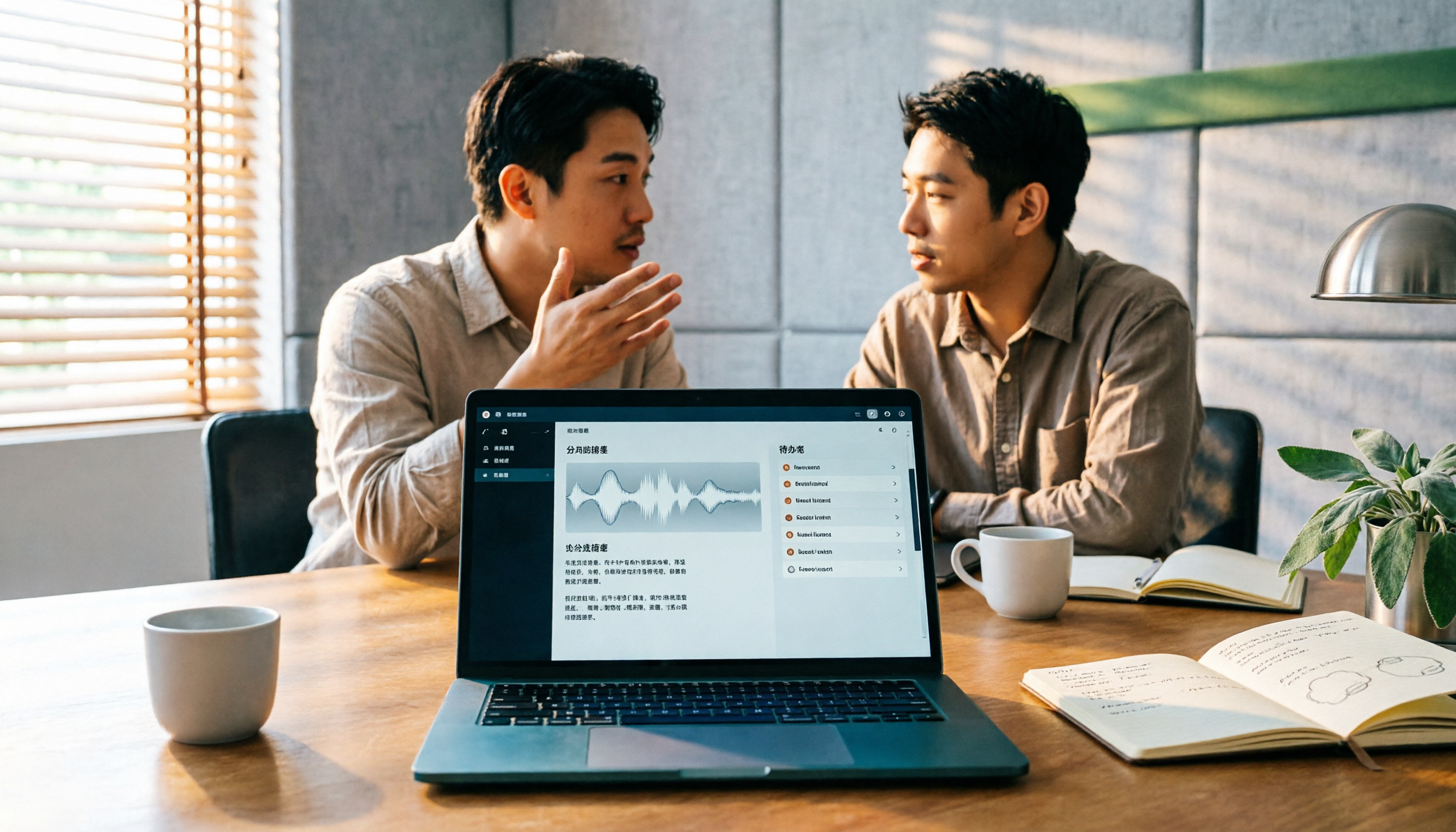
Many people search "how to start an AI meeting assistant" but get stuck not on the button, but on their assumptions. This article addresses three common misconceptions, outlines 4 key points to understand before starting an AI meeting assistant, tests the full desktop workflow of Tinrec, compares Otter.ai, Granola, and Notta in positioning and pricing, and ends with a pitfalls guide and selection advice.

How to Use an AI Meeting Assistant in 2026: 5 Steps from Recording to Meeting Minutes
There are many AI meeting assistants, but the key isn't which one is the most powerful—it's where your meetings take place, whether you need a transcript or minutes, and whether it's for personal or team use. This article first provides 3 questions to ask and 4 key factors for choosing, then demonstrates Tinrec's complete workflow in 5 steps: recording, real-time transcription, AI summary, and export. It also covers plan limitations, team version benefits, and common pitfalls to avoid.

2026 AI Meeting Assistant Cost Comparison: How Many Meeting Minutes per Dollar?
The cost of an AI meeting assistant isn't just the monthly fee. This article breaks down the pricing units, free quotas, team seats, and real limits of 'unlimited' plans for 5 tools, using Tinrec's personal and team pricing as an example to calculate your actual annual cost, and concludes with actionable recommendations.

5 Sales Meeting Note Tools Compared for 2026: From Transcripts to AI Action Items
Sales meeting notes are hard to write because after the meeting you have to reconstruct customer needs, objections, and commitments. This article examines four dimensions—meeting capture method, Chinese recognition, post-meeting Q&A, and team data ownership—and hands-on compares tools like Tinrec, Notta, Granola, and Otter.ai. It also covers four common pitfalls when choosing a tool, helping you pick the right one for your sales team.

3 Recommended Ways to Install AI Meeting Assistants in 2026: From Mobile Apps to Desktop
How should you install an AI meeting assistant? Most people get stuck not on features but on choosing the wrong version or not enabling permissions, ending up with an hour of blank audio. This article breaks down three installation routes—mobile app, desktop, and web—using Tinrec as an example to explain the complete setup steps, plus 5 key considerations before installation and common FAQs.