
Productivity Tips

Best Google Meet Note-Taking Tools in 2026: 7 Tested, This One Excels for Chinese Meetings Without a Bot
Starting from the need to join a meeting via Google Meet now, this guide reviews 7 Google Meet note-taking and transcription tools, including Tinrec, Otter, Fireflies, Notta, Granola, TurboScribe, and Google Meet's built-in capabilities. It compares Chinese meeting support, bot-free recording, AI Q&A, team knowledge retention, and pricing.

Google Meet Pricing in 2026: Free Plan Limits and Tinrec as an Alternative
Google Meet's free version caps group meetings at 60 minutes, and recording and AI features are tied to Workspace subscriptions (annual billing around $7/$14/$22 per user per month). This article, from a student's hands-on perspective, explains why post-meeting organization is the real pain point and compares Tinrec's differences in bot-free recording, Chinese transcription, AI summaries, and team knowledge retention.
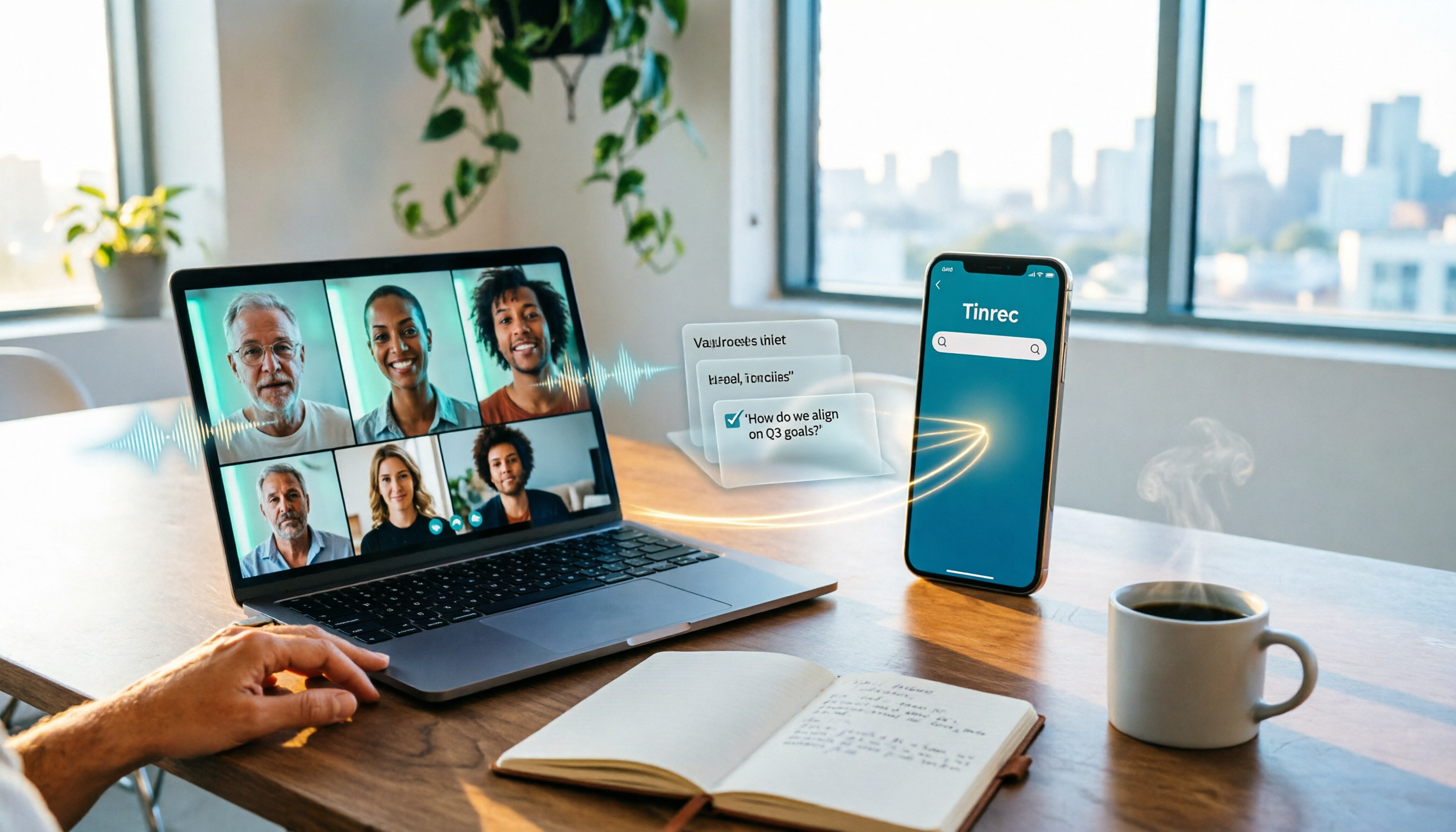
How to Share System Audio in Google Meet (2026): Full System Sound + High-Quality Stereo
Google Meet now lets you share your entire device's system audio during presentations, not just Chrome tab audio. This guide covers the steps to enable it, system requirements, rollout timeline, and common limitations, plus how to use Tinrec after a presentation to turn transcripts, summaries, and action items into searchable meeting records.

3 Google Meet on Windows Options Tested in 2026: Which Meeting and Note-Taking Method Saves the Most Time?
Using Google Meet on Windows, most people only solve the meeting itself but not how to keep the post-meeting data. This article walks you through: from browser and PWA to Tinrec desktop bot-free recording, automatically turning Google Meet meetings into transcripts, summaries, action items, and team-searchable data.

How to Check Your Google Meet Version in 2026: 4 Steps to Confirm the Latest Version
Can't find the version number in Google Meet settings? This guide covers how to check and update Google Meet across web, Android, iOS, Meet hardware, and the REST API, plus a practical way to organize transcripts, summaries, and action items after meetings.

4 Google Meet Call Recording Tools Tested in 2026: Which One to Switch to When Call History Won't Show?
When Google Meet call history won't show, most people's first instinct is to reinstall the app or switch browsers, but the problem often lies with the account, device, or organization permissions—not user error. This article addresses this common misconception, explains why call history may be missing, outlines 4 key factors for choosing a meeting recording tool, and compares Tinrec with Notta, Granola, and Otter.ai. It also includes a pitfalls guide and selection recommendations.

2026 Comparison of 3 Google Meet Recording Methods on Mac: Tinrec's One-Click Transcription Saves the Most Time
The real pain point of using Google Meet on Mac is post-meeting organization. This article addresses common misconceptions and demonstrates how to use Tinrec desktop to record Google Meet without a bot, generate real-time transcripts and summaries, action items, and AI Q&A. It also covers 5 key checkpoints for choosing a tool and answers common questions.

2026 Comparison of 2 YouTube Transcript Generators: Turn Videos Without Subtitles into Usable Transcripts
Starting from real reader pain points, this side-by-side comparison of Tinrec and WayinVideo examines 5 dimensions: Chinese language processing, post-transcription organization, export formats, team collaboration, and pricing plans. Includes FAQs to help you decide which tool better fits your use case.