
Blog - Page 288 - Tinrec

How to Transfer iPhone Voice Memos to Computer: No iTunes Needed, Even Long Recordings
Can't transfer iPhone voice memos to your computer? Long recordings often fail via email or LINE? We tested 5 methods, including AirDrop, iCloud, browser direct connection, and Tinrec, to successfully export even multi-hour meeting recordings, with complete steps for Windows and Mac.
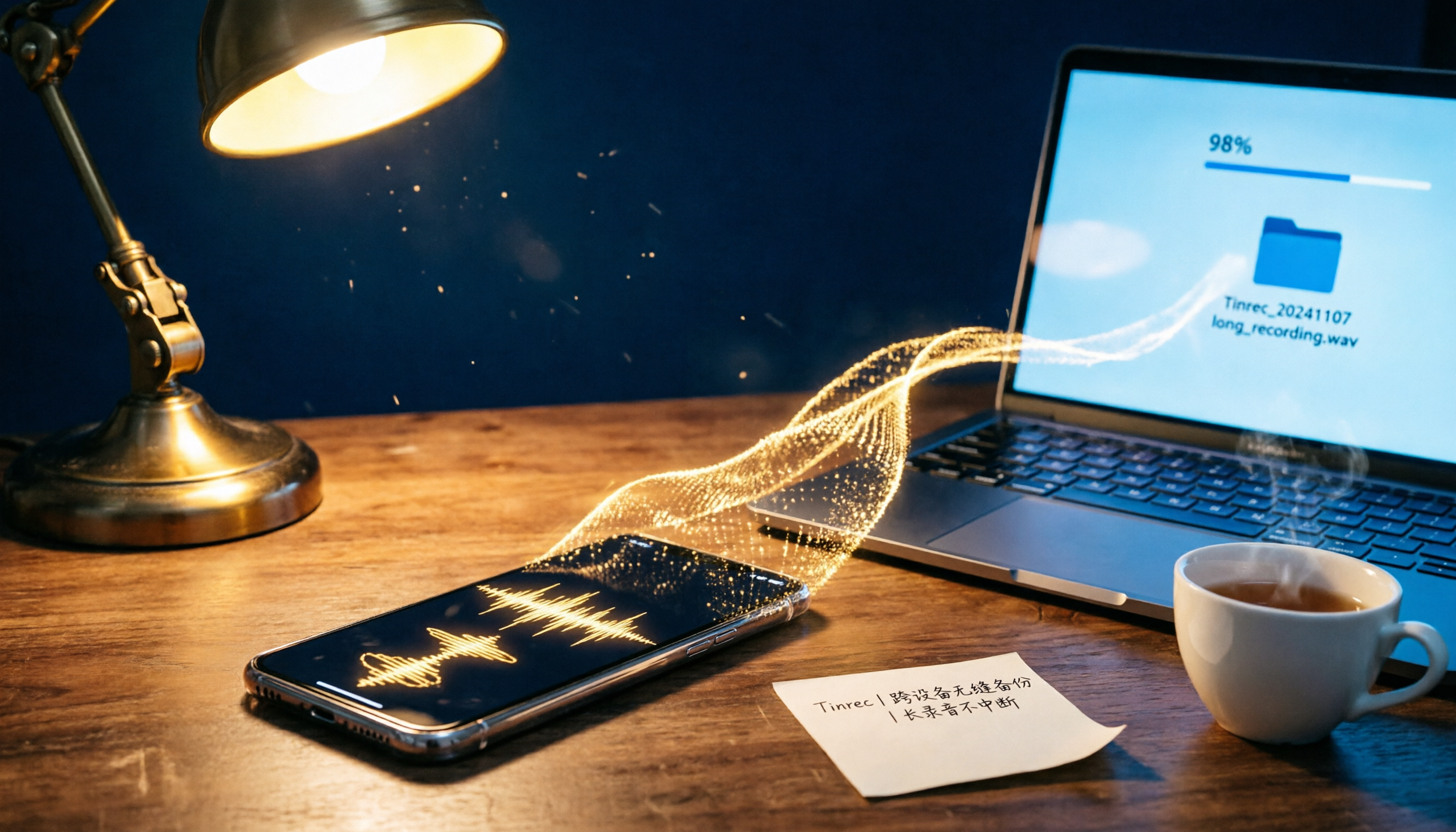
4 Proven Ways to Transfer iPhone Voice Memos to a Computer in 2026: No More Freezing on Long Recordings
Struggling to send long iPhone voice memos via email or LINE? This article tests 4 methods to transfer iPhone recordings to a Windows or Mac computer, covering wired transfer, AirDrop, cloud storage, and third-party tools. We compare their performance with long recordings and limited storage to help you choose the most reliable backup solution.

Does iPhone Recording Drain Battery? 2026 Test of 3 Recording Scenarios, Plus Power-Saving Tips
iPhone recording battery drain varies by scenario. This article tests three common scenarios—Voice Memos, call recording, and long meeting recording—and offers practical tips to reduce power consumption while maintaining recording quality, helping you choose the best method for your needs.
2026 iPhone Screen Recording Buyer's Guide: 3 Audio Recording Methods Tested and Recommended
Can iPhone screen recording capture audio? This article tests the built-in screen recorder's microphone recording, system audio capture, and third-party tools, and explains LINE calls, privacy restrictions, and common no-sound issues to help you master iPhone screen recording audio settings.

iPhone Voice Memo Editing Test 2026: From Trimming Clips to Replacing Segments, Which Method Is Most Efficient?
How do you edit audio recordings on iPhone? This article walks you through the trimming, deleting, and replacing segments in the Voice Memos app, and compares third-party AI recording tools for post-meeting organization, helping you decide when the built-in features are sufficient and when you need a more advanced solution.

2026 iPhone Voice-to-Text App Comparison: Beyond the Free Built-in Option, Which Is the Most Efficient?
With iOS 18, the iPhone's Voice Memos app can transcribe recordings, but the free feature has device and language limitations. This hands-on comparison evaluates the built-in tool, Tinrec, Otter.ai, and PLAUD, focusing on accuracy, organization, and team collaboration to help you find a truly time-saving voice-to-text solution.

Best Way to Transfer iPhone Voice Memos to Computer: 3 Methods Tested in 2026, This One Is Fastest and Most Reliable
Need to transfer iPhone voice memo recordings to your computer? We tested AirDrop, iCloud Drive, and USB wired transfer, comparing speed, stability, file size limits, and compatibility with Windows and Mac. We also offer solutions for the common pain point of long recording transfer failures.

Complete Guide to Turning iPhone Voice Memos into Ringtone in 2026: 3 No-Computer Methods
Want to set an iPhone voice memo as your ringtone but found iOS doesn't allow it directly? This article covers 3 no-computer methods, from GarageBand conversion to file format handling, guiding you step by step to turn your recordings into ringtones or alarms, and highlights the format and length limits most people overlook before starting.