
Blog - Page 287 - Tinrec

How to Record Phone Calls on iPhone in 2026: iOS 18 Built-in Recording + Transcripts Made Easy
Can you record phone calls on an iPhone? This guide, based on a senior student's real experience, explains how to enable iOS 18's built-in call recording, recording notifications, transcripts, and where voice memos are stored. It also covers alternatives for older models, screen recording, and voice recorders, plus legal and privacy considerations for recording calls in the U.S.

No Transcript for Your 2026 iPhone Recording? 5 Steps to Convert Audio to Text
Wondering why your iPhone recording doesn't have a transcript? It's not that it can't be done—it's that your device model, iOS version, or audio file type may not be supported. This guide covers the requirements for using the built-in Voice Memos transcript feature, how to handle old recordings, and a comparison of free and paid plans for 5 AI audio-to-text tools.
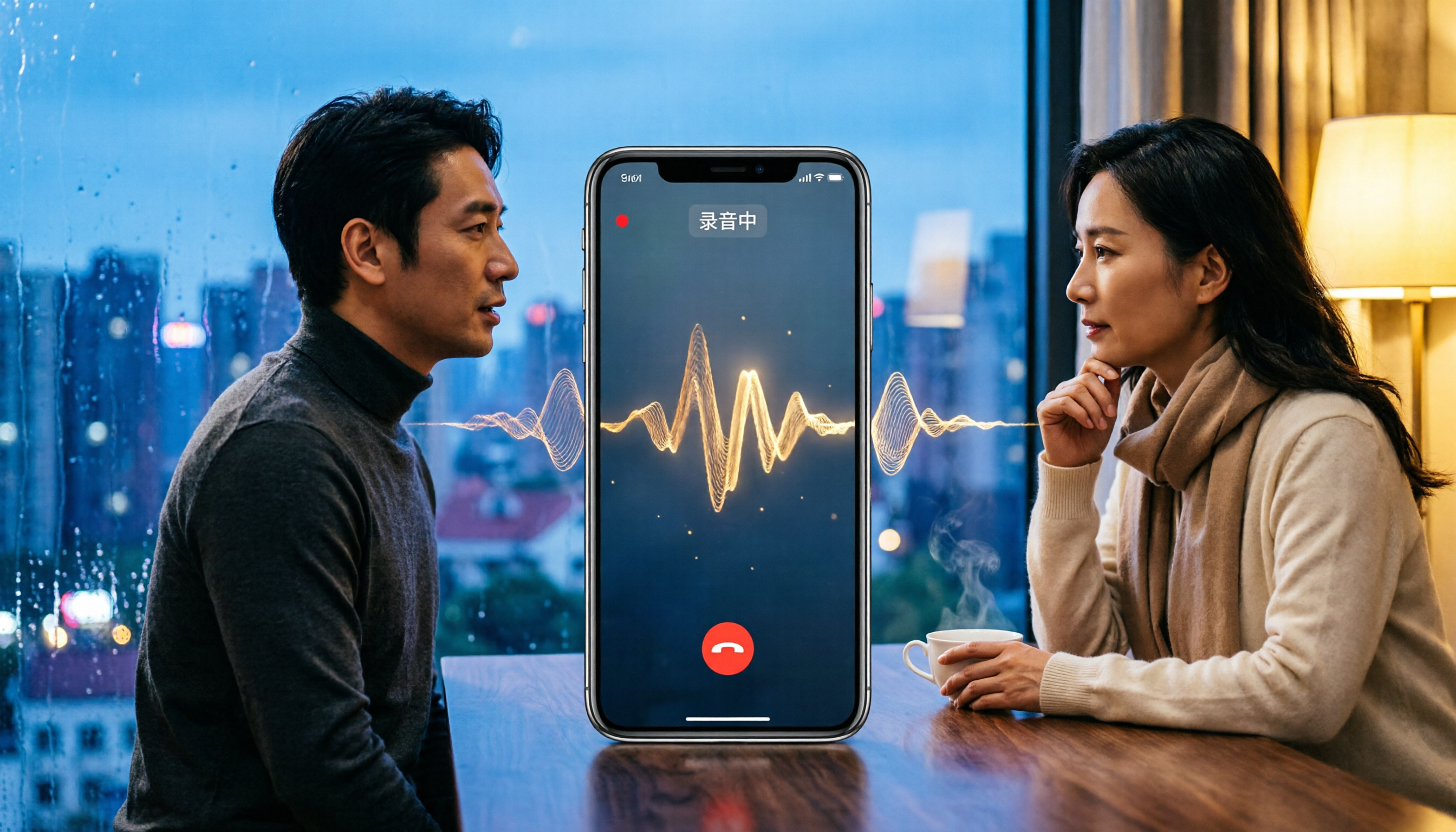
iPhone Call Recording in 2026: Will the Other Party Know? 5 Methods Explained
Will the other party know if you record an iPhone call? This article tests 5 methods, including iOS built-in call recording, screen recording, and shortcut-based recording, explaining which methods notify the other party and which carry compliance risks. It also covers legal considerations for call recording to help you legally preserve important conversations.

How to Transfer iPhone Voice Memos to Computer: No iTunes Needed, Even Long Recordings
Can't transfer iPhone voice memos to your computer? Long recordings often fail via email or LINE? We tested 5 methods, including AirDrop, iCloud, browser direct connection, and Tinrec, to successfully export even multi-hour meeting recordings, with complete steps for Windows and Mac.
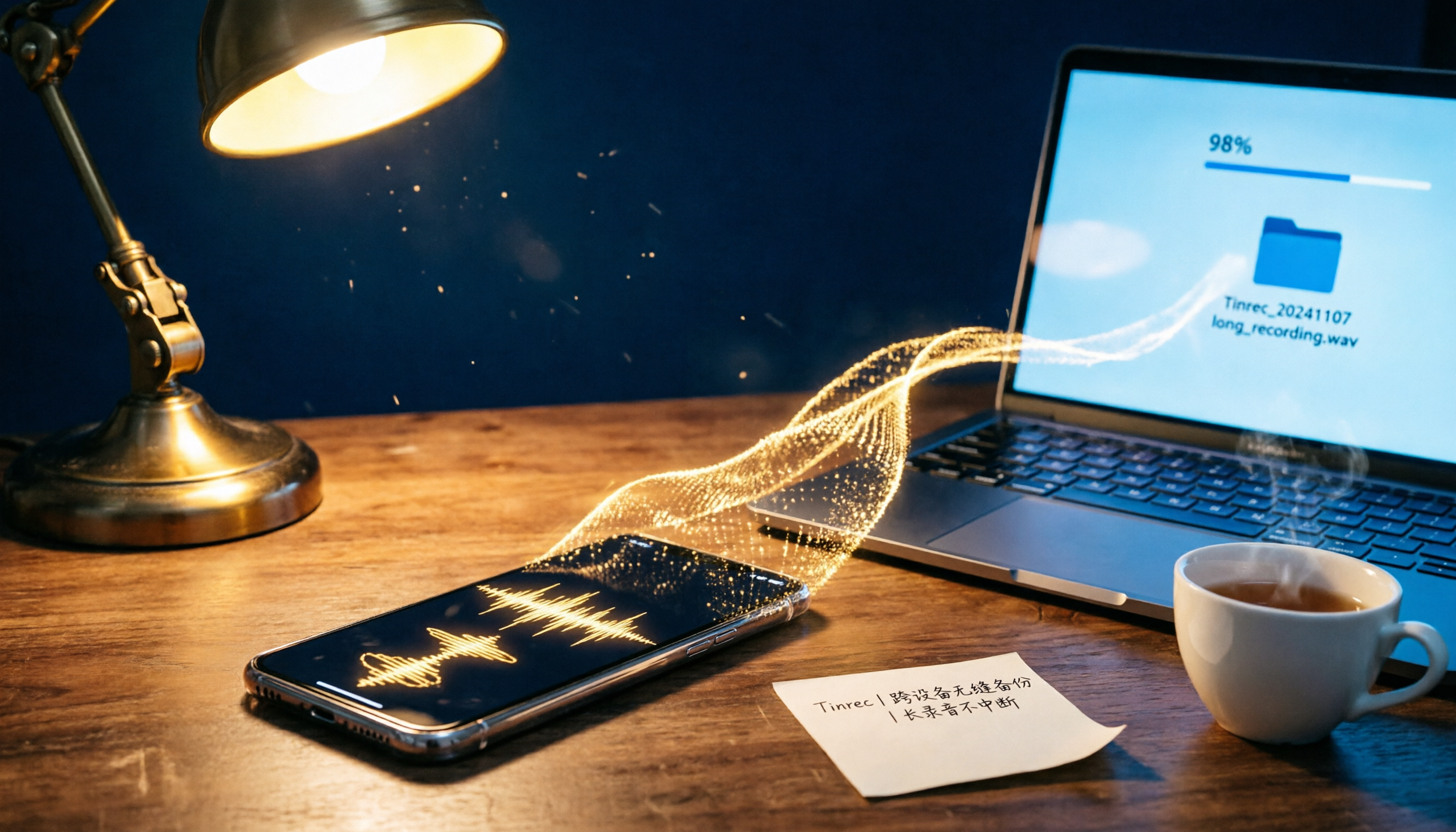
4 Proven Ways to Transfer iPhone Voice Memos to a Computer in 2026: No More Freezing on Long Recordings
Struggling to send long iPhone voice memos via email or LINE? This article tests 4 methods to transfer iPhone recordings to a Windows or Mac computer, covering wired transfer, AirDrop, cloud storage, and third-party tools. We compare their performance with long recordings and limited storage to help you choose the most reliable backup solution.

Does iPhone Recording Drain Battery? 2026 Test of 3 Recording Scenarios, Plus Power-Saving Tips
iPhone recording battery drain varies by scenario. This article tests three common scenarios—Voice Memos, call recording, and long meeting recording—and offers practical tips to reduce power consumption while maintaining recording quality, helping you choose the best method for your needs.
2026 iPhone Screen Recording Buyer's Guide: 3 Audio Recording Methods Tested and Recommended
Can iPhone screen recording capture audio? This article tests the built-in screen recorder's microphone recording, system audio capture, and third-party tools, and explains LINE calls, privacy restrictions, and common no-sound issues to help you master iPhone screen recording audio settings.

iPhone Voice Memo Editing Test 2026: From Trimming Clips to Replacing Segments, Which Method Is Most Efficient?
How do you edit audio recordings on iPhone? This article walks you through the trimming, deleting, and replacing segments in the Voice Memos app, and compares third-party AI recording tools for post-meeting organization, helping you decide when the built-in features are sufficient and when you need a more advanced solution.