
Blog - Page 61 - Tinrec

Google Meet Chat Location & 3 Meeting Notes Solutions Compared (2026)
Google Meet's chat box is in different places on desktop and mobile, so many people can't find it during meetings and lose key points afterward. This guide first explains where to find the chat on desktop and mobile and its inherent limitations, then compares three meeting notes solutions—Tinrec, Otter.ai, Notta, and Granola—to help you decide which one truly captures your meeting content.

4 Ways to Change Your Google Meet Background in 2026: Desktop, Mobile, and Custom Images Compared
Many people first try to change their background in Google Meet after the meeting has already started, scrambling to find the button. This guide clearly explains the steps for desktop, Android, and mobile, including one-click blur, the backgrounds and effects panel, uploading custom images, setting it up before joining, and the 4 most common pitfalls. It also covers the post-meeting wrap-up, which is where the real time goes.

Google Meet Recording in 2026: 3 Methods Tested — Transcripts, AI Summaries, or Team Knowledge?
Google Meet is a mature video conferencing tool, but the real pain point is what happens after the meeting: re-listening to recordings, typing transcripts, and organizing action items. This article compares three meeting documentation approaches from the perspective of a busy professional, and shows how Tinrec's no-bot desktop recording, live transcription, AI summaries, and team spaces turn Google Meet sessions into searchable, queryable, and actionable data.

Google Meet vs FaceTime in 2026: Which Is Better? 5 Steps to Choose the Right Video Meeting Tool
The answer to Google Meet vs FaceTime depends on who you're meeting with. But what really causes overtime isn't call quality—it's that no one organizes notes after the meeting. This article uses 5 steps to guide you from cross-platform calling to post-meeting knowledge capture, and demonstrates with Tinrec how to turn meetings into searchable, queryable, and transferable team data.

Google Meet Subscriptions in 2026: Comparing 3 Routes — Personal vs. Team Plans and How to Buy Without Wasting Money
You can't buy a standalone Google Meet subscription. What you're really choosing is one of three routes: the free version, a Google One plan, or Google Workspace. This guide compares account types, plan verification, seat management, and post-meeting data organization so you can confirm what you're actually buying before you hit pay.

3 Ways to Share Screen with Audio on Google Meet in 2026: Tab, Window, or Phone
Sharing your screen in Google Meet but getting no sound? This guide compares 3 methods for sharing audio: Chrome tab, entire screen or window, and Android app. Includes step-by-step instructions, permission settings, and 4 common mistakes. Plus, learn how to use Tinrec to turn meetings into searchable records.

5 Ways to Create a Google Meet Link in 2026: Tested and Compared — Which Is Fastest and Won't Fail on You?
There are actually 5 ways to create a Google Meet link, each suited to a different scenario. Drawing from my own real-world mistakes, this guide walks through meet.new, the Meet homepage, Google Calendar, the mobile app, and copying during a meeting — explaining how and when to use each. Then it covers what to do after the link is created: how to capture the meeting content and turn it into reusable team knowledge.
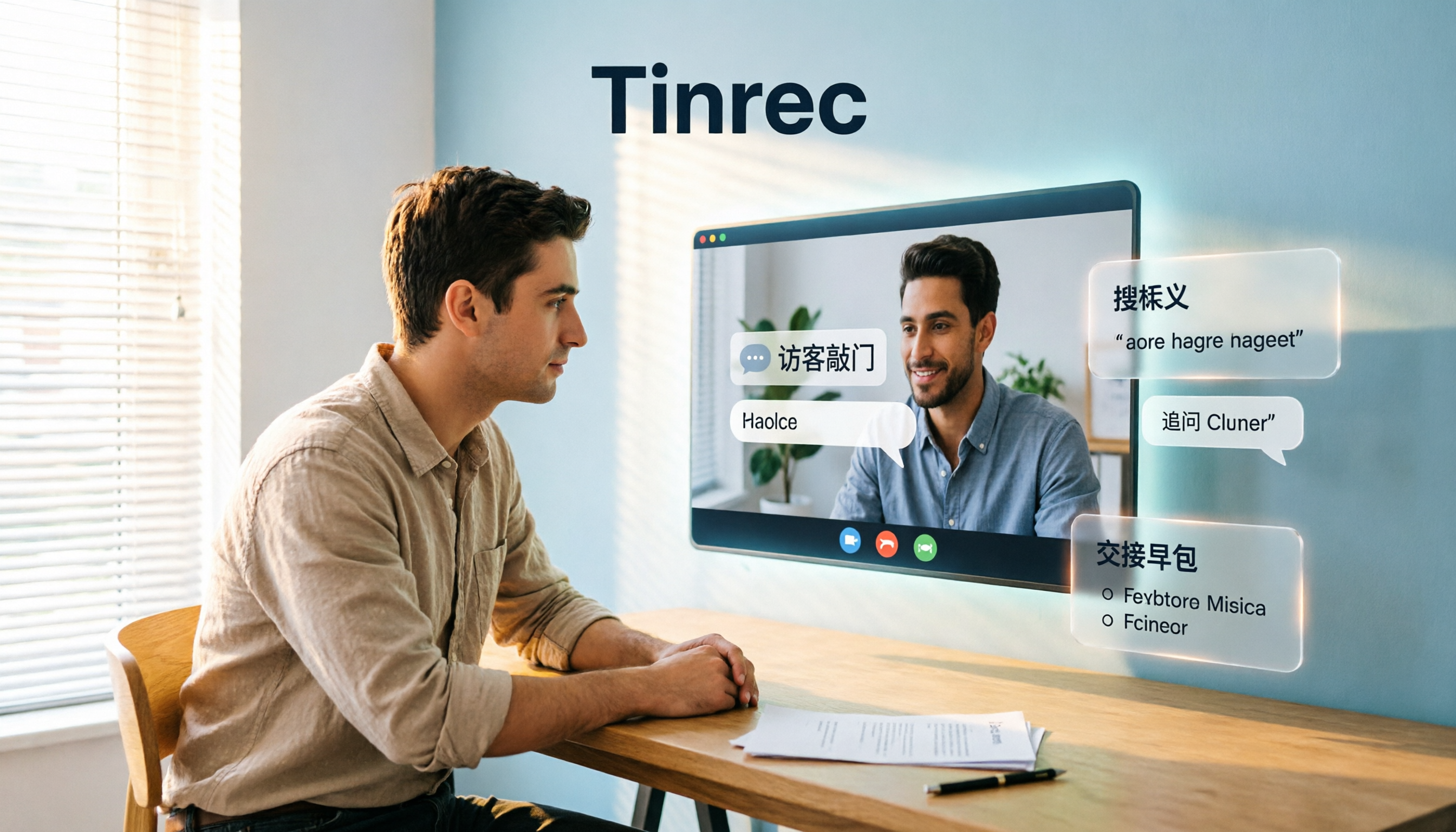
3 Ways to Join Google Meet Without Login in 2026: Which Gets You Into the Meeting Room Fastest?
Can you join Google Meet without a Google account? This article breaks down the differences and limitations of three no-login methods: guest knocking via mobile app, opening a link in a browser, and host setting access to "Open." It also explains how to use Tinrec after joining to capture meeting content and turn it into searchable, queryable, and transferable meeting data.