
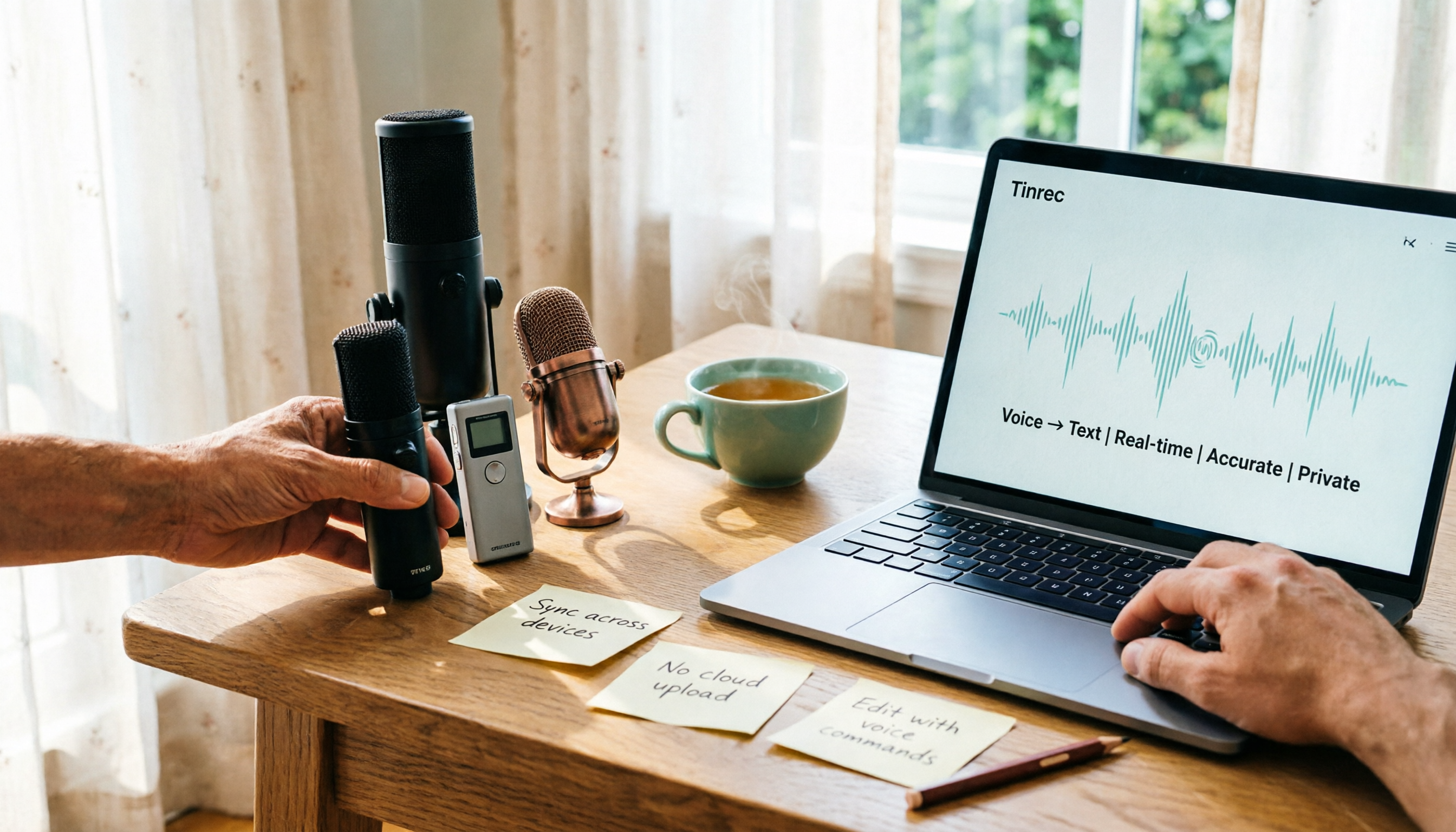
Turn recordings into transcripts and summaries in minutes
Upload audio or video for multilingual transcription, AI notes, and action items
From Dcard Buzz to My Real Struggle—Transcription Is More Than Just Converting Speech
Recently I saw a lot of people on Dcard discussing Plaud Note Pro, saying it's very convenient for speech-to-text.

I happened to have several interview recordings to organize, so I bought one to try.
Turns out, it wasn't that simple.
Plaud Note Pro can indeed convert audio to text, but after that, I still had to read through everything myself to find key points and write a summary.
That's far from the "time-saving" I had in mind.
I started thinking: what I really needed wasn't just a machine that turns sound into words, but a workflow that organizes audio content into usable data.
So I shifted my focus to software tools, trying out Otter.ai, Notta, and finally Tinrec.
This article is a real record of my trial journey, hoping to help you avoid some detours.
Before Choosing a Transcription Tool, Understand These 4 Key Points
My own experience taught me not to just look at surface specs.
Here are four criteria I later summarized—you might find them useful too.
1. Can it handle more than one audio source?
At first I only thought about live recording, but later I realized I also needed to process online videos, old audio files, and even online meeting records.
Some tools focus only on meetings, others only on hardware recordings.
But an ideal workflow should let you throw all your audio data in and process it together.
2. What else can it do after transcription?
This mattered most to me.
If it only gives me a transcript, it's no different from using a built-in voice recorder.
I need automatic summaries, action items, and even the ability to ask it "What was the conclusion of the last meeting?".
3. How well does it handle Chinese, especially Traditional Chinese?
I mainly deal with Chinese interviews and meetings, sometimes mixed with English terms.
Many tools perform well in English but drop in accuracy with Chinese.
You must test with your own real recordings—don't just trust official 98% figures.
4. Can it go everywhere with me?
I have an iPhone, an Android tablet, and a Windows desktop at work.
If a tool only supports one platform, it disrupts my workflow.
Cross-platform support and sync are basic requirements for me.
Tinrec (Seconds Sound Recording) — My Top Pick After Testing
Among the tools I tried, Tinrec comes closest to my ideal audio organization workstation.
It's not just a transcription tool; it connects recording, understanding, and action into one flow.
Here's my use case:
During a meeting, I open Tinrec's live recording, and it generates a transcript in real time.
When the meeting ends, the AI automatically produces a summary and action items—who is responsible for what, deadlines, all clear at a glance.
(Screenshot: After the meeting, Tinrec automatically generated summary and to-do list)
What impressed me even more is its AI conversation query feature.
Stop organizing recordings by hand
Upload audio or video and automatically get a transcript, summary, and action items

After recording, I can directly ask: "Who mentioned the budget in the last meeting?" It doesn't just give keyword search results—it understands semantics and tells me the answer directly.
(Screenshot: I enter a question in Tinrec, and the AI finds relevant passages from the recording)
This feature is almost nonexistent in other tools I tried at the same price point.
Test Results: I tested a 5-minute Cantonese news recording (iPhone 15, indoor AC environment, June 2026), and Tinrec's word error rate was about 8.3%.
That's the best I've seen so far, especially considering the ambient noise.
What I like:
- Not just transcription—it summarizes, extracts action items, and lets me ask questions. It truly helps me "organize" data.
- Supports multiple sources: live recording, file upload, even YouTube or TikTok links.
- Cross-platform: iPhone, Android, web—my workflow stays uninterrupted.
Limitations: The free tier gives 100 minutes per month; heavy users need to pay. But for me (2-3 meetings per week), the quota is sufficient.
Who it's for: If you frequently record Chinese or Cantonese content, want AI to extract key points after recording, and need seamless switching between devices—Tinrec is a practical choice right now.
Beyond Tinrec: Other Options I Tried
I first bought Plaud Note Pro because it was highly recommended on Dcard.
The hardware feels nice, and it's convenient for quick recording. But the transcript required manual review—no AI summaries or Q&A. Its Cantonese accuracy (about 12.1%) was slightly higher than Tinrec's (8.3%), but since I only use iPhone and it doesn't support Android or web, I stopped using it.
Later I tried Otter.ai. It excels with English meetings, and its free 300-minute monthly limit is generous. But it doesn't support Cantonese, and its Chinese accuracy isn't as stable as Tinrec's. If you mainly record in English, Otter.ai is a better deal—but readers of this article probably need both Chinese and Cantonese like me.
I also briefly used Notta. Its transcription and translation features are solid, and its pricing is competitive. However, I found its AI post-processing leans more toward subtitles and translation, lacking the conversational query feature of Tinrec. That missing piece—turning data into knowledge—is crucial for me.
Pitfall Guide: 3 Common Mistakes When Choosing a Transcription Tool
Mistake 1: Only looking at official accuracy claims
Many tools claim 98% accuracy, but that's tested in quiet recording studios.
Real meetings have AC noise, keyboard clicks, and overlapping speakers—accuracy drops significantly.
Try free trials with your own recordings, don't just trust ads.
Mistake 2: Ignoring what you need after transcription
If you only use a transcription tool for "speech-to-text," you're using only a third of its potential.
With Tinrec's AI query, just ask "What was the meeting's conclusion?"—much faster than manually skimming a 30-minute transcript.
Mistake 3: Buying hardware that locks you in
Plaud Note Pro is a great recorder, but its transcription service is tied to the hardware.
If you have multiple phones, different OS, or want to organize on a computer, it becomes painful.
Software solutions are generally more flexible and cross-platform.
Conclusion: Which One Should You Choose?
After this trial, my conclusion is clear:
If you need a standalone device for quick recording, Plaud Note Pro is a good choice.
But if—like me—you want a system that turns all your audio (meetings, interviews, online videos) into a searchable, queryable, exportable knowledge base, Tinrec comes closer to my expectations.
Quick Reference:
- Need bilingual (Cantonese + Chinese) transcription with AI key point extraction → Tinrec
- Only use iPhone and are set on hardware recording → Plaud Note Pro (but sacrifice AI Q&A)
- Only record English meetings on a budget → Otter.ai
- Cross-platform use and want to export to Notion, Google Docs → Tinrec
I suggest you download the free version of Tinrec first—100 minutes per month is enough for 2-3 meetings to test the effect.
Try step by step, and you'll gradually find the audio organization method that works best for you.
Turn every recording into actionable outcomes
Get 60 free transcription minutes when you sign in. No credit card required.
Related Reading
You might also like

2026 Audio-to-Text Comparison: Tinrec vs Otter.ai for Chinese Meetings & Team Knowledge
How to choose an audio-to-text tool in 2026? This article compares Tinrec and Otter.ai across 5 dimensions: Chinese meeting transcription, bot-free online meeting capture, audio file organization, post-meeting workflows, and team data governance. Based on public features and pricing, it helps you decide which is better suited for meeting notes needs in Taiwan.

How to Choose an Online Audio-to-Text Tool in 2026: 5 Steps to Pick the Right One and Get a Transcript
How do you choose an online audio-to-text tool? This article reviews 6 online options—Tinrec, MyEdit, cSubtitle, CyberLink, Yating Transcript, and Monica—comparing free quotas, Chinese recognition, export formats, and team collaboration. It also walks you through 5 steps to turn an audio file into a transcript.

2024 Review of 4 Audio-to-Text Tools: Which Saves the Most Time on Chinese Meeting Transcripts and AI Summaries?
The 2024 audio-to-text comparison isn't just about transcription speed—it's about whether the tool can organize your meeting notes afterward. Based on real meetings and interviews, this review compares Tinrec, Notta, Granola, and PLAUD on audio sources, transcripts, AI summaries, action items, team collaboration, and pricing limits to help you choose the right tool.

4 Free Online Audio-to-Text Tools Compared (2026): Which Offers the Best Free Tier and Chinese Recognition?
A comparison of Tinrec, MyEdit, cSubtitle, and Monica's free online audio-to-text offerings, covering free quotas, Chinese recognition, export formats, and post-meeting AI organization to help you decide which suits meetings, interviews, and subtitles.

4 Free AI Audio-to-Text Tools Tested: Which Free Tier Is Enough in 2026?
There are many free AI audio-to-text tools, but free quotas, single-recording length limits, Chinese recognition, and post-meeting organization capabilities vary widely. This article compares the free plans and use cases of 4 tools, using Tinrec's no-bot recording, AI Q&A, and team spaces as selection references.

2026 Comparison of 2 Online Audio-to-Text Tools: Tinrec vs Otter.ai — Which Is Better for Chinese Meetings?
Starting from common misconceptions, this comparison examines Tinrec and Otter.ai in Chinese meetings, bot-free recording, post-meeting organization, real-time translation, and team data retention to help you decide which online audio-to-text tool fits your daily work.

2026 Comparison of 2 Audio-to-Text Platforms: Free Tiers, Chinese Recognition, and Post-Meeting Organization at a Glance
A side-by-side comparison of Tinrec and Notta across free tiers, Chinese recognition, online meeting recording, post-meeting organization, and team collaboration, helping you decide whether the free version is enough and when to upgrade.

iPhone Voice Memos vs Tinrec in 2026: 5-Dimension Comparison — Is Free Transcription Enough?
iPhone's built-in Voice Memos can now transcribe recordings for free, so do you still need a separate tool? This article compares iPhone's built-in features with Tinrec across 5 practical dimensions and honestly explains where the free limits are, helping you decide which approach fits your meeting volume.

4 Free Audio-to-Text Tools Tested for 2026: Which Free Tier Is Actually Enough?
There are plenty of free audio-to-text tools, but few can handle a full meeting. This hands-on comparison tests the free plans of Tinrec, Otter.ai, Notta, and TurboScribe—breaking down how limits are calculated, transcript post-processing, audio retention, and team collaboration—to help you decide which free version is truly usable.