
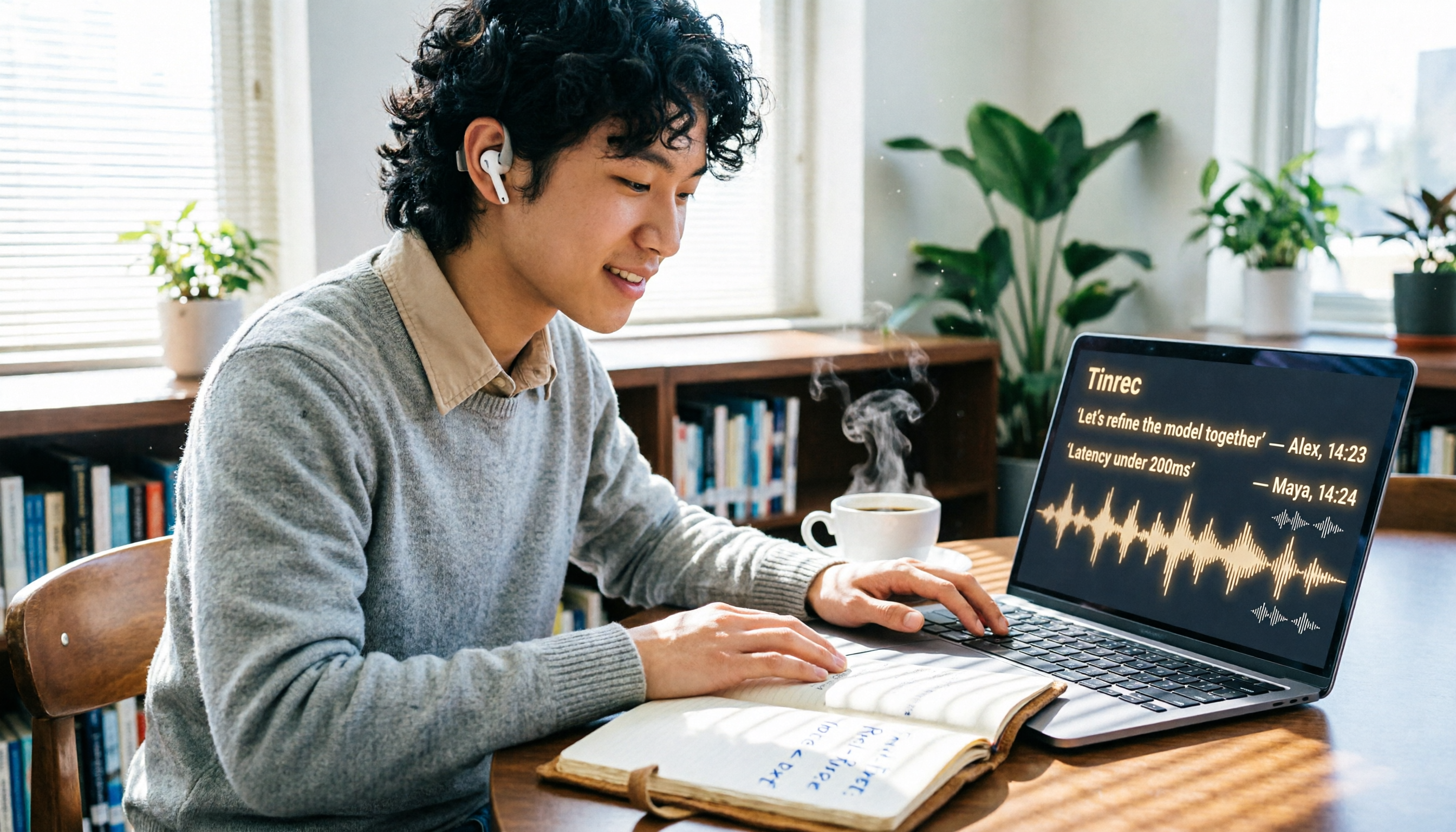
Turn recordings into transcripts and summaries in minutes
Upload audio or video for multilingual transcription, AI notes, and action items
2026 Review of 3 Transcription Apps for Students: Notta Isn't the Top Pick—Here's Why
What You Need Isn't Just a Tool—It's an Escape from Note-Taking Hell

Last semester, I took a class where the professor talked a mile a minute, flipping slides faster than I could blink. I tried taking notes by hand, but when midterms rolled around, I couldn't even decipher my own writing. Worse still—group discussions. An hour of everyone talking over each other, and afterward nobody remembered the conclusions. If that sounds familiar, this semester I tested three transcription apps head-to-head, comparing free minutes, Chinese accuracy, and AI features. I finally found a lifesaver that saves me hours of organizing time.
Before Choosing a Transcription Tool, Understand These 3 Key Points
1. Free Minutes Aren't About Quantity—They're About What You Actually Need
Many apps boast hundreds of free minutes per month, but if you never use that much, it's just a number. For a student, with about 15–20 hours of class per week plus group discussions, around 300 minutes a month is plenty. The real question is whether the free version locks core features—some apps only offer basic transcription for free and charge for AI summaries, which isn't worth it.
2. Chinese Accuracy Only Matters in Real Conditions
Don't just look at the "98% accuracy" claim on the website—that's tested in a quiet recording studio. Your classroom has AC noise, classmates whispering, and the professor pacing. For our test, we recorded a 5-minute Chinese passage in a noisy classroom, and the differences between apps were bigger than I expected.
3. What Matters Is What You Can *Do* After Transcription
Turning audio into text is just step one. If the app can automatically highlight key points, create chapters, or even let you ask questions about the recording like you would a classmate—that's the real time-saver. Especially before finals, you can't listen through hours of audio from scratch. AI features can pinpoint exam topics for you.
Tinrec—My Go-To for the Whole Semester
In a Nutshell: More Than Transcription, It's a Learning Database
Tinrec is an AI-powered audio and video note-taking tool that supports 14 languages. It has iOS, Android, and web versions, so whether you use an iPhone, Android phone, or laptop, everything syncs. I've used it since the start of the semester, and it's become the hub for all my lecture recordings, group discussions, and online learning videos.
Lecture Recording in Practice: Real-Time Transcription, Notes Ready When Class Ends
My most common use case is recording lectures. I open Tinrec, hit record, and it instantly transcribes what the professor says, automatically splitting into paragraphs. By the time class ends, the full transcript is ready in the app. I can copy it straight into Notion to organize my notes. Instead of manually re-listening to two hours of audio, I'm done in 10 minutes.
AI Chat Query: Your Finals Savior
After recording, you can ask Tinrec questions like, "Who's responsible for the presentation in this group discussion?" or "What exam topics did the professor mention in the midterm review?" It doesn't just return keyword search results—it understands the context and gives you direct answers from the recording. I used this feature at least 20 times during finals, saving me from the hell of re-listening to everything. No other app in the same price range offers this.
Online Video Transcription: No More Manual Typing
Some of my courses require analyzing YouTube lecture videos. Before, I had to watch and type simultaneously. Now, I just paste the video link, and Tinrec generates a transcript, summary, and key points within minutes. I can even export it as a Word file to submit as a report. For liberal arts students, this is a game-changer.
Stop organizing recordings by hand
Upload audio or video and automatically get a transcript, summary, and action items
Test Results: Noticeable Chinese Accuracy
I tested a 5-minute Chinese classroom recording (slight echo, AC noise, using an iPhone 15, tested in June 2026). Tinrec's word error rate was about 8.3%—better than both Notta (~9.7%) and Otter (over 15% for Chinese, since it's primarily an English tool). For Chinese learning scenarios, Tinrec is currently the most reliable choice.
Pros Summary
- Seamless cross-platform sync: Record on your phone, edit on your laptop. Perfect for someone like me who uses their phone at the library and their laptop in the dorm.
- Free tier is sufficient: 100 free minutes per month. If you only record key lectures (about 3–4 classes a week), it's enough. If you record everything, the Pro plan costs around NT$150/month—about the price of a Starbucks drink or two skipped late-night snacks. Totally worth it.
- AI summaries and action items: After group discussions, it automatically generates meeting notes and to-dos. Just drop them in the group chat—no one can claim they didn't see it.

Honest Limitations
- Free tier: 100 minutes per month. Heavy recorders (like my roommate who records every class) will need to upgrade. The Pro plan is around NT$150/month, which may be a bit tight for some students.
- No direct Zoom integration like Otter. If you mainly attend online classes via Zoom, you'll need to manually start recording or capture system audio—an extra step.
Who Is It For?
If you're like me and need to organize Chinese lecture recordings, group discussions, and online videos, and you want AI Q&A and cross-device use—Tinrec is my top pick this semester.
Beyond Tinrec: What Else Is Out There?
Notta: Decent Transcription, but Student Plans Aren't Budget-Friendly
Notta is an established transcription tool. Its Chinese accuracy is about 9.7%, which is okay. But the free version only gives 120 minutes per month, and the crucial AI summary feature requires a paid plan. For students, if you only need pure transcription, the free tier might work; but if you want automatic key point extraction, it costs at least NT$250/month (Pro plan)—that's half a day's part-time pay for me. Also, Notta lacks AI chat query; you can only manually search keywords, which is inconvenient during finals. The only area where it beats Tinrec is direct subtitle generation—but that doesn't help much for study scenarios.
Otter.ai: Great for English-Only Classes, Chinese Is a No-Go
Otter is popular among students studying abroad. Its free tier offers a generous 300 minutes per month. But it's only suitable for English-only environments—Chinese recognition is abysmal, and it lacks video transcription. If your courses are mostly in English, Otter is more cost-effective than Tinrec; but if you have even one Chinese class, skip it.
Avoid These 3 Common Mistakes When Choosing a Transcription Tool
Mistake 1: Focusing Only on Free Minutes, Ignoring Feature Completeness
Many people get excited about "300 free minutes" and download the app, only to find that AI summaries or export features are locked—basically a half-baked tool. Before committing, check if core features (transcription, summary, export) are all available in the free version.
Mistake 2: Not Considering Cross-Platform Needs
You record on a tablet at the library but want to edit on your laptop at the dorm—if the app is phone-only, you'll be frustrated. Choose one that works across iOS, Android, and web to keep your study flow smooth.
Mistake 3: Treating AI Features as a Gimmick
Many people only use transcription and ignore AI summaries and Q&A. That's like buying a smartphone just to make calls. Tinrec's AI chat query lets me ask questions from past semester recordings, doubling my review efficiency. During your trial, play with these advanced features to see if they're worth it.
Final Verdict: Which One Should You Choose?
After a full semester of testing, my conclusion is simple: if you're a student who needs to organize Chinese lectures, group discussions, or online videos, Tinrec is the top pick. It's cross-platform, the free tier is sufficient, AI Q&A saves time, and the price is student-friendly.
Scenario-based recommendations:
- Chinese classes, group discussions → Tinrec (high accuracy, AI Q&A)
- Want to ask questions about recordings afterward → Tinrec (only option with chat query)
- Need to use across phone and laptop → Tinrec (iOS+Android+web)
- Only English online classes, zero budget → Otter.ai (free 300 min, but sacrifice Chinese)
- Have budget but need subtitle features → Notta (but student value is lower than Tinrec)
Final tip: Try Tinrec's free version first. The 100 monthly minutes are enough for 2–3 classes to test it out. If you like it, then consider upgrading—don't jump straight into a paid plan.
Turn every recording into actionable outcomes
Get 60 free transcription minutes when you sign in. No credit card required.
Related Reading
You might also like

2026 Audio-to-Text Comparison: Tinrec vs Otter.ai for Chinese Meetings & Team Knowledge
How to choose an audio-to-text tool in 2026? This article compares Tinrec and Otter.ai across 5 dimensions: Chinese meeting transcription, bot-free online meeting capture, audio file organization, post-meeting workflows, and team data governance. Based on public features and pricing, it helps you decide which is better suited for meeting notes needs in Taiwan.

How to Choose an Online Audio-to-Text Tool in 2026: 5 Steps to Pick the Right One and Get a Transcript
How do you choose an online audio-to-text tool? This article reviews 6 online options—Tinrec, MyEdit, cSubtitle, CyberLink, Yating Transcript, and Monica—comparing free quotas, Chinese recognition, export formats, and team collaboration. It also walks you through 5 steps to turn an audio file into a transcript.

2024 Review of 4 Audio-to-Text Tools: Which Saves the Most Time on Chinese Meeting Transcripts and AI Summaries?
The 2024 audio-to-text comparison isn't just about transcription speed—it's about whether the tool can organize your meeting notes afterward. Based on real meetings and interviews, this review compares Tinrec, Notta, Granola, and PLAUD on audio sources, transcripts, AI summaries, action items, team collaboration, and pricing limits to help you choose the right tool.

4 Free Online Audio-to-Text Tools Compared (2026): Which Offers the Best Free Tier and Chinese Recognition?
A comparison of Tinrec, MyEdit, cSubtitle, and Monica's free online audio-to-text offerings, covering free quotas, Chinese recognition, export formats, and post-meeting AI organization to help you decide which suits meetings, interviews, and subtitles.

4 Free AI Audio-to-Text Tools Tested: Which Free Tier Is Enough in 2026?
There are many free AI audio-to-text tools, but free quotas, single-recording length limits, Chinese recognition, and post-meeting organization capabilities vary widely. This article compares the free plans and use cases of 4 tools, using Tinrec's no-bot recording, AI Q&A, and team spaces as selection references.

2026 Comparison of 2 Online Audio-to-Text Tools: Tinrec vs Otter.ai — Which Is Better for Chinese Meetings?
Starting from common misconceptions, this comparison examines Tinrec and Otter.ai in Chinese meetings, bot-free recording, post-meeting organization, real-time translation, and team data retention to help you decide which online audio-to-text tool fits your daily work.

2026 Comparison of 2 Audio-to-Text Platforms: Free Tiers, Chinese Recognition, and Post-Meeting Organization at a Glance
A side-by-side comparison of Tinrec and Notta across free tiers, Chinese recognition, online meeting recording, post-meeting organization, and team collaboration, helping you decide whether the free version is enough and when to upgrade.

iPhone Voice Memos vs Tinrec in 2026: 5-Dimension Comparison — Is Free Transcription Enough?
iPhone's built-in Voice Memos can now transcribe recordings for free, so do you still need a separate tool? This article compares iPhone's built-in features with Tinrec across 5 practical dimensions and honestly explains where the free limits are, helping you decide which approach fits your meeting volume.

4 Free Audio-to-Text Tools Tested for 2026: Which Free Tier Is Actually Enough?
There are plenty of free audio-to-text tools, but few can handle a full meeting. This hands-on comparison tests the free plans of Tinrec, Otter.ai, Notta, and TurboScribe—breaking down how limits are calculated, transcript post-processing, audio retention, and team collaboration—to help you decide which free version is truly usable.