

Turn recordings into transcripts and summaries in minutes
Upload audio or video for multilingual transcription, AI notes, and action items
2026 In-Depth Comparison of 4 Speech-to-Text Tools: Beyond Notta and Otter, Why Tinrec Is Worth a Try
I've been testing speech-to-text tools again recently, because our team has more and more meetings and relying on manual transcription is too time-consuming. I used Notta before—it's decent, but some aspects felt clunky. Then I tried Tinrec and found it solved a lot of my pain points. This article directly compares 4 tools to help you choose.

Why are people starting to look for alternatives to Notta?
Notta does a good job with speech-to-text—multi-platform support and fast transcription. But if you, like me, need it for more than just meetings—like course recordings or online videos—you'll find Notta's strength is mainly in meeting notes, and it falls short in other scenarios. Also, language support: while it supports multiple languages, accuracy for mixed Chinese content could be better. If you need a more comprehensive tool, Tinrec is worth checking out.
Tinrec vs Notta: Key differences in core experience
Language support: Not just transcription, but understanding content
Notta supports multilingual transcription, but Tinrec has deeper optimization for Chinese content (including Traditional Chinese). Especially in meetings with mixed Chinese and English, Tinrec's recognition is more natural. And after transcription, it doesn't just give you a verbatim transcript—it auto-summarizes and splits into chapters.
Cross-platform coverage: Works on phone, computer, and web
Notta has a website and app, which is convenient. Tinrec also has iOS, Android, and web versions, but it goes further by integrating recording, file import, and web links into one workspace. You don't have to think "Is this a meeting or a course?"—just throw everything in.
AI smart features: From passive transcription to active Q&A
This is the biggest difference for me. Notta also has AI summaries, but Tinrec lets you ask questions like you would a colleague—"What was the meeting conclusion?" "Who is responsible for what?"—and it gives you the answers. This saves a ton of time scrolling through transcripts.
Use case coverage: Not just meetings, but courses, interviews, and videos
Notta focuses on meetings, but Tinrec is designed for all audio/video from the start. You can import old recordings, paste YouTube links, or even organize content from TikTok. For teams like ours that regularly handle multiple media types, one tool handling it all is a big win.
Free plan generosity: There's a difference
Notta's free plan offers 120 minutes per month. Tinrec's free plan also has a minute allowance (check the official site for details), but its features aren't limited—AI Q&A and web video parsing are included. That matters if you want to test before committing.
Tinrec's core features at a glance
Real-time recording to text: No more frantic note-taking in meetings
Stop organizing recordings by hand
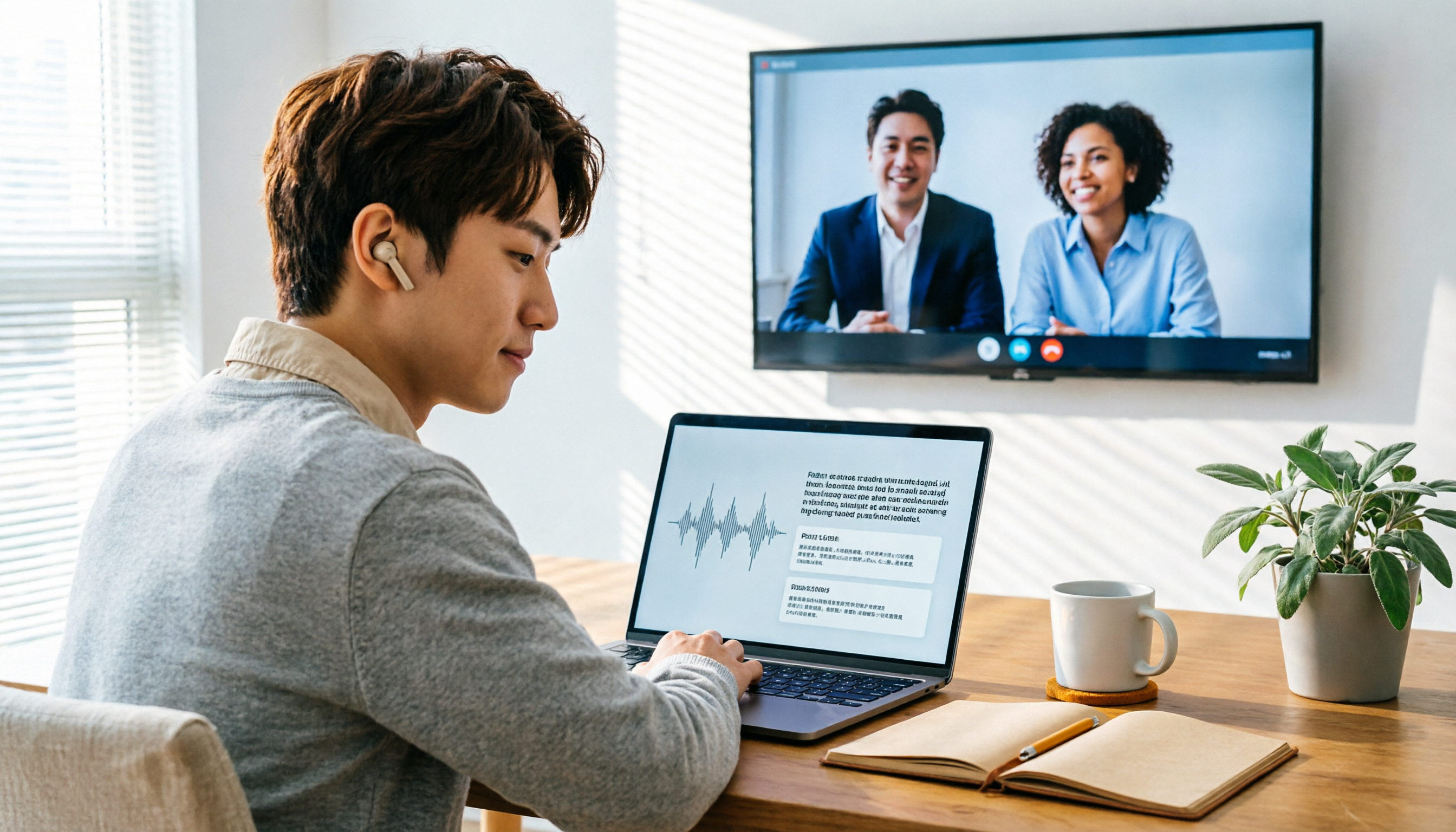
Upload audio or video and automatically get a transcript, summary, and action items
Open Tinrec, hit record, and the text appears almost in real time. I let it run during meetings, and when the meeting ends, the transcript is ready. Accuracy is impressive—Chinese is fine, and background keyboard noise barely affects it.
Web video link parsing: Just paste the URL
I use this feature a lot. Paste a YouTube or TikTok link, and Tinrec extracts text, summaries, and even key highlights. Great for content research or capturing inspiration—way more efficient.
AI chat query: Search your recordings like a search engine
After recording a one-hour interview, just ask "What did the interviewee say about pricing?" and you get the answer in seconds. No need to listen from start to finish—revolutionary for researchers.
Multi-format export: Straight to Google Docs, Notion
Export transcripts as text files, subtitle files, or sync directly to Notion. Our team saves meeting notes in Notion, and Tinrec's one-click export eliminates copy-paste.
Task extraction: Auto-generate to-do lists from discussions

Tasks mentioned in meetings are automatically extracted into a to-do list. No need to manually scan the recording for "who needs to do what"—super useful for project meetings.
Real-world use cases
Internal meetings: From recording to tasks, end-to-end
Our weekly meetings run 1.5 hours; previously, summarizing took half an hour. Now with Tinrec, summaries and to-dos are generated within five minutes of the meeting ending, and I just drop them into the group chat for confirmation.
Online courses: Turn videos into study notes
I recently took an online course—I used Tinrec to transcribe the entire class, then auto-chaptered and highlighted key points. Reviewing is easier with notes and Q&A instead of rewatching.
User interviews: Quickly uncover key insights
When doing user research, I transcribe interview recordings and then use AI Q&A to extract viewpoints. What used to take 2 hours now takes 20 minutes, and I don't miss subtle user feedback.
Personal idea capture: Record on the fly, organize later
When inspiration strikes, I record with my phone and later use Tinrec to transcribe and tag. Searching for "marketing ideas" brings up all related recordings—way more convenient than scattered notes.
What to look for when choosing a speech-to-text tool
Language support: Test with actual mixed Chinese content
Many tools claim multilingual support, but they often struggle with Chinese-English mixed scenarios. Test with your own recordings, not just official data. Tinrec performs better than Notta on Chinese-English mixes.
Cross-platform: It's not just about having it—integration matters
Having an app and web version is basic, but the key is whether content from different sources can be unified. Tinrec lets you record on your phone, import files on your computer, and paste web links—all in one place. Otter and Notta don't cut it here.
AI features: More than summaries—enable dialogue
Summaries are table stakes. Real time-savings come from asking questions directly. Tinrec's AI chat query turns your recording history into a searchable database—competitors aren't as mature yet.
Export formats: Must match your existing collaboration tools
If your team uses Notion or Google Docs, make sure the tool can export directly. Tinrec supports multiple export formats and sync, which matters a lot when adopting a new tool.
Free plan: Give a complete experience, not a crippled version
Some tools limit free plans to transcription only, with AI features behind a paywall. Tinrec's free plan includes AI Q&A and web video analysis—perfect for small to medium teams to try the full experience before deciding.
Conclusion: Is Tinrec worth a try?
If you need a speech-to-text tool that handles not just meetings but also courses, interviews, web videos, and even building a personal knowledge base, Tinrec is one of the few options that delivers it all in one package. Especially for Chinese users, its optimization is more localized than other international tools. I recommend downloading the free version and testing it with your own recordings and videos—that's far more convincing than any review.
Turn every recording into actionable outcomes
Get 60 free transcription minutes when you sign in. No credit card required.
Related Reading
You might also like

5 Best Speech-to-Text Tools in 2026: Chinese Accuracy & AI Summaries Compared
How to choose a speech-to-text tool? This comparison breaks down Chinese recognition, AI summaries and meeting Q&A, input sources, and team collaboration across four key criteria. It focuses on Tinrec (Miao Ting Lu Yin) and compares Otter.ai, Notta, and Granola on positioning, free tiers, and ideal users, with four common pitfalls and scenario-based recommendations.

2026 Review of 5 Audio-to-Text Apps: How Tinrec Differs from Otter and Notta
Hands-on testing of 5 popular audio-to-text apps in 2026, comparing Chinese meeting recognition, online meeting recording methods, post-meeting summaries and action items, free tiers, and team data management. We explain how Tinrec differs from Otter and Notta in real workflows to help you choose the one that truly saves time.

Free Audio Transcription in 2026: Avoid 'Fake Free' Traps + AI Summary Workflow Explained
How to choose free audio transcription in 2026? We break down three common 'fake free' traps and 5 key selection criteria, then compare the free tiers and limits of Tinrec, Google Live Transcribe, Good Tape, and Otter.ai. Includes a pitfall-avoidance guide and scenario-based recommendations to help you get usable transcripts and meeting highlights at zero cost.

2026 Comparison of 5 Audio-to-Text Tools: Is the Free Version Enough?
Free audio-to-text tools seem plentiful, but free tiers hide many limits: maximum duration per file, transcript-only without audio storage, and paywalls popping up mid-transcription. This article breaks down the free rules of 5 tools from a practical standpoint, explains Tinrec's no-bot meeting recording and post-meeting AI organization workflow, and compares the free plan differences of Notta, TurboScribe, and Otter.ai to help you decide which free version is truly sufficient.
2026 Audio-to-Text Showdown: Tinrec vs. Yating Transcript — Which Should You Choose?
Starting from common audio-to-text pain points discussed on Dcard in 2026, this hands-on comparison pits Yating Transcript against Tinrec: one is a veteran Chinese transcription tool billed by the hour; the other focuses on bot-free online meeting recording, AI summaries and Q&A, and team knowledge retention. We break it down across 5 dimensions to help you decide which fits your workflow.

2026 Comparison of 5 Audio-to-Text Software: Why Tinrec Is Becoming Notta Users' New Choice?
Starting from PTT's hot discussion list, this comparison examines Tinrec vs. Notta in meeting capture, post-meeting organization, Chinese language experience, team governance, and quotas to help readers decide which audio-to-text software is better suited for Chinese meetings and team collaboration.
2026 Comparison of 3 Audio-to-Text Tools: Tinrec 5-Step Tutorial and Free Tier Analysis
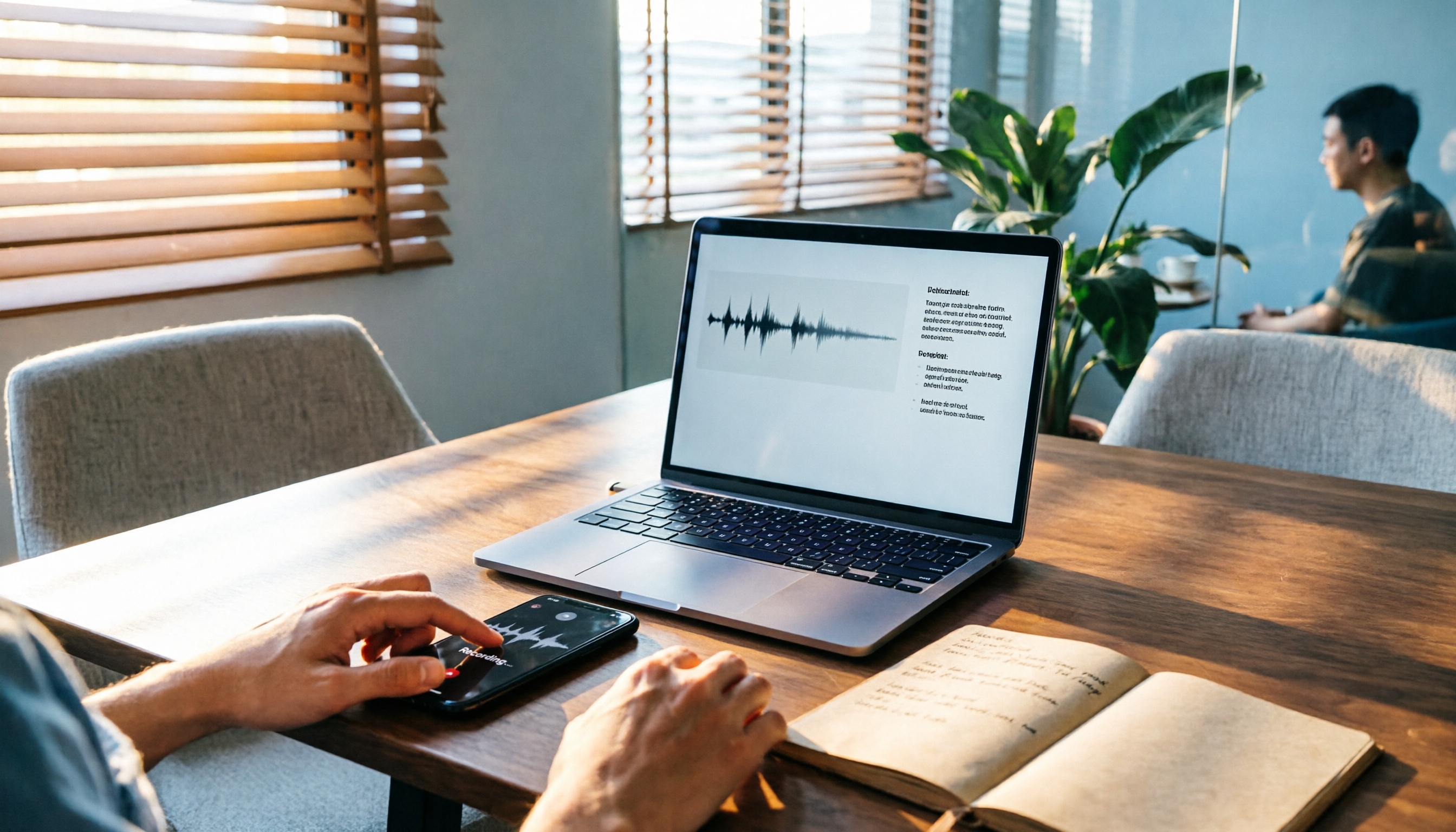
From recording, transcription, proofreading to meeting minutes and export, walk through Tinrec's 5-step audio-to-text workflow and compare free tiers and use cases of Notta and TurboScribe.

2026 Tinrec Review: No-Bot Audio Transcription + AI Q&A to Find Key Points
Dcard discussions about audio transcription share the same pain points: can't bear to delete recordings, can't finish transcripts, and privacy concerns. This guide covers selection criteria and real workflows, breaks down how Tinrec differs from Notta, Otter.ai, and Granola, and lists four common mistakes to help you find a truly time-saving approach.

2026 iPhone Audio-to-Text Guide: Built-in Transcripts vs. Tinrec Comparison
From iPhone Voice Memos' built-in transcripts to Tinrec's AI summaries, action items, and team collaboration, this guide breaks down the decision logic for audio-to-text tools with real workflows, covering free vs. paid boundaries, use cases, and FAQs to help you find the right iPhone audio-to-text solution.