

Turn recordings into transcripts and summaries in minutes
Upload audio or video for multilingual transcription, AI notes, and action items
Why Are People Looking for Good Tape Alternatives?
Last semester, I took four classes, and I recorded every single lecture—not because I wasn't paying attention, but because my professors talked way too fast and flipped through slides even faster. At first, I used Good Tape. It had a clean interface and decent transcription—the free version was enough for one or two classes. But by midterms, I noticed some issues: no Chinese interface, clunky cross-device sync, and after recording, I only got a raw transcript. If I wanted to quickly find key points, I still had to manually scan through. If you've had similar frustrations, Tinrec might be a better fit for students.

Tinrec vs Good Tape: What's Different in Core Experience?
Language Support & Chinese Scenarios For students in Taiwan, Chinese recognition is essential. Tinrec is clearly optimized for Chinese (including Traditional Chinese). Whether it's a lecture or a group discussion with mixed Chinese and English, the output is pretty clean. In contrast, Good Tape is more English-oriented, and Chinese content sometimes has weird sentence breaks. If you mainly work with Chinese materials, this difference will be noticeable.
Cross-Platform Convenience Students aren't always at their desks. I often need to organize recordings while commuting, in the library, or even during meals. Tinrec has iOS, Android, and web versions—just log in and everything syncs. Record on your phone, then review on your computer in the dorm, no cables needed. Good Tape also has a web version, but the mobile experience is less complete; sometimes it lags when you're in a hurry to check notes.
AI Helps You Find Key Points, Not Just a Transcript This was the game-changer for me. Good Tape is straightforward transcription—nothing more. But with Tinrec, after recording, you can automatically generate summaries, chapters, and even ask the AI directly: "What's the scope for the final exam?" or "What's the conclusion from the group discussion?" It pulls answers straight from the recording, saving you from listening from start to finish. This feature is a lifesaver during midterms and finals.
Are Free Credits Enough for Students? Students care about money. Tinrec's free plan gives a basic monthly transcription quota. For me, recording 3-4 lectures a week, focusing on key subjects, it's just enough. If you need more, the Pro monthly plan costs less than a lunch per day. Good Tape's free plan has a smaller quota; if you want to record more, you have to subscribe directly, which feels like a bigger commitment for students unsure about long-term use.
Beyond Lectures: Group Projects and Video Learning Tinrec lets you paste YouTube or TikTok links and directly transcribe and summarize them—something Good Tape doesn't offer. When working on reports, I often need to transcribe interview videos from the web, and Tinrec saves me tons of manual transcription time. In contrast, Good Tape really only does "speech-to-text."
Stop organizing recordings by hand
Upload audio or video and automatically get a transcript, summary, and action items
Tinrec's Core Features at a Glance
Real-Time Transcription Open Tinrec, and as you speak, the text appears almost instantly. During class, you can watch the screen and tag anything you're unsure about. By the time class ends, the transcript is already ready—no waiting.
AI-Powered Q&A This is my most-used feature. After recording a two-hour meeting or lecture, just ask Tinrec: "What key terms were mentioned in this class?" "When did the professor say the assignment is due?" It understands the context and gives you answers without you having to dig through the transcript.
Multi-Source Organization Not just recordings—you can also drop in old audio files from your phone, public course links from YouTube, or even interview videos from classmates. Everything gets converted into text and summaries. All your learning materials can be centralized in one place.
Export in Common Formats After organizing, you can export as TXT, PDF, Word, or sync to Notion and Google Docs. I built my graduation project database this way—after every meeting, it syncs directly to our shared documents, so all team members can see it.
Action Item Extraction During group discussions, people often say things like "Who's doing what." Tinrec automatically extracts action items such as "Submit first draft by next Monday" or "Xiao Ming is responsible for collecting references," saving you from typing reminders manually.

Real-World Use Cases
Lecture Recording & Key Point Extraction Open Tinrec during class, and it records and transcribes simultaneously. After class, ask the AI for key points, and you can review the core of a lecture in five minutes. Before, with Good Tape, I had to listen while checking notes, and by the time I finished organizing, I was almost asleep.
Group Discussion Documentation During group meetings, everyone talks fast, and conclusions can be vague. With Tinrec, after recording, I ask it to summarize "conclusions" and "action items," then screenshot and send to the group chat—no one disputes. This is far more practical than a plain transcript tool.
Online Video Learning When I find a good YouTube lecture or TikTok educational video, I just paste the link into Tinrec, and it converts the content into text and a summary. I save these summaries to Notion as my personal learning database, making it easy to search later.
Quick Exam Review Before midterms and finals, I dump all semester recordings into Tinrec and ask it, "What concepts did the professor emphasize most in this course?" Then I focus my review on those points. This trick saved me tons of time and helped me get through finals a bit better.
What to Look for When Choosing a Speech-to-Text Tool
When choosing a tool, keep in mind… whether it supports the languages and accents you use frequently. If you mainly work with Chinese content, Tinrec's localization will make transcription results more natural.
Cross-device sync matters Students often switch between phones, tablets, and computers. Tinrec covers all platforms, which really helps the learning rhythm.
What can you do after transcription? Many tools only give you a raw transcript, but Tinrec also offers summaries, Q&A, and action items—it's like having an extra teaching assistant.
Is the free plan enough? Try the free version first to see if it fits your usage. Tinrec's free quota is sufficient for general students focusing on key subjects.
Can it handle multiple sources? As a student, you don't just have recordings; there are online videos and old files too. Tinrec's "multi-source organization" approach better reflects real learning scenarios.
Conclusion: Is Tinrec Worth a Try?
If you're like me, feeling that speech-to-text "should be more than this," Tinrec is definitely worth a try. It's not just a recording app—it's a learning companion that turns messy audio into organized notes. Especially its Chinese processing, AI Q&A, and cross-device sync are things many similar tools still lack. I recommend downloading the free version and running it with your own lecture recordings to experience the feeling of being able to start studying right after recording—it's more convincing than any comparison.
Turn every recording into actionable outcomes
Get 60 free transcription minutes when you sign in. No credit card required.
Related Reading
You might also like

5 Best Speech-to-Text Tools in 2026: Chinese Accuracy & AI Summaries Compared
How to choose a speech-to-text tool? This comparison breaks down Chinese recognition, AI summaries and meeting Q&A, input sources, and team collaboration across four key criteria. It focuses on Tinrec (Miao Ting Lu Yin) and compares Otter.ai, Notta, and Granola on positioning, free tiers, and ideal users, with four common pitfalls and scenario-based recommendations.

2026 Review of 5 Audio-to-Text Apps: How Tinrec Differs from Otter and Notta
Hands-on testing of 5 popular audio-to-text apps in 2026, comparing Chinese meeting recognition, online meeting recording methods, post-meeting summaries and action items, free tiers, and team data management. We explain how Tinrec differs from Otter and Notta in real workflows to help you choose the one that truly saves time.

Free Audio Transcription in 2026: Avoid 'Fake Free' Traps + AI Summary Workflow Explained
How to choose free audio transcription in 2026? We break down three common 'fake free' traps and 5 key selection criteria, then compare the free tiers and limits of Tinrec, Google Live Transcribe, Good Tape, and Otter.ai. Includes a pitfall-avoidance guide and scenario-based recommendations to help you get usable transcripts and meeting highlights at zero cost.

2026 Comparison of 5 Audio-to-Text Tools: Is the Free Version Enough?
Free audio-to-text tools seem plentiful, but free tiers hide many limits: maximum duration per file, transcript-only without audio storage, and paywalls popping up mid-transcription. This article breaks down the free rules of 5 tools from a practical standpoint, explains Tinrec's no-bot meeting recording and post-meeting AI organization workflow, and compares the free plan differences of Notta, TurboScribe, and Otter.ai to help you decide which free version is truly sufficient.
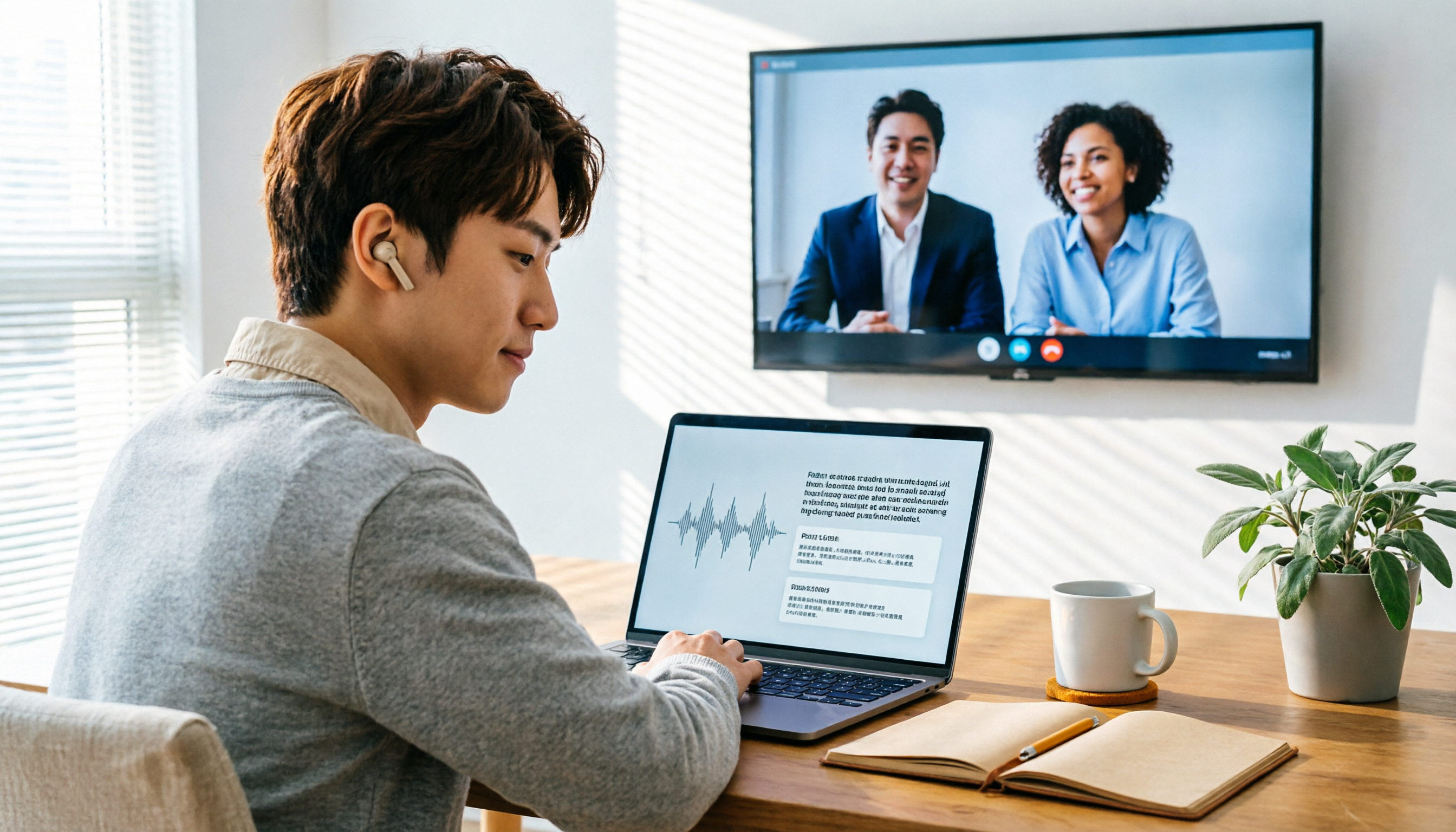
2026 Audio-to-Text Showdown: Tinrec vs. Yating Transcript — Which Should You Choose?
Starting from common audio-to-text pain points discussed on Dcard in 2026, this hands-on comparison pits Yating Transcript against Tinrec: one is a veteran Chinese transcription tool billed by the hour; the other focuses on bot-free online meeting recording, AI summaries and Q&A, and team knowledge retention. We break it down across 5 dimensions to help you decide which fits your workflow.

2026 Comparison of 5 Audio-to-Text Software: Why Tinrec Is Becoming Notta Users' New Choice?
Starting from PTT's hot discussion list, this comparison examines Tinrec vs. Notta in meeting capture, post-meeting organization, Chinese language experience, team governance, and quotas to help readers decide which audio-to-text software is better suited for Chinese meetings and team collaboration.
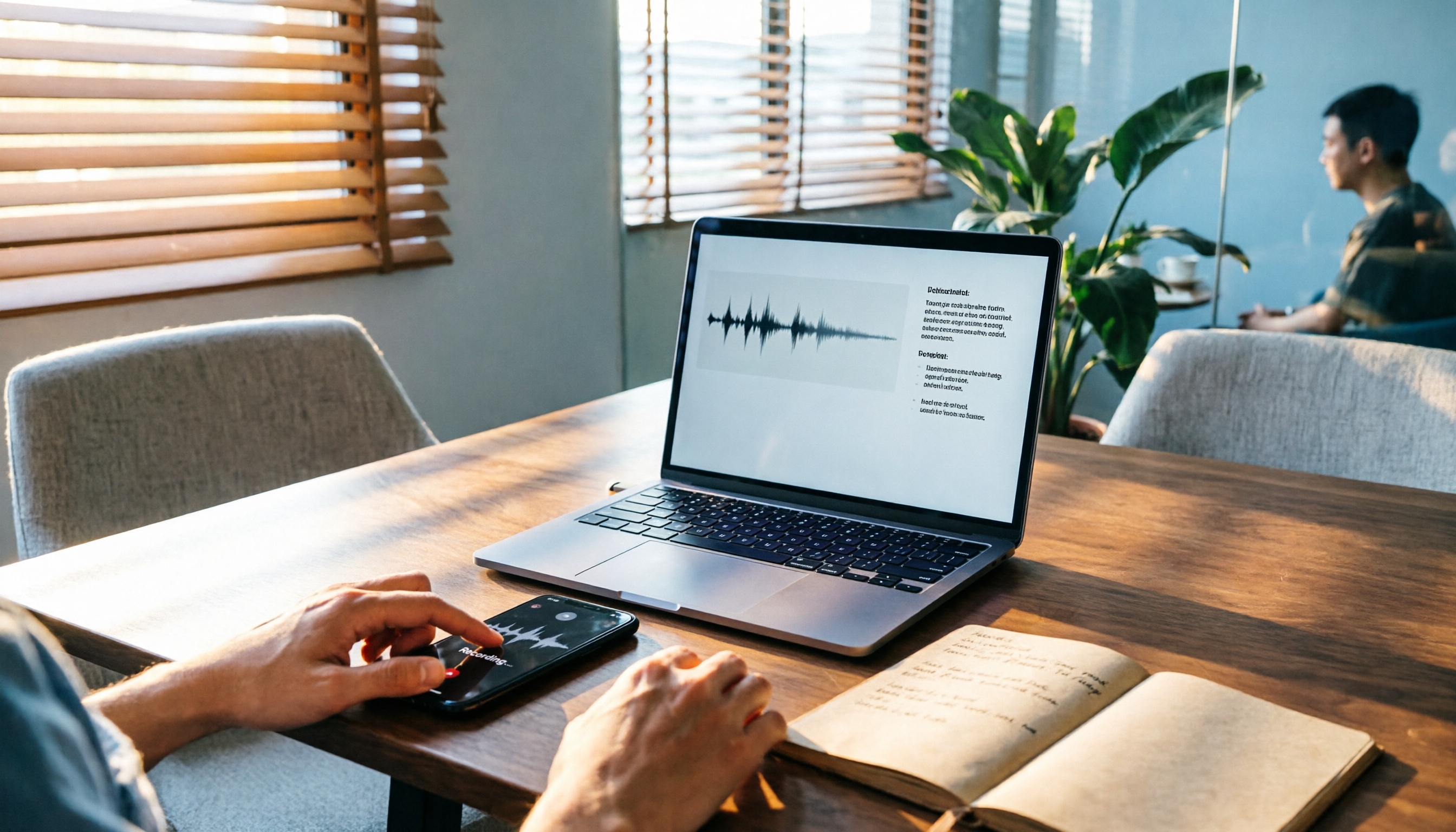
2026 Comparison of 3 Audio-to-Text Tools: Tinrec 5-Step Tutorial and Free Tier Analysis
From recording, transcription, proofreading to meeting minutes and export, walk through Tinrec's 5-step audio-to-text workflow and compare free tiers and use cases of Notta and TurboScribe.

2026 Tinrec Review: No-Bot Audio Transcription + AI Q&A to Find Key Points
Dcard discussions about audio transcription share the same pain points: can't bear to delete recordings, can't finish transcripts, and privacy concerns. This guide covers selection criteria and real workflows, breaks down how Tinrec differs from Notta, Otter.ai, and Granola, and lists four common mistakes to help you find a truly time-saving approach.

2026 iPhone Audio-to-Text Guide: Built-in Transcripts vs. Tinrec Comparison
From iPhone Voice Memos' built-in transcripts to Tinrec's AI summaries, action items, and team collaboration, this guide breaks down the decision logic for audio-to-text tools with real workflows, covering free vs. paid boundaries, use cases, and FAQs to help you find the right iPhone audio-to-text solution.