

Turn recordings into transcripts and summaries in minutes
Upload audio or video for multilingual transcription, AI notes, and action items
2026 Tinrec Audio-to-Text Tutorial: Supports Cantonese, Auto-Generates Meeting Minutes
Working day after day with meetings that run until quitting time, the last thing you want is to come back to the office and listen to recordings to write meeting minutes. In recent years, AI audio-to-text tools have been popping up, but when it comes to saving time and supporting Cantonese, Tinrec Instant Audio Transcription is definitely a great choice.

What Can Tinrec Audio-to-Text Do for You?
After a two-hour meeting, you used to have to work an extra hour to organize the notes. Now with Tinrec, by the time the meeting ends, AI has already generated a summary, conclusions, and action items—who is responsible for what, deadlines, all clear.
Not just meetings; after an interview, audio files can be instantly transcribed verbatim. Students can record lectures, and Tinrec automatically splits chapters and highlights key points, saving a lot of study time. If you're a content creator, just paste a YouTube, Bilibili, or Xiaohongshu link, and within seconds you get a text version and summary—super convenient for finding clips and editing.
What Are Tinrec's Core Capabilities?
Real-time Audio-to-Text: Transcribe as you record, no need to wait until the end. Tinrec has extremely low latency, so during a meeting you can watch the screen to confirm no key points are missed.
Audio/Video File Transcription: Import old recordings or videos from your phone or computer, and convert them to text with one click. Supports common formats like MP3, WAV, MP4, even Zoom and Teams recordings.
Online Video Link Parsing: Paste a YouTube or TikTok link and you're done—no need to download. Tinrec directly extracts the text transcript and AI summary, saving time and effort.
AI Summary & AI Q&A: It doesn't just give you a transcript. Tinrec automatically splits chapters, extracts key points, and creates to-do lists. You can even ask it, "Who mentioned the budget in the meeting?" or "What was the client feedback?" and it will answer based on the content.
Multi-format Export: Organized content can be exported as Word, PDF, TXT, or even synced directly to Notion, Google Docs, or Dropbox for continued work.
Stop organizing recordings by hand
Upload audio or video and automatically get a transcript, summary, and action items
Practical Use Cases
Scenario 1: Central Office Regular Meeting 9:30 AM conference call with the whole team talking at once. With Tinrec recording in real time, five minutes after the meeting AI has already produced a summary and action items. The PM forwards it to the boss directly, no more wasted time organizing.

Scenario 2: University Lecture Recording Record a professor's two-hour lecture, then back at the dorm use Tinrec to transcribe. It automatically splits into chapters and highlights key concepts, doubling study efficiency.
Scenario 3: Journalist Interview Organization After an hour-long interview with a source, import the audio into Tinrec. In less than ten minutes you get a full verbatim transcript, with who said what clearly separated, ready to quote in your article.
Scenario 4: YouTuber Content Repurposing Want to repurpose your video into a blog post or social media post? Just paste a link into Tinrec to get the text version, tweak it a bit, and it's ready to publish—content production speed skyrockets.
4 Things to Consider When Choosing an Audio-to-Text Tool
- Accuracy and Language Support: Don't just look at official numbers; try it out. Tinrec supports Cantonese, Mandarin, and 14 other languages, performing reliably with clear audio, especially suited for local users.
- AI Organization Capability: Transcription is only the first step; what matters is whether it helps you organize. Tinrec's AI summary, action item extraction, and Q&A features save you from sifting through text to find key points.
- Broad Input Sources: Some tools only handle meeting recordings, but Tinrec also accepts local files and online video links—one app handles all your audio/video organization needs.
- Cross-Platform and Export: It should support your commonly used devices and workflow. Tinrec has iOS, Android, and web versions, and exported content can go to Notion, Google Docs, etc., making your workflow smooth and uninterrupted.
FAQ
Q: What are the limitations of Tinrec's free version? A: The free version provides a basic monthly transcription quota, enough to try real-time recording, file import, and online link parsing. Experience it before deciding to upgrade.
Q: Will poor audio quality affect accuracy? A: Yes. Like all AI transcription tools, background noise, overlapping speakers, or muffled audio will reduce accuracy. Use a good microphone for better results.
Q: Can I get text while recording? A: Yes. Tinrec's real-time transcription has very low latency, so you can see text instantly during meetings or talks, making it easy to take notes.
Q: Which platforms are supported? A: Tinrec has iOS and Android apps and a web version, so you can use it on iPhone, Android, or computer.
Summary
After searching for so long, Tinrec is one of the few choices that combines Cantonese support, AI organization, and multi-source input. Whether you're an office worker wanting to avoid overtime, a student rushing a paper, or a creator needing fast content output, it offers a fairly complete audio/video organization solution. The free version lets you try it out, and you can upgrade later if it works for you—worth a shot.
Turn every recording into actionable outcomes
Get 60 free transcription minutes when you sign in. No credit card required.
Related Reading
You might also like

5 Best Speech-to-Text Tools in 2026: Chinese Accuracy & AI Summaries Compared
How to choose a speech-to-text tool? This comparison breaks down Chinese recognition, AI summaries and meeting Q&A, input sources, and team collaboration across four key criteria. It focuses on Tinrec (Miao Ting Lu Yin) and compares Otter.ai, Notta, and Granola on positioning, free tiers, and ideal users, with four common pitfalls and scenario-based recommendations.

2026 Review of 5 Audio-to-Text Apps: How Tinrec Differs from Otter and Notta
Hands-on testing of 5 popular audio-to-text apps in 2026, comparing Chinese meeting recognition, online meeting recording methods, post-meeting summaries and action items, free tiers, and team data management. We explain how Tinrec differs from Otter and Notta in real workflows to help you choose the one that truly saves time.

Free Audio Transcription in 2026: Avoid 'Fake Free' Traps + AI Summary Workflow Explained
How to choose free audio transcription in 2026? We break down three common 'fake free' traps and 5 key selection criteria, then compare the free tiers and limits of Tinrec, Google Live Transcribe, Good Tape, and Otter.ai. Includes a pitfall-avoidance guide and scenario-based recommendations to help you get usable transcripts and meeting highlights at zero cost.

2026 Comparison of 5 Audio-to-Text Tools: Is the Free Version Enough?
Free audio-to-text tools seem plentiful, but free tiers hide many limits: maximum duration per file, transcript-only without audio storage, and paywalls popping up mid-transcription. This article breaks down the free rules of 5 tools from a practical standpoint, explains Tinrec's no-bot meeting recording and post-meeting AI organization workflow, and compares the free plan differences of Notta, TurboScribe, and Otter.ai to help you decide which free version is truly sufficient.
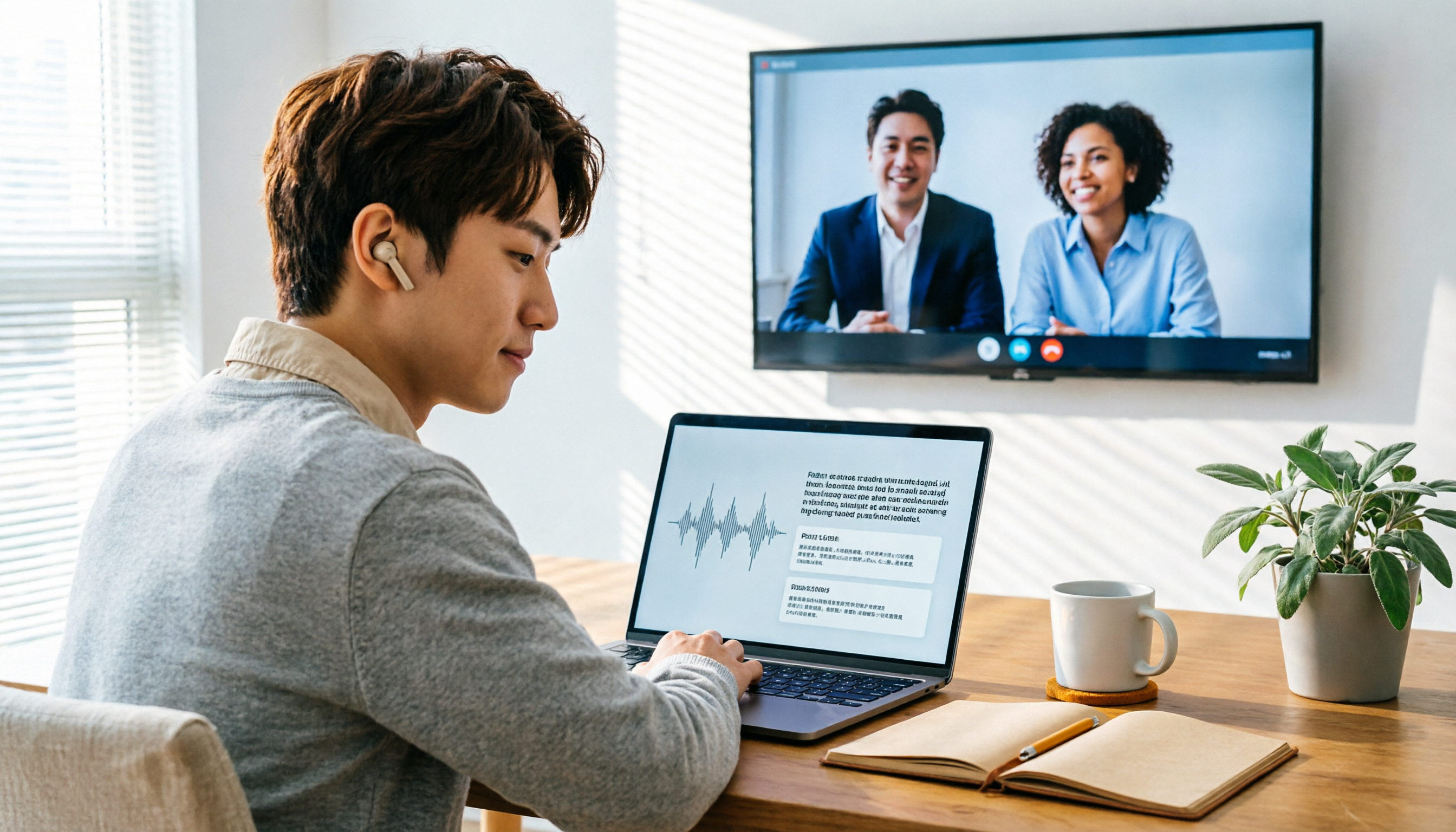
2026 Audio-to-Text Showdown: Tinrec vs. Yating Transcript — Which Should You Choose?
Starting from common audio-to-text pain points discussed on Dcard in 2026, this hands-on comparison pits Yating Transcript against Tinrec: one is a veteran Chinese transcription tool billed by the hour; the other focuses on bot-free online meeting recording, AI summaries and Q&A, and team knowledge retention. We break it down across 5 dimensions to help you decide which fits your workflow.

2026 Comparison of 5 Audio-to-Text Software: Why Tinrec Is Becoming Notta Users' New Choice?
Starting from PTT's hot discussion list, this comparison examines Tinrec vs. Notta in meeting capture, post-meeting organization, Chinese language experience, team governance, and quotas to help readers decide which audio-to-text software is better suited for Chinese meetings and team collaboration.
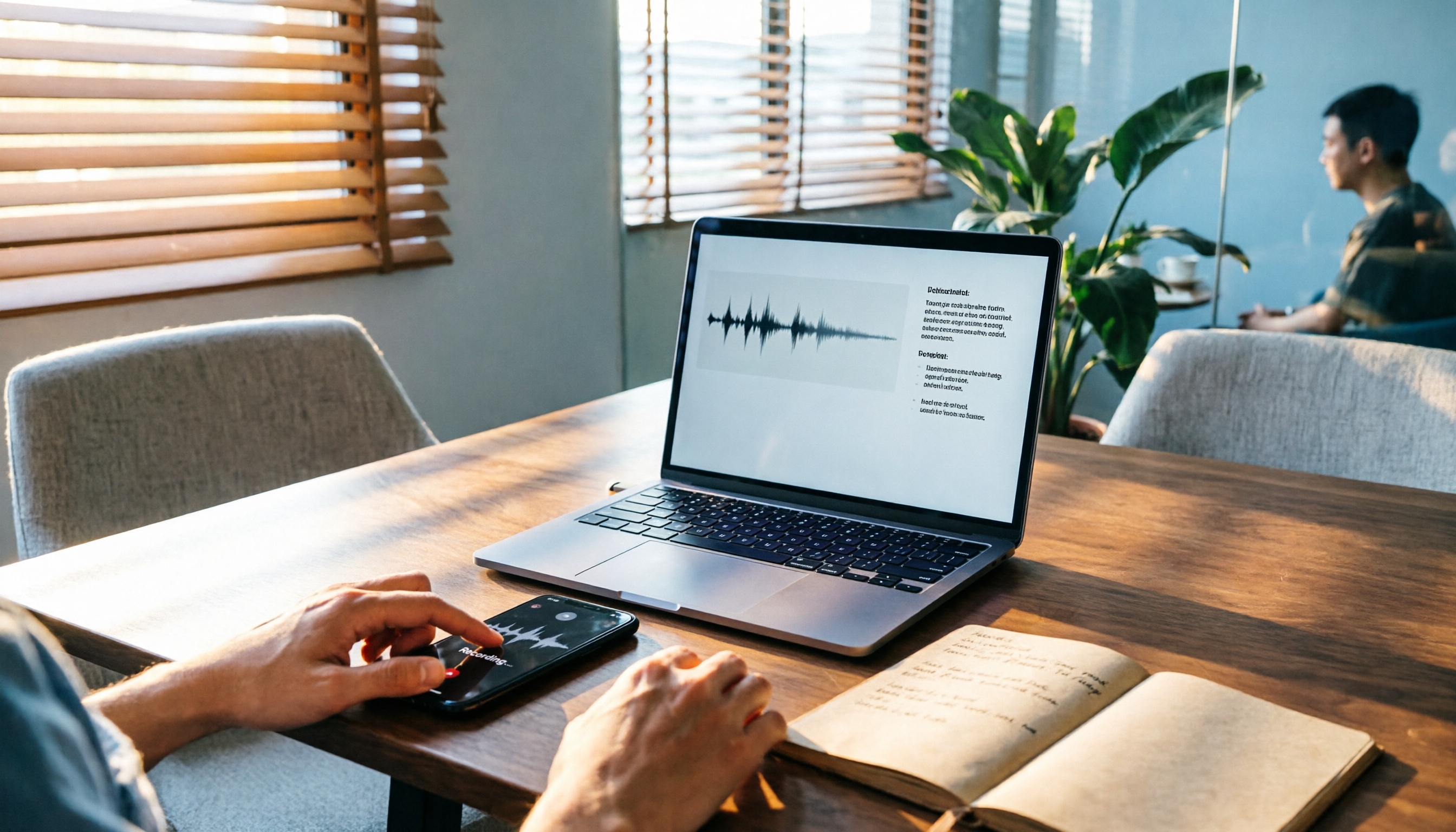
2026 Comparison of 3 Audio-to-Text Tools: Tinrec 5-Step Tutorial and Free Tier Analysis
From recording, transcription, proofreading to meeting minutes and export, walk through Tinrec's 5-step audio-to-text workflow and compare free tiers and use cases of Notta and TurboScribe.

2026 Tinrec Review: No-Bot Audio Transcription + AI Q&A to Find Key Points
Dcard discussions about audio transcription share the same pain points: can't bear to delete recordings, can't finish transcripts, and privacy concerns. This guide covers selection criteria and real workflows, breaks down how Tinrec differs from Notta, Otter.ai, and Granola, and lists four common mistakes to help you find a truly time-saving approach.

2026 iPhone Audio-to-Text Guide: Built-in Transcripts vs. Tinrec Comparison
From iPhone Voice Memos' built-in transcripts to Tinrec's AI summaries, action items, and team collaboration, this guide breaks down the decision logic for audio-to-text tools with real workflows, covering free vs. paid boundaries, use cases, and FAQs to help you find the right iPhone audio-to-text solution.