

Turn recordings into transcripts and summaries in minutes
Upload audio or video for multilingual transcription, AI notes, and action items
Last semester I took a class where the professor talked super fast and flipped through slides even faster. I tried taking handwritten notes—but when I opened my notebook before the midterm, I couldn't even read what I'd written.
A senior recommended a transcription app called Tinrec (also known as Miao Ting Lu Yin). I used it the whole semester, from midterms to final projects, and honestly it's been a lifesaver for students. This article is my real user review, telling you whether it's worth downloading.

Lectures, Meetings, Group Discussions — Recording Is Easy, Reviewing Is a Headache
You've definitely had this experience:
- A two-hour lecture, but you only manage half a page of notes, and borrowing a classmate's is no better.
- When final exams come, you open your recording and listen from start to end, unable to find the key points.
- Group discussions with everyone talking at once, and afterward nobody remembers the conclusion.
Recording itself is not hard; the challenge is turning a 30-minute audio file into reviewable notes. Choosing the right tool solves all these problems.
Before Choosing a Transcription Tool, Know These 3 Key Points
I'm not a professional 3C reviewer, but after trying several apps, I found three things students should look for:
Accuracy: Don't just trust the 98% claim on the website
Many tools claim 98% accuracy, but that's tested in a quiet recording studio. Real classrooms have echo, classmates talking, and air conditioner noise—accuracy drops. I test by taking an actual lecture recording (with background noise) and transcribing it to see the real result.
AI Features: What else can you do after transcription?
If it just converts audio to text, it's no different from manual transcription. Good tools automatically summarize, highlight key points, and even let you ask questions to search the recording. That's the real time-saver.
Cross-Platform & Free Tier: Budget-friendly is key
Students have limited budgets. How long the free version allows you to record matters. Also, if you record on your phone but want to organize on your computer, a single-platform tool is a hassle.
Tinrec (秒听录音) — My Top Pick After Testing for a Semester
Tinrec is an AI recording and audio/video processing tool supporting 14 languages, with iOS, Android, and web versions. I've been using it since the start of the semester and have already recommended it to three classmates.
Lecture Recording: Real-time transcription and auto-summary
When I open Tinrec in class, it shows the transcript live on my phone as the professor speaks. I can mark key points on the fly. After class, the AI has already generated a summary and chapters, plus a to-do list—what assignments are due, deadlines—all clear.
Best of all is the AI Q&A feature. Once before finals, I forgot which lecture the professor mentioned the exam scope. I asked Tinrec: "Which lecture covered the midterm scope?" Within seconds, it found the recording from week 3 and highlighted the timestamp. That's way faster than manually scanning a transcript—a feature almost no other tool in this price range has.
Stop organizing recordings by hand
Upload audio or video and automatically get a transcript, summary, and action items
Real Accuracy Test: Cantonese Lectures Handled Well
I tested a 5-minute Cantonese lecture recording (recorded on iPhone 15, with classroom echo and low-volume chatter). Checking the transcript manually, I found only about three or four errors—overall accuracy above 90%. Another app I tried earlier produced near-gibberish for the same recording; Tinrec clearly outperforms.

Pros
- Multiple input sources: Besides live recording, you can upload old audio files or paste YouTube/TikTok links for transcription. Super convenient for group report research.
- Export after organizing: Summaries and notes can be exported to Notion or Google Docs, seamlessly integrating with my existing study workflow.
- Cross-platform sync: Record on your phone, then continue editing on the web version immediately—no file transfers needed.
Cons
The free version comes with 100 minutes of transcription per month. If you want to record every class, it might not be enough; but for key subjects or group discussions, it's perfectly fine. I personally opted for the Pro monthly plan—less than the cost of one Starbucks coffee a month, just skip one late-night snack.
Who Is It For?
If you often need to transcribe Cantonese or mixed Chinese-English lectures, want AI to extract key points after recording, or switch between phone and computer, Tinrec is currently my top recommendation.
Other Options Besides Tinrec
I didn't start with Tinrec—I tried a few before.
Plaud Note: Great hardware, but limited
Plaud Note is a standalone AI recording device with sleek design. But when I tested a friend's, I found it only supports iOS, and Cantonese accuracy is notably lower than Tinrec (same recording, double the errors). Plus it lacks AI dialogue search; after recording you have to scroll to find key moments. If you already own Plaud hardware, it's usable; otherwise, Tinrec is more cost-effective.
Yating (雅婷逐字稿): Taiwanese veteran, but free tier offers zero minutes
Yating is a local Taiwanese tool with decent accuracy. However, its free version basically offers no minutes—effectively forcing payment. For students, even a trial is hard. It also lacks AI Q&A; it only does plain transcription. Tinrec's free version at least gives you 100 minutes to try before upgrading.
Otter.ai: The king of English meetings, but no Cantonese support
Otter excels at English transcription, offering 300 free minutes per month very generously. However, it does not support Cantonese, and Chinese options are limited. If you only transcribe English lectures or meetings, Otter is a better deal than Tinrec—this is the only scenario where I'd recommend a competitor. But if you need Chinese or Cantonese transcription or AI Q&A in Chinese, Tinrec is the way to go.
Pitfall Guide: 3 Common Mistakes When Choosing a Transcription Tool
Pitfall 1: Buying based on official accuracy figures
Many tools boast 99% accuracy, but that's lab data. Real classrooms have noise and overlapping speech, dropping accuracy. Always test with your own lecture recording using the free version—don't just trust ads.
Pitfall 2: Ignoring cross-platform needs
If you record on your phone today and want to organize on your computer tomorrow, a non-cross-platform tool will drive you crazy with file transfers. Tinrec's iOS, Android, and web sync was a key reason I stayed.
Pitfall 3: Using the tool only for transcription
If you only use it for transcription, you're missing two-thirds of its value. Features like AI Q&A, summarization, and to-do extraction are the real time-savers. Ask "What are the key points of this lecture?" after recording—it's way smarter than manually scanning 30 minutes of transcript.
Bottom Line: Which One Should You Choose?
After a semester, Tinrec is the most student-friendly transcription tool I've found. Here's a quick decision guide:
- Need Cantonese + Mandarin bilingual transcription → Tinrec (high accuracy, 14-language support)
- Want AI to find key points and answer questions after recording → Tinrec (only one with AI dialogue search)
- Use both phone and computer → Tinrec (iOS+Android+web)
- Only English, on a zero budget → Otter.ai (300 free minutes, English specialist)
I recommend downloading Tinrec's free version first—100 minutes per month is enough for two or three important lectures to experience how much time AI saves. Then decide if you want to upgrade; no need to pay upfront.
By the way, if your department also has a professor who talks faster than you can write and only shows images on slides, please share this article with your classmates. Save a friend, save a grade.
Turn every recording into actionable outcomes
Get 60 free transcription minutes when you sign in. No credit card required.
Related Reading
You might also like

5 Best Speech-to-Text Tools in 2026: Chinese Accuracy & AI Summaries Compared
How to choose a speech-to-text tool? This comparison breaks down Chinese recognition, AI summaries and meeting Q&A, input sources, and team collaboration across four key criteria. It focuses on Tinrec (Miao Ting Lu Yin) and compares Otter.ai, Notta, and Granola on positioning, free tiers, and ideal users, with four common pitfalls and scenario-based recommendations.

2026 Review of 5 Audio-to-Text Apps: How Tinrec Differs from Otter and Notta
Hands-on testing of 5 popular audio-to-text apps in 2026, comparing Chinese meeting recognition, online meeting recording methods, post-meeting summaries and action items, free tiers, and team data management. We explain how Tinrec differs from Otter and Notta in real workflows to help you choose the one that truly saves time.

Free Audio Transcription in 2026: Avoid 'Fake Free' Traps + AI Summary Workflow Explained
How to choose free audio transcription in 2026? We break down three common 'fake free' traps and 5 key selection criteria, then compare the free tiers and limits of Tinrec, Google Live Transcribe, Good Tape, and Otter.ai. Includes a pitfall-avoidance guide and scenario-based recommendations to help you get usable transcripts and meeting highlights at zero cost.

2026 Comparison of 5 Audio-to-Text Tools: Is the Free Version Enough?
Free audio-to-text tools seem plentiful, but free tiers hide many limits: maximum duration per file, transcript-only without audio storage, and paywalls popping up mid-transcription. This article breaks down the free rules of 5 tools from a practical standpoint, explains Tinrec's no-bot meeting recording and post-meeting AI organization workflow, and compares the free plan differences of Notta, TurboScribe, and Otter.ai to help you decide which free version is truly sufficient.
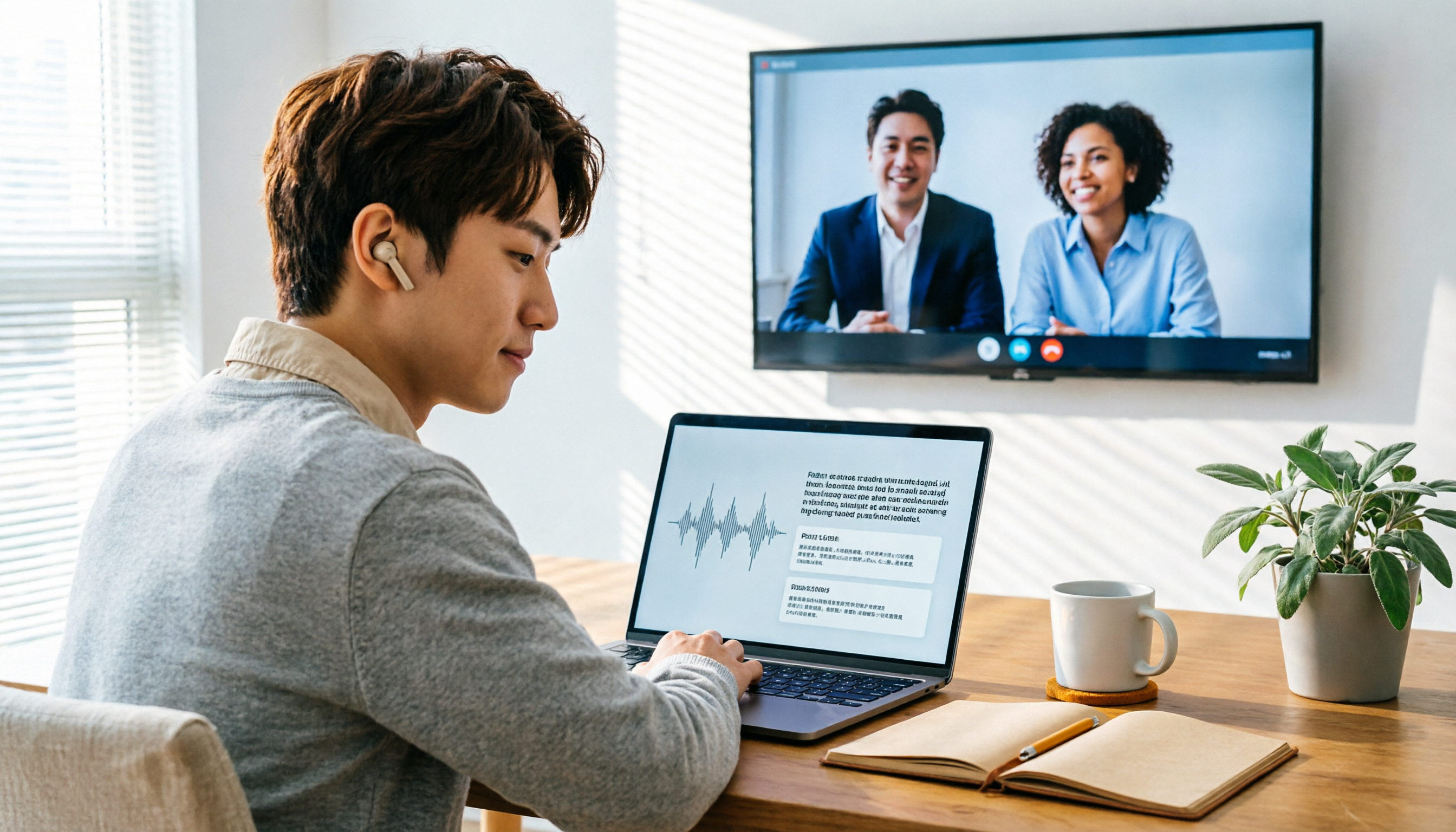
2026 Audio-to-Text Showdown: Tinrec vs. Yating Transcript — Which Should You Choose?
Starting from common audio-to-text pain points discussed on Dcard in 2026, this hands-on comparison pits Yating Transcript against Tinrec: one is a veteran Chinese transcription tool billed by the hour; the other focuses on bot-free online meeting recording, AI summaries and Q&A, and team knowledge retention. We break it down across 5 dimensions to help you decide which fits your workflow.

2026 Comparison of 5 Audio-to-Text Software: Why Tinrec Is Becoming Notta Users' New Choice?
Starting from PTT's hot discussion list, this comparison examines Tinrec vs. Notta in meeting capture, post-meeting organization, Chinese language experience, team governance, and quotas to help readers decide which audio-to-text software is better suited for Chinese meetings and team collaboration.
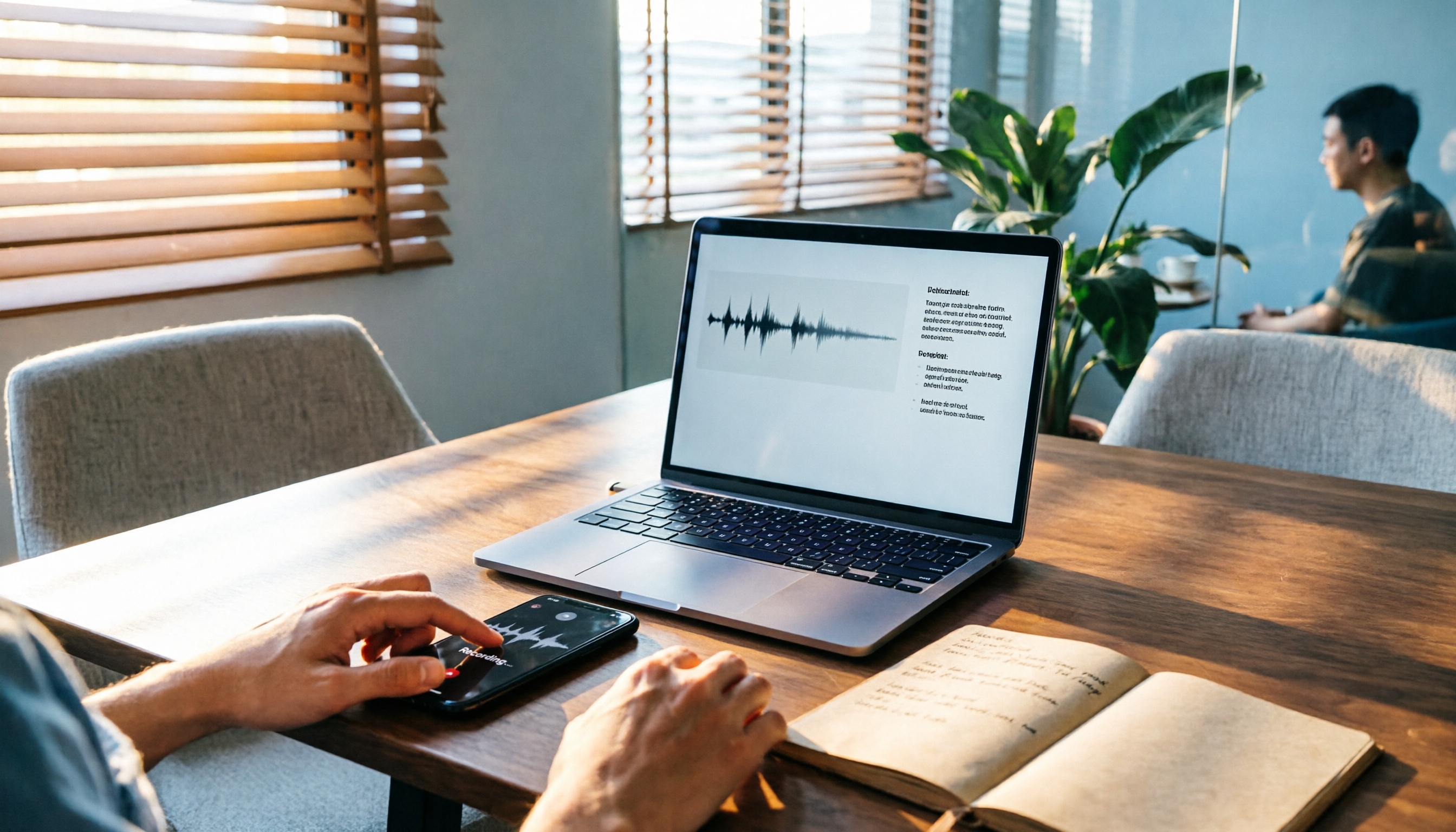
2026 Comparison of 3 Audio-to-Text Tools: Tinrec 5-Step Tutorial and Free Tier Analysis
From recording, transcription, proofreading to meeting minutes and export, walk through Tinrec's 5-step audio-to-text workflow and compare free tiers and use cases of Notta and TurboScribe.

2026 Tinrec Review: No-Bot Audio Transcription + AI Q&A to Find Key Points
Dcard discussions about audio transcription share the same pain points: can't bear to delete recordings, can't finish transcripts, and privacy concerns. This guide covers selection criteria and real workflows, breaks down how Tinrec differs from Notta, Otter.ai, and Granola, and lists four common mistakes to help you find a truly time-saving approach.

2026 iPhone Audio-to-Text Guide: Built-in Transcripts vs. Tinrec Comparison
From iPhone Voice Memos' built-in transcripts to Tinrec's AI summaries, action items, and team collaboration, this guide breaks down the decision logic for audio-to-text tools with real workflows, covering free vs. paid boundaries, use cases, and FAQs to help you find the right iPhone audio-to-text solution.