
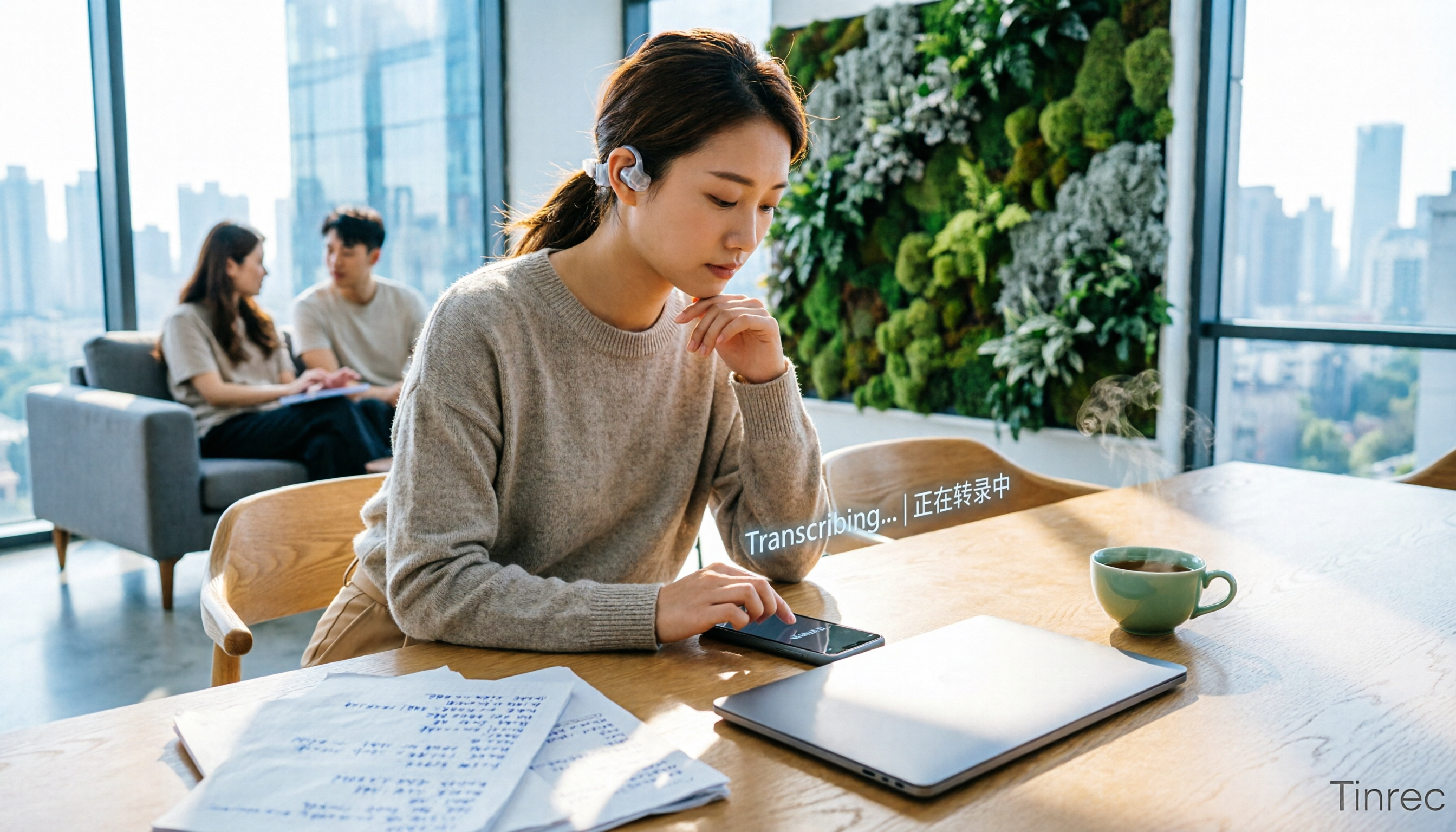
Turn recordings into transcripts and summaries in minutes
Upload audio or video for multilingual transcription, AI notes, and action items
Why Are People Looking for Alternatives to Notta?
Notta is a multi-platform transcription and meeting notes tool that supports multilingual transcription and translation. Its free plan offers 120 minutes of transcription per month, while the Pro plan at $8.17/month (billed annually) provides 1,800 minutes, attracting many users who need fast speech-to-text conversion. However, as usage scenarios become more diverse, some users are looking for tools that not only produce verbatim transcripts but also automatically generate summaries, break content into chapters, extract action items, and even allow AI-driven queries about the recording. If you have similar needs, Tinrec is worth exploring.
Tinrec vs Notta: What's Different in Core Experience?
Input Source Diversity
The content you process shouldn't be limited to meetings or uploaded files. Notta mainly covers meetings and file transcriptions, while Tinrec, in addition to live recording and importing audio/video files, also supports pasting public video links from YouTube, Bilibili, and others, automatically fetching the content to transcribe it and generate summaries. For creators or learners who often need to organize online video materials, this saves a lot of time.
Post-Transcription Processing
Transcription is just the first step; the key is how to turn the text into immediately usable information. Notta outputs verbatim transcripts and basic summaries, but Tinrec additionally offers automatic chapter splitting, action item extraction, and the ability to export results in formats like TXT, PDF, Word, or directly sync to tools like Notion and Google Docs, reducing manual organization steps.
AI Q&A and Smart Search
After recording a meeting or class, Tinrec's AI conversational query allows you to ask questions like "What was the meeting conclusion?" or "Who is responsible for which item?" directly, and it will find the answers based on semantics without having to sift through the entire transcript. Although Notta also has AI assistance, its depth of interaction and contextual understanding are still relatively basic.
Chinese Language Optimization
If you primarily use Chinese for meetings, classes, or interviews, Tinrec handles mixed Chinese-English and colloquial expressions more finely, especially in multi-speaker conversations with background noise, resulting in significantly higher transcription usability. While Notta supports multiple languages, it focuses on the international market and its Chinese tuning is not as refined as Tinrec's.
Plan Flexibility and Pricing
Notta's free plan offers 120 minutes per month, and the Pro plan at $8.17/month (billed annually) gives 1,800 minutes. Tinrec, on the other hand, provides free trial credits and offers weekly, monthly, and annual cards based on usage frequency. If you need a large amount of transcription temporarily, you can choose a weekly card; for long-term use, there's a discount on the annual card. This is more flexible than a single subscription plan.
Stop organizing recordings by hand
Upload audio or video and automatically get a transcript, summary, and action items
Tinrec Core Features Overview
Live Recording to Text
Open Tinrec and start recording; text appears almost simultaneously with less than 1 second of latency. You can read the text and confirm key points during the meeting, and by the time it ends, the verbatim transcript is already complete—no need to spend time replaying.

Import Audio/Video Files
If you already have past meeting recordings, class audio files, or interview videos, just upload them to Tinrec to get them transcribed, along with generated summaries and chapters. This is great for organizing old materials or backing up content.
Online Video Link Parsing
Copy a public video URL from YouTube, TikTok, Xiaohongshu, etc., and paste it into Tinrec. It will automatically fetch the audio track, transcribe it to text, and generate key summaries. This is ideal for content creators gathering inspiration or performing video analysis.
AI Conversational Query
After recording, the content becomes a conversational knowledge base. You can ask Tinrec anything related to the recording using natural language, and it will directly provide answers with timestamps, eliminating the need to search through the entire transcript.
Export and Post-Processing
Transcription results can be exported in multiple formats or directly synced to other note-taking tools. Tinrec's Agent post-processing can also automatically generate meeting minutes, reports, tables, and other deliverables based on the recording, turning audio directly into documents ready for reporting.
Practical Use Cases
Meeting Notes
Record weekly meetings with Tinrec. After the meeting, it automatically generates a verbatim transcript, summary, and action items. Then, use AI Q&A to quickly confirm assignments. The entire process takes less than 10 minutes to send out meeting notes.
Classroom Learning
For recordings of classes or lectures, Tinrec not only transcribes to text but also breaks content into chapters and highlights key points. When reviewing, you can search for keywords directly without having to listen from start to finish.
Interviews and Research
After uploading an interview recording, Tinrec transcribes the dialogue to text, then you can use AI to query the interviewee's key points, saving time on manual transcription and focusing on data analysis.
Content Creation
If you want to turn a YouTube video into a blog post or social media post, just paste the video link into Tinrec to get the text and summary, enabling faster content production.
Key Points to Consider When Choosing a Speech-to-Text Tool
- Broad input sources: Beyond recording and file uploads, support for online video links affects the tool's versatility. Tinrec covers this comprehensively.
- Post-transcription organization features: If you only get a verbatim transcript, you'll still spend a lot of time manually organizing. A tool like Tinrec that automatically summarizes, splits chapters, and extracts action items saves significant effort.
- AI query capability: Being able to ask the recording "What are the key points?" directly determines how often you need to replay. Tinrec's conversational query turns historical recordings into a searchable database.
- Chinese recognition quality: Daily conversations often mix Chinese and English, and the tool's Chinese tuning directly affects usability. Tinrec performs relatively well in mixed Chinese-English scenarios.
- Plan flexibility: Some users need heavy usage only during project periods a weekly or monthly card can be more cost-effective than annual payment. Tinrec's plan design offers more flexibility.
Conclusion: Is Tinrec Worth Trying?
If you originally used Notta for speech-to-text but find that you need more post-transcription organization features, want to process online videos, or have higher requirements for Chinese recognition, Tinrec is practically built for these needs. It not only transcribes text but also turns content into immediately actionable information. We recommend downloading the free version of Tinrec and testing it with your own meeting or class recordings to see the results—this is more direct than reading any review.
Turn every recording into actionable outcomes
Get 60 free transcription minutes when you sign in. No credit card required.
Related Reading
You might also like

5 Best Speech-to-Text Tools in 2026: Chinese Accuracy & AI Summaries Compared
How to choose a speech-to-text tool? This comparison breaks down Chinese recognition, AI summaries and meeting Q&A, input sources, and team collaboration across four key criteria. It focuses on Tinrec (Miao Ting Lu Yin) and compares Otter.ai, Notta, and Granola on positioning, free tiers, and ideal users, with four common pitfalls and scenario-based recommendations.

2026 Review of 5 Audio-to-Text Apps: How Tinrec Differs from Otter and Notta
Hands-on testing of 5 popular audio-to-text apps in 2026, comparing Chinese meeting recognition, online meeting recording methods, post-meeting summaries and action items, free tiers, and team data management. We explain how Tinrec differs from Otter and Notta in real workflows to help you choose the one that truly saves time.

Free Audio Transcription in 2026: Avoid 'Fake Free' Traps + AI Summary Workflow Explained
How to choose free audio transcription in 2026? We break down three common 'fake free' traps and 5 key selection criteria, then compare the free tiers and limits of Tinrec, Google Live Transcribe, Good Tape, and Otter.ai. Includes a pitfall-avoidance guide and scenario-based recommendations to help you get usable transcripts and meeting highlights at zero cost.

2026 Comparison of 5 Audio-to-Text Tools: Is the Free Version Enough?
Free audio-to-text tools seem plentiful, but free tiers hide many limits: maximum duration per file, transcript-only without audio storage, and paywalls popping up mid-transcription. This article breaks down the free rules of 5 tools from a practical standpoint, explains Tinrec's no-bot meeting recording and post-meeting AI organization workflow, and compares the free plan differences of Notta, TurboScribe, and Otter.ai to help you decide which free version is truly sufficient.
2026 Audio-to-Text Showdown: Tinrec vs. Yating Transcript — Which Should You Choose?
Starting from common audio-to-text pain points discussed on Dcard in 2026, this hands-on comparison pits Yating Transcript against Tinrec: one is a veteran Chinese transcription tool billed by the hour; the other focuses on bot-free online meeting recording, AI summaries and Q&A, and team knowledge retention. We break it down across 5 dimensions to help you decide which fits your workflow.

2026 Comparison of 5 Audio-to-Text Software: Why Tinrec Is Becoming Notta Users' New Choice?
Starting from PTT's hot discussion list, this comparison examines Tinrec vs. Notta in meeting capture, post-meeting organization, Chinese language experience, team governance, and quotas to help readers decide which audio-to-text software is better suited for Chinese meetings and team collaboration.
2026 Comparison of 3 Audio-to-Text Tools: Tinrec 5-Step Tutorial and Free Tier Analysis
From recording, transcription, proofreading to meeting minutes and export, walk through Tinrec's 5-step audio-to-text workflow and compare free tiers and use cases of Notta and TurboScribe.

2026 Tinrec Review: No-Bot Audio Transcription + AI Q&A to Find Key Points
Dcard discussions about audio transcription share the same pain points: can't bear to delete recordings, can't finish transcripts, and privacy concerns. This guide covers selection criteria and real workflows, breaks down how Tinrec differs from Notta, Otter.ai, and Granola, and lists four common mistakes to help you find a truly time-saving approach.

2026 iPhone Audio-to-Text Guide: Built-in Transcripts vs. Tinrec Comparison
From iPhone Voice Memos' built-in transcripts to Tinrec's AI summaries, action items, and team collaboration, this guide breaks down the decision logic for audio-to-text tools with real workflows, covering free vs. paid boundaries, use cases, and FAQs to help you find the right iPhone audio-to-text solution.