

Turn recordings into transcripts and summaries in minutes
Upload audio or video for multilingual transcription, AI notes, and action items
You Don’t Just Need a Tool—You Need a Solution: The Pain Points of Meeting Recordings and Video Organization
Office workers often face this: a two-hour meeting takes another two hours to organize minutes; you see a great video online but have to replay it repeatedly to take notes; you want to review lecture recordings but can’t find the key points. Especially for Traditional Chinese or Cantonese content, many tools have poor transcription accuracy, and manual organization is time-consuming. If you have these problems, this article is for you.

Before Choosing an Audio-to-Text Tool, Understand These 4 Key Points
- Input Source Diversity: Do you only need meeting recordings? Or do you also need to process online videos (e.g., YouTube, TikTok) and local audio/video files? Some tools focus solely on online meetings, but can you paste a link to transcribe public videos?
- Post-Transcription Organization: Transcription is just the first step. After getting the transcript, can the tool automatically generate summaries, extract to-dos, or even let you ask natural language questions about the recording? This determines how much manual work you’ll do later.
- Language Support and Chinese Experience: If you often work with Chinese content, the tool’s recognition accuracy for Mandarin, Cantonese, or even mixed simplified and traditional characters is crucial. Not all tools are friendly to Chinese, especially Cantonese.
- Cross-Platform and Export: Do you record on your phone and edit on your computer? Do you need to export to Word, PDF, or sync to Notion? Whether the tool supports iOS, Android, web, and common export formats directly affects your workflow.
Tinrec (Miao Ting Lu Yin)—Our Top Pick After Testing
Tinrec (Miao Ting Lu Yin) is an AI-powered audio and video organization tool designed for meetings, learning, interviews, and content creation. It covers iOS, Android, and web. It goes beyond transcription, turning audio/video content into searchable, summarizable, and workable knowledge.
Core Features Integrated into Scenarios:
Real-Time Recording to Text: Open Tinrec during a meeting, get live transcription, and by the time the meeting ends, AI has already generated a summary and to-dos—who is responsible for what and deadlines at a glance. No more spending two hours re-listening to recordings.
Online Video to Text: See a great YouTube or TikTok video? Paste the link and get the full text, summary, chapters, and mind map. Ideal for content creators extracting material or learners organizing public course notes.
AI Chat Query: After recording, you can directly ask Tinrec: "Who mentioned the budget in the last meeting?" "What are the three key points of this course?" It’s not keyword search—it uses semantic understanding to give answers. Currently, almost no competitors at this price point offer this feature.
Our Test Experience: We tested a 5-minute Cantonese news clip (iPhone 15, indoor environment, slight background noise). Tinrec’s transcription was usable after minor corrections, and the AI summary accurately captured key information. For mixed Traditional Chinese and Cantonese content, its processing fluidity outperformed most tools.
Stop organizing recordings by hand
Upload audio or video and automatically get a transcript, summary, and action items
Pros:
- Wide input sources: real-time recording, audio files, video files, online video links—covers almost all audio/video organization needs.
- Beyond transcripts: auto-summary, chapter splitting, to-do extraction, AI Q&A, greatly reducing manual organization time.
- Excellent Chinese and Cantonese support: in our tests with Chinese content, transcription and summary performance was stable, especially suitable for Traditional Chinese environments.
Limitations: The free version has a monthly quota; heavy users need to upgrade to Pro. But for light users who have a few meetings per week or occasionally organize videos, the free quota is enough to get started.
Who It’s For: If you frequently deal with meeting recordings, course audio, online videos, or want to build a searchable knowledge base of historical recordings, Tinrec is the most integrated choice.

Besides Tinrec, What Other Options Are There?
Otter.ai: Top choice for English meetings, with a generous free quota of 300 minutes/month. However, it doesn’t support Cantonese, Chinese transcription is average, and it focuses only on online meetings—it can’t parse online video links like Tinrec. If you mainly transcribe English meetings, Otter is a viable alternative; but for Chinese or video organization, Tinrec is more comprehensive.
Notta: A multilingual transcription tool that supports some online videos, with larger paid plans. However, Notta lacks the AI chat query feature that Tinrec has—after recording, you can only manually search the transcript, not ask questions like "What was the meeting conclusion?" Also, Notta’s accuracy in mixed Traditional Chinese and Cantonese scenarios is slightly lower, making it less user-friendly for Traditional Chinese users.
Plaud Note: An AI recording hardware device, convenient for portable recording. But it requires an additional hardware purchase (starting at ~$179), and transcription relies on the cloud with only 300 free minutes per month. Plaud Note cannot parse online videos and lacks a web version, so cross-platform use is less direct than Tinrec. If you like hardware recording, it’s an option; if you want full transcription and organization without buying extra devices, Tinrec is more practical.
Pitfall Guide: 3 Common Mistakes When Choosing an Audio-to-Text Tool
Pitfall 1: Only looking at official accuracy claims. Many tools claim "98% accuracy," but that’s measured in a quiet studio. In real meeting rooms with noise and multiple speakers, accuracy drops. Test with your own recordings using free trials—don’t just trust ads.
Pitfall 2: Ignoring post-transcription organization capabilities. If you only use the tool as a "recording-to-text machine," you’re only getting one-third of its value. Features like Tinrec’s AI Q&A, summaries, and to-do extraction let you grasp key points from a 30-minute recording in one minute—far faster than manually scanning transcripts.
Pitfall 3: Not checking cross-platform limitations. You record on your phone but want to edit on your computer, only to find the tool has only a mobile version—that’s frustrating. Make sure the tool supports multiple devices (phone, web, even desktop) to integrate into your workflow. Tinrec’s iOS+Android+web version works smoothly.
Conclusion: Which One Should You Choose?
If you need to turn recordings or videos into actionable text, Tinrec (Miao Ting Lu Yin) is our top pick after testing. It covers meetings, courses, online videos, documents, and more, and offers AI summaries and chat queries to make transcribed content easier to use.
Scenario Recommendations:
- Need to organize meetings, courses, interviews, and other multi-source audio/video → Tinrec (most comprehensive input support)
- After recording, want to use AI to find key points or ask about recording content → Tinrec (only one with AI chat query)
- Often handle Chinese or Cantonese content → Tinrec (stable in our tests)
- Zero budget and only record English online meetings → Otter.ai (generous free quota)
- Want only a portable recording hardware device and don’t mind extra cost → Plaud Note
We recommend downloading the free version of Tinrec to try it out. The monthly basic quota is enough for a few meetings or video transcriptions. Upgrade to Pro if you find it useful—no need to pay upfront.
Turn every recording into actionable outcomes
Get 60 free transcription minutes when you sign in. No credit card required.
Related Reading
You might also like

5 Best Speech-to-Text Tools in 2026: Chinese Accuracy & AI Summaries Compared
How to choose a speech-to-text tool? This comparison breaks down Chinese recognition, AI summaries and meeting Q&A, input sources, and team collaboration across four key criteria. It focuses on Tinrec (Miao Ting Lu Yin) and compares Otter.ai, Notta, and Granola on positioning, free tiers, and ideal users, with four common pitfalls and scenario-based recommendations.

2026 Review of 5 Audio-to-Text Apps: How Tinrec Differs from Otter and Notta
Hands-on testing of 5 popular audio-to-text apps in 2026, comparing Chinese meeting recognition, online meeting recording methods, post-meeting summaries and action items, free tiers, and team data management. We explain how Tinrec differs from Otter and Notta in real workflows to help you choose the one that truly saves time.

Free Audio Transcription in 2026: Avoid 'Fake Free' Traps + AI Summary Workflow Explained
How to choose free audio transcription in 2026? We break down three common 'fake free' traps and 5 key selection criteria, then compare the free tiers and limits of Tinrec, Google Live Transcribe, Good Tape, and Otter.ai. Includes a pitfall-avoidance guide and scenario-based recommendations to help you get usable transcripts and meeting highlights at zero cost.

2026 Comparison of 5 Audio-to-Text Tools: Is the Free Version Enough?
Free audio-to-text tools seem plentiful, but free tiers hide many limits: maximum duration per file, transcript-only without audio storage, and paywalls popping up mid-transcription. This article breaks down the free rules of 5 tools from a practical standpoint, explains Tinrec's no-bot meeting recording and post-meeting AI organization workflow, and compares the free plan differences of Notta, TurboScribe, and Otter.ai to help you decide which free version is truly sufficient.
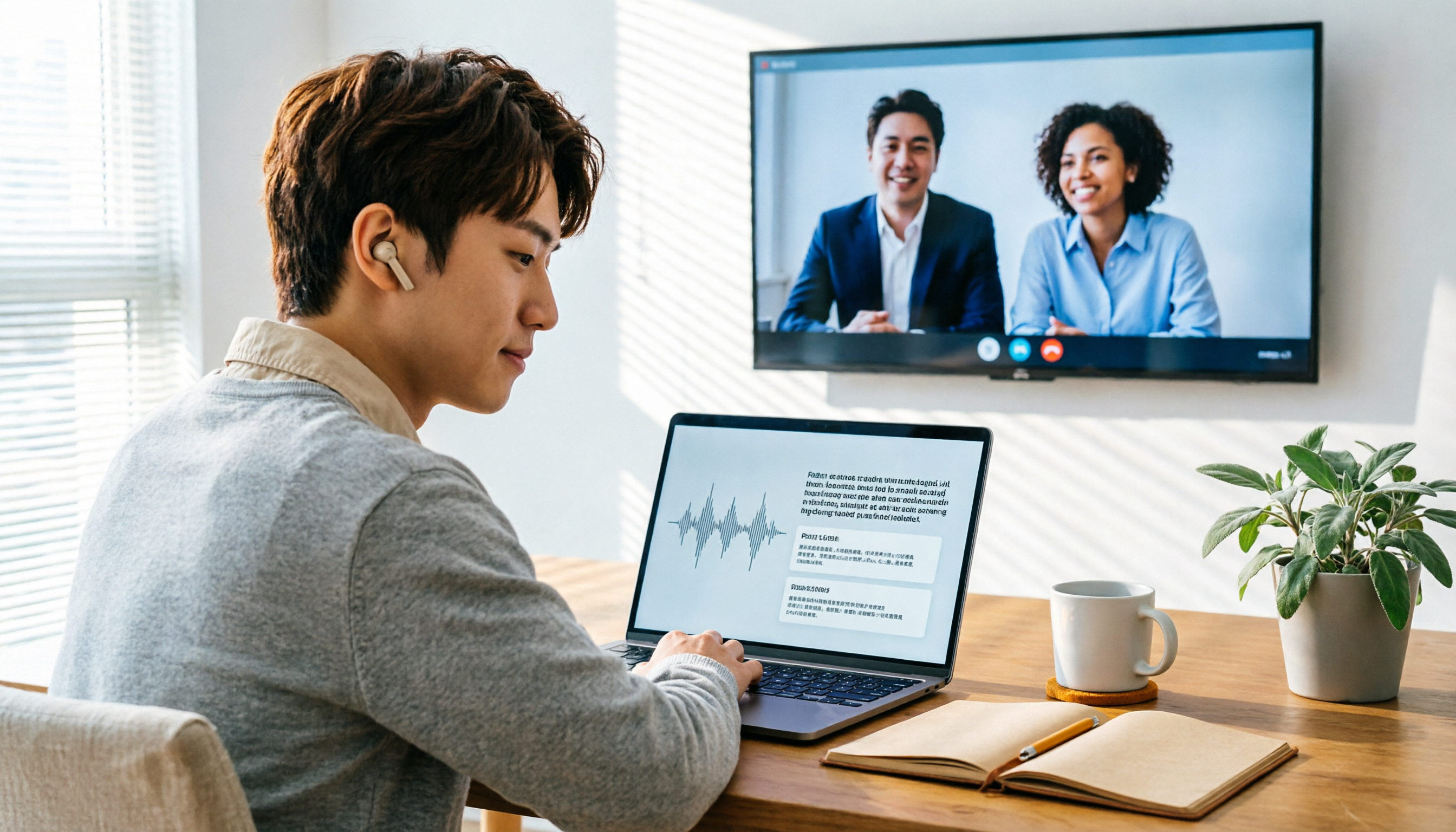
2026 Audio-to-Text Showdown: Tinrec vs. Yating Transcript — Which Should You Choose?
Starting from common audio-to-text pain points discussed on Dcard in 2026, this hands-on comparison pits Yating Transcript against Tinrec: one is a veteran Chinese transcription tool billed by the hour; the other focuses on bot-free online meeting recording, AI summaries and Q&A, and team knowledge retention. We break it down across 5 dimensions to help you decide which fits your workflow.

2026 Comparison of 5 Audio-to-Text Software: Why Tinrec Is Becoming Notta Users' New Choice?
Starting from PTT's hot discussion list, this comparison examines Tinrec vs. Notta in meeting capture, post-meeting organization, Chinese language experience, team governance, and quotas to help readers decide which audio-to-text software is better suited for Chinese meetings and team collaboration.
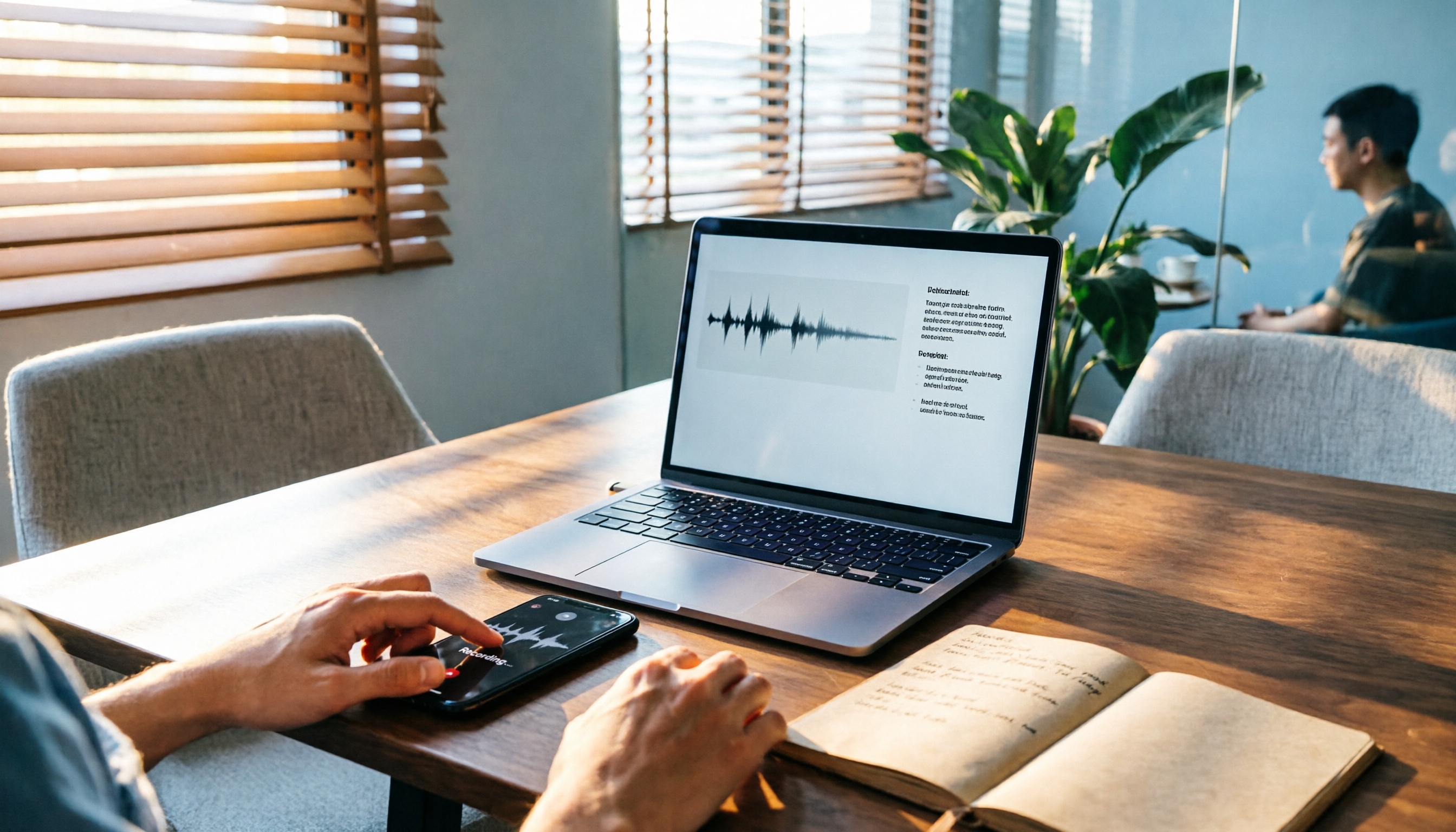
2026 Comparison of 3 Audio-to-Text Tools: Tinrec 5-Step Tutorial and Free Tier Analysis
From recording, transcription, proofreading to meeting minutes and export, walk through Tinrec's 5-step audio-to-text workflow and compare free tiers and use cases of Notta and TurboScribe.

2026 Tinrec Review: No-Bot Audio Transcription + AI Q&A to Find Key Points
Dcard discussions about audio transcription share the same pain points: can't bear to delete recordings, can't finish transcripts, and privacy concerns. This guide covers selection criteria and real workflows, breaks down how Tinrec differs from Notta, Otter.ai, and Granola, and lists four common mistakes to help you find a truly time-saving approach.

2026 iPhone Audio-to-Text Guide: Built-in Transcripts vs. Tinrec Comparison
From iPhone Voice Memos' built-in transcripts to Tinrec's AI summaries, action items, and team collaboration, this guide breaks down the decision logic for audio-to-text tools with real workflows, covering free vs. paid boundaries, use cases, and FAQs to help you find the right iPhone audio-to-text solution.