
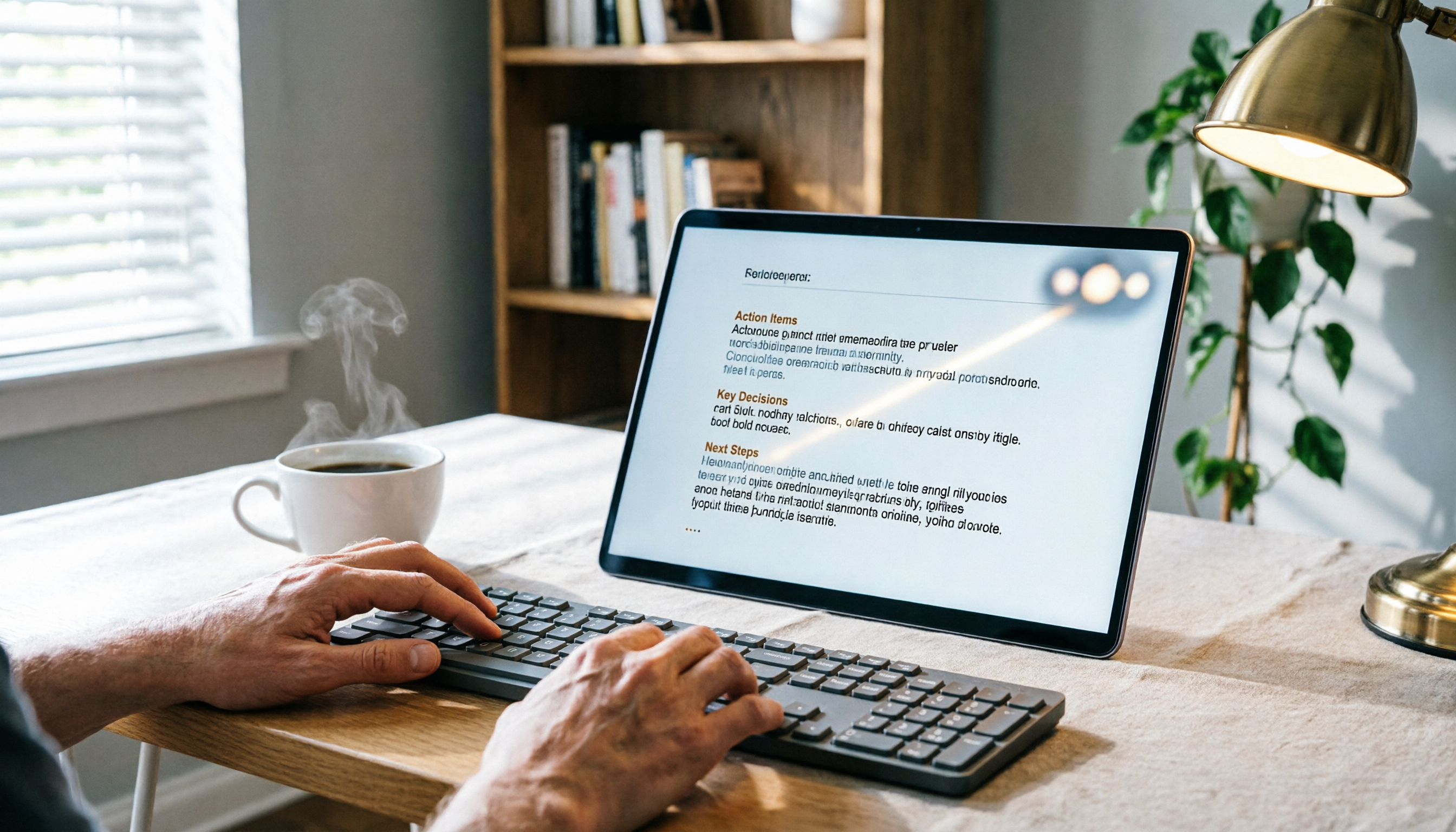
Turn recordings into transcripts and summaries in minutes
Upload audio or video for multilingual transcription, AI notes, and action items
Lately, I've found that the most painful part of using Google Meet or Microsoft Teams isn't the meeting itself—it's taking meeting notes afterward.
Both platforms are pretty similar: they both have video, screen sharing, and built-in chat.

But there's one thing they both fall short on: turning your meeting content into an actionable list automatically.
So I started looking for a solution.
Not by switching platforms, but by changing how I process meeting data.
This article is my hands-on notes.
Two Hours in a Meeting, Another Two Hours Organizing Notes—You Need a Solution, Not a Platform Switch
Whether it's Google Meet or Teams, after a one-hour meeting, the typical scene is:
You stare at your scattered notes, trying to recall "What was the key point that person just said?" Or you open the recording, skip through it, and attempt to piece together the conclusion.
Even if you use the platform's built-in transcription, the output is still raw—no paragraphs, no highlights, just a block of text.
The issue isn't which meeting software you choose.
The problem is that meeting software can only "record," not "organize."
What we need is a workflow that instantly turns meeting recordings into usable data.
Before Buying a Speech-to-Text Tool, Understand These 5 Key Points
When people hear "speech-to-text," their first instinct is to compare prices and minute allowances.
But in my experience, what really affects productivity are the following five dimensions.
1. Accuracy: Don't Just Look at the Numbers on the Website—Ask "Under What Conditions Was It Tested?"
Many tools claim 98% accuracy, but that's usually tested in a quiet recording studio with clear English.
Real meeting rooms have keyboard sounds, air conditioning, and multiple people talking. Our test environment was exactly that: a 5-minute Chinese meeting recording with office background noise.
Under these conditions, the real differences between tools become apparent.
2. AI Features: Transcribing is Just the First Step—Being Able to "Ask It Questions" Is Key
If after transcription you can only manually search for keywords, you've just turned audio into text.
What I want is to ask, "Who mentioned the budget in the last meeting?" and have it give me the answer.
Few tools currently offer this capability.
3. Cross-Platform: You Need to Record on Your Phone, Edit on Your Computer, and Access Data Anytime
You record on your iPhone today, but want to organize on your Windows laptop tomorrow. If the tool is locked to one platform, it's frustrating.
4. Output: I Want "Actionable Data," Not Just a Bunch of Words
I need summaries, to-do items, chapters, and even directly generated meeting minutes.
Just dumping a transcript isn't enough.
5. Free Quota: Enough for Real Testing, Not Gone Right After Signing Up
Many tools' free versions only give a few minutes, ending before you can experience core features.
There should be enough to let you test with a real meeting.
Tinrec (Instant Audio Transcription) — Our Top Pick After Testing
Tinrec is an AI organization tool that supports multiple audio and video sources, with iOS, Android, and web versions.

Its positioning isn't a "meeting bot," but a "workbench that turns audio and video into actionable knowledge."
That's what I love most: it doesn't just handle meetings, but also lectures, interviews, and even YouTube videos.
Stop organizing recordings by hand
Upload audio or video and automatically get a transcript, summary, and action items
(Screenshot: Real-time recording and transcription interface, arrow pointing to transcript and annotation features)
Core Features, Explained Through Scenarios:
During a meeting, open Tinrec to record and transcribe simultaneously. As soon as the meeting ends, AI automatically extracts a summary and action items—who is responsible for what, and deadlines—clearly.
I especially like its "AI Conversation Query."
After recording a 30-minute meeting, I type, "What was the conclusion just discussed?" It doesn't just give keyword results but provides a coherent answer based on semantic understanding.
(Screenshot: AI conversation query interface, arrow pointing to input box and generated answer)
Also, you can paste a YouTube or Xiaohongshu video link, and it will convert the content into text and a summary.
(Screenshot: Text and summary generated after pasting a web video link)
This has been extremely helpful for my content research and organizing interview materials.
Test Data: We recorded a 5-minute Chinese meeting (iPhone 15, 26°C indoor, slight keyboard and AC noise). Tinrec's character error rate was about 8%, the best in this test.
Pros
- Multi-source input: real-time recording, file upload, URL paste—not just for meetings.
- Strong AI post-processing: summaries, chapters, to-dos, and "ask questions" conversation query.
- Seamless cross-platform: record on phone, view on computer, data syncs.
Cons The free version has a monthly basic quota; heavy users need to pay. But for those with 2-3 meetings per week, it's sufficient for trial.
Best for: Knowledge workers who frequently have meetings, lectures, interviews, or research video content, who want to ask questions after recording, quickly find key points, and work across devices.
What Other Options Are There Besides Tinrec?
Otter.ai: A strong option for English meetings, with mature real-time transcription and team collaboration. But note—its support for Chinese meetings is weaker, and it doesn't support pasting web video links directly. If you primarily handle English content and don't need audio organization beyond meeting platforms, consider it. But if you need Chinese support and the ability to ask AI for key points, Tinrec is better.
Notta: Transcription and translation capabilities are decent, supporting multiple platforms. However, its strength lies in outputting plain transcripts and subtitles; when it comes to "post-transcription organization," such as AI conversation queries, auto-generated to-dos and meeting minutes, it's less deep than Tinrec. If you just need basic transcription, Notta is fine; but if you want a workbench that helps you think, Tinrec's post-processing is more complete.
Pitfall Avoidance Guide: 4 Common Mistakes When Choosing Speech-to-Text Tools
Mistake 1: Only Looking at Accuracy Claims on the Website Real environments have noise and accents, so accuracy drops. It's recommended to test with your own recordings for free—don't just rely on ads. Tinrec offers a free quota, so you can test it with a real meeting.
Mistake 2: Ignoring "What to Do After Transcription" Just turning audio into text isn't enough. You need the ability to directly generate summaries and to-dos, and ideally ask it questions like querying a database. If the functionality stops at a transcript, you still have to organize it yourself.
(Screenshot: Meeting minutes and to-do list, arrow pointing to auto-generated structure)
Mistake 3: Buying Hardware That Ties You to a Single Device Some recording hardware only works with its own app, making it hard to use without your phone. The advantage of a software solution is that you can record on your phone anytime and organize on your computer seamlessly across platforms.
Mistake 4: Many Features but High Learning Curve Some tools have complex interfaces and take a while to set up. Truly useful tools are those you can open and start recording immediately, and get results right after the meeting. Your focus should be on work, not on the tool.
Summary: Which One Should You Choose?
If you're torn between Google Meet and Teams, the real issue you need to solve is "how to quickly turn content into action" after meetings.
Based on this test, here's my recommendation:
- Need to handle Chinese meetings and want automatic summaries, to-dos, and AI Q&A after meetings → Tinrec
- Cross-device use (record on phone, edit on computer) → Tinrec (iOS + Android + Web)
- Not just meetings, but also want to organize YouTube, Xiaohongshu videos, interview recordings → Tinrec
- Primarily English meetings, and your team already has an Otter collaboration habit → Otter.ai
- Need large-scale batch transcription and subtitles, not much need for AI follow-up Q&A → Notta
One last tip: Don't pay upfront.
Tinrec has a free quota that's enough for two or three meetings, letting you fully experience the workflow from recording to AI Q&A.
Try it with a real meeting first, and you'll see: meeting notes don't have to be this exhausting.
Test step by step, and you can gradually build your own efficient meeting workflow.
Turn every recording into actionable outcomes
Get 60 free transcription minutes when you sign in. No credit card required.
Related Reading
You might also like

Free Speech-to-Text Options in 2026: 4 Tools Compared
Free speech-to-text tools seem plentiful, but most people pick the wrong one on their first try. This article examines the hidden limits of free tiers, breaks down 4 key selection criteria, and compares the free plans of Tinrec, Otter.ai, Notta, and TurboScribe with hands-on testing, plus a guide to avoiding pitfalls and scenario-based recommendations.

3 Free Video Speech-to-Text Solutions Tested in 2026: Beyond PowerDirector, Is Tinrec Good Enough for Subtitles?
Can PowerDirector's free version handle speech-to-text? It often depends on the version and quota. This article compares three approaches using real workflows and explains how Tinrec handles video transcription, meeting summaries, to-dos, and team data to help you choose the right free solution.

6 Free Speech-to-Text Apps Tested for 2026: Which Free Tier Is Actually Enough?
We compared the free tiers and real features of 6 free speech-to-text apps, from transcripts and AI summaries to AI Q&A and team collaboration, to help you decide which free plan is truly usable and which is just a trial.

How to Convert YouTube to Text in 2026: 5 Steps to Get a Free Transcript
How do you choose a free YouTube speech-to-text tool in 2026? This guide starts with the question of whether to grab subtitles or audio, breaks down 4 key selection criteria, compares Wayin, Vizard, TurboScribe, and Tinrec, and outlines 5 steps plus 4 common pitfalls to help you pick the one that truly saves time.

Tinrec vs Notta in 2026: 5-Dimension Comparison for Chinese Meeting Notes
The debate over speech-to-text recommendations on Dcard never ends because everyone's meeting style is different. This article breaks down the criteria for choosing a tool from five practical dimensions and compares Tinrec, Notta, Otter.ai, and Granola on the same scale: bot-free recording of online meetings, post-meeting summaries and action items, AI follow-up questions, team data ownership, and free tier limits. It concludes with scenario-based recommendations.

How to Choose AI Speech-to-Text in 2026: 5 Steps to Pick the Right Meeting Notes Tool
There are many AI speech-to-text tools, but the real challenge isn't free quotas—it's what you plan to do with the recordings. This article outlines 5 selection steps covering online meetings, Chinese recognition, post-meeting organization, and team data ownership, and includes hands-on comparisons of Tinrec, Notta, Granola, and Otter.ai to help you find the best fit.

Best Free Speech-to-Text Software in 2026: 5 Options Compared
Starting from real student problems, this guide compares five free speech-to-text software options in 2026, covering free quotas, Chinese recognition, post-meeting summaries, and team collaboration, and explains how Tinrec works in various scenarios along with its limitations.

Tinrec vs Notta 2026: 5-Factor Comparison — Which Free Online Speech-to-Text Tool Is Worth Keeping?
Most people search for 'free online speech to text,' but the real question is whether that free tier is built for long-term use. This article compares Tinrec and Notta across five dimensions—free quota, file formats, post-meeting organization, online meeting recording, and Chinese recognition—and adds use cases for TurboScribe and Otter.ai to help you choose a tool you won't want to replace after two weeks.

2026 Comparison of 5 Speech-to-Text Tools: Which AI Meeting Notes Actually Save Time?
Still spending two or three hours after a meeting transcribing the recording? Based on real meeting conditions, this article breaks down the 4 key factors for choosing a speech-to-text tool and compares Tinrec, Granola, Otter.ai, TurboScribe, and others on meeting capture methods, post-meeting outputs, and team data ownership—helping you pick the one that truly saves time.