
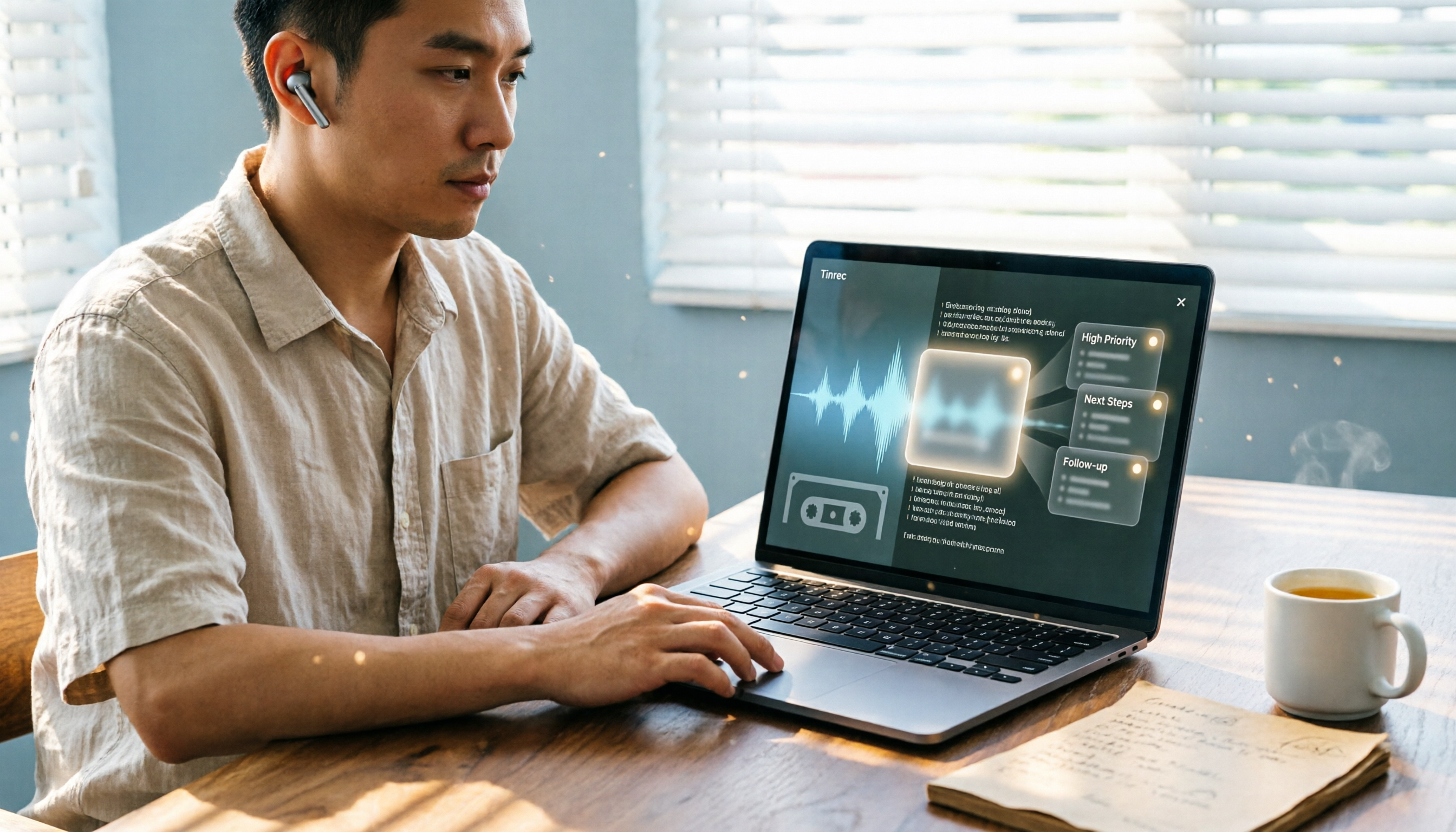
Turn recordings into transcripts and summaries in minutes
Upload audio or video for multilingual transcription, AI notes, and action items
The last time I wrapped up a 90-minute project meeting with my team, I realized I had spent less than 10 minutes organizing the meeting notes—and it even auto-generated everyone's action items and deadlines.
Before, that would have taken at least two hours.

But I can do this now, not because I type faster.
It's because I built an "AI meeting workflow."
I often see the same scenario: many people already have AI recording-to-text tools, but post-meeting organization is still a pain.
Why?
Because they only use the tool for "recording to transcript."
It's like buying a smartphone just to make calls.
The real key is the "workflow design" from recording to action.
In this article, I will share the AI meeting workflow I personally use.
The steps are simple, but the thinking behind them is more important.
You will learn: how to choose a tool, what to pay attention to during recording, how to quickly extract highlights after transcription, and how to turn discussion content into an action list where everyone knows what to do.
Before Choosing an AI Meeting Tool, Understand These 3 Key Points
Many people make the first mistake: only looking at price or feature lists.
But in my experience, choosing a meeting notes tool should start from the problem you really want to solve.
Key Point 1: You Don't Need a "Transcript," You Need an "Actionable Summary"
A transcript is like raw meeting data—low density.
What you really need is: who said what key points, what decisions were made, and what I should do next.
So a good AI meeting tool shouldn't just give you a text record.
It must be able to auto-generate summaries, extract action items, and even let you drill down into details.
(Screenshot: Tinrec's meeting summary and action item generation interface, arrow pointing to automatically extracted tasks)
Key Point 2: Just a "Meeting Bot" Isn't Enough—You Also Need to Handle Other Audio/Video Content
Many people think an AI meeting tool is just something that automatically joins online meetings, records, and transcribes.
But in my work, besides live meetings, I also receive recorded audio files after the fact, voice messages from clients, and even need to organize reference material from YouTube videos.
If a tool only handles online meetings, you'll end up fragmented: "Tool A for meetings, Tool B for everything else."
That's not productivity; it's new chaos.
One reason I chose Tinrec later is that it not only records live meetings but also lets you upload audio files and paste video links, all organized in one workspace.
Key Point 3: Cross-Platform Matters, Especially Seamless Transition Between Phone and Computer
I often quickly record ideas on my phone while on the go, then organize them on my computer back at the office.
If the recording tool only works on your phone and you have to listen all over again when organizing, that gap will eat up a lot of your time.
Tinrec has iOS, Android, and web versions. I record on my phone, and immediately on my computer I can start editing summaries and asking AI questions.
That smoothness is the key to workflow optimization.
Tinrec — My Top Pick After Real Testing
Tinrec isn't just a meeting bot; it's more like an "audio/video data organization workbench."
I was skeptical at first, but after a few weeks of use, I found it transforms the entire meeting workflow from "passive recording" to "active organization."
Step 1: Recording Is No Longer Just Recording
When I open Tinrec during a meeting, it generates a live transcript as it records.
But I don't need to stare at the screen.
(Screenshot: Live recording-to-text interface, arrow pointing to synchronized transcript)
The key is that the moment the recording ends, AI has already done three things for me: summary, chapter segmentation, and action items.
I often give this example: in a recent project meeting about budget adjustments, Tinrec automatically extracted "Budget moved from Project A to Project B, Finance to update the report by next Friday."
This isn't just simple keyword extraction; it really understands the discussion.
Step 2: Not Just Meetings—All Audio and Video Can Come In
Later, I started using Tinrec as a central processor.
Voice discussions from clients via Line, previously recorded interview audio, even industry trend videos from YouTube—all dumped into Tinrec.
(Screenshot: Import audio file and paste video link interface, arrow pointing to multi-source support)
It auto-transcribes, provides summaries, and even lets me ask: "Among these three customer feedbacks, what's the most frequently mentioned issue?"
This cross-source integration is something a single meeting tool can't do.
Stop organizing recordings by hand
Upload audio or video and automatically get a transcript, summary, and action items
Step 3: AI Chat Query Brings Historical Meetings to Life
This is my favorite feature of Tinrec.
After recording, you can type a question like: "Who proposed the new marketing channel in the last meeting?"

It doesn't just return keyword search results; it actually understands semantics and gives you the answer along with a citation from the original content.
(Screenshot: AI chat query interface, arrow pointing to answer based on meeting content)
I now deliberately keep all meeting recordings because it has become my personal knowledge base.
Pros Summary
- Multi-source processing: Organize live recordings, files, and online videos, saving time switching between tools.
- From transcription to action: Auto-generated summaries, tasks, and chapters, directly turning into next steps.
- AI chat query: Ask about meeting content like you would a colleague, quickly recalling information.
(Screenshot: Tinrec's overall workspace, showing recording list and AI summary)
Limitations
The free version has a monthly transcription limit; heavy users need to pay. But for most people who have 2-3 meetings per week, the free version is sufficient to experience the full workflow.
Also, accuracy can be affected by recording quality; in noisy environments, an external microphone is recommended.
Who It's For
If you want meetings to not just be recorded but automatically generate action lists and allow you to query content later, and if you want to unify phone, computer, and web video organization in one place, then Tinrec is a great fit right now.
Other Options Besides Tinrec
Otter.ai: Best for English Meetings, but Limited for Chinese
Otter.ai is a well-known AI meeting notes tool. The free tier offers 300 minutes per month, which is generous, and English accuracy is high.
However, if you have Chinese meetings or Cantonese content, Otter doesn't support them. Also, it focuses on online meetings and has weaker ability to handle local files and video links.
Plus, it lacks the AI chat query feature like Tinrec, so after recording you can only manually search keywords.
If you primarily have English meetings and don't need cross-source organization, Otter is worth considering. But if you need Chinese support and follow-up data application, Tinrec is more complete.
Fireflies.ai: Strong Meeting Automation, but Limited Post-Organization Application
Fireflies focuses on automatically joining Zoom, Teams, and other meetings, with decent transcription and summarization.
But its strength is "during the meeting"; it's weaker for post-meeting data organization, export, and cross-source management.
Also, Fireflies' interface is geared toward team collaboration; individual users may find it overly complex.
If your company already uses a full suite of collaboration tools, Fireflies might integrate better. But if you're an individual or small team that wants a simple way to organize meetings, courses, and interviews, Tinrec's path is more straightforward.
Pitfall Guide: 3 Common Mistakes When Using AI to Organize Meetings
Pitfall 1: Only Treating AI as a "Recording-to-Text" Tool
Many people download the app, get the transcript after recording, and stop there.
This is the most wasteful usage.
The real value lies in the "understanding and action" after transcription: summaries, tasks, Q&A, export.
If you only use one-third of the features, you'll naturally think AI meeting tools are no different from a regular voice recorder.
(Screenshot: Tinrec's AI summary and task list, arrow emphasizing these post-processing features)
Pitfall 2: Ignoring Preparation Before Recording
No matter how strong AI is, it can't identify who "that person" is when someone says "Um, that guy will handle it."
I make it a habit to start meetings with a simple line: "Today's participants are Amy, Ben, and Carol. We're discussing Q3 project progress."
This way, the subsequent transcript and summary can more accurately associate with people.
Pitfall 3: Not Building the Habit of a "Meeting Database"
The value of meeting notes is that you can quickly find them when needed.
I now keep all meeting recordings in Tinrec, and after each meeting, I use a fixed prompt to ask AI: "Based on this meeting, generate a summary including decisions, action items, and next meeting time."
Over time, it becomes a searchable, queryable knowledge base instead of a pile of lost recordings.
Conclusion: What Kind of AI Meeting Workflow Should You Actually Build?
My advice is simple: Don't just pick a tool; first think about how to design your meeting workflow.
Based on my experience, a complete AI meeting workflow includes:
- Record and transcribe simultaneously: Generate a live transcript during the meeting, no need to listen again afterward.
- Auto-summarize and action items: Have highlights and task lists ready as soon as the meeting ends.
- Cross-source integration: Use one platform for live meetings, old recordings, and online videos.
- Build a queryable database: Make historical meetings searchable and askable, not archived.
If you need:
- Handle Chinese meetings and multiple audio/video sources → Tinrec is the most comprehensive
- Just want to auto-record English online meetings → Otter.ai is sufficient
- Team already deeply uses Slack, Salesforce, and other collaboration tools → Fireflies has better integration
But for most people who want to turn meetings, learning, and interviews into usable data, Tinrec is currently the most balanced choice.
I recommend starting with the free version and following the four steps above.
When you realize the time spent on post-meeting organization drops from two hours to ten minutes, that feeling will make it impossible to go back to your old ways.
Quick Start Checklist
- Download Tinrec and start a meeting to try live recording and transcription.
- Briefly introduce participants before the meeting to help AI identify them.
- After the meeting, review the auto-generated summary and tasks, manually supplement and adjust.
- Try uploading an old recording or pasting a video link to experience multi-source organization.
- Use the AI chat query feature to ask a question about the meeting content.
- Create a personalized prompt template to generate meeting notes in a consistent format every time.
Test step by step, and you'll gradually master this workflow.
Turn every recording into actionable outcomes
Get 60 free transcription minutes when you sign in. No credit card required.
Related Reading
You might also like

4 Free Speech-to-Text Apps Tested in 2026: Which Free Tier Actually Gives You Enough?
There are plenty of free speech-to-text apps, but "free" often comes with hidden limits on minutes, file length, and features. This article tackles common misconceptions and breaks down the free plans of Tinrec, Otter.ai, Notta, and TurboScribe—comparing how quotas are calculated, meeting recording methods, and post-meeting organization capabilities—to help you pick the one that can truly handle a full meeting.

Zoom Meeting Notes Tools Compared: Tinrec vs Notta for Chinese Meetings (2026)
Learn how to join a Zoom meeting step by step and avoid common pitfalls, then see how Tinrec and Notta compare in meeting recording, Chinese transcription, post-meeting organization, team governance, and pricing to decide which tool to use after your Zoom call.

Zoom Meeting Recording in 2026: 3 Methods Tested — Which One Actually Saves You Time After the Call?
Many people search for "Zoom meeting download" expecting that installing the app will automatically generate transcripts and meeting minutes. This article addresses that common misconception, compares built-in recording, manual note-taking, and Tinrec, explains how bot-free recording, live transcription, AI summaries, and action-item extraction actually work, and lists 5 things to consider when choosing a tool plus key points about team plan permissions.

Which Zoom Meeting Notes Tool Is Best? 2026 Hands-On Test of 5 Options—This One Excels for Chinese Meetings
In 2026, after starting a new Zoom meeting, instead of scrambling to catch up on notes, choose the right meeting notes tool. Based on real-world scenarios, this article explains how Tinrec records Zoom without a bot, provides real-time transcription, generates summaries and action items, and outlines 5 buying checkpoints and FAQs.

2026 Video Conferencing Software Comparison: After the Zoom Call, Who Handles the Notes?
From Zoom, Google Meet, Microsoft Teams to Tinrec, we compare the free plan limits, participant joining requirements, post-meeting organization capabilities, and team permissions of 4 meeting tools to help you decide which one fits your meeting scenario, and why 'having a meeting' and 'turning a meeting into data' are actually two different things.

How to Use Yating Transcript for Online Meetings in 2026: Taiwanese Accent Recognition + 3-Step Post-Meeting Cleanup
When capturing transcripts for online meetings, the key is often not which tool is most accurate, but how the meeting audio gets into the tool. This article covers practical ways to use Yating Transcript for online meetings, including recording and export steps, quotas, and sharing limitations. It also compares Tinrec, Otter, Notta, TurboScribe, and Granola in terms of positioning and pricing to help you choose the right solution for your scenario.

2026 Comparison of 4 Zoom Meeting Note Tools: After Scheduling a Meeting, Whose AI Minutes Save the Most Time?
Scheduling a Zoom meeting takes only seconds, but organizing transcripts, summaries, and action items afterward often takes more time. This article compares Tinrec, Otter.ai, Fireflies.ai, and Granola in real-world scenarios, covering meeting capture methods, Chinese recognition, post-meeting outputs, audio retention, and team collaboration, to help you determine which tool best fits your meeting habits.

Tinrec vs Zoom 2026: 5-Dimension Comparison — Built-in or Dedicated Meeting Notes Tool?
Zoom is the most familiar video conferencing app for office workers, but the real pain point comes after the meeting: recording, organizing, and handover. This article compares Zoom's built-in features with Tinrec across 5 dimensions to help you decide when Zoom alone is enough and when you need a dedicated meeting notes tool.

2026 AI Meeting Notes Free Plans Compared: 3 Options at a Glance
A mid-level manager who runs over a dozen meetings a week tests and summarizes the three types of free AI meeting notes plans in 2026: fixed free quota, short-term sprint, and long-term stable. The article covers Tinrec's real-time transcription, AI summaries, action item extraction, AI Q&A, bot-free online meeting recording, and team seat management, while also honestly explaining limitations and recording consent considerations.