
Turn recordings into transcripts and summaries in minutes
Upload audio or video for multilingual transcription, AI notes, and action items
Dealing with audio recordings in Hokkien (Taiwanese) or mixed Mandarin and Hokkien is often a headache for administrative staff, researchers, or content creators. Most voice-to-text tools support English or Mandarin well, but accuracy drops significantly with Hokkien, making proofreading take longer than listening to the original audio.
This article reviews the best voice-to-text solutions optimized for Hokkien. We analyze from three dimensions: recognition accuracy, ease of use, and post-processing efficiency, and provide a detailed comparison table and tutorial.
Quick Navigation Conclusion:
- If you only need a simple mobile Hokkien note-taking app, consider specialized apps like AI Hokkien Voice Notes.
- If you need cross-platform (phone + computer) support and value AI summaries and action item extraction, prioritize a comprehensive productivity tool like Tinrec.
Why Is Hokkien Voice-to-Text So Difficult? Three Key Criteria Before Buying
Before downloading any app, understand why general-purpose tools (like standard Google Docs voice typing) perform poorly with Hokkien, and use these as selection criteria:
- Corpus and Mixed Language Support: Real-world conversations in Taiwan often mix Mandarin and Hokkien. A good tool must handle code-switching without garbled text.
- Transcript Editability: Hokkien has differences between spoken sounds and written characters (e.g., "Lí hó" might be transcribed as "你好" or kept in Hokkien characters). Whether the tool allows quick corrections and annotation is crucial.
- Scene Integration: After recording, can it automatically generate summaries? Can it export to Word or PDF? This determines work efficiency.
2026 Popular Hokkien Voice Recognition Tools Review
1. Specialized Tool: AI Hokkien Voice Notes
Developed by Taigi AI Labs (Japan), this app is designed specifically for Taiwanese users. Its core strength is dedicated support for Hokkien, Mandarin, and English.
- Core Features: Focuses on "speak and it's saved," supports offline recording, and auto-syncs after recording. It has basic AI semantic understanding to generate to-do lists and keywords.
- Use Cases: Suitable for students or note-taking enthusiasts who use iOS/iPad to record life inspirations or simple class notes.
- Pricing: Subscription-based (~$2.99 USD/month), removes recording time limits and ads.
2. Cross-Platform Productivity Tool: Tinrec (Instant Voice Recording)
If you need more than mobile recording—like processing large meeting minutes or interviews on a computer—Tinrec offers a complete workflow solution. It supports Hokkien recognition and emphasizes post-recording information processing.
- Core Features: Tinrec supports multi-device sync (Web/iOS/Android). Besides real-time transcription, its powerful AI Chat feature lets you "ask" about the recording (e.g., "What medicine did Grandpa mention?") without replaying the entire audio.
- Use Cases: Ideal for media professionals, enterprise users, and academic researchers dealing with long meetings or interviews. It converts recordings into structured meeting minutes and action items.
Stop organizing recordings by hand
Upload audio or video and automatically get a transcript, summary, and action items

Detailed Specification Comparison: Features, Pricing, and Use Cases
To help you choose, here is a detailed comparison of the two categories:
| Comparison Dimension | AI Hokkien Voice Notes | Tinrec (Instant Voice Recording) |
|---|---|---|
| Languages Supported | Hokkien, Mandarin, English (3 total) | Hokkien, Cantonese, Mandarin, English, Japanese, Korean, German, etc. (10+ total) |
| Platform Support | iOS/iPad/Mac (Apple ecosystem) | iOS, Android, Web (full cross-platform) |
| Core Strengths | Hokkien-specific UI, offline mode | Powerful AI summaries, action item extraction, web editor |
| Input Methods | Primarily live recording | Live recording, audio/video file upload, YouTube link parsing |
| Smart Features | Keyword summaries, classification tags | Meeting minutes generation, AI Chat |
| Free Usage | Limited recording time (15 seconds), with ads | 100 minutes free recording per month, basic features available |
| Paid Pricing | ~$2.99 USD/month | Basic $4.9 USD/month, Pro $8.25 USD/month |
Practical Tutorial: How to Efficiently Produce Hokkien Interview Transcripts
Below, we use Tinrec as an example to demonstrate how to quickly convert a mixed Mandarin-Hokkien interview into usable text and extract key points.
Step 1: Start Recording or Import a File
- Live Recording: Open the Tinrec app or web version, go to Live Transcription. The system transcribes speech in real time, so you can monitor accuracy on screen.
- Existing Files: If you have audio files (mp3/wav) from a recorder, use the Audio File to Text feature to upload.

Step 2: Use AI to Organize Content
After recording, you don't need to read a full hour-long transcript. Tinrec automatically generates a summary and action items. For specific details, use the AI Chat feature.
- Tip: In the chat box, type "List specific descriptions about 'traditional customs' in this conversation," and the AI will extract answers from the Hokkien-translated content.

Step 3: Export and Share
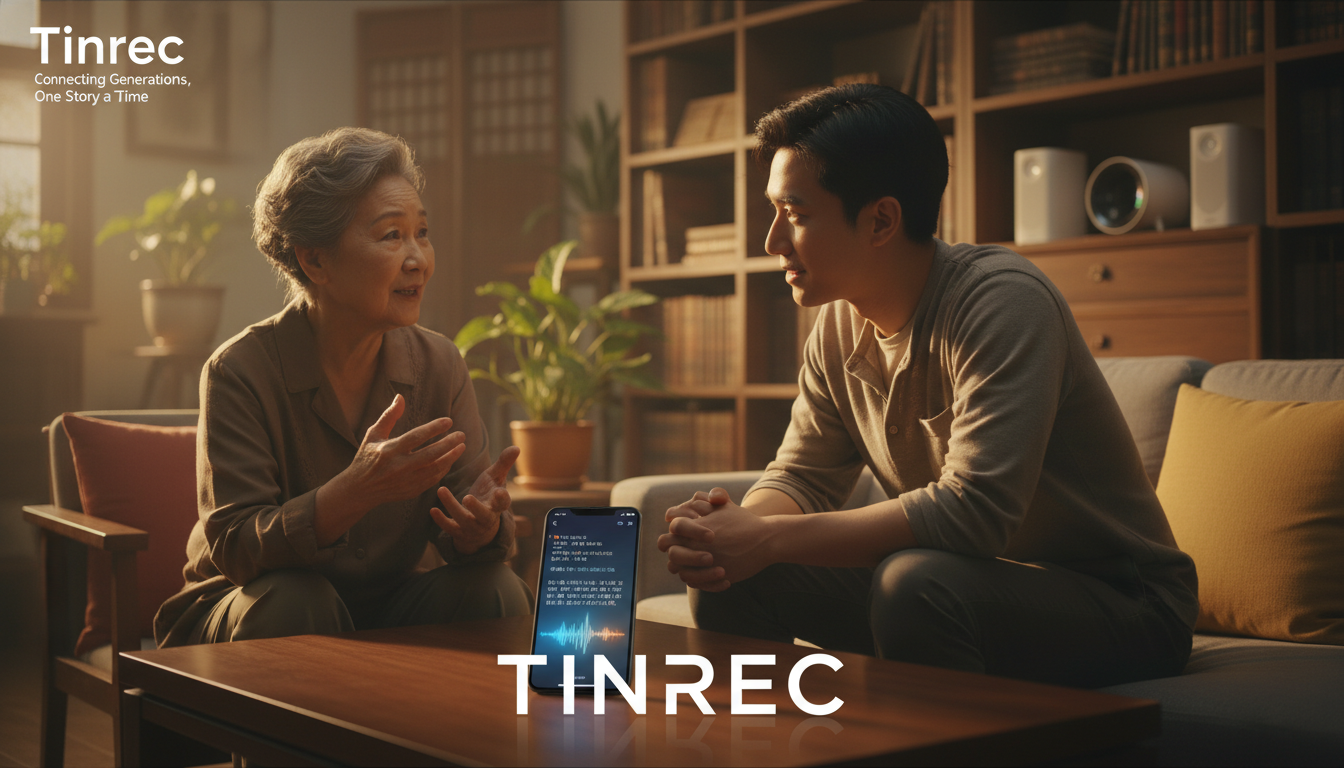
Finally, export the refined transcript as Word, TXT, or PDF for reports or articles. Tinrec supports speaker differentiation for clearer context.
Frequently Asked Questions (FAQ)
Q1: How accurate is Hokkien recognition?
Current AI has significantly improved for standard Hokkien, but with various accents or heavy Mandarin mixing, accuracy ranges from 80% to 90%. We recommend tools like Tinrec that offer synchronized audio and text for easy correction.
Q2: Can these apps record Line calls or regular phone calls on iPhone?
Due to iOS privacy restrictions, most apps (including those above) cannot directly record Line or phone calls on the same device. Use speakerphone mode, or record with another device/computer version of Tinrec.
Q3: Do I need to pay for audio-to-text conversion?
Most tools use subscription or per-minute pricing. AI Hokkien Voice Notes free version has a 15-second limit; Tinrec offers 100 free minutes per month, which is friendly for light users.
Q4: Does the output show Hokkien in Chinese characters or romanization?
It depends on the tool's settings and training model. Most tools (like Tinrec and AI Hokkien Voice Notes) tend to output common Chinese characters or Mandarin translations for readability and further editing.
Q5: Can I transcribe a Hokkien speech video from YouTube directly?
Yes. Tinrec supports Podcast/Online Video Transcription. Just paste a YouTube link, and the system extracts the audio track for recognition, saving you from downloading files.
Q6: Are my recordings secure in the cloud?
Privacy-focused tools like AI Hokkien Voice Notes emphasize end-to-end encryption; Tinrec also uses high-standard encryption to protect your meeting and interview records from leaks.
Turn every recording into actionable outcomes
Get 60 free transcription minutes when you sign in. No credit card required.
Related Reading
You might also like

Best AI Meeting Assistants for Business in 2026: 5 Solutions Compared, AI Note-Taking and Integration Are the Deciding Factors
How to choose an AI meeting assistant for your business in 2026? This article compares 5 common solutions—Google Workspace, Microsoft Teams, Virsical, Manus, and hardware integrators—across 5 dimensions: automated meeting notes, multilingual support, room booking, hardware integration, and security management. It also includes a must-ask checklist before purchase to help you find the best fit for your team.

4 Post-Meeting Deliverable Templates Tested and Compared in 2026: Which Saves the Most Time from Transcript to To-Do List?
The biggest fear after a meeting isn't missing a recording—it's that no one remembers who promised what. This article covers the 3 most common mistakes in post-meeting deliverables, the fields a practical template should have, and demonstrates how Tinrec automatically goes from transcript to summary, to-dos, and team knowledge retention, plus purchasing considerations and FAQs.

2026 AI Meeting Assistant Comparison: 4 Tools Tested — How Meeting Agents Differ from AI Assistants
What's the difference between a meeting agent and an AI meeting assistant? Starting from real meeting scenarios, this article breaks down 4 key buying factors and compares Tinrec, Otter.ai, Granola, and Notta on recording methods, post-meeting output, Chinese language support, and team collaboration — plus 3 common pitfalls to avoid when choosing a tool.

2026 Post-Meeting Deliverables Tools Free Plans Compared: 4 Options at a Glance
Compare the free plans of post-meeting deliverables tools including Tinrec, Notta, Otter, and Granola, with a focus on how Tinrec turns meeting content into actionable deliverables through bot-free recording, AI summaries, action item extraction, and team spaces.

2026 AI Meeting Notes Comparison: Tinrec vs Otter.ai — Which Turns Minutes into Action Plans?
Meetings end, notes are written, but action items still sit at 'to be confirmed'? This article compares Tinrec and Otter.ai across six dimensions, focusing on how meeting minutes become executable action plans. It covers bot-free recording, to-do extraction, AI follow-up, Chinese meeting experience, team seat governance, and export workflows, with FAQs and pricing.
How to Create a Meeting Action Plan in 2026 with Tinrec: Auto-Extract To-Dos + One-Click Export Tracking Sheet
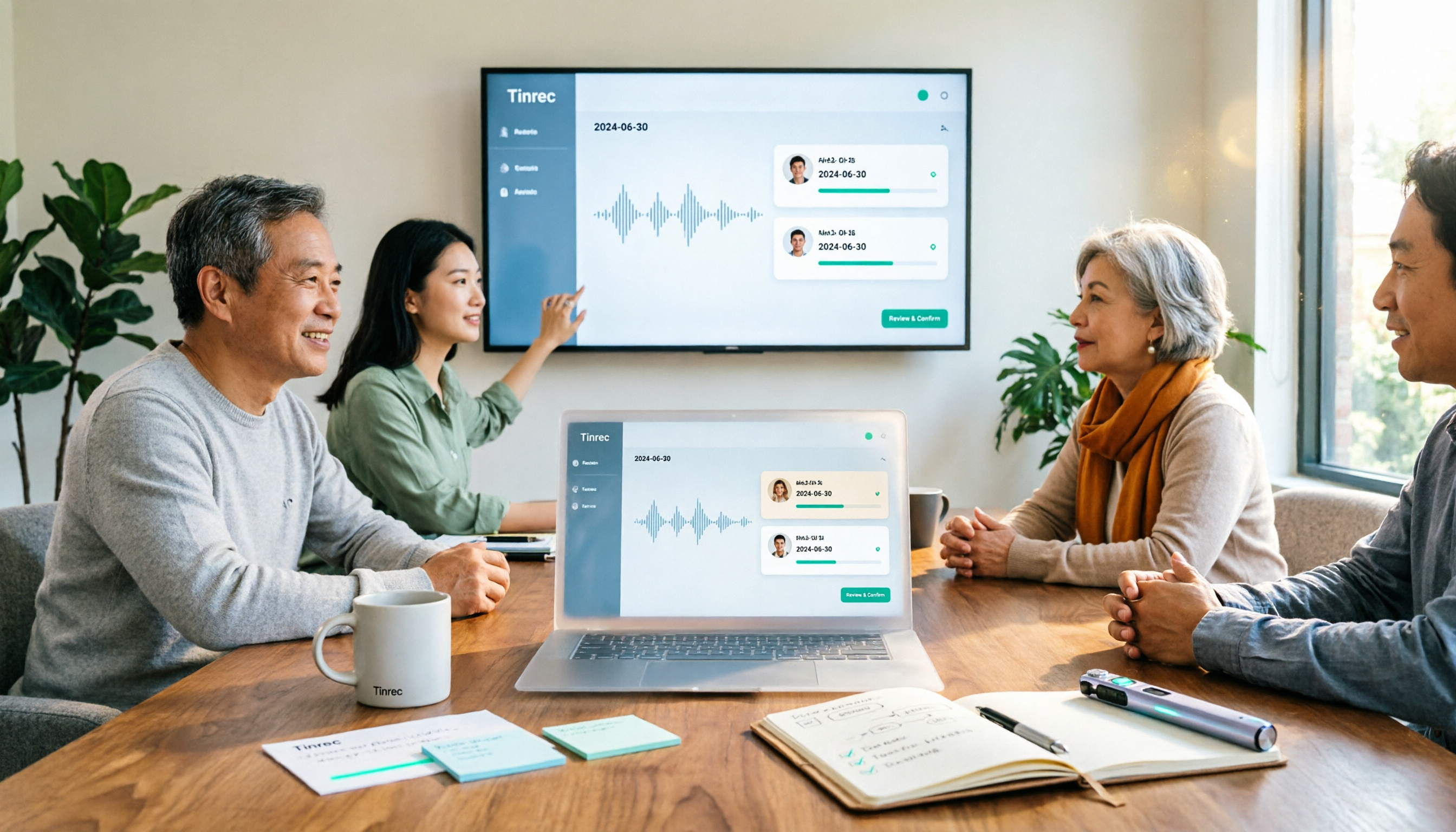
After a meeting, does everyone forget the action plan? This article first provides a ready-to-use meeting action plan example (task + owner + deadline + corresponding goal), then tests how tools like Tinrec automatically turn transcripts into to-dos and summaries. It also compares free and paid plans, common pitfalls, and buying advice.

Tinrec vs Otter.ai 2026: 5-Dimension Comparison — Which Saves More Time on Post-Sales Delivery?
After a sales meeting, transcripts, client commitments, quotes, and action items often end up scattered. This article compares Tinrec and Otter.ai across 5 dimensions, and uses Tinrec to demonstrate how to turn post-sales delivery into a searchable, collaborative, and trackable process.

Tinrec vs Otter.ai 2026: 5-Dimension Comparison for Post-Meeting Deliverables in Chinese Consulting
For consultants, the real work begins after the meeting. This article compares Tinrec and Otter.ai across five dimensions to help you choose the right post-meeting delivery tool: bot-free recording, AI Q&A, report generation, team data ownership, and includes pitfalls and selection advice.
2026 Comparison of 4 AI Meeting Note-Takers: Which Free Version Is Good Enough?
Automating meeting notes isn't just feeding a recording to AI for transcription. This article addresses common misconceptions and tests four tools—Tinrec, Notta, Granola, and Otter.ai—comparing recording methods, post-meeting outputs, team management, and free tiers. It also highlights four common pitfalls when choosing a tool to help you find a free option that works or a paid plan worth the investment.