

Turn recordings into transcripts and summaries in minutes
Upload audio or video for multilingual transcription, AI notes, and action items
Every day at work is meetings, especially cross-border ones—dealing with foreign colleagues and mainland clients, speaking English, then Mandarin, then a bit of Cantonese. You think you can just record and listen later? You end up working until 8 PM, listening to the recording and transcribing word by word, missing key points. This time we tested 5 cross-border meeting note apps to see which AI summary does the best job, so you don't have to take meeting notes home after work.
Why You Need a Cross-Border Meeting Note Tool?

Cross-border meetings often mix multiple languages, and speech can be fast, making manual note-taking prone to errors. Speech-to-text apps can automatically convert conversations into transcripts, and some can even identify speakers, generate summaries, and extract action items. Especially with today's AI advancements, many tools now support mixed transcription of Cantonese, Mandarin, and English, saving you hours of listening to recordings. Below are 5 worth-trying solutions, from free to paid.
Tinrec (Instant Recording) — The Most Complete AI Recording Workstation
Tinrec is not just a transcription app; it's a workstation that turns meeting recordings, course recordings, and even YouTube videos into organized data. Its biggest selling point is support for multiple input sources: live recording, uploading audio/video files, and pasting YouTube or TikTok links—all can be transcribed. After transcription, it automatically creates chapters, generates AI summaries, extracts action items, and best of all, you can ask AI directly about the recording: "Who mentioned the deadline in this meeting?" and get an instant answer.
For cross-border meetings, Tinrec supports multilingual transcription (including Cantonese, Mandarin, English, etc.) and won't miss out due to mixed Chinese and English. It also has iOS, Android, and web versions, so you can record directly during meetings on your office computer, or use your phone on the go—all notes sync to one place. Pricing: the free version offers a basic monthly transcription quota, enough to try; heavier users can choose weekly, monthly, or yearly cards, with an average cost of tens of HKD per month for full features—great value. Ideal for office workers and students who frequently need to organize meetings, interviews, and learning recordings.
Otter.ai — Specialized for English Meetings, Free Version Enough for Beginners
Otter.ai is a well-known AI meeting note tool in the US, strong in automatically joining online meetings like Zoom, Google Meet, and Teams, identifying speakers, and providing real-time summaries. Its English recognition accuracy is very high, and the free version offers 300 minutes of transcription per month, enough for short meetings. The paid Pro version costs about HK$65/month (annual billing) and includes 1,200 minutes and file upload. However, it performs less well in meetings with Cantonese and Chinese mixing, making it more suitable for English-dominated cross-border teams. If you want a simple, reliable English meeting note tool, Otter is a safe bet.
Stop organizing recordings by hand
Upload audio or video and automatically get a transcript, summary, and action items
Fireflies.ai — Team Collaboration Oriented, Unlimited Transcription Attractive
Fireflies.ai is also an online meeting bot, supporting over 100 languages, with a "unlimited transcription" selling point—the free version already allows recording many meetings. Its AI summaries and AskFred Q&A feature are practical, and it integrates with tools like Slack and CRM. Pro version about HK$78/month (annual billing), Business about HK$148/month. Fireflies is best for sales teams or companies that need to record large volumes of customer calls, but individual users may find setup complicated, and Cantonese transcription is not as effective as tools designed for the Asian market.
Notta — Strong Multilingual Transcription, But Organization Features Not Deep Enough

Notta is a direct competitor to Tinrec, focusing on multi-device transcription and translation, supporting over 100 languages with fast transcription. Free version offers 120 minutes per month, Pro about HK$64/month (annual billing) with 1,800 minutes and translation features. Notta's strength is transcribing meeting recordings and instantly translating into multiple languages, ideal for those who frequently meet with foreign clients. However, its AI organization features are basic, lacking the deep Q&A and automatic summary/ mind map capabilities of Tinrec. If you only need pure transcription and translation, Notta is a good choice, but if you want further content organization, consider other options.
Plaud Note — Portable Recording Hardware, Clear Audio but Requires Separate Device
Plaud Note is an AI recording hardware, small but with dual microphones, producing very clear audio, perfect for those who frequently go out for meetings and interviews. It comes with 300 minutes of transcription per month, and if you need more, an annual fee of about HK$780 gives you 1,200 minutes. The biggest advantage is you don't need to use your phone—just press a button to record, and battery life is long. However, it is a hardware device that costs extra money to buy (about HK$1,400), and its organization features depend on the app, lacking Tinrec's web video transcription and AI Q&A capabilities. If you only need a high-quality recording tool, Plaud is convenient, but for one-stop cross-border meeting content organization, it may not be enough.
With So Many Options, How to Choose?
- Want the most complete AI organization features (transcription + AI Q&A + auto summary + action items) → Tinrec (the only one with all these features, plus handling web videos)
- Need mixed transcription of Cantonese, Mandarin, and English with high accuracy → Tinrec (multilingual, better optimized for Asian market)
- Daily use across phone, computer, and tablet, all notes need syncing → Tinrec (iOS + Android + web version full coverage)
- Zero budget, only occasionally record short meetings → Otter free version (300 minutes/month, good for English)
- Team needs to integrate meeting notes into Slack, CRM → Fireflies.ai (strong collaboration integration)
- Only need transcription and translation, no AI organization → Notta (fast multilingual transcription, easy translation)
- Frequently on the go, want a standalone recording device instead of using phone → Plaud Note (good recording quality, limited organization features)
3 Things to Know Before Using Cross-Border Meeting Note Tools
- Recording quality determines transcription accuracy: No matter the app, noisy environments and overlapping speakers affect results. Use a good microphone when possible, or place the phone near speakers. Tinrec's live recording has background noise reduction to help.
- AI summaries are not infallible; double-check important details: AI may occasionally misinterpret jargon or confuse names, especially with different accents in cross-border meetings. Review AI summaries alongside the transcript, and manually verify key decisions and deadlines.
- Watch for privacy and company policy: Recording and transcription involve third-party services. Ensure you don't violate company confidentiality before uploading recordings. Tinrec encrypts data storage, but it's still advisable to use company-approved tools for sensitive meetings.
Summary
Cross-border meeting notes are most troublesome when languages mix and follow-up organization takes time. After testing several tools, Tinrec is the most feature-rich option, smoothly handling recording, transcription, multilingual support, AI organization, and export—especially suitable for Hong Kong workers who don't want to do overtime for meeting notes. Other options have their strengths, but most only solve "recording" not "organization." If you want to turn meeting recordings into truly usable information, start with Tinrec's free version.
Turn every recording into actionable outcomes
Get 60 free transcription minutes when you sign in. No credit card required.
Related Reading
You might also like

Tinrec vs Yating Transcription 2026: 5-Dimension Comparison for Hearing Accessibility and Post-Meeting Productivity
For users with hearing loss, the goal isn't just converting speech to text—it's eliminating the need to ask others to repeat and having a searchable record afterward. This article compares Tinrec (Miao Ting Recording) and Yating Transcription across five dimensions: live transcription, post-meeting organization, cross-device online meetings, multilingual support and real-time translation, and team collaboration. It also provides a starter checklist for choosing based on your scenario.

2026 Comparison of 2 Sales Call Recording Tools: Tinrec vs PLAUD Note — Which Better Turns Calls into Action Items?
This article starts from the pain point of organizing key points after sales call recordings, comparing Tinrec and PLAUD Note on recording acquisition, transcription summarization, post-meeting follow-up, team collaboration, and entry cost, to help you decide which is better suited for turning customer calls into actionable data.

2026 Comparison of 3 Thesis Defense Recording Tools: Which One Really Saves Time for Transcripts and Summaries?
After recording your thesis defense, do you spend twice as long re-listening? Based on real needs for thesis defenses, this article breaks down four key purchasing factors: Chinese and mixed Chinese-English recognition, audio file retention, AI Q&A, and quota limits. It compares Tinrec, Notta, Otter.ai, and Granola on defense transcripts, summaries, and post-meeting organization, with common pitfalls and selection advice.

3 AI Transcription Tools Tested in 2026: Vocol.ai Tutorial vs. Tinrec — Which Should You Choose?
Many people search for Vocol.ai tutorials but get stuck when it's time to organize recordings. This article uses Tinrec to demonstrate a complete workflow from recording to transcript, summary, action items, and team archiving, and compares Vocol.ai's positioning and key purchasing considerations to help you find the right AI transcription workflow.

How to Choose a Recording Capsule in 2026: 5 Steps to Understand PLAUD NotePin Reviews and Procurement Value
A clear breakdown of PLAUD NotePin recording capsule reviews: 16g body, 20 hours of continuous recording, 112-language transcription—who it suits and who it doesn't. This article walks you through 5 steps, from needs assessment and key buying points to cost payback, avoiding pitfalls, and final selection. It also compares Tinrec, Otter.ai, and Notta on online meetings, post-meeting organization, and team collaboration, so you can justify your choice in a budget meeting.

Tinrec vs Free Meeting Transcription in 2026: 5-Dimension Comparison, Which Should Students Choose for Meeting Notes?
Starting from common misconceptions students have about meeting audio transcription, this article explains 5 key purchasing considerations: free quota, meeting capture method, Chinese recognition, post-meeting organization, and team data ownership. It also demonstrates Tinrec's actual workflow for classes, group discussions, and interviews.
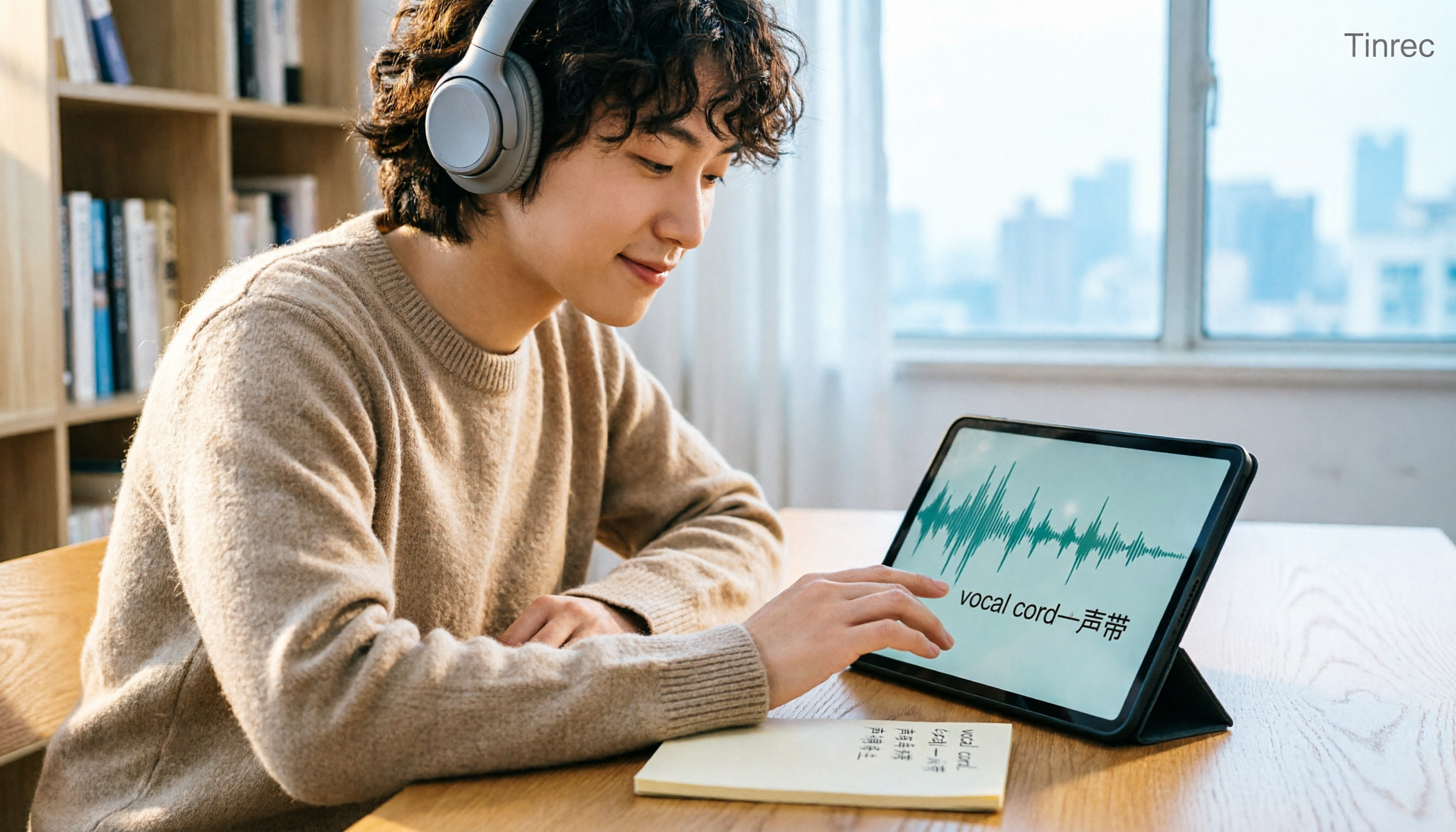
Tinrec vs Otter.ai in 2026: A 5-Dimension Comparison — Which Is Better for English Content Like 'vocal cord'?
'Vocal cord' in Chinese means '声带' (vocal cords), but most people who look up this term are actually struggling to understand and remember entire English passages. This article starts with the word's meaning, breaks down 4 key factors for choosing an English-to-Chinese content tool, compares Tinrec with Otter.ai, Notta, and TurboScribe through hands-on testing, and summarizes 4 common pitfalls and selection recommendations.

4 AI Voice Recorder Tools Tested and Compared for 2026: Is the NotePin Wearable Recorder Worth Buying?
Plaud NotePin reviews are sharply divided, and the problem is often mismatched expectations. Starting from real recording scenarios, this article breaks down the NotePin's specs, wearing experience, subscription costs, and pain points reported by forum users, then compares it with three different approaches—Tinrec, Notta, and Otter.ai—to help you decide whether you need a piece of hardware or a software workflow.

Can Otter.ai Handle Chinese in 2026? 5 Key Checks and Chinese Meeting Tool Options
Otter.ai's official language list only includes Chinese (Simplified), supporting spoken Mandarin with Simplified Chinese output. Traditional Chinese is not officially supported, and each meeting can only be set to one language. This article uses 5 key points to help you determine if it suits your Chinese meetings, and outlines Chinese meeting tools that work more smoothly in practice, along with pitfalls to avoid.