

Turn recordings into transcripts and summaries in minutes
Upload audio or video for multilingual transcription, AI notes, and action items
Last semester I took a class where the professor spoke super fast and the slides flipped even faster. I tried taking handwritten notes—but when I opened my notebook before the midterm, I couldn't even read my own writing. I almost failed that class. Fortunately, I started using a transcription app and managed to salvage the semester.
At first, like many classmates, I scoured forums like Dcard for "Notta vs Otter" to see which free version was best. I tried Notta first, then Otter, but eventually switched to Tinrec—and I've already convinced three classmates to do the same. This article is my real-world experience from the entire semester, helping you save the time and hassle of trial and error.

The Pitfalls I Encountered with Notta and Otter
I first installed Notta at the start of the semester. The interface looked clean and it supported Chinese, so I thought it would work for lectures. But after two weeks, I hit a wall: the free plan only gives 120 minutes per month, and with at least 6 hours of class per week, I ran out by the third week. I considered upgrading to Pro, but there was no student discount—it cost about NT$250 per month, and my part-time job only paid NT$176 an hour, so I hesitated.
Before midterms, I switched to Otter after a roommate said its free plan offers 300 minutes and excels at English transcription. Indeed, Otter's speaker identification and real-time summaries are impressive. But most of my classes were in Chinese, and Otter often messed up when Chinese and English were mixed—like transcribing "machine learning" as "ma shin ling hsun." Reviewing the transcript for finals gave me a headache. Also, Otter shines in online meetings, but when I needed to transcribe recordings of post-class group discussions, uploading files was clunky compared to its seamless meeting integration.
Then a senior student recommended Tinrec, saying "It doesn't just transcribe—it also organizes key points." I figured I'd give it one last try, and I've been using it ever since.
What Can Tinrec Do for You?
Tinrec isn't just about converting audio to text; it's like an AI classmate that listens to lectures and prepares review materials for you. At school, these three scenarios are most common:
1. Turn Lecture Recordings into Study Notes
Before, I'd record a two-hour lecture, then come home and listen to it all over again, typing as I went—often staying up until midnight. Now with Tinrec, while recording in class, it transcribes in real time. By the time class ends, the AI summary and chapters are already generated—covering the topics discussed and key points. For midterms and finals, I just review these AI-organized notes without re-listening to the audio.
2. Automatically Generate a To-Do List from Group Discussions
In group meetings, everyone talks over each other, and afterward no one remembers who needs to do what. I record the discussion with Tinrec; it not only produces a transcript but also extracts action items from the conversation, including the person responsible and deadlines. I share the list in our group chat, and my classmates call me a lifesaver.
3. Extract Key Points from Online Video Lessons
Professors often share YouTube links as supplementary material. Previously, I'd watch a 20-minute video and still not know the main takeaways. With Tinrec, I can paste the video URL, and it directly parses the audio, transcribes it, and summarizes the content. Now I always drop the link in first, read the summary, and then watch the video—doubling my efficiency.
Tinrec's Core Features
After using it for a full semester, these are the features I find most useful:
Real-Time Live Transcription: Text Comes Out as You Speak
Tinrec's real-time transcription delay is less than one second. During class, you can follow along to make sure you don't miss anything. If the professor corrects a year or gives an important formula, the text appears on your phone instantly—no more copying errors.
AI Semantic Summaries: Structuring Key Points
It doesn't just condense the transcript into one paragraph; instead, it organizes it like a human peer taking notes, breaking it down into topics, conclusions, action items, and important concepts. During finals week, I'd just print Tinrec's summaries and quickly scan through a dozen lectures.
Stop organizing recordings by hand
Upload audio or video and automatically get a transcript, summary, and action items
AI Dialogue Query: Ask About Key Points Directly
After transcription, you can ask Tinrec questions like a classmate: "Which chapters are covered on the midterm?" or "Did the professor mention the exam format?" It understands the context and answers directly, saving you from searching manually. This feature saved me before exams.
Multi-Source Input: Not Just Recordings, But Videos and Files
Besides live recording, Tinrec accepts uploaded audio files, pasted video URLs, and even local audio files. I once attended an online seminar and pasted the Zoom recording link—it generated the transcript immediately. Notta and Otter aren't as convenient in this regard.
Export to Notion for Continued Use
I use Notion Plus to organize all my notes, and Tinrec can export the transcript directly to Notion with proper formatting. Sometimes I also export as Word for group members.
Common Campus Use Cases
Beyond lectures and group discussions, I often use Tinrec for these scenarios:

1. Interview Preparation
When I was applying for internships, I recorded my online interviews, transcribed them, and reviewed my responses for logic and verbal tics. Tinrec's AI summary highlights the keywords I used, which was incredibly helpful for polishing my self-introduction.
2. Language Learning
I took Japanese as a general education course. I'd record the teacher's pronunciation examples, then use Tinrec's AI Q&A to extract all example sentences and practice alongside the transcript. The free tier's limit was just enough (about 20 minutes per class).
3. Study Group Records
Our department has a study group for discussing papers. I record the discussions with Tinrec, then send the summary and action items to members afterward. Everyone says it's much clearer than when we used Otter, because the Chinese content summaries are more accurate.
What to Look for in a Transcription App
If you're a student on a budget and want a tool that truly aids learning, here are five takeaways from my experience with three apps:
1. Sufficient Free Allowance
Students care most about how long the free version lasts. Notta gives 120 minutes/month—I'd blow through that in a week with lectures and discussions. Otter offers 300 minutes, but its Chinese inaccuracy made me waste time re-listening. Tinrec's free plan has a basic allowance; I only record key classes and use online video parsing, so free lasted half a semester. Later, I upgraded to Pro to process more old recordings, and the student monthly fee costs less than my weekly late-night snack.
2. Chinese Transcription and Organization
If your classes are mainly in Chinese, Notta's Chinese is decent, but its AI summaries often miss the context. Otter excels in English but struggles with Chinese. Tinrec handles Chinese-English mixed environments much better in terms of summaries and Q&A—this was the key factor in my decision to stick with it.
3. More Than Just Transcription—It Should Organize for You
Having a raw transcript isn't enough; you need notes you can actually study from. Otter and Notta both offer summaries, but Tinrec's chapter splitting, action item extraction, and AI Q&A mean I don't have to open another note-taking app to process the content.
4. Support for Multiple Input Sources
Otter and Notta mainly focus on meetings and recordings, but Tinrec can handle YouTube videos and local files. Many of my supplementary materials are videos, so this saves me a ton of time.
5. Cross-Platform Convenience
Tinrec has iOS, Android, and web versions. I record on my phone and review on my computer, with all data synced. Notta and Otter also support multiple platforms, but Tinrec's interface is lighter and doesn't lag when I discreetly record on my phone during class.
Frequently Asked Questions
Q: Is Tinrec's free plan sufficient for students?
A: If you only record key subjects (3-4 hours per week), the free allowance should be enough. If you record every class like I did, the Pro plan is under NT$200 per month—cheaper than buying a textbook.
Q: How does Tinrec's transcription accuracy compare to Otter?
A: In my Chinese lecture environment, Tinrec's accuracy felt better, especially for jargon and colloquial speech. But accuracy depends heavily on recording quality—sitting too far away will affect it. I recommend trying it yourself.
Q: Can I transfer Notta recordings to Tinrec?
A: Yes. If you have audio files saved from other apps, just upload them to Tinrec for transcription and organization. Switching tools is hassle-free.
Q: Does Tinrec have a student discount?
A: No specific .edu discount at the moment, but its paid plans are very student-friendly. The price of a bubble tea gets you a month—skip two late-night snacks and you've got it.
Q: Are there copyright issues with transcribing online videos?
A: Tinrec helps you organize content from publicly available videos for personal learning—it doesn't provide illegal downloads. As long as you comply with platform terms, personal use is generally fine.
Summary
Originally, like many, I was torn between Notta and Otter, but I found that Tinrec better suits students' need to "not just record, but quickly organize into study materials." Its free plan is sufficient for regular classes, the paid plan is affordable, and with online video parsing and AI Q&A, my learning efficiency has improved significantly.
If you're still searching for a convenient transcription tool, start with Tinrec's free plan. Try it for a few classes and see how its AI organizes your notes. I've already converted three classmates—now they insist I record our group meetings because I'm the only one who generates a complete to-do list.
Turn every recording into actionable outcomes
Get 60 free transcription minutes when you sign in. No credit card required.
Related Reading
You might also like

3 LINE Call Recording Methods Tested for 2026: How to Record on iPhone and Android, and How to Organize Recordings
LINE does not have a built-in call recording button, but iPhone users on iOS 26 can use the built-in "Local Capture," while Android users can use screen recording or Cube ACR, or use speakerphone with an external recording device. This article covers 3 tested methods, common mistakes, and legal reminders, and explains how to use Tinrec to turn call recordings into transcripts, summaries, to-dos, and searchable team data.
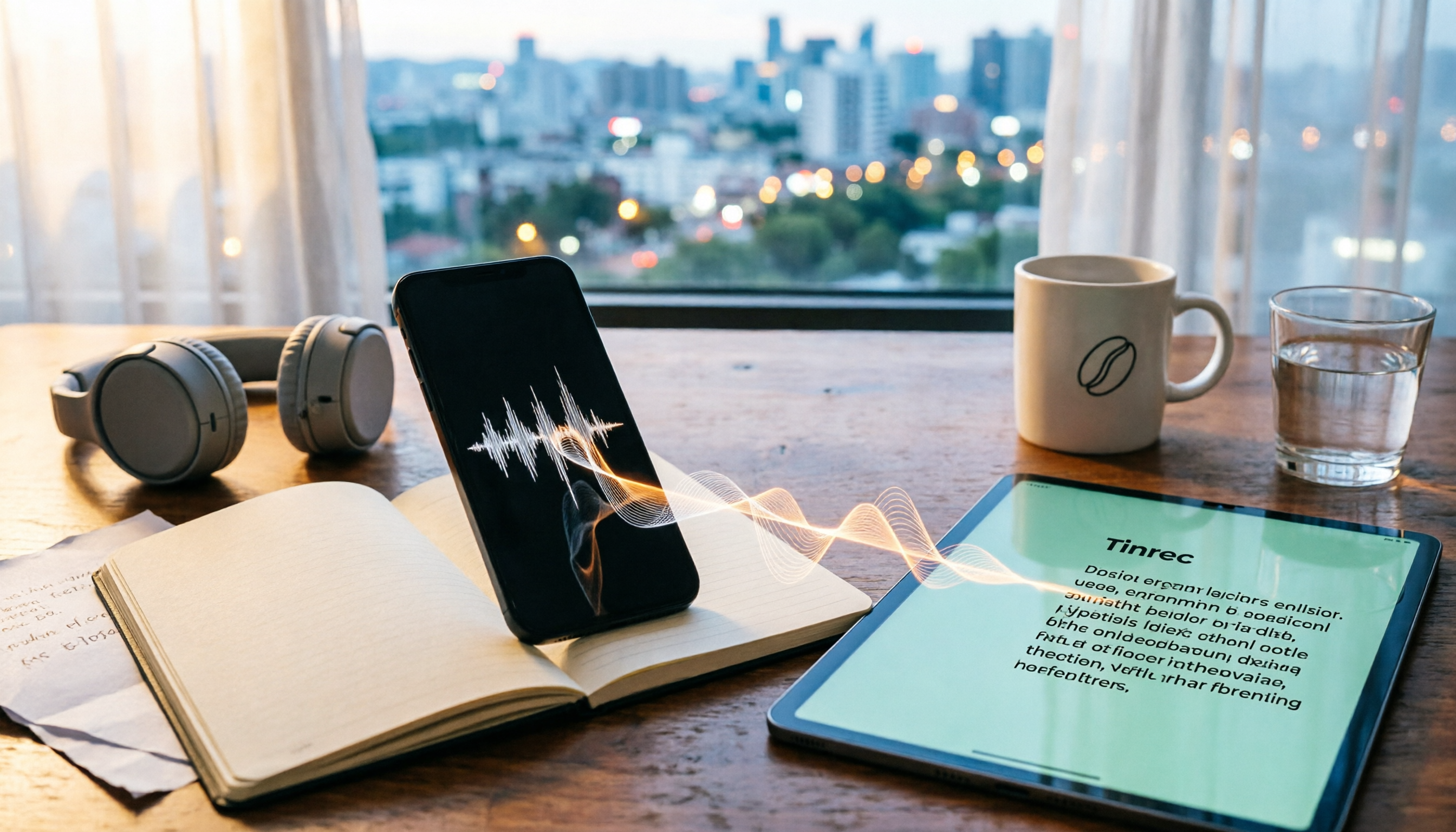
5 LINE Call Recording Methods Tested and Compared in 2026: How to Turn Recordings into Transcripts
LINE doesn't have a built-in call recording feature, but the real challenge isn't capturing the call—it's ending up with only your own voice or an audio file no one wants to listen to twice. This article reviews 5 common LINE call recording methods, tests the pitfalls of each, and explains how to use Tinrec to turn audio files into searchable, queryable transcripts and meeting notes. It also highlights legal considerations before recording.

2026 Comparison of 3 iPhone Recording Organization Tools: Which Saves the Most Time Converting .m4a Audio to Transcripts?
iPhone's built-in Voice Memos saves recordings in .m4a format by default, but converting the file only solves playback issues, not organization. This article first explains what file iPhone recordings are, then tests and compares recording organization tools like Tinrec, Otter.ai, Notta, and PLAUD to help you understand key buying factors and avoid common pitfalls.

Google Meet Recording Tools Compared: 4 Options for Automatic Transcripts in 2026
We start with how to download and install Google Meet on Android, iOS, desktop, and web, then compare Tinrec, Otter.ai, Granola, and Notta on post-meeting transcripts, summaries, action items, and team collaboration to help you find the most time-saving meeting notes setup.
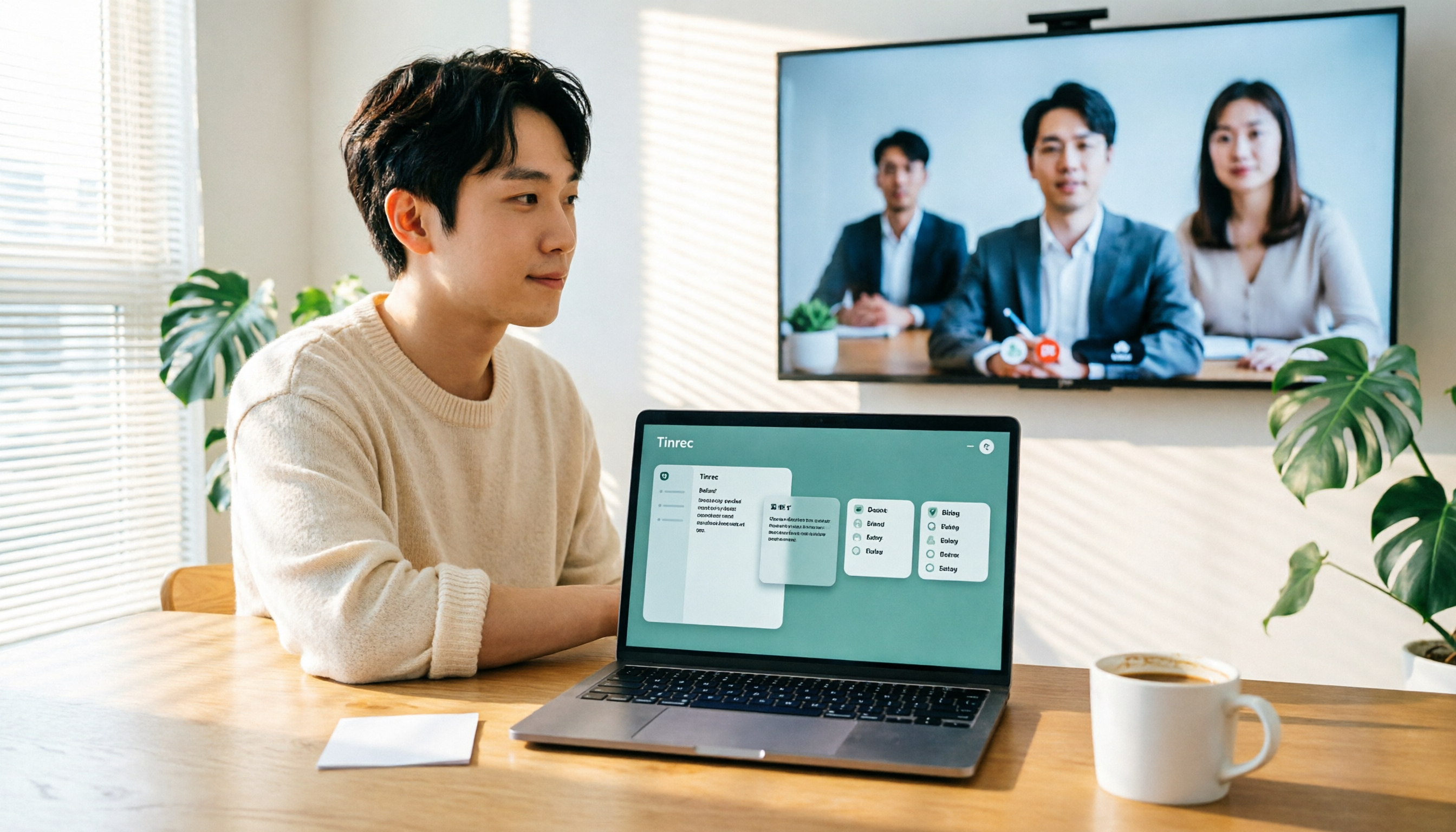
How to Use Google Meet on TV in 2026: Chromecast Casting & Meeting Notes
How do you use Google Meet on TV? This guide clears up common misconceptions, explains why Android TV doesn't support meeting mode, how to cast with Chromecast and Google TV Streamer, and how to use Tinrec desktop to record Google Meet without a bot—generating transcripts, summaries, and action items.

Google Meet On-the-Go vs Tinrec: Which Is Better for Mobile Meetings in 2026?
Google Meet On-the-Go lets you join meetings while walking or commuting, but it only solves live participation—post-meeting organization still needs a separate solution. This article compares Google Meet On-the-Go and Tinrec for mobile meeting scenarios, focusing on post-meeting processing, cross-platform export, and team collaboration to help you decide which approach to use.
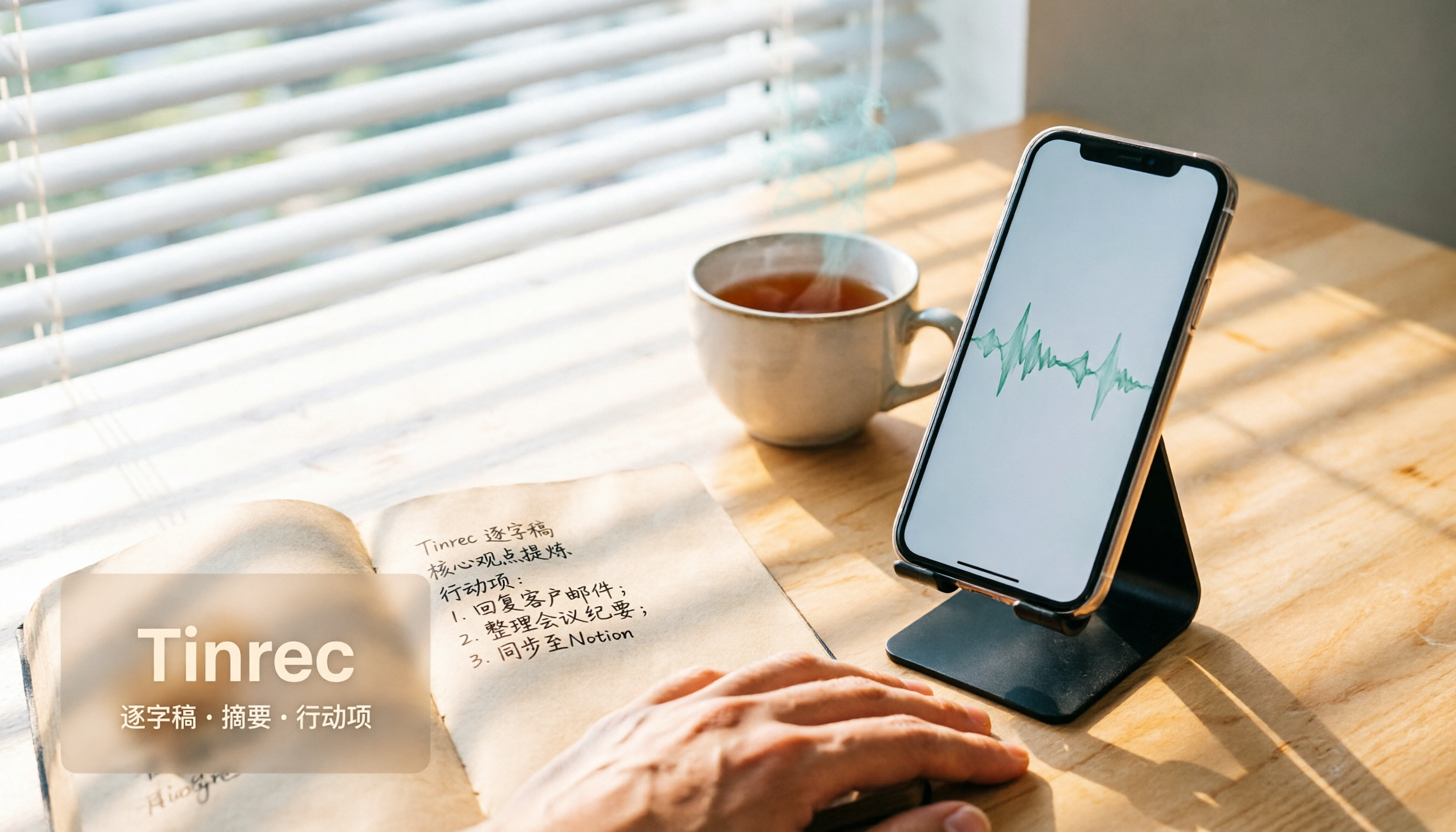
4 Ways to Record LINE Calls in 2026: Which One Actually Captures Both Sides?
LINE doesn't have a built-in call recording feature, but you can still capture calls using iOS 26 local capture, built-in Android recording, speakerphone with an external recorder, or third-party apps. This article tests 4 methods and explains how to use Tinrec to turn recordings into transcripts, summaries, and action items so your calls become searchable and useful.

4 Recording Archive Tools Tested: How to Save LINE Voice Messages Long-Term in 2026
LINE voice messages don't have a built-in download button, and saving them to your phone doesn't mean they're permanently stored. This article starts with common archiving mistakes, outlines 4 key points for choosing a recording archive tool, compares Tinrec, Otter.ai, Granola, and Notta, and includes a pitfalls guide and selection advice.

5 LINE Call Recording Methods Tested and Compared in 2026: iPhone, Android, or PC — Which Is Easiest?
Can you record LINE calls? This article covers 2026 methods including iPhone native capture, Android built-in call recording, screen recording, PC recording, and AI organization tools, and tests how Tinrec turns LINE call recordings into transcripts, summaries, and to-dos.