
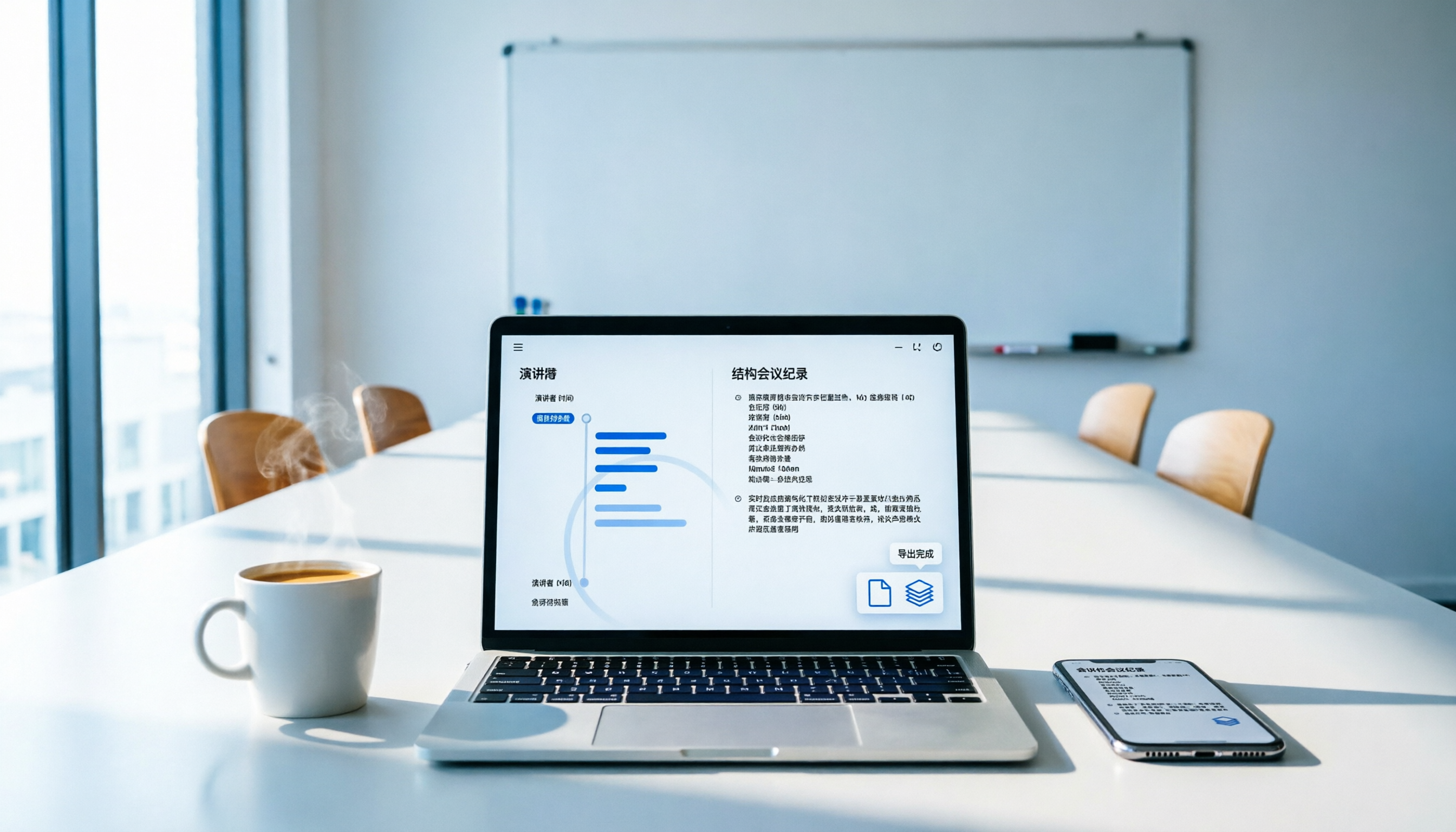
Turn recordings into transcripts and summaries in minutes
Upload audio or video for multilingual transcription, AI notes, and action items
2-hour meeting, another 2 hours to organize notes? You don't just need a tool, you need a solution
"After the meeting ends, who remembers what was discussed in point 3?"
"The boss wants action items attached to the meeting minutes, but the transcript is 10 pages long—how do I find them?"
"Our company uses Google Docs for collaboration, but the speech-to-text app can only export txt, and the formatting is completely messed up..."

If you've encountered any of the above, you don't just need a tool that simply converts speech to text—you need an assistant that can organize meeting content into exportable, searchable, and trackable data. This article starts from real meeting scenarios and helps you find the best solution for exporting meeting notes.
Before choosing a meeting note export tool, understand these 4 key points
Don't just look at App Store ratings. The following 4 dimensions determine whether the tool can actually save your team time.
1. Transcription accuracy: When Chinese mixes with English jargon, does it completely break down?
Many tools claim 98% accuracy, but that's under conditions of a quiet recording studio with standard accents. Real meetings have air conditioning noise, keyboard typing, multiple people talking over each other, and mixed Chinese-English terms (e.g., "This Q4 KPI needs to be aligned again"). When testing, use your own meeting recordings to truly see the difference.
2. Export formats and integration: Can it send directly to your existing workflow?
If the tool can only export plain text, you still have to manually format and paste it into Google Docs—that just shifts the work from "listening to recordings" to "reformatting." A good tool should directly support export to Notion, Google Docs, TXT, Markdown, and even automatically generate to-do lists and meeting summaries.
3. AI summarization: Does it just give you a transcript, or directly give you an action list?
Transcription is only the first step. The real value lies in whether the AI can automatically identify action items, decisions, and assignees, so you have a draft meeting record right after the meeting instead of starting from scratch.
4. Free tier and cross-platform: Record on phone, edit on computer—does it work smoothly?
Many tools charge separately for iOS and Android, or have a crippled web version. If you're used to recording on your phone and editing on your computer, make sure the cross-platform experience is seamless and the free tier offers at least enough minutes for 2-3 trial meetings per week.
Tinrec (Miao Recording) – Our top pick for meeting note export after real testing
Tinrec is an AI recording and audio/video organization tool that supports 14 languages, available on iOS, Android, and web. It doesn't just convert meeting recordings to text; it emphasizes organization and export after transcription, which is key to meeting note workflows.
Real meeting scenario test: From recording to exporting to Google Docs in 5 minutes
We tested with a 25-minute real product meeting recording (office environment, 3 speakers, mixed Chinese and English). The process:
- Real-time speech-to-text: Open Tinrec during the meeting, get live transcripts with automatic speaker differentiation.
- AI-generated meeting summary and to-dos: After recording, AI automatically extracts 3 decisions and 4 action items, each with assignee and deadline.
- One-click export to Google Docs: Click "Export," select Google Docs format, and the summary, to-dos, and transcript are saved as a fully formatted meeting record that team members can immediately collaborate on.
Stop organizing recordings by hand
Upload audio or video and automatically get a transcript, summary, and action items
Why Tinrec is especially suitable for "meeting note export"?
- Complete export formats: Supports Google Docs, Notion, TXT, Markdown, JSON, and more. Exported content includes not just the transcript but also AI summary, chapters, and to-do items—one document covers everything a meeting record needs.
- AI conversation search: A feature most competitors lack. You can ask Tinrec directly, "Who mentioned the budget in the last meeting?" It semantically understands the historical recordings and gives you the answer without having to scroll through the transcript.
- Optimized for Chinese meetings: In our tests, Tinrec has high accuracy for mixed Chinese-English meeting terminology, avoiding whole-sentence errors due to a single English word. This is especially important for tech and startup teams.
Advantages at a glance
- Genuinely usable free tier: 100 minutes of transcription per month—enough for those with 2-3 meetings per week to trial for a month.
- Seamless cross-platform: Record on phone, edit on computer—all content syncs to the cloud. When back at the office, open the web version to export.
- Not just meetings, but also classes, interviews, videos: If you have course recordings or YouTube video organization needs beyond meetings, Tinrec handles it all.
Limitations to note

- The free tier offers 100 minutes per month. Teams meeting daily may need to upgrade to the Pro plan, but for individuals or small teams of 5 or fewer, the quota is usually sufficient.
- Export to Notion currently supports text content only—table formatting still requires manual adjustments. Hopefully future updates will improve this.
Who is it for?
If you need a tool that turns meeting recordings directly into collaborative, trackable meeting records and your team uses Google Docs or Notion, Tinrec is currently the most complete option on the market.
Besides Tinrec, what other options are there?
Otter.ai: Best for English meetings, but not refined enough for Chinese
Otter.ai is the pioneer of AI meeting notes, with mature features like auto-joining online meetings, real-time transcription, and team collaboration. The free tier's 300 minutes per month is generous, but it has two clear weaknesses for Chinese scenarios: lower accuracy for mixed Chinese-English, and no built-in export to Google Docs—only TXT or PDF, making post-meeting organization labor-intensive. If your team primarily conducts meetings in English, Otter is a more affordable choice than Tinrec; but for Chinese meetings, Tinrec's organization and export workflow are smoother.
Notta: More transcription minutes, but weaker AI summarization and export
Notta offers 120 minutes on the free tier and 1,800 minutes on the Pro plan for $8.17/month, making it suitable for heavy transcription needs. However, its AI summary feature is basic—usually just a paragraph summary, unlike Tinrec's automatic extraction of action items and assignees. Export options are limited, supporting only TXT, Word, and PDF, with no Notion or Markdown. If you need bulk transcription without subsequent organization, Notta is worth considering; but if you need to edit and assign tasks afterward, Tinrec saves more time.
Pitfall guide: 3 most common mistakes when choosing a meeting note export tool
Pitfall 1: Only looking at transcription minutes, ignoring export convenience
Many tools tout "unlimited transcription" or "thousands of minutes per month," but when exporting, you can only save as plain text. You think you saved on transcription costs, but end up spending more time on formatting and organization. Be sure to check if the export format is compatible with your team's tools.
Pitfall 2: Assuming all AI summaries are the same
Some tools' AI summaries are just condensed transcripts, lacking structure. Real meeting records need decisions, to-do items, and assignees. Tinrec's structured output in this area is the most complete. When choosing, pay attention to whether the AI produces a "summary" or a "usable meeting record."
Pitfall 3: Ignoring the importance of cross-platform sync
Many people record on their phone only to find that the desktop version requires re-uploading, or there's no web version at all. Choose a tool that has iOS, Android, and web versions to ensure seamless flow of meeting records.
Conclusion: Which one should you choose?
If your primary need is to convert meeting recordings into structured meeting records and export to collaboration platforms like Google Docs or Notion, Tinrec is the most suitable solution. Its AI summarization and cross-platform export can save you at least 70% of post-meeting organization time.
- Need Chinese meeting records + export to Google Docs/Notion → Tinrec (the only one with complete AI summaries and multi-format export)
- Only English meetings and team uses Otter ecosystem → Otter.ai (generous free tier but basic export)
- Need bulk transcription without follow-up organization → Notta (good value for minutes, but limited AI features)
We recommend downloading the Tinrec free tier first and testing the "record → transcribe → AI summarize → export" workflow with your own meeting. If it feels smooth, consider upgrading. The 100-minute monthly quota is enough for 2-3 trial meetings, so there's no rush to pay.
Turn every recording into actionable outcomes
Get 60 free transcription minutes when you sign in. No credit card required.
Related Reading
You might also like

How to Record iPhone Calls in 2026: iOS 18.1 Built-in Feature + Transcription Guide
Confused about iPhone call recording? Older posts say it's impossible, but iOS 18.1 now supports it. This guide covers how to enable built-in call recording, regional and device restrictions, whether the other party hears a notification, and compares 7 recording and post-call organization solutions including Tinrec, Otter, Notta, TurboScribe, Granola, and PLAUD—so you can go from recording to transcript, summary, and action items in one go.

5 Phone Call Recording Solutions Tested for 2026: iPhone, Android, LINE, and AI Transcription Compared
A practical guide addressing common phone recording questions from Dcard, comparing iPhone, Android, LINE, and AI-powered transcription workflows. Covers legal reminders, recording limitations, and how to use Tinrec to turn call audio into transcripts, summaries, and action items.

How to Choose Brainstorming Tools in 2026: A 5-Step Practical Guide
Brainstorming sessions end, but ideas get scattered across whiteboard photos and group chats. This article, from a mid-level manager's practical perspective, breaks down the 5-step process for brainstorming tools in 2026 and 4 key purchasing criteria. It uses Tinrec to demonstrate how AI recording, transcription, summarization, to-dos, and Q&A can turn meeting ideas into team knowledge. It also honestly compares the use cases and limitations of Otter.ai, Notta, and Granola.

How to Choose an AI Meeting Notes App in 2026: 5 Steps from Recording to Team Summaries
Starting from a meeting that just ended but no one wants to organize, this article explains the key considerations for choosing an AI meeting notes app and demonstrates 5 steps with Tinrec: recording, transcription, summarization, follow-up questions, and team knowledge retention.

Tinrec vs Otter.ai in 2026: 5-Dimension Comparison for Chinese Meeting Scenarios
Starting from the common PTT question about choosing an AI meeting notes tool, this article compares Tinrec and Otter.ai across 5 dimensions: Chinese recognition, meeting capture, post-meeting organization, team collaboration, and pricing, to help you decide which one better fits your meeting scenarios.

2026 AI Meeting Notes Tools Compared: Which One Actually Saves You Time?
Most people looking for AI meeting notes tools only get transcription, not organization. This article examines four key aspects: how meeting audio gets in, what happens after transcription, handling Chinese and mixed Chinese-English, and team data ownership. We tested and compared Tinrec, Otter.ai, Notta, and Granola on features, limitations, and pricing, and summarized four common purchasing pitfalls to help you decide which one to buy based on a real meeting.

2026 Comparison of 4 Call Recording & Post-Call Tools: iPhone Limits, Android Built-in, and How to Choose Tinrec
Common call recording questions on Dcard often revolve around iPhone limitations, whether Android's built-in features are sufficient, and how to organize recordings afterward. This article starts from real-world usage scenarios, compares built-in phone features, Cube ACR, CallsBox, and explains how to use Tinrec to turn call audio into transcripts, summaries, and action items.

How to Teach Brainstorming in 2026: A Complete 5-Step Guide from Grouping to AI Summarization
Teaching brainstorming isn't just about locking everyone in a conference room. This guide covers Osborn's four principles, grouping 6 to 12 people, pre-meeting independent thinking, and post-meeting steps to turn transcripts into summaries and action items. It also compares Tinrec, Granola, TurboScribe, and PLAUD for discussion documentation.

2026 Comparison of 5 Classroom Note-Taking Apps: How to Choose from Handwriting to AI Transcripts
A classroom note-taking app is not just about moving paper notes to a tablet. This article addresses three common misconceptions, compares the differences among 5 classroom note-taking approaches, and uses Tinrec to demonstrate a complete workflow from recording, transcription, AI summaries to pre-exam review, along with 5 purchasing checkpoints and FAQs.