

Turn recordings into transcripts and summaries in minutes
Upload audio or video for multilingual transcription, AI notes, and action items
What Can Meeting Note Taking Do for You?
After every online meeting, don’t you often find yourself in these situations: the discussion was lively, but afterward you can’t remember the conclusions; or you have to spend half an hour replaying the recording and manually transcribing it. With Google Meet, while it offers free online meeting features, meeting notes and transcription aren’t built-in. If you’re using the cheapest plan (or even the free version), you’re on your own for post-meeting organization.
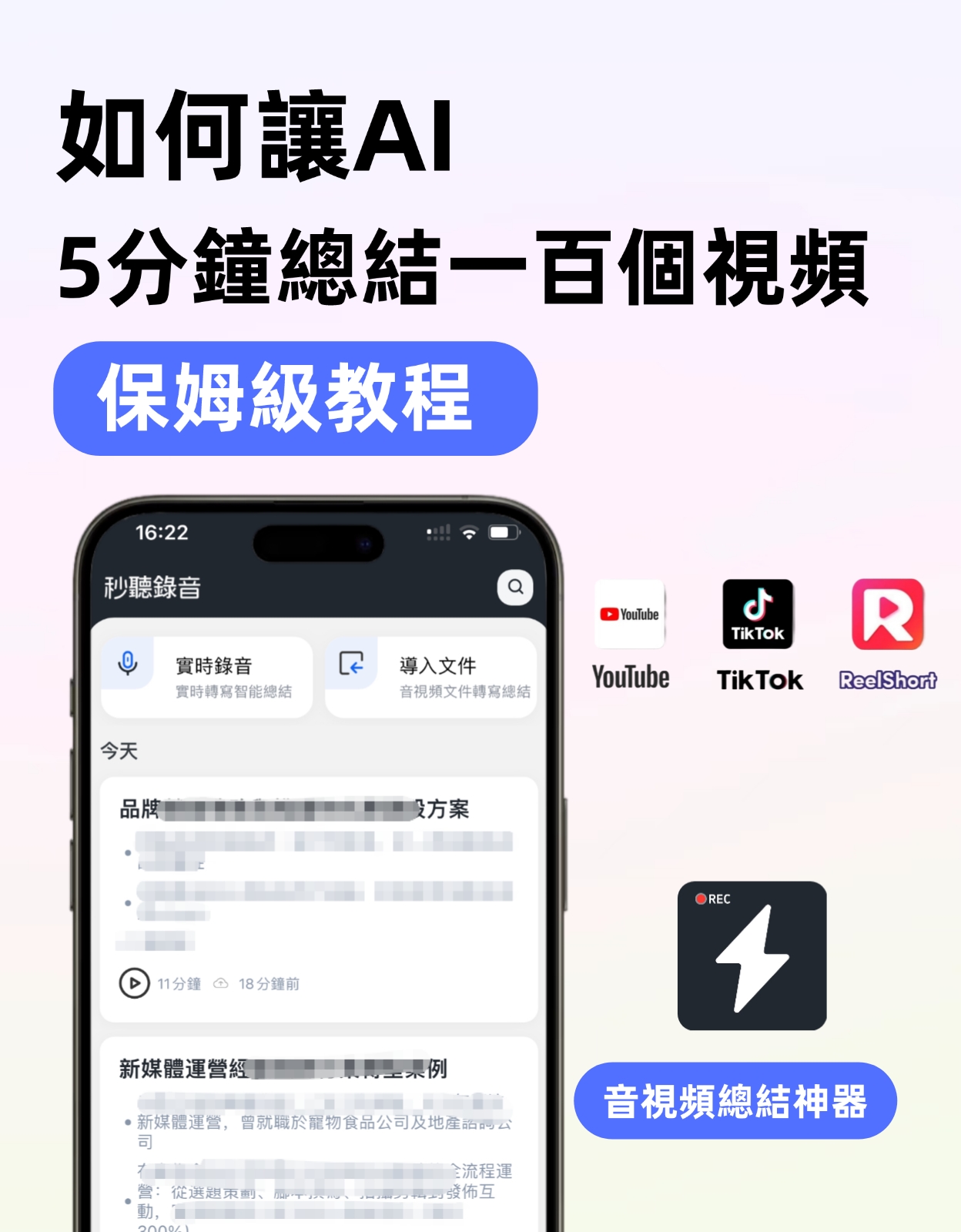
In contrast, Tinrec is designed specifically to solve the pain point of "post-meeting organization." Not only does it support real-time audio-to-text, but it also automatically generates summaries, action items, and even lets you ask questions about the meeting content – something Google Meet can’t do on its own. Simply put, Tinrec turns meeting recordings into searchable, organizable, and reusable data.
What Are Tinrec’s Core Capabilities?
- Real-time audio-to-text: Tinrec generates a transcript as the meeting progresses, with a delay of less than 1 second. Google Meet’s free version doesn’t have this feature; even with a paid Workspace subscription, transcription is limited to English and must be enabled separately.
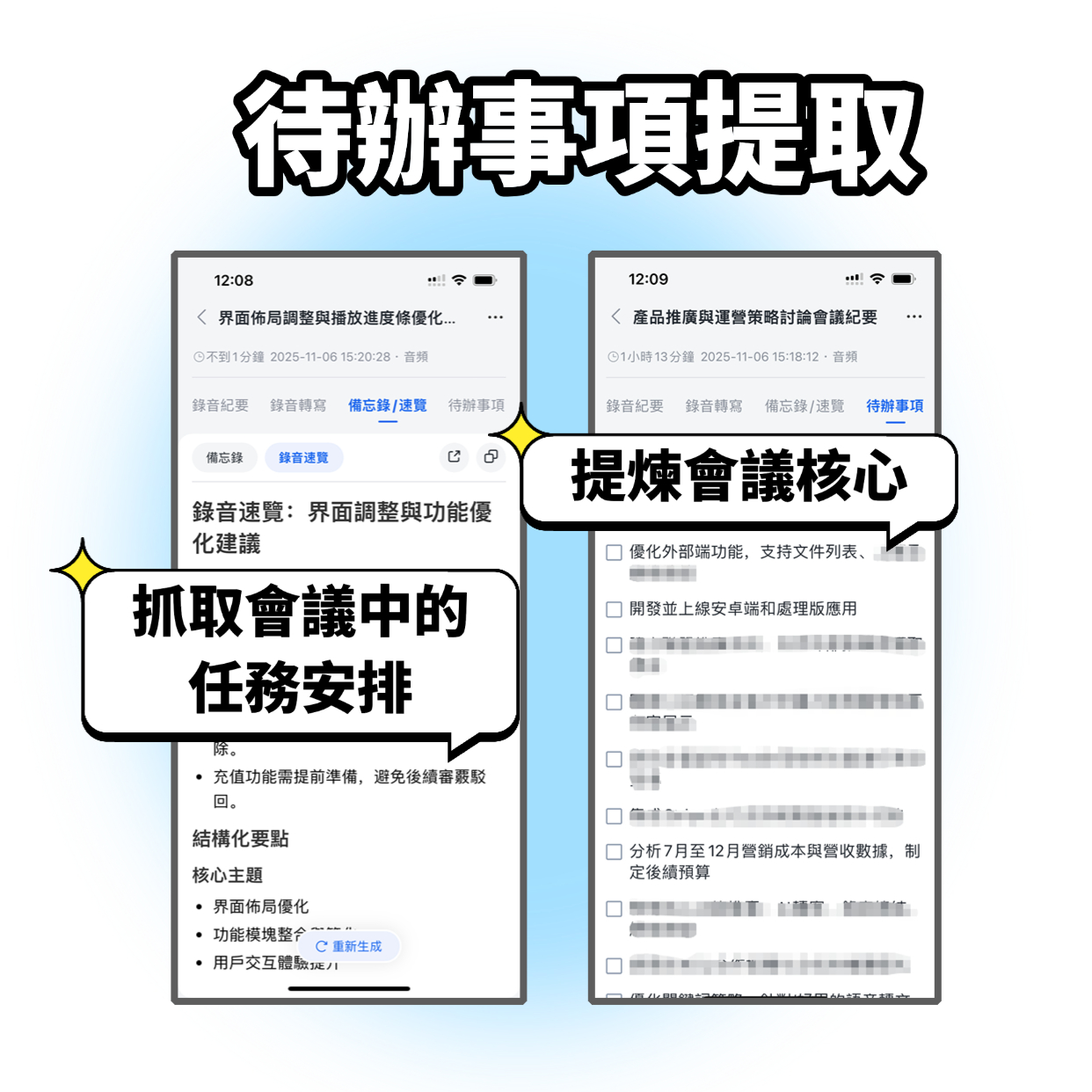
- AI summaries and action item extraction: After transcription, Tinrec automatically creates a structured summary including discussion topics, conclusions, and action items – who needs to do what and by when, all clear at a glance. Google Meet’s meeting summary feature currently only works with Gemini Advanced, and Chinese language support is limited.
- Cross-source organization: Tinrec can handle not only Google Meet system audio but also allows you to upload past meeting recordings or even paste a YouTube video link for transcription. Google Meet is limited to meetings within its own platform.
- AI conversational queries: After transcription, you can directly ask Tinrec, "Who brought up the budget in the last meeting?" or "What was the client’s feedback on the new proposal?" It answers based on semantic content, saving you from manually sifting through the transcript.
Practical Use Cases
Use Case 1: Weekly Team Meetings
You hold a weekly team progress meeting via Google Meet. In the past, you had to manually take notes afterward. Now, with Tinrec syncing and transcribing in real time, within 5 minutes after the meeting ends, the summary and action items are already on your phone, ready to share with the team. Google Meet’s free plan can’t do this.
Stop organizing recordings by hand
Upload audio or video and automatically get a transcript, summary, and action items
Use Case 2: Client Interviews
You discuss requirements with a client over Google Meet, and you don’t want to keep typing during the conversation. Tinrec transcribes in real time, letting you focus on the dialogue. Afterward, use the AI summary to capture client highlights – much more efficient than replaying the recording.
Use Case 3: Online Course Review
You attend an online course conducted via Google Meet, and you might miss some points. Tinrec can record the system audio, turn it into text notes, and even allow you to jump between chapters, making review super convenient. Google Meet itself doesn’t have this feature.
4 Points to Consider When Choosing a Meeting Note Tool
- Transcription language support: If your meetings are primarily in Chinese, make sure the tool’s Chinese transcription quality is good. Tinrec is specifically optimized for Chinese; Google Meet’s transcription is currently mature only for English.
- Completeness of the free plan: Google Meet’s free plan doesn’t offer transcription or summaries; even the paid version requires Gemini for AI notes. Tinrec’s free plan includes transcription and summary features out of the box, with a monthly basic quota – a lower barrier to entry.
- Depth of data organization: Transcription is just the first step; what matters more is subsequent organization. Tinrec automatically generates action items, chapters, and enables Q&A interaction; Google Meet’s meeting notes are just a plain text transcript.
- Cross-platform and export: Make sure the tool works on all your devices. Tinrec supports iOS, Android, and web, and meeting notes can be exported to Notion, Google Docs, etc. Google Meet can only be viewed within the browser or app.
Frequently Asked Questions
Does the cheapest Google Meet plan have transcription?
Google Meet’s free version doesn’t have built-in transcription. The cheapest Workspace Individual plan (around $9.99/month) only offers meeting recording; transcription requires Gemini or a third-party tool. If you need transcription, consider trying Tinrec’s free plan.
Can Tinrec record Google Meet meetings?
Yes. You can open Google Meet and Tinrec simultaneously on your computer, select "Record system audio" to transcribe the meeting. You can also record ambient sound on your phone.
Is the free Tinrec plan’s quota enough for transcription?
Tinrec’s free plan provides a basic monthly transcription minutes allowance. If you have 2-3 meetings per week, it’s usually enough for a trial. For heavier usage, consider the weekly card or Pro plan for more flexibility.
Is Tinrec’s Chinese transcription accurate?
In typical meeting environments, Tinrec’s Chinese transcription quality is quite good, but it can be affected by background noise, accents, etc. We recommend testing with your own meeting recordings for a more accurate feel.
Besides meetings, what else can Tinrec be used for?
Tinrec isn’t just for meetings – it works well for classes, interviews, lectures, and organizing YouTube video content. It’s a complete audio/video organization tool.
Summary
If you just need an online meeting tool, Google Meet’s free version is sufficient. But if you want to save time on post-meeting organization and turn meeting content into searchable, reviewable data, Google Meet alone isn’t enough. Tinrec’s free plan already offers real-time transcription, AI summaries, and action items – perfect for those who want to try AI-powered meeting notes. Instead of paying to upgrade Google Meet and still having to manually organize, try Tinrec’s free version first and experience the convenience of automated meeting notes.
Turn every recording into actionable outcomes
Get 60 free transcription minutes when you sign in. No credit card required.
Related Reading
You might also like

2026 LINE Call Recording Guide: 5 Methods Tested and Recommendations
LINE doesn't offer built-in call recording, so users rely on screen recording, third-party apps, hardware recorders, or computer-based recording—each with limitations. This article covers five practical LINE recording methods and explains that the real challenge isn't recording but what to do with the audio afterward. It demonstrates how Tinrec turns recordings into transcripts, summaries, action items, and searchable team meeting notes.

5 Ways to Edit iPhone Voice Recordings in 2026: Trim, Cut Middle, or AI Highlights?
How do you edit iPhone voice recordings? This article compares Voice Memos built-in trimming, GarageBand, Audacity, recording hardware, and AI meeting note tools, explaining which can trim ends, which can cut middle sections, and how to save time if your goal is to extract key points instead of shuffling files and fast-forwarding.

iPhone Built-in Voice Memos vs Tinrec in 2026: 5-Dimension Comparison — Which Is Better for Transcripts?
Three common pitfalls when transcribing iPhone recordings: thinking you have to pay, assuming built-in is enough, and losing files. This guide breaks down the complete workflow—recording, transcription, proofreading, meeting minutes, and export—in 5 steps, and compares iPhone's built-in Voice Memos with Tinrec across 5 dimensions to help you decide when built-in suffices and when to switch tools.

5 LINE Recording Apps Tested for 2026: Which One Turns Calls into Transcripts and To-Dos?
LINE doesn't have built-in recording, and Android and iOS restrictions have broken many call recording apps. This article covers 5 common LINE recording methods and shows how Tinrec turns call audio into transcripts, summaries, and to-dos—solving the pain of re-listening. Includes buying tips, personal vs. team plan differences, and FAQs.

How to Record LINE Calls in 2026: 4 Tested Methods + Auto Transcription
LINE doesn't have a built-in call recording feature, and the solutions for iPhone and Android are completely different. This guide, based on real student testing, covers 4 methods for recording LINE calls, explains which ones only capture your own voice and which actually record the other person, and shows how to use Tinrec to turn recordings into searchable transcripts, summaries, and action items.

4 LINE Call Recording Tools Tested for 2026: Which One Actually Organizes Your Recording?
LINE has no built-in recording feature, and on iPhone it's nearly impossible to record within the app. This article starts with common mistakes and tests four viable solutions—Tinrec, PLAUD Note, Granola, and Notta—comparing how to obtain audio files, organization efficiency, and free quotas to help you find a truly usable LINE call recording workflow.

4 LINE Call Recording Methods Tested and Compared for 2026: How to Record on iPhone and Android, and How to Organize with Tinrec
LINE doesn't have a built-in recording button, and iPhone and Android have different limitations. This article covers 4 common LINE call recording methods and compares how to use Tinrec to turn recordings into transcripts, summaries, and action items so your calls can be reused.

How to Record LINE Calls on iPhone in 2026: 3 Tested Methods + AI Transcription
iPhone doesn't have built-in LINE call recording, but there are plenty of dubious workarounds online. Starting from what you actually need, this guide covers three viable methods for recording LINE calls on iPhone in 2026, their limitations and common failure reasons, and explains how to use Tinrec to turn recordings into searchable transcripts, summaries, and action items.

What Format Are iPhone Recordings? 3 Transcription Tools Tested: The M4A Workflow
iPhone recordings are typically saved as .m4a files, but the real challenge is accessing them. This article explains the iOS sandbox mechanism, walks through exporting Voice Memos, and compares Tinrec and Otter.ai across five dimensions for organizing iPhone recordings—helping you turn audio into usable transcripts and meeting notes.